
MuMu Player Pro for MAC v1.9.2 MuMuPlayer Android Emulator
MuMu Player Pro is a high-performance Android emulator for Mac, supporting 4K ultra-high-definition high-frame-rate graphics, smart keyboard/mouse and gamepad controls, free multi-instance, file sharing, and developer debugging features. It can smoothly run a vast number of Android games and apps.
Warm tip: Do not update or upgrade the cracked version!!!
Features:
## Ultimate Performance
Adopts a deeply optimized Android kernel architecture, achieving 3-second ultra-fast startup, 30% faster full-link game loading, and 25% higher average frame rate. It can smoothly run over 2.3 million Android games and apps. Fully unleashes hardware performance, runs stably with low power consumption over long periods, and remains smooth without lag even in multi-instance scenarios, delivering a silky Android app experience.
## Ultra-Clear High-Frame-Rate Graphics
Powered by exclusive graphics rendering technology, it supports up to 4K ultra-high-definition resolution and 480FPS ultra-high frame rate, and supports both Vulkan and OpenGL graphics engines. High-end devices can enjoy flagship-level visual quality with maximum image detail; you can also flexibly adjust graphics and frame rate parameters for different scenarios, balancing visual effects and smooth operation, providing an immersive visual experience for various games.
## Smart Control Experience
– **Smart Keyboard and Mouse Adaptation**: A new-generation keyboard and mouse control solution that restores PC-level control feel. It comes with preset cloud key schemes for multiple popular games, supports advanced settings such as custom key mapping, sensitivity adjustment, and view lock, and responds precisely to every operation.
– **Full Gamepad Support**: Compatible with mainstream game controllers, supports gamepad vibration feedback, and restores realistic tactile feedback in action and competitive games.
– **Trackpad Gesture Adaptation**: Deeply adapts to trackpad gestures, supports multi-finger swiping, zooming, and other gestures, allowing efficient operations without a mouse.
## Free Multi-Instance Capability
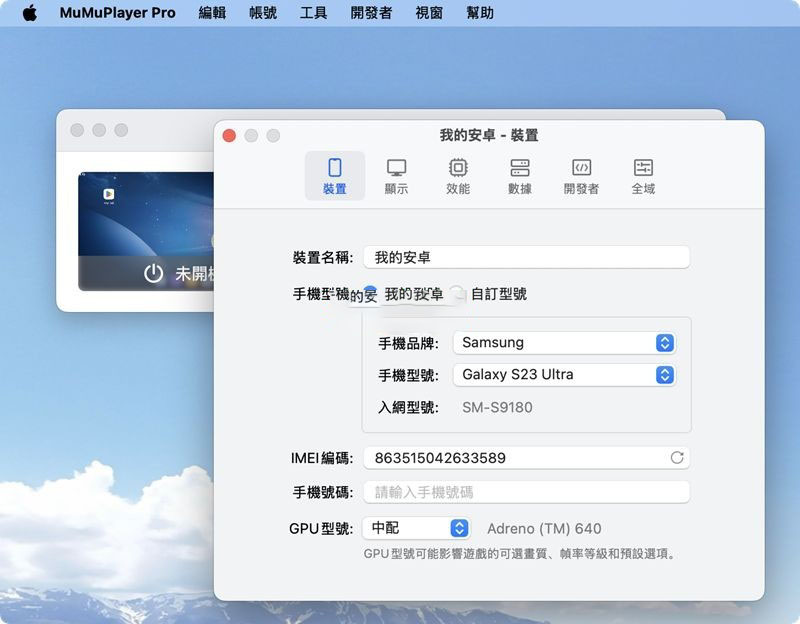
Supports unlimited multi-instance virtual Android devices and can run Android devices of different system versions simultaneously. Provides functions such as creating new devices, cloning devices, and customizing device configurations. Each device can independently set performance, display, and storage parameters, meeting diverse needs such as simultaneous multi-account login, parallel running of multiple games, and app comparison testing.
## Convenient App and File Management
– **Multiple Installation Methods**: Supports app store downloads, manual installation of APK/XAPK/APKS files, browser download installation, and more. The installation process is convenient and adapts to various app package formats.
– **File Sharing and Interoperability**: Supports setting up shared folders with the local computer and customizing shared paths, enabling quick file transfer between the computer and the emulator, making it easy to import game resources and export app data.
– **Flexible Storage Management**: Supports custom device storage directories, allowing virtual devices to run on local storage or external portable hard drives; built-in disk cleanup function frees up redundant storage space with one click, improving device operation efficiency.
## Developer Tools and Debugging Support
Built-in complete developer assistance features, quickly accessible via the top menu bar:
– **Command-Line Tools**: Supports full-process management such as device creation, cloning, start/stop, and information query via command line, suitable for batch operation scenarios.
– **ADB Debugging Support**: Built-in ADB connection capability, quickly integrating with Android app development and debugging workflows.
– **Device Status Management**: Conveniently switch network connection and airplane mode status, quickly adjust the device operating environment, and improve development and debugging efficiency.
Version 1.9.2 Update:
– Optimized the game experience of “Lord of the Mysteries”.
– Fixed some known issues.
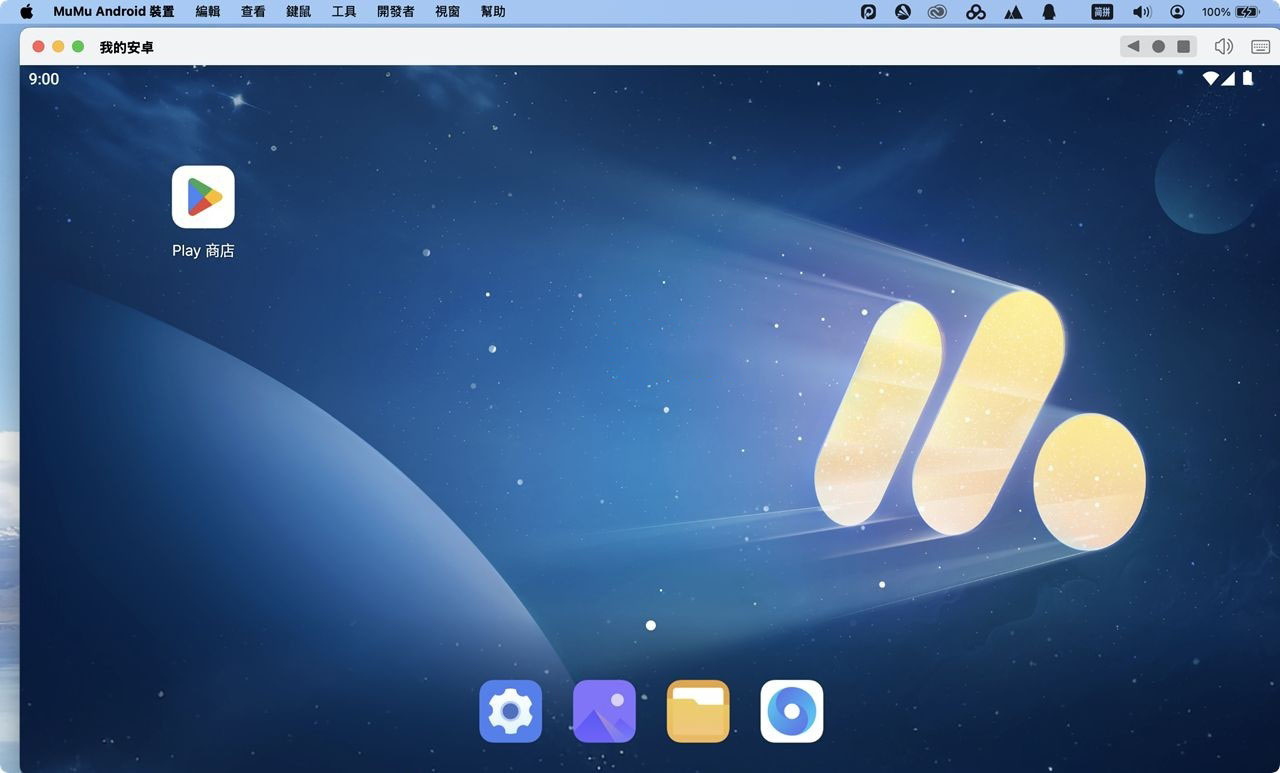
Software Screenshots:

Winclone Pro 7 for Mac v7.1.2 克隆、迁移和还原Windows Boot Camp_Winclone Pro 7mac下载激活版 | 爱上MAC
下载次数:1554 | 2026-01-14

VMWare Fusion Pro for Mac v12.1.2 VM虚拟机 中文激活版下载 | 爱上MAC
下载次数:3656 | 2026-01-14

Parallels Desktop 20 for Mac v20.4.0 PD虚拟机 中文版下载激活版 | 爱上MAC
下载次数:1323 | 2026-01-14

4K Video Downloader for Mac v4.20 视频下载器 中文激活版下载 | 爱上MAC
下载次数:1813 | 2026-01-12



评分及评论
4.9
(满分5, 共73用户评价)
来评个分数吧