



Money Pro for Mac v2.11.34 Personal Finance & Accounting Software Chinese Activated Version Download
Money Pro for Mac is a professional personal finance management tool with over 2 million downloads worldwide. It integrates account management, bill planning, budget control, income and expense tracking, and data analysis, fully covering personal and family financial management needs.
## 1. Unified Multi-Account Management
– Supports creating an unlimited number of financial accounts, covering savings cards, credit cards, cash, and other account types, for one-stop management of all assets and liabilities.
– Provides complete checkbook registration functionality, supports marking transactions as recurring or one-time, and allows recording detailed information such as payee, notes, check number, and expense category.
– Supports account reconciliation, allowing recording of pending transactions for later verification, automatically calculates available balance and cleared balance, and fully retains balance change history.
– Supports adding receipt photo attachments to transactions for electronic retention of transaction vouchers.
– Supports importing bank statements in OFX and CSV formats, with intelligent prediction of transaction categories during import, quickly completing historical account entry.
– Subscribing to the GOLD service allows binding to online banking for automatic synchronization and download of bank transaction data.
## 2. Smart Bill Due Reminders
– Uses a calendar view to intuitively mark all bill due dates, supports custom cycle settings for recurring bills, adapting to various payment and repayment scenarios.
– The “Today View” centrally displays current pending bills, supporting one-click quick confirmation of transactions.
– A comprehensive due reminder system proactively pushes bill due notifications, provides quick rescheduling, and flexibly adjusts repayment plans.
– Supports presetting recurring transaction rules to automatically generate periodic transaction records, reducing repetitive entry operations.
## 3. Refined Budget Control
– Supports setting budget limits for all income and expense categories, allows setting differentiated budget targets for different periods, adapting to step-by-step savings financial planning.
– Supports budget rollover, automatically carrying over unused budget amounts from the previous period to the next period.
– Displays real-time budget execution progress for each category and overall budget completion status, automatically triggering visual warnings when overspending.
– Provides budget trend analysis charts; select a category to view budget execution trends and precisely identify spending fluctuations.
– Supports splitting a single transaction across multiple categories, suitable for scenarios like supermarket shopping where one expense corresponds to multiple consumption types.
## 4. Multi-Dimensional Financial Analysis
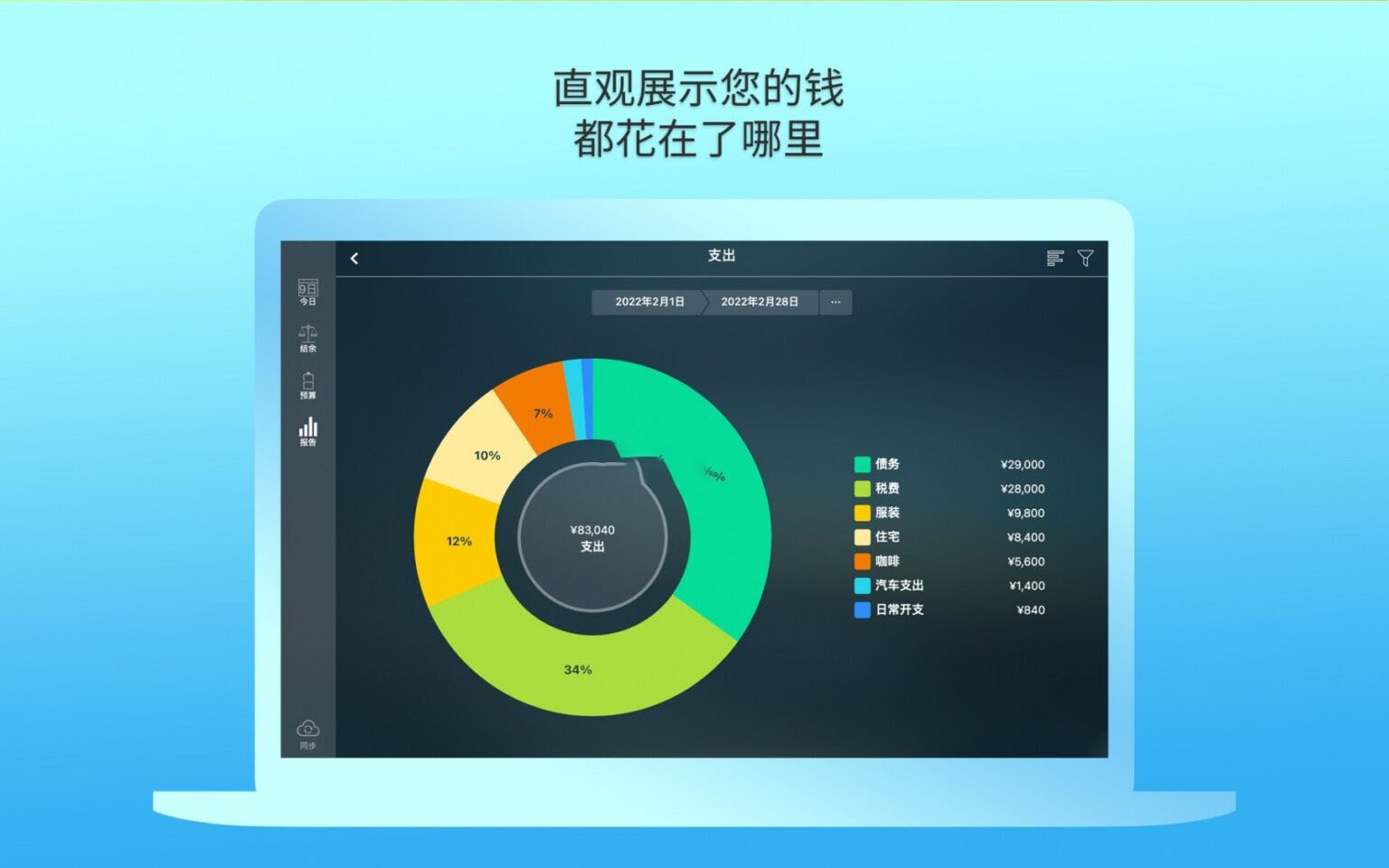
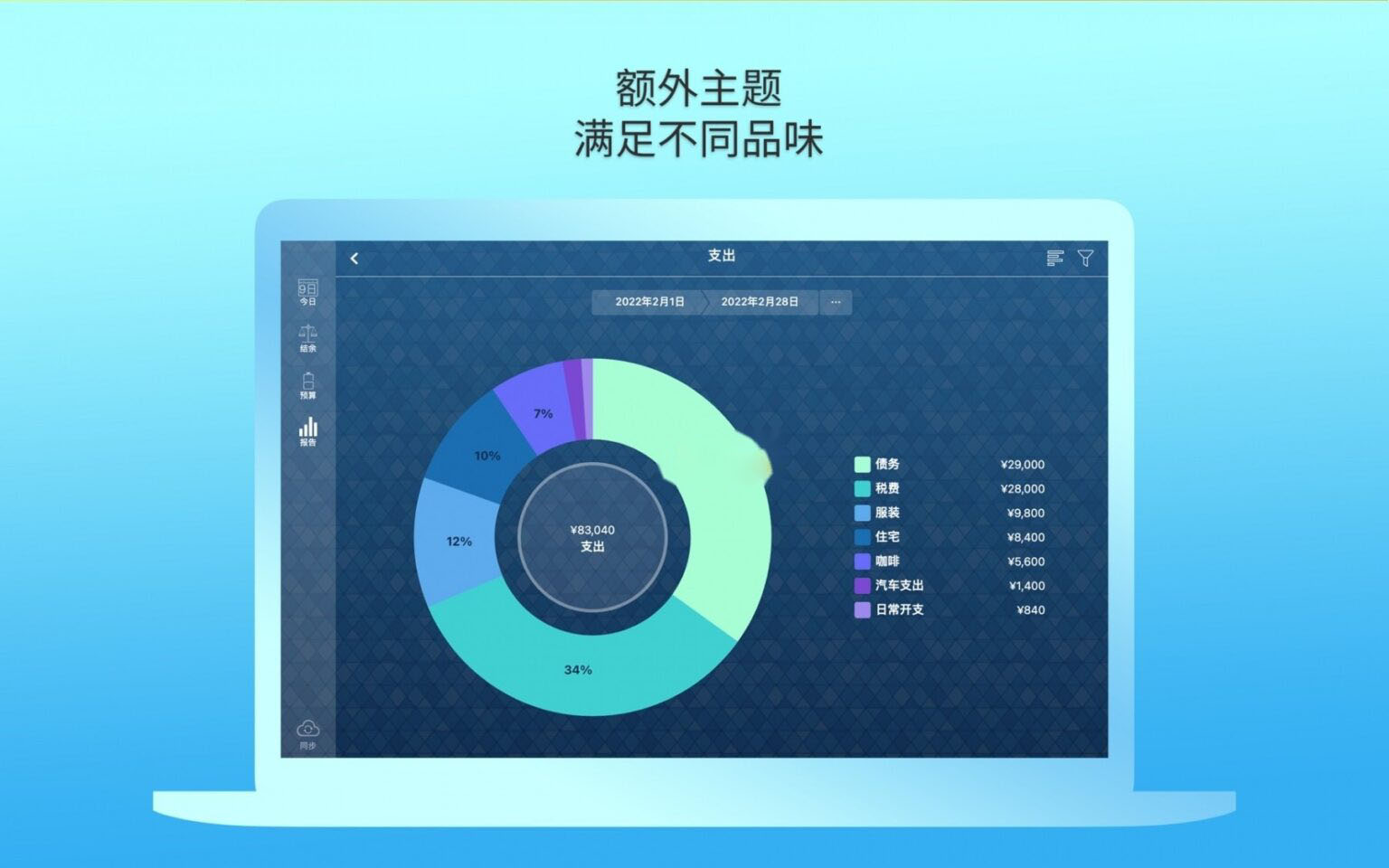
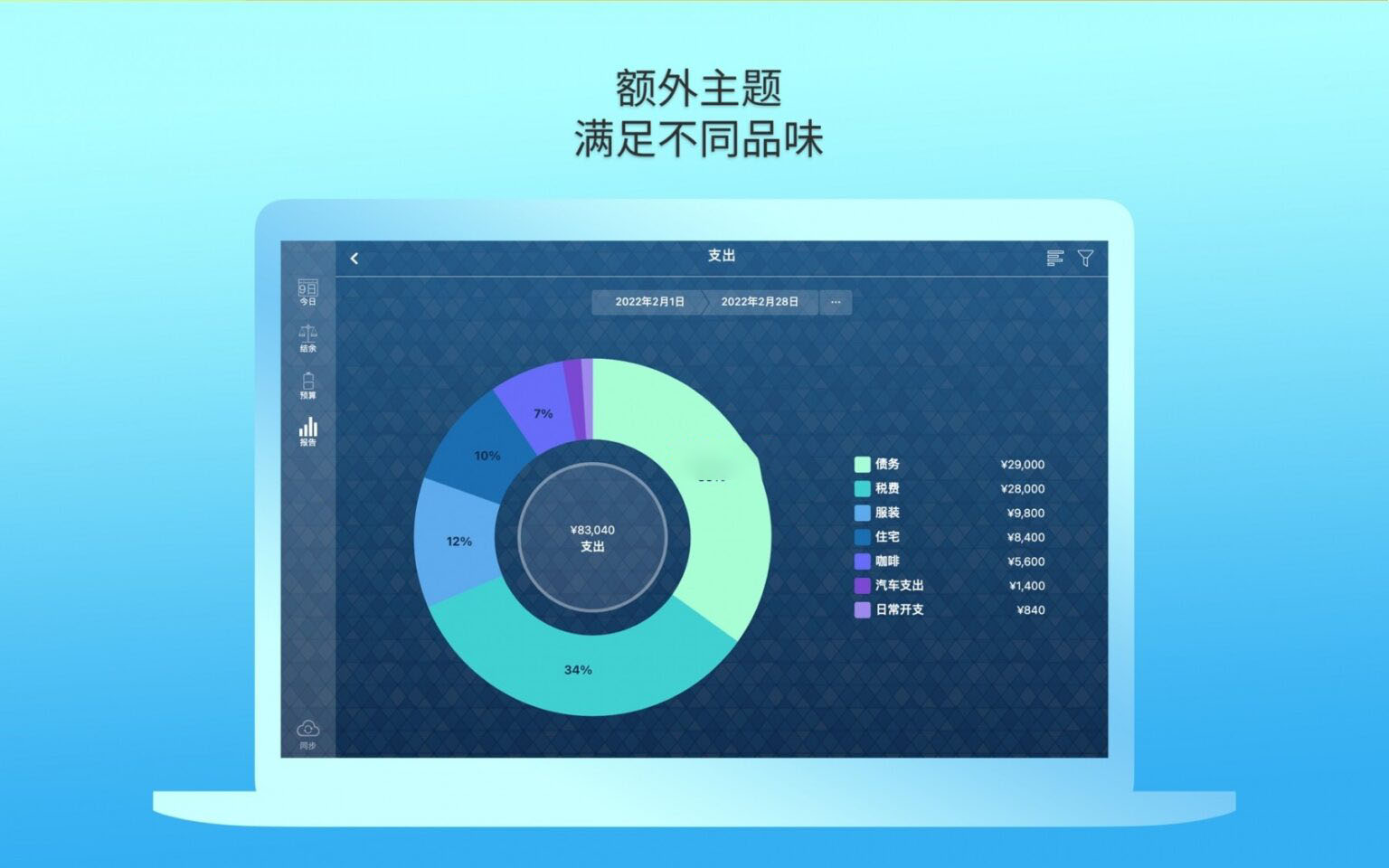
– Generates multi-dimensional financial reports, visually presenting core financial data such as income and expense structure, asset changes, and budget execution through charts.
– Supports filtering and analysis by time period, income and expense category, and other dimensions, quickly grasping cash flow and consumption patterns.
– Built-in calculator and real-time currency conversion, allowing quick amount calculation and currency switching when entering transactions.
## 5. Cross-Platform Sync and Multi-Person Collaboration
– Supports multi-platform data synchronization, allowing viewing and updating financial data anytime, anywhere.
– Supports family/multi-person joint bookkeeping mode, allowing sharing financial data with family members or partners, with real-time synchronization of transaction records.
## 6. Security and Personalization Settings
– Supports Touch ID biometric unlock, enabling quick access without entering a password, ensuring financial data security.
– Supports multiple profile management, allowing separate creation of independent ledgers for personal, family, business, etc.
– Provides a complete data backup mechanism to ensure data security and prevent loss.
– Supports data migration from older versions of the same software series for seamless upgrades.
Version 2.11.34 Update:
This update is a routine maintenance update that only fixes a few minor bugs and optimizes the overall running experience, with no new features.
Software Screenshots:

iFinance 4 for Mac v4.4.8 财务理财管理软件 中文激活版下载 | 爱上MAC
下载次数:3108 | 2026-01-13

Net Worth Pro 2 for Mac v3.4.0 资产管理软件 激活版下载 | 爱上MAC
下载次数:582 | 2026-01-13

Money Pro for Mac v2.7.7 理财记账软件 中文激活版下载 | 爱上MAC
下载次数:3108 | 2026-01-13
Money Pro for Mac v2.7.15 理财记账软件 中文激活版下载 | 爱上MAC
下载次数:1208 | 2026-01-13


评分及评论
4.6
(满分5, 共77用户评价)
来评个分数吧