




Lost and Found Co for Mac v1.0.3: A Click-and-Claim寻物游戏 Download and Activate Version
Here is the page providing Lost and Found Co for Mac v1.0.3 失物招领有限公司 点击寻物游戏_Lost and Found Comac下载_激活版 | 爱上MAC, which has been tested and is available. If you encounter any issues with the download link or the game fails to install after downloading, please leave a message to contact us.
In the casual and enjoyable Click Find Game “Lost and Found Co”, players will take on the role of a duck, the first employee of a mysterious delivery company founded by the forgotten god “Melong”. Your mission is to help the duck find scattered mysterious lost items and gradually restore the glory of Melong. This game blends casual clicking with deep storytelling, offering a unique stress-relieving experience for Mac users. Whether it’s searching for hidden items or managing an office, every interaction is full of surprises.
This game blends treasure hunting, business management, and narrative adventure, offering you a multi-layered and engaging experience:
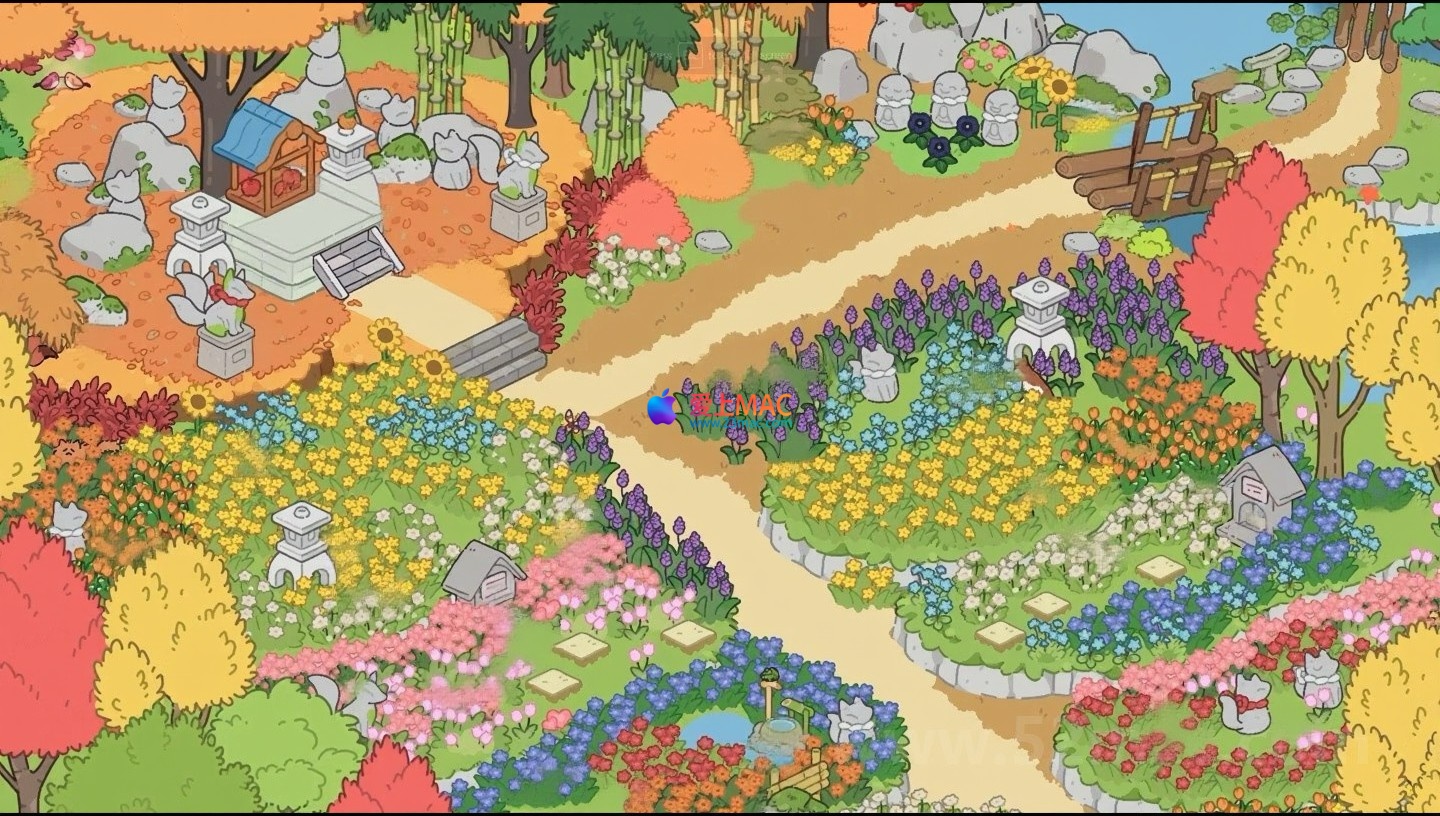
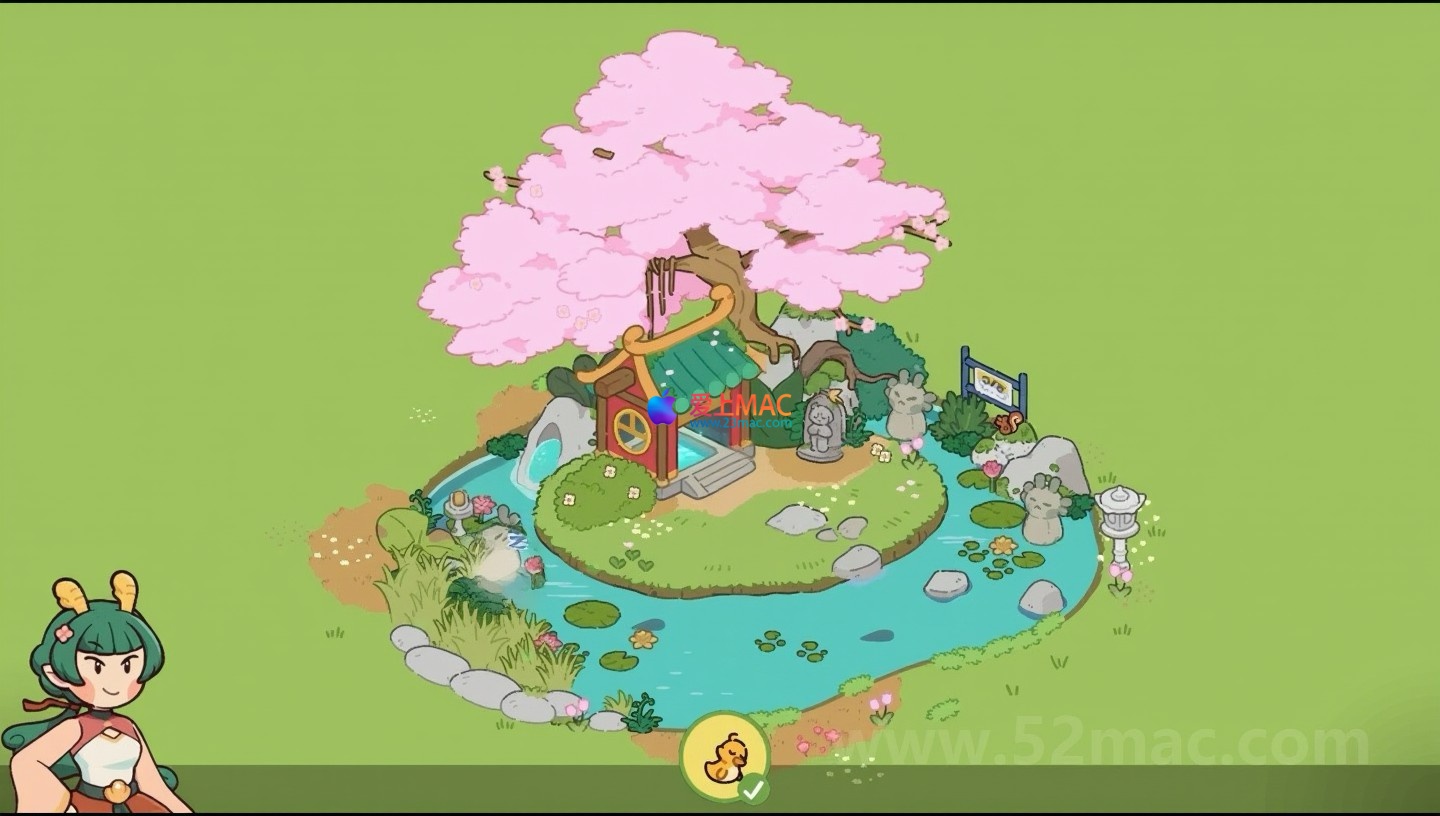
Here are the game scenes of “Lost and Found Co” (Mac v1.0.3 version):
To ensure you can smoothly experience “Lost and Found Co”, we have prepared a detailed installation guide. Please follow the steps below:
Before installing, please confirm your Mac meets the minimum requirements. This game supports macOS 10.12 and above, with at least 4GB of memory recommended. If your system version is too low, it may cause the game to fail to run or freeze. You can check your system information in “About This Mac”.
Click the download link on this page to obtain the “Lost and Found Co v1.0.3.dmg” file. If the download speed is slow, consider using a download tool or changing your network environment. After downloading, the file will be located in the “Downloads” folder.
Double-click the .dmg file, and the system will mount a virtual disk. In the pop-up window, drag the “Lost and Found Co.app” icon to the “Applications” folder. The drag process may take a few seconds, please be patient.
Open the “Applications” folder, find the “Lost and Found Co” icon and double-click to launch. Since the game comes from an unrecognized developer, the system may prompt a security warning. At this point, go to “System Preferences” > “Security & Privacy” > “General”, and click the “Allow” button. If this option is not available, check if Gatekeeper is disabled.
The version provided on this page is an activated version, so no additional serial number is required. After launching the game, if you can see the main menu interface, it means the installation is successful. If you encounter a freeze or black screen, try restarting your Mac or reinstalling the game.
In “Lost and Found Co”, mastering shortcuts can significantly enhance your treasure hunting efficiency. Here is a summary of the commonly used shortcuts in the game:
| Shortcut Combination | Function Description | Applicable Scenario |
|---|---|---|
| Command + Z | Undo the previous operation | Use when you accidentally click on an item or place it incorrectly |
| Command + Shift + Z | Redo the previously undone operation | To recover the steps that were undone |
| Command + S | Quickly save the current progress | Save immediately after completing an important treasure hunt |
| Command + F | Open the search or hint panel | To get clues when searching for hidden items |
| Space | Pause/Resume the game | To temporarily leave or think about strategies |
| Option + Click | Quickly view the detailed information of an item | To understand the background story of the lost item |
| Command + Q | Exit the game | To normally close the game window |
Tip: You can also customize the shortcuts in the game settings to suit your personal operating habits. Mastering these combinations will make your treasure hunt journey smoother.
For the issues that players may encounter during installation or gameplay, we have compiled the following FAQ:
Answer: This is usually due to system security settings blocking non-App Store applications. Open the Terminal and input the command: sudo spctl --master-disable. Then enter your password. Try installing again. If the problem persists, check if the downloaded file is complete and try downloading it again.
Answer: Black screen issues are often related to graphics card drivers or resolution settings. Try pressing Command + Option + Esc to force quit and then restart the game. If it still doesn’t work, press Shift key when launching to enter safe mode and reset the graphics settings.
Answer: Frequent crashes may be caused by insufficient memory or cache conflicts. Close other background applications and clear the memory. Update macOS to the latest version and ensure that the game files are not damaged. We recommend using tools like CleanMyMac to optimize the system regularly.
Answer: Save files are usually located in the folder “~/Library/Application Support/Lost and Found Co/”. If you accidentally deleted them, you can try restoring from Time Machine backups. If no backups are available, you cannot recover them. Please develop the habit of regularly backing up.
Answer: This version supports Simplified Chinese. Enter the game’s main menu, select “Settings” > “Language”, and choose “Chinese” from the dropdown menu. If the interface does not display, check if the system language setting is set to Chinese.
Answer: Please leave a message at the bottom of the page for contact information. We will promptly replace the link. Additionally, suggest using wired network or changing the download time period. We have accelerated the file through multiple nodes, but network conditions still affect it.
Answer: Yes. The game has been optimized for Apple Silicon. It can run smoothly through Rosetta 2 translation. If you encounter compatibility issues, right-click on the game icon, select “Show Info”, and check the box “Use Rosetta to open”.
To help you get started faster, we share a few core tips and real-world case studies:
In treasure hunting scenarios, if you can’t find the target within three seconds, don’t blindly click. Instead, observe the color contrast and shape outlines in the scene. For example, when looking for a “golden key,” prioritize scanning all metal-like areas. This technique can reduce ineffective clicks and improve efficiency.
After earning rewards, prioritize upgrading the “office desk” and “storage cabinet.” Advanced office desks unlock more customer orders, while storage cabinets can hold more items. In a real-world scenario, a player increased their earnings by 40% in 30 minutes by prioritizing upgrading the office desk. It’s recommended to handle high-reward orders first upon daily login.
In complex puzzle sections, press the “Space” key to pause the game. Use this time to analyze the scene’s clues rather than panicking. A seasoned player shared that in pause mode, he successfully solved the hidden “Merp Room” puzzle and received a rare decoration.
The “Faded Forest” is one of the more challenging levels in the game, requiring finding 10 hidden items and unlocking a mechanism. First, use the “Command + F” shortcut to open the hint panel, which will show the approximate locations of the items. Then, sort them by color: red items are often found in tree areas, while blue items are near water. Finally, the mechanism solution is to click in the order of symbols on the items. A player followed this strategy and completed the level in just 8 minutes, which is 50% faster than the average time.
The game “Lost and Found Company” has won a good reputation on the Mac platform with its unique narrative and light-click gameplay. Through the installation guide, shortcut table, and FAQ in this article, you should have mastered the basic operations. We recommend trying different office decoration combinations, which not only enhances the gaming experience but may also trigger hidden stories. If you encounter any issues, feel free to contact us through the page’s contact information. Wishing you a joyful and fulfilling treasure hunting journey!
This resource requires login to download
Log in
Subtitle Maker for Mac v3.7.3 Chinese Activation Edition Download
Downloads:1368 | 2026-10-24

CloudMounter for Mac v3.11: Mount Cloud Storage as a Local Disk – Activation Version Download
Downloads:3284 | 2026-10-20

Movie Thumbnails Maker 2 for Mac v2.4.1 Crack
Downloads:1686 | 2026-10-20

MacClean360 for Mac v5.1 Multifunctional Cleaning Tool Activated Version Download
Downloads:3133 | 2026-10-17


Ratings & reviews
4.8
(Maximum 5 ratings, total 72 user reviews)
Let’s rate it.