

Nova Roma for Mac v0.7.1820: City Builder Simulation Game – Download and Activate Version
本 page provides Nova Roma for Mac v0.7.1820 Rome City City Building Simulation Game_ Rome City Mac Download_ Activation Version | LoveMAC, has been tested available. If you encounter link failure or download after installation problems, please leave a message to contact us.
Nova Roma (Rome City) is a deep city-building strategy simulation strategy game set in the background of Roman history. Players will lead a few surviving citizens to rebuild “New Rome” after the decline of the Roman Empire. The core gameplay blends complex supply chain management, dynamic waterways and weather simulation, detailed urban planning, multi-dimensional resource management, and law and religious management.
It cleverly combines political games, military conflicts, 4X (exploration, expansion, development, conquest) elements, and sandbox survival gameplay. It supports single-player experience and mod expansion. For players who love deep strategy, this work provides a rare immersive governance experience on the Mac platform. According to early feedback from the Steam community and the Mac game review website “MacGamerHQ”, its simulation depth has surpassed similar products, especially in the water system, which has been praised by some players as “a digital age Roman engineer’s manual.”
The former Roman Empire is no longer glorious. As a leader, you will lead a few surviving citizens to start from an uninhabited land. The goal is to build a city that can carry the glory of the Roman Empire and amaze future generations.
At the beginning of the game, you will face a barren land. You need to use limited initial resources to plan the first farmland and residential area. As the population grows, food and housing pressure will force you to expand outward. Each territory expansion will involve potential conflicts with unknown wild beasts or hostile tribes. This process of building from nothing is the most attractive feature of Nova Roma (Rome City).
A successful city founder deeply understands how to coexist with nature. You need to:
As the population grows, citizens’ needs will become increasingly complex, ranging from pottery, wine, bread, and material needs to entertainment, education, and religious needs. Your responsibilities include:
Rule of a city is not just about construction. You will face:
To ensure you can smoothly experience Nova Roma for Mac v0.7.1820, we have prepared the following detailed installation steps. Please follow the steps in order.
Click the download link on this page to obtain the DMG mirror file. It is recommended to use Chrome or Safari browsers for downloading to avoid download interruptions. After downloading, it is recommended to right-click the file and select “Open with” -> “Disk Utility” to verify the integrity of the mirror file to prevent damage during the download process.
Double-click the downloaded “.dmg” file, and the system will automatically mount and open a window containing the game application icon. At this point, you will see a “Nova Roma” virtual disk on the desktop or Finder sidebar. This is the standard installation method for Mac software, requiring no decompression.
Drag the “Nova Roma” application icon from the pop-up window to the “Applications” (Applications) folder shortcut on the side. The system will automatically start the file copy process. This process usually takes a few seconds to a minute, depending on your Mac’s hard drive read/write speed.
Go to the “Applications” folder, find and double-click the “Nova Roma” icon. Since this is an unsigned application downloaded from a third-party website, macOS may prompt you with “Unable to Verify Developer” warnings. At this point, do not click “Move to Trash.” Go to System Preferences -> “Security & Privacy” -> “General,” and find the “Open Anyway” button at the bottom of the page. Click it, and then confirm in the pop-up confirmation box.
After completing the permission settings, the game can be launched normally. The first load may take some time as the game needs to generate the initial world map. If the game starts and goes black, check if your Mac meets the minimum configuration requirements, especially if your memory is below 8GB.
Nova Roma (Rome City) is a comprehensive test of players’ governance abilities. Its features can be summarized as:
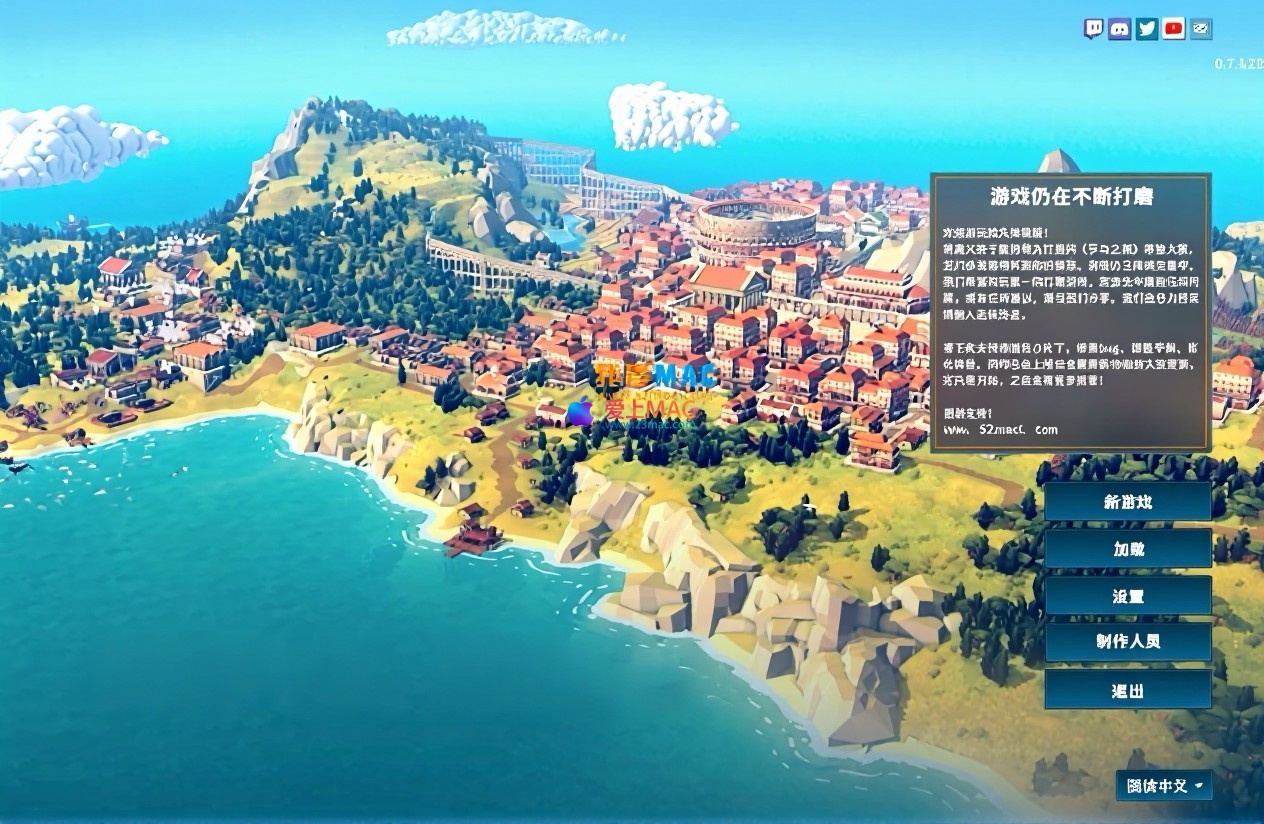
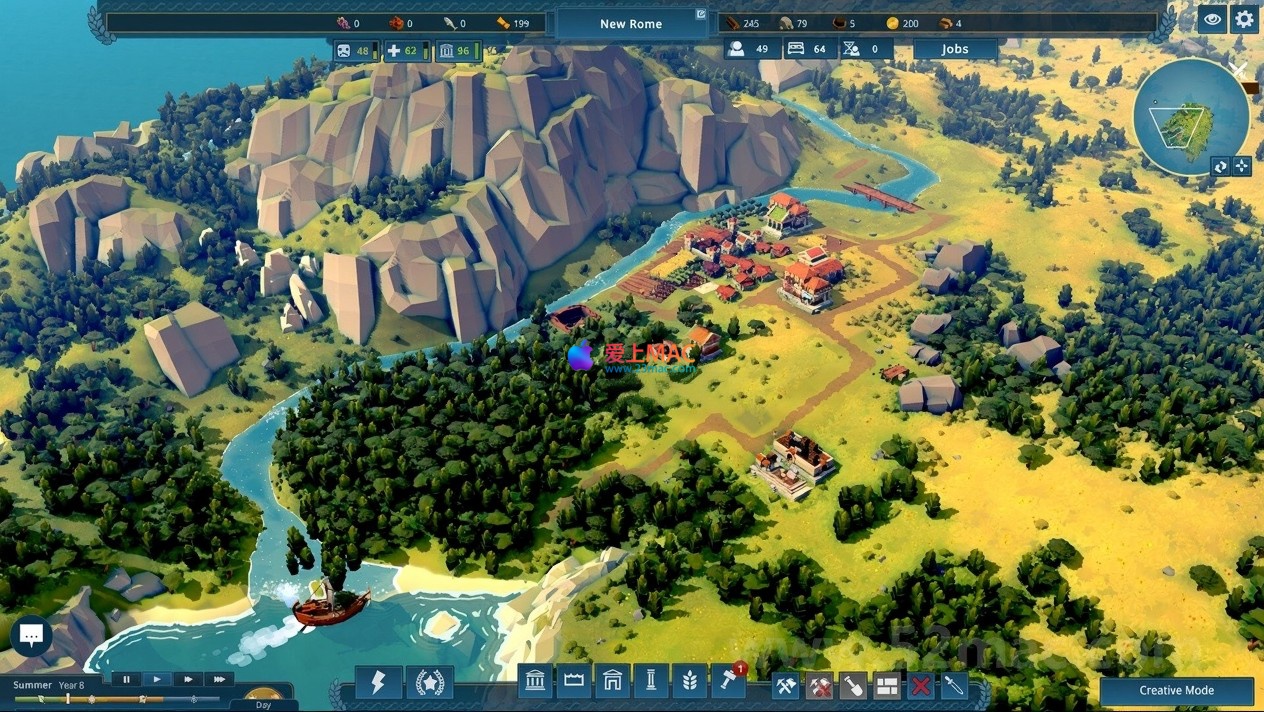
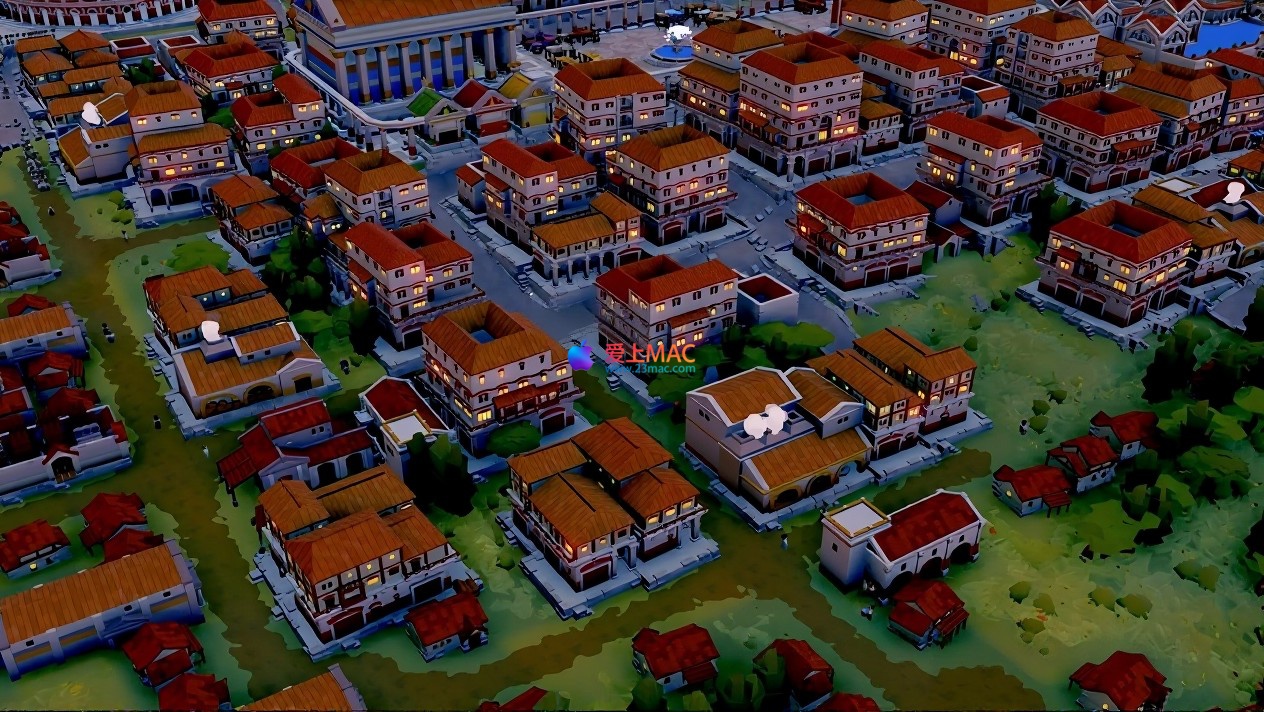
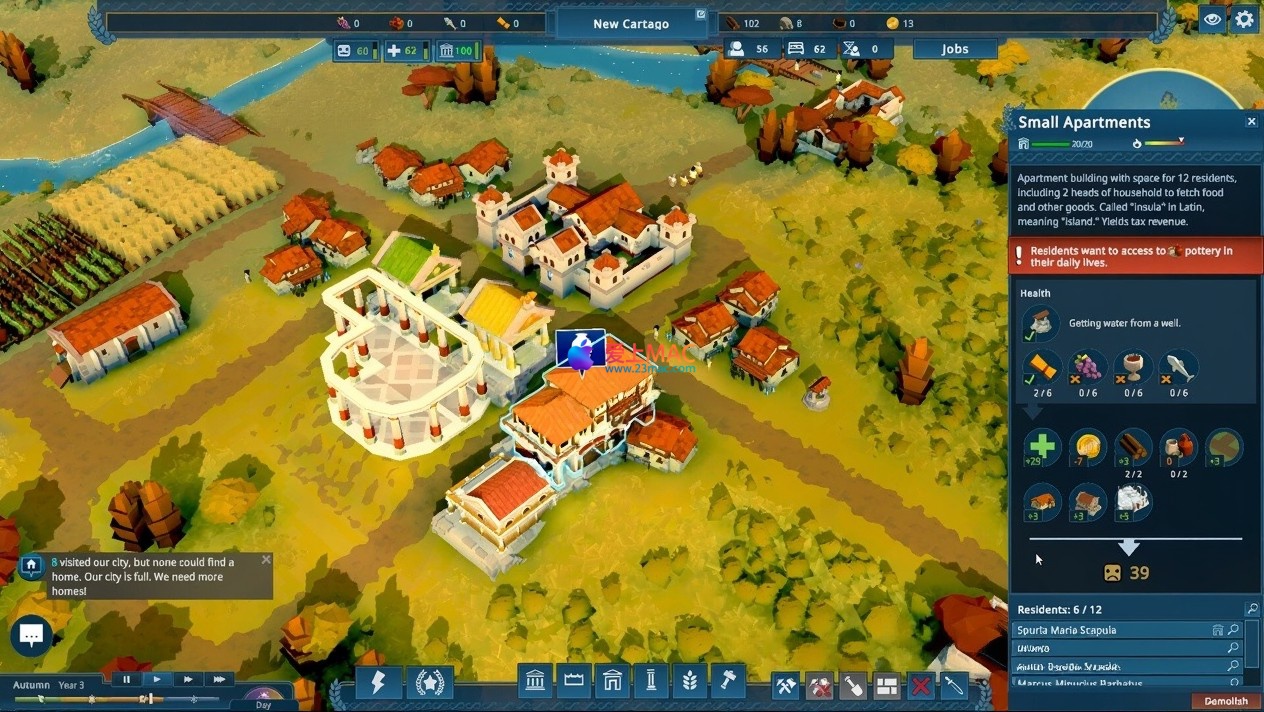
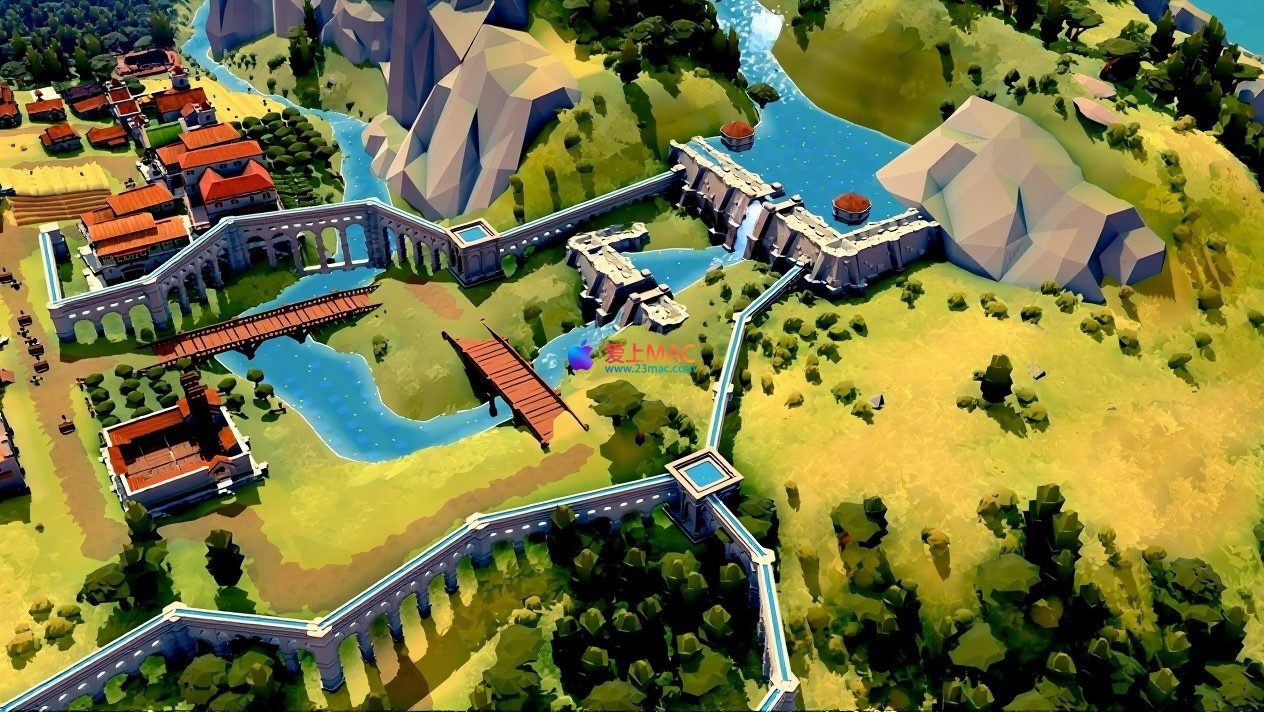
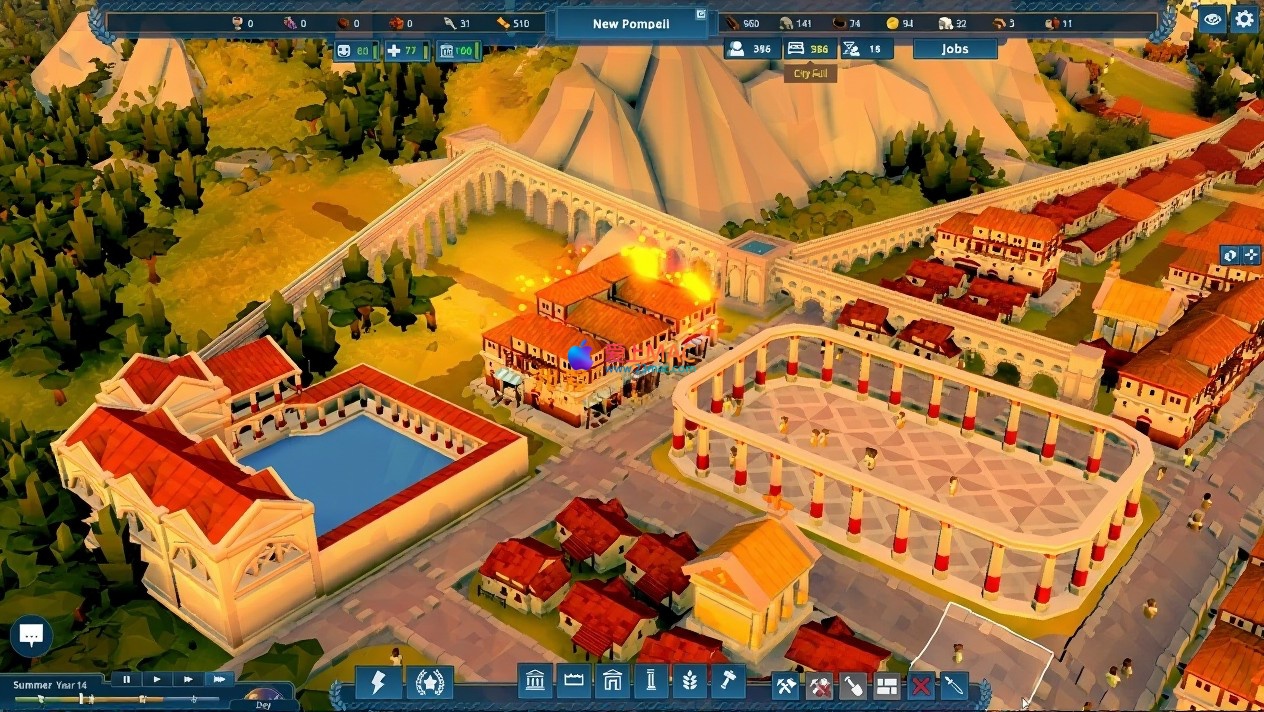
Here are the game scenes of Nova Roma for Mac v0.7.1820
For common issues encountered during installation and gameplay, we have compiled the following Q&A to help you resolve them quickly.
A: This is usually due to the macOS Gatekeeper security restrictions. Please ensure you have followed the installation steps in the tutorial, specifically step four, where you clicked “Open Anyway” in the “Security & Privacy” settings. If this does not work, open the Terminal application and enter the following command, then press Enter: sudo spctl --master-disable. Enter your computer’s password when prompted (the password will not be displayed). This will temporarily allow any source applications to run. After completing the game installation, it is recommended to re-enter sudo spctl --master-enable to restore the security settings.
A: First, ensure your Mac meets the minimum configuration requirements (recommended M1 chip or higher, 8GB RAM). Next, enter the game settings and adjust the “Quality” option to “Medium” or “Low”, and disable “Dynamic Shadows”. Additionally, close other large applications running in the background, such as Chrome browser or Adobe suite, to free up memory. If you are using an Intel chip Mac, ensure that the power is connected and in “High Performance” mode when the game is running.
A: The game defaults to automatic saving, typically saving every 10 minutes. You can also call up the main menu by pressing the Esc key and select “Save Game” (Save Game) to manually save. It is recommended to manually save once before making major decisions, such as launching an attack or changing the tax system.
A: Pottery production relies on clay mines and pottery workshops. You need to first explore clay veins near the city, then build “Clay Mine” and “Pottery Workshop”. Ensure that enough labor is allocated to these buildings. If trade routes are open, you can also trade with neighboring countries to obtain pottery.
A: Currently, version v0.7.1820 of the Mac version supports limited Modding. The official statement is that support for Steam Workshop will be added in future versions. Currently, you can try manually adding third-party mods in the “Mods” folder within the game directory, but please note that this may cause instability or damage to the game’s save files. It is recommended to back up before attempting.
A: It is recommended to complete the game’s built-in “Water Engineering” tutorial. The core principle is “High Water Low Flow”. You need to first build a dam upstream to store water, then guide the water to lower-lying farmland through canals. When planning, you can enable the “Terrain Height” view, using different colors to indicate the elevation, which helps you design the water system more intuitively.
A: Advanced buildings often require pre-requisite technologies or population requirements. For example, building the “Colosseum” requires first researching the “Entertainment” technology tree’s “Gladiator Culture”, and the city’s population needs to reach over 5000. You can check the unlock conditions for all buildings in the “Technology Tree” panel.
In Rome: City Manager, mastering keyboard shortcuts can significantly enhance your governance efficiency. Below is a list of commonly used keyboard shortcuts confirmed to work on the Mac system.
| Shortcut | Function Description | Applicable Scenario |
|---|---|---|
| W / A / S / D | Move the view up, down, left, and right | Use when browsing the city’s overall view |
| Mouse Wheel | Zoom in/out | Use when viewing building details or the overall layout |
| Hold down the mouse right button + drag | Rotate the view | Use when observing terrain undulations from different angles |
| Spacebar | Pause/Resume game | Use when encountering sudden situations requiring calm thinking |
| Num Lock 1-4 | Switch game speed (1 slowest, 4 fastest) | Use when waiting for resource production or quickly advancing time |
| B | Open construction menu | Use to quickly enter building mode |
| C | Open city overview panel | Use to view population, satisfaction, resource inventory, etc. |
| V | Switch terrain view (Standard/Height/Resources) | Use when planning roads or water systems to assist decision-making |
| M | Open world map | Use to view diplomatic relations and trade routes |
| Esc | Open main menu / Cancel current operation | Use to save the game, adjust settings, or exit current commands |
To help you become a seasoned Caesar faster, we’ve summarized several highly effective tips from real-world gameplay.
During the first 30 minutes of the game, your primary goal should be food. Don’t rush to build lavish temples or barracks. Prioritize planning large areas of “wheat farms” near water sources. Also, build a “mill” to process wheat into flour. A classic real-world example shows that player “Lucius_Maximus” only built 5 farms and 1 mill, along with 2 residential zones, resulting in a stable population of 100 citizens by the first winter, avoiding the death of citizens due to famine. Remember, stable food supply is the foundation of all development.
Many beginners’ water channels fail to flow properly. The secret is to build water channels along contour lines. You can switch to the “terrain height” view by pressing V to observe color changes. Choose areas of the same height to plan the path of the water channel. A real-world example: Player “AquaVirgo” on the “Tiber River” map used this principle to build a 200-meter-long water channel, successfully irrigating the drought-prone plains downstream, increasing crop yields by 40%.
In the middle of the game, relying solely on taxes is insufficient to support large military expenses. Trade is a shortcut to accumulate wealth. First, explore nearby cities for valuable resources such as “marble mines” or “olive groves”. If you have marble, build a “quarry” and establish trade routes to export marble to other cities in need of stone for construction. In real-world gameplay, player “Mercator” accumulated over 5000 gold reserves in the game’s third year by monopolizing marble exports, providing sufficient funds for subsequent military expansion.
When the game warns of “Jupiter’s dissatisfaction”, if not handled promptly, it may lead to plagues or earthquakes. You can address this by building a “small temple” and assigning a “priest” to perform daily sacrifices. When divine wrath is high, hold a “festival”. In the “festivals” menu, choose the appropriate deity and spend a certain amount of gold and wine to quickly calm divine wrath. However, frequent festivals come at a high cost; maintaining the temple’s operation properly is the long-term solution.
Don’t scatter your barracks and walls. Recommended is the “iron triangle” layout: build a “fort” at each of the three key entrances (usually the east, west, and south directions) and connect them with walls. Each fort should be garrisoned with a full Roman infantry unit. This layout’s advantage is that when one side is under attack, the troops from the other two sides can quickly reinforce. A real-world video shows that a city using this layout could hold off an attack from three times its own forces for over 30 minutes before reinforcements arrive.
Through these tips, you should be able to better control the rhythm of “Rome”. Every planning and decision contains wisdom, and every choice affects survival. May your “New Rome” shine brightly in the long river of history.
This resource requires login to download
Log in
Mac Video Converter Ultimate with Chinese Activation Download v3.11.0
Downloads:232 | 2026-10-24

Right Click Fast New Document for Mac v5.3 Chinese Activation Download
Downloads:2861 | 2026-10-19

Banktivity for Mac v7.2.1 Financial Management Software Activated Version Download
Downloads:1118 | 2026-10-17

MAMP PRO for Mac 5.2 Web Development Server Environment Activated Version Download
Downloads:3209 | 2026-10-17


Ratings & reviews
4.9
(Maximum 5 ratings, total 69 user reviews)
Let’s rate it.