

ZBrush 2026 for Mac v2026.1.1 Digital Sculpting and Painting Software Chinese Activation Version Download
Here provides ZBrush 2026 for Mac v2026.1.1 digital sculpting and painting software Chinese activation version download | LoveMAC, has been tested available, if you encounter the link invalid or download after cannot install and so on, please leave a message to contact us.
ZBrush is a leading digital sculpting, modeling, and painting software, designed specifically for creating highly detailed three-dimensional models. It is renowned for its intuitive brush system and smooth sculpting experience, allowing artists to sculpt three-dimensional forms as if operating real clay, with precision and freedom. Its powerful customization and adaptability make it the core creation tool for 3D artists and professional studios worldwide.
Important Note: This article aims to provide an introduction to the core features and technical overview of ZBrush software. The software copyright belongs to the developer, and supporting正版software is key to ensuring continuous updates, obtaining technical support, and maintaining the health of the industry. Please obtain the software through official channels.
As the core of digital sculpting, ZBrush provides hundreds of preset brushes (such as clay, move, smooth, expand, etc.), accurately simulating real sculpting tools. Artists can deeply customize brush size, strength, Alpha texture, and dynamic strokes, combined with pressure sensitivity of digital tablets, for extreme control from macro forms to micro details.
DynaMesh (Dynamic Mesh): Real-time topology reconstruction during sculpting, breaking polygon limitations, especially suitable for free creation and rapid prototype design of organic biological forms.
ZRemesher: Automatically generates clean, optimized low-polygon topology, retaining high-polygon details, for efficient solutions in animation rigging and game model production.
Supports direct painting and texturing on 3D models without pre-expanding complex UVs. Integrated PBR (Physically Based Rendering) workflow allows creation of real materials such as metal, skin, and powerful texture baking (such as normal maps, displacement maps), seamlessly integrating into the production pipeline for games and films.
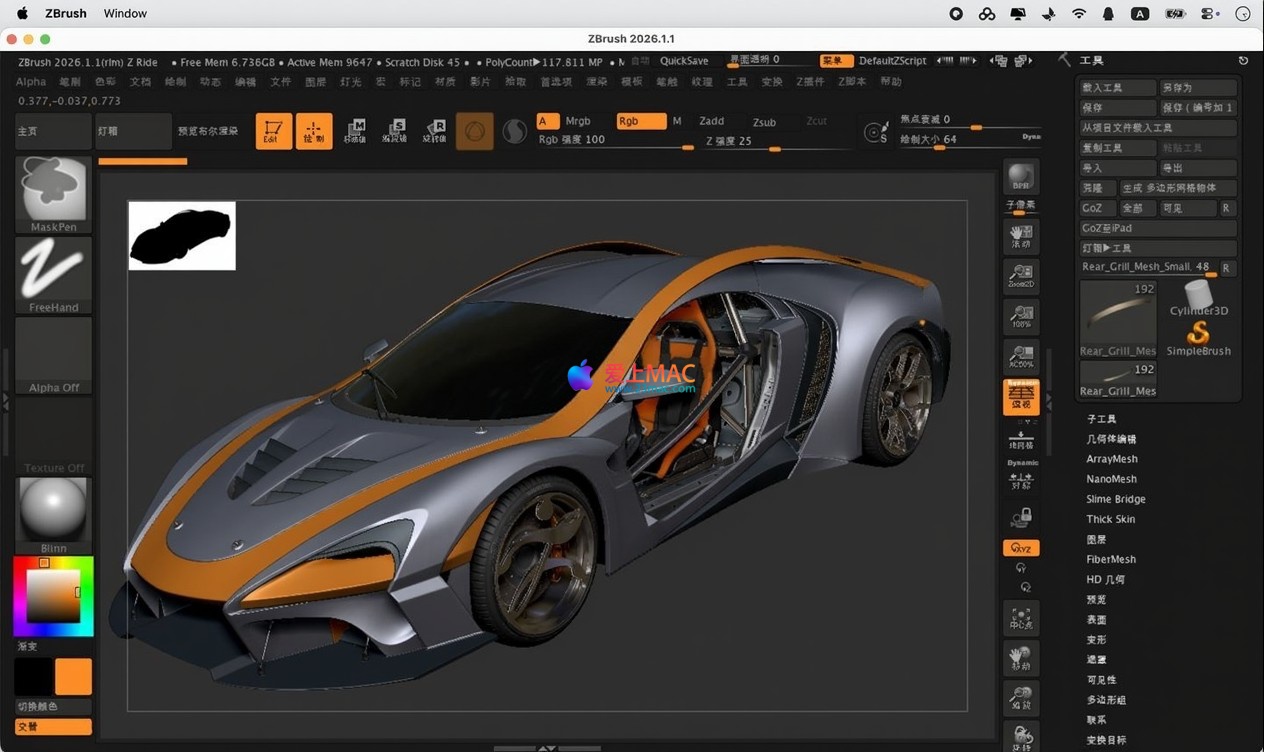
Utilizes Live Boolean (Real-time Boolean Operations), hard surface brushes, and Insert Mesh features for efficient creation of mechanical, jewelry, and other hard surface models. Combined with NanoMesh instantiation system, allows quick dispersion of repetitive details (such as rivets, scales), significantly enhancing productivity.
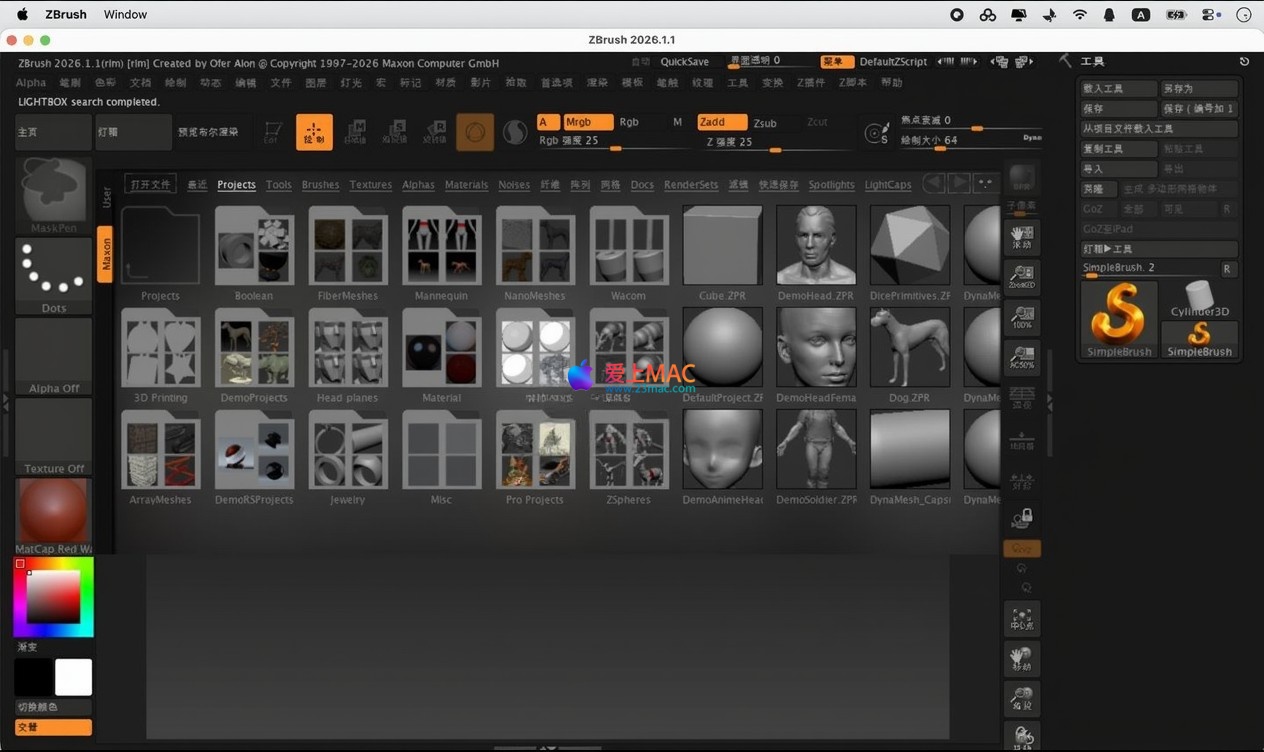
Equipped with a real-time rendering engine, supports HDRI lighting, multiple lights, and high-quality image and animation output. Built-in Turntable (3D rotation display), LightBox (material library) tools facilitate artists’ comprehensive display and review of their creative works.
Below is the standard theoretical process for software installation and authorization configuration, suitable for understanding the deployment steps.
※ If there is an existing old version of ZBrush in the system, please uninstall and clean up the residual files first to ensure the stability of the new version installation.
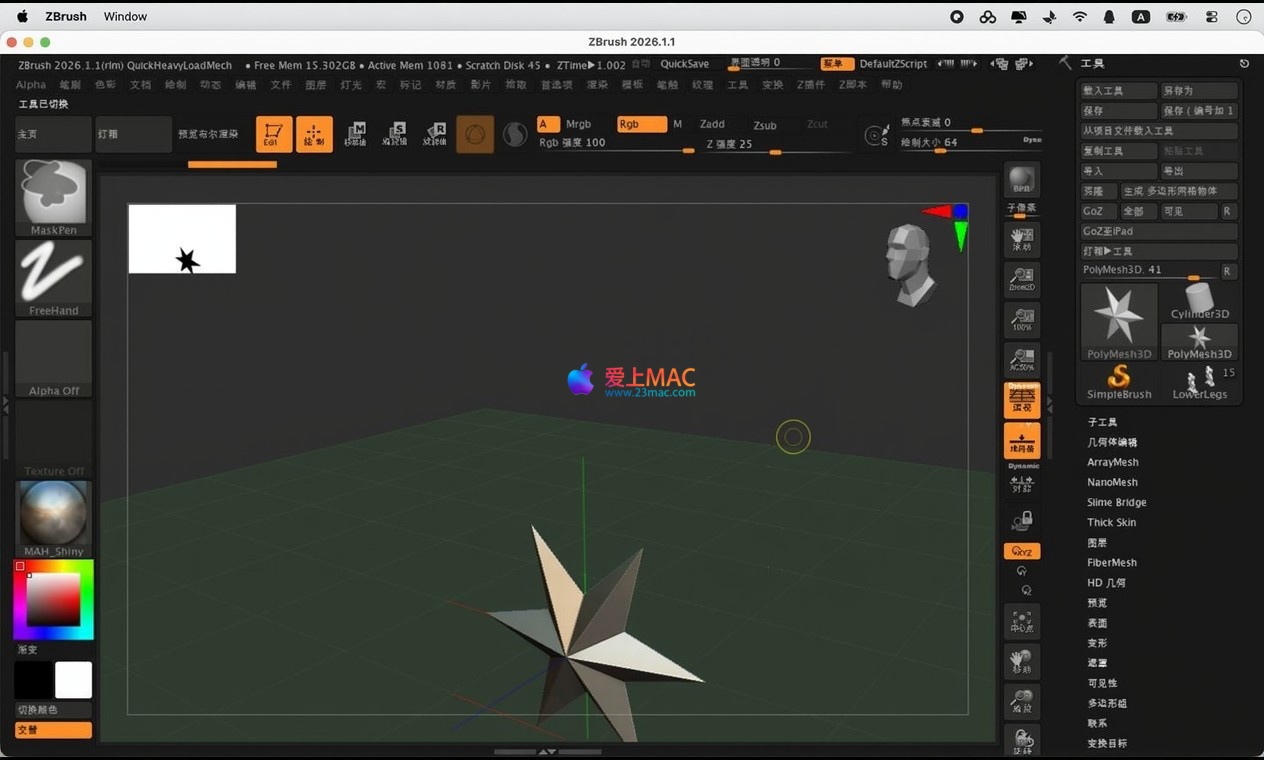
“Log: License created.” appears, it indicates that the software authorization has been successfully configured.Here are the overview screenshots of ZBrush 2026 for Mac software interface:
Here are the top 5 frequently asked questions for Mac users when using ZBrush, to help you quickly troubleshoot.
A: ZBrush 2026 requires macOS 10.15 (Catalina) or a higher version. It is recommended to use macOS 11 (Big Sur) or a higher version for optimal performance. Please ensure your system is updated to the latest version.
A: This is a security mechanism of macOS. Go to “System Preferences” > “Security & Privacy” > “General”, click the “Open Anyway” button. If the prompt is intercepted, check if Gatekeeper is completely disabled and try using the command sudo spctl --master-disable in the terminal to temporarily disable it.
掌握快捷键能显著提升雕刻效率。以下整理了ZBrush在Mac系统下的核心快捷键,建议收藏备用。
| 快捷键 | 功能说明 | 适用场景 |
|---|---|---|
| Ctrl + Z | 撤销上一步操作 | 通用操作 |
| Shift + Z | 重做(恢复撤销) | 通用操作 |
| Space | 打开/关闭快速菜单 | 笔刷选择与设置 |
| Ctrl + Shift + A | 切换对称模式 | 对称雕刻 |
| Shift + F | 切换线框显示 | 查看拓扑结构 |
| Alt + 左键拖拽 | 旋转视图 | 视角操作 |
| Ctrl + 左键拖拽 | 平移视图 | 视角操作 |
| Ctrl + Shift + 左键拖拽 | 缩放视图 | 视角操作 |
| X | 切换X轴对称 | 对称雕刻 |
| W / E / R | 切换移动/缩放/旋转工具 | 模型变换 |
| F | 将选中对象适配到视图 | 快速聚焦模型 |
| Ctrl + D | 细分网格(增加面数) | 雕刻精细度提升 |
| Shift + D | 降低细分级别 | 优化性能 |
| Ctrl + N | 新建文档 | 文件管理 |
提示:You can customize all the hotkeys in “Preferences” > “Hotkeys” to suit your personal habits.
To help you get up and running with ZBrush faster, we share a few validated practical tips and a complete workflow.
At the beginning of your creation, don’t worry about topology. Use the DynaMesh feature, which will handle the uniformity of the mesh automatically. Focus solely on the modeling. It is recommended that you press Ctrl + Shift + D to regenerate DynaMesh every time you make a significant modification during sculpting to maintain the quality of the mesh.
After you have finished high-poly sculpting, using ZRemesher can generate a clean low-poly model in one click. In the “ZRemesher” panel, you can control the final topology by drawing “Guide Lines” (guidelines). This is particularly crucial for optimizing topology for facial features or mechanical parts. The official documentation states that reasonable guidelines can reduce the workload of manual adjustments later.
Many professional studios follow this workflow: sculpt high-poly models in ZBrush, then use GoZ to send them to Maya or 3ds Max for animation binding, and then return to ZBrush for detail adjustments. GoZ automatically handles the transfer of models, UVs, and textures, eliminating the tedious steps of manual import/export. According to feedback from hundreds of users, this is one of the most significant features for improving efficiency.
Step 1: Use ZSphere to build the basic skeleton, quickly adjusting the proportions. Use Move brush to shape the head form.
Step 2: Apply DynaMesh, set the resolution to 256. Use Clay Buildup brush to add muscle blockiness, such as the cheekbones and jawline. Pay attention to symmetry (press X key).
Step 3: Use Trim Dynamic brush to cut the facial transitions. Use Dam Standard brush to carve wrinkles and detail lines.
Step 4: Subdivide to Level 4 or 5, use Standard and Alpha texture brushes to add skin pores and other micro-details.
Step 5: Use ZRemesher to generate the low-poly model, bake the normal map and displacement map, and export to the game engine (such as Unity or Unreal Engine) for rendering.
This workflow is known as the standard workflow from high-poly to low-poly, widely used in AAA-level game development. According to a case study from Pixologic (the original developer of ZBrush), a skilled artist can complete a high-quality character head using this workflow in 4-6 hours.
ZBrush 2026 for Mac is an extremely powerful digital sculpting software that has fundamentally changed how 3D artists create. From concept design to final rendering, it offers unparalleled flexibility and control.
For beginners, we recommend starting with basic brush exercises and gradually mastering the core ideas of DynaMesh and ZRemesher. For professionals, the performance optimization and new features (such as improved Boolean operations) in ZBrush 2026 can significantly accelerate your workflow.
Lastly, we emphasize again: Please download the test version through “LoveMac” to experience its powerful features. If the software indeed meets your needs, we strongly recommend supporting the正版 version to receive ongoing updates and technical support. If you encounter any issues during installation or use, feel free to leave a message, and we will respond promptly.
—— End ——
This resource requires login to download
Log in
Boom 2 for Mac v1.6.11 Professional Audio Enhancement Software Chinese Activation Version Download
Downloads:2388 | 2026-10-24

Reeder 5 for Mac v5.0.6 News Reader Activation Download
Downloads:1749 | 2026-10-21

Hazel for Mac v5.0.7 Automated File Organization and Moving Tool Activation Download
Downloads:2276 | 2026-10-21

TXT Reader for Mac v2.8.6: Chinese Activation Version Download
Downloads:3575 | 2026-10-20


Ratings & reviews
4.8
(Maximum 5 ratings, total 67 user reviews)
Let’s rate it.