一、 Software Overview
Adobe Dimension 2020 for Mac is a straightforward 3D design and layout tool designed for prototype creation, photorealistic image rendering, and interactive 3D content publishing. It efficiently integrates 2D and 3D assets, widely applicable to brand visualization, product modeling, packaging design, spatial planning, and other creative projects.
二、 Core Functionality Features
- Efficient Scene Construction: Utilizing high-quality models, materials, and lighting systems, create captivating 3D content quickly, simplifying tasks such as brand visualization, product presentation, and spatial design.
- Real-time Generation of Photorealistic Images: Drag and drop vector graphics or images directly onto 3D models for real-time previews in actual environments. Supports obtaining optimized 3D resources from Adobe Stock for quick access.
- Alternative to Traditional Photography: Generate highly realistic images using depth, texture, and precise lighting technology. Supports seamless integration with Photoshop, Illustrator, and Substance materials, and can import third-party models, exporting layered files for further processing in Photoshop.
- Stimulate Creative Potential: With a simple and intuitive user interface, users can easily transform concepts into 3D works across various creative fields, including advertising design and abstract art.
- Content Reuse and Multi-platform Output: Generate high-quality images and interactive 3D content from a single Dimension file. Supports multi-angle bookmark rendering and can link with After Effects, XD, InDesign, and Adobe Aero for augmented reality applications across platforms.
三、 Version Update (v3.4)
Fixes: Resolved the issue of incorrect data retention when exporting OBJ files.
四、 Installation and Activation Steps
Important Note: This guide is for users who have obtained the installation package. Please note that cracked software should not be updated, upgraded, or logged into Adobe ID to avoid activation failure.
- Disconnect from the Network: Ensure your computer is completely disconnected from the network (both wired and wireless) before starting the installation.
- Run the Installation Program: Open the downloaded DMG format installation package, double-click on the Installer file, and follow the prompts to complete the installation.
- Use After Activation: After installation, the software will automatically activate. At this point, you can reconnect to the network and normally start Adobe Dimension 2020.
—— Software Interface Preview ——
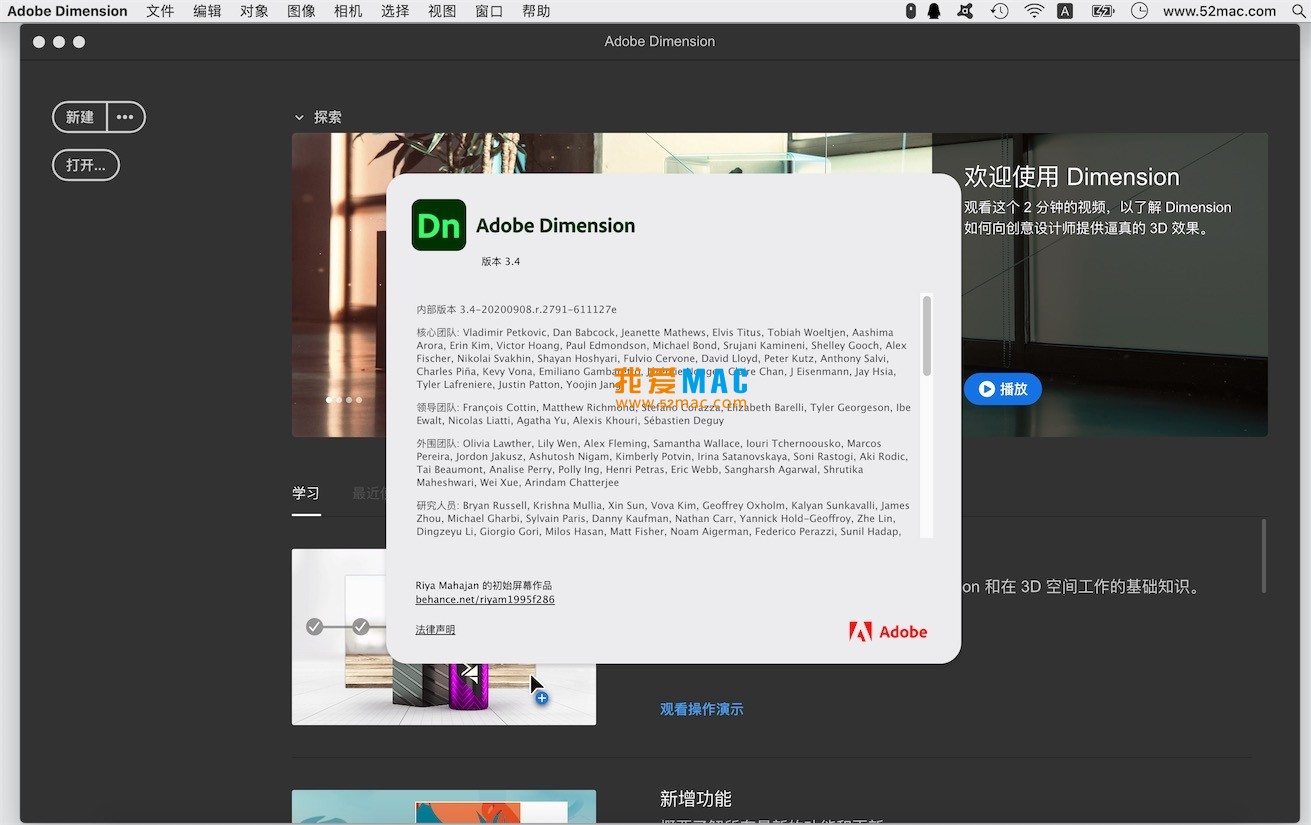
五、 Software Interface Screenshots
Here are examples of the operation interface of Adobe Dimension 2020 for Mac v3.4:








Ratings & reviews
4.8
(Maximum 5 ratings, total 64 user reviews)
Let’s rate it.