

Shapik: The Quest for Mac v1.4 – A Magical Adventure Game
Here is the page providing Shapik: The Quest for Mac v1.4 沙皮克任务 奇幻冒险记_沙皮克任务mac下载_激活版 | 爱上MAC, has been tested and is available. If you encounter issues with links, download, or installation, please leave a message to contact us.
Shapik: The Quest for Mac is an engaging adventure puzzle game where you play as the protagonist, Shapik, and embark on a heartwarming journey to find missing sisters in a beautiful world filled with mystery, magic, and unknown dangers. Along the way, you need to solve numerous puzzles and overcome various challenges, ultimately uncovering the secrets hidden deep in the forest.
The game dispenses with traditional text narration. The entire story is propelled by exquisite animated “thought clouds,” allowing players to immerse themselves in the emotional and plot development of the characters through silent visual language. This narrative technique is inspired by classic adventure game design, similar to the silent storytelling techniques found in Mecha City, but with a more nuanced approach.
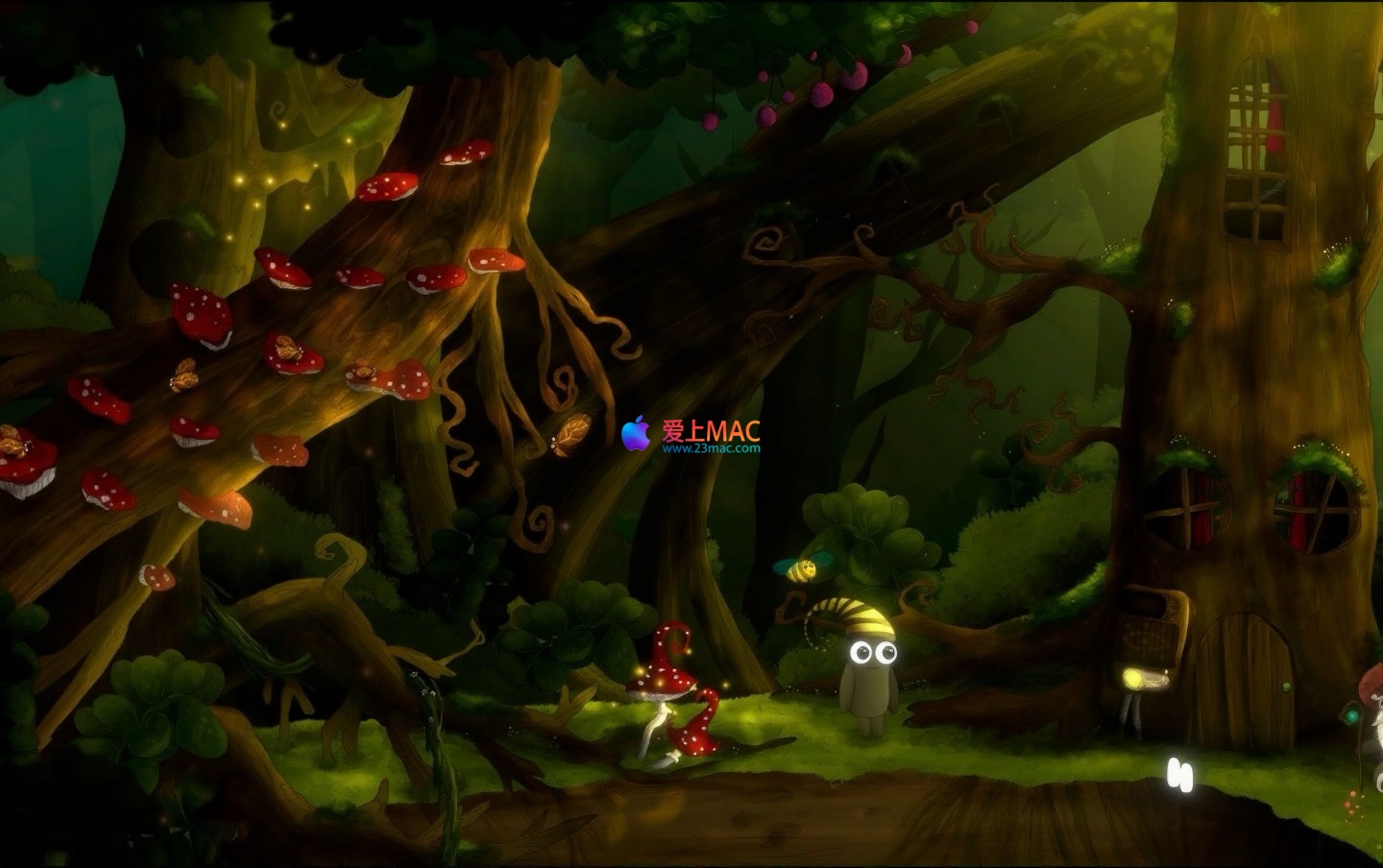
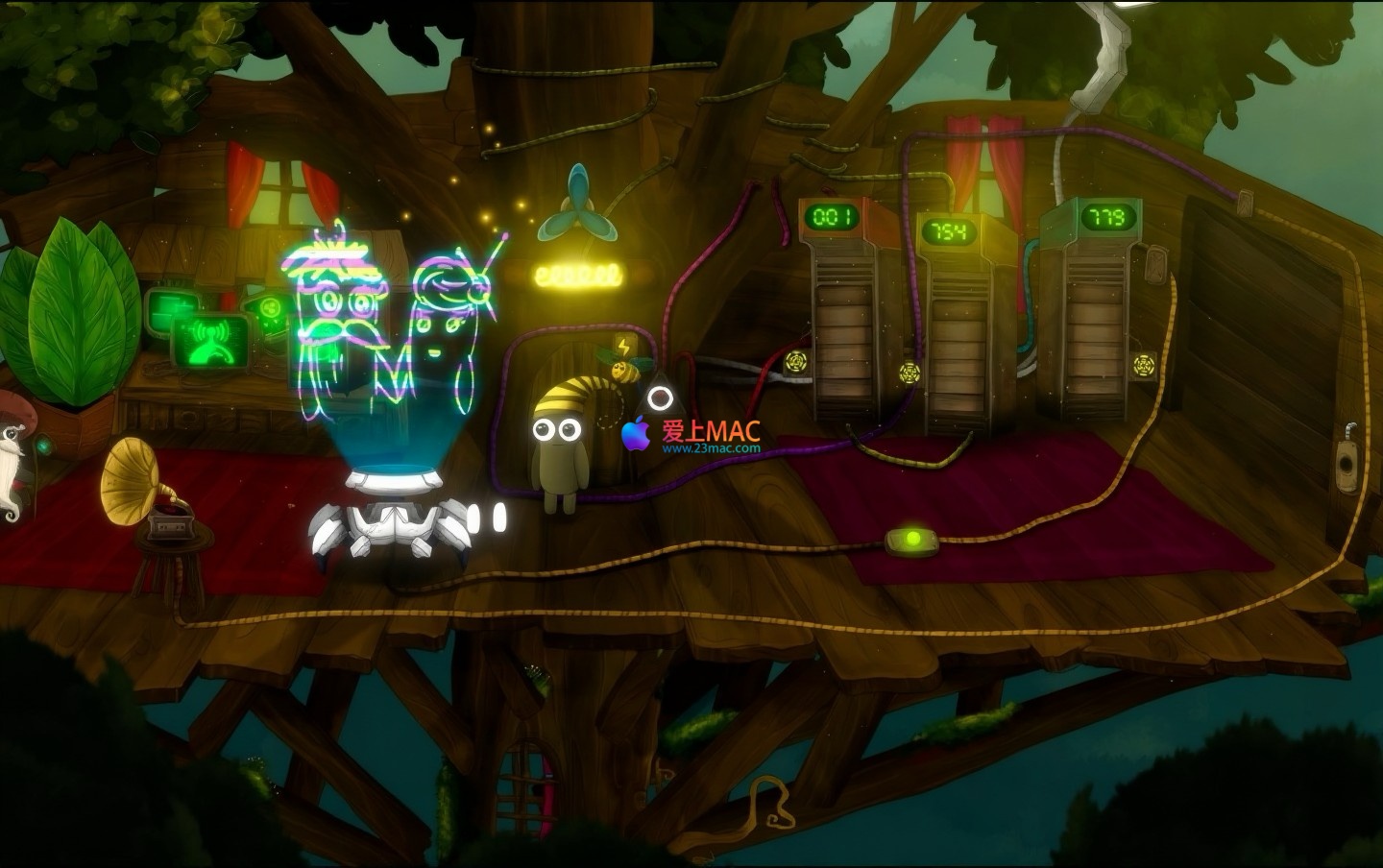
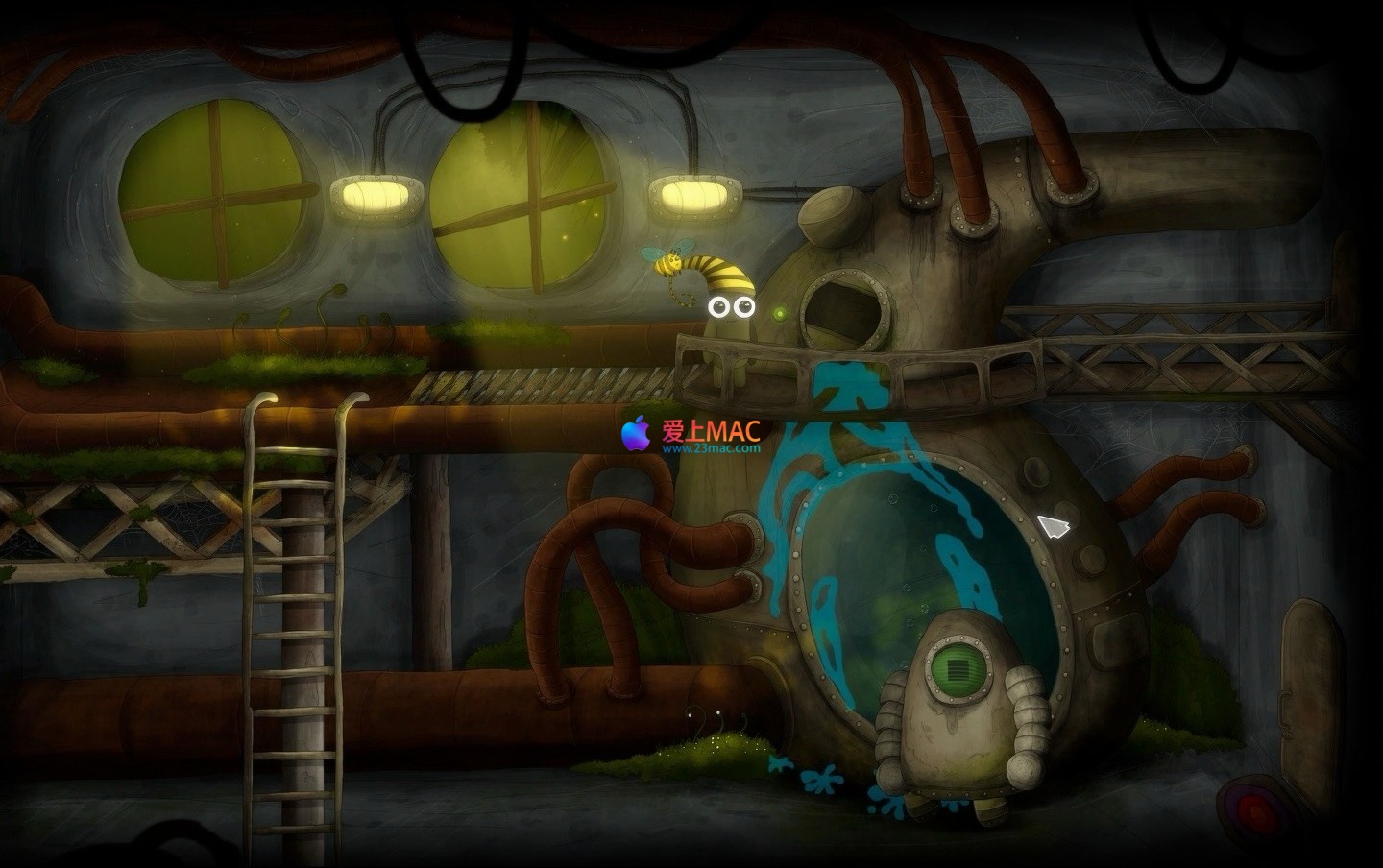
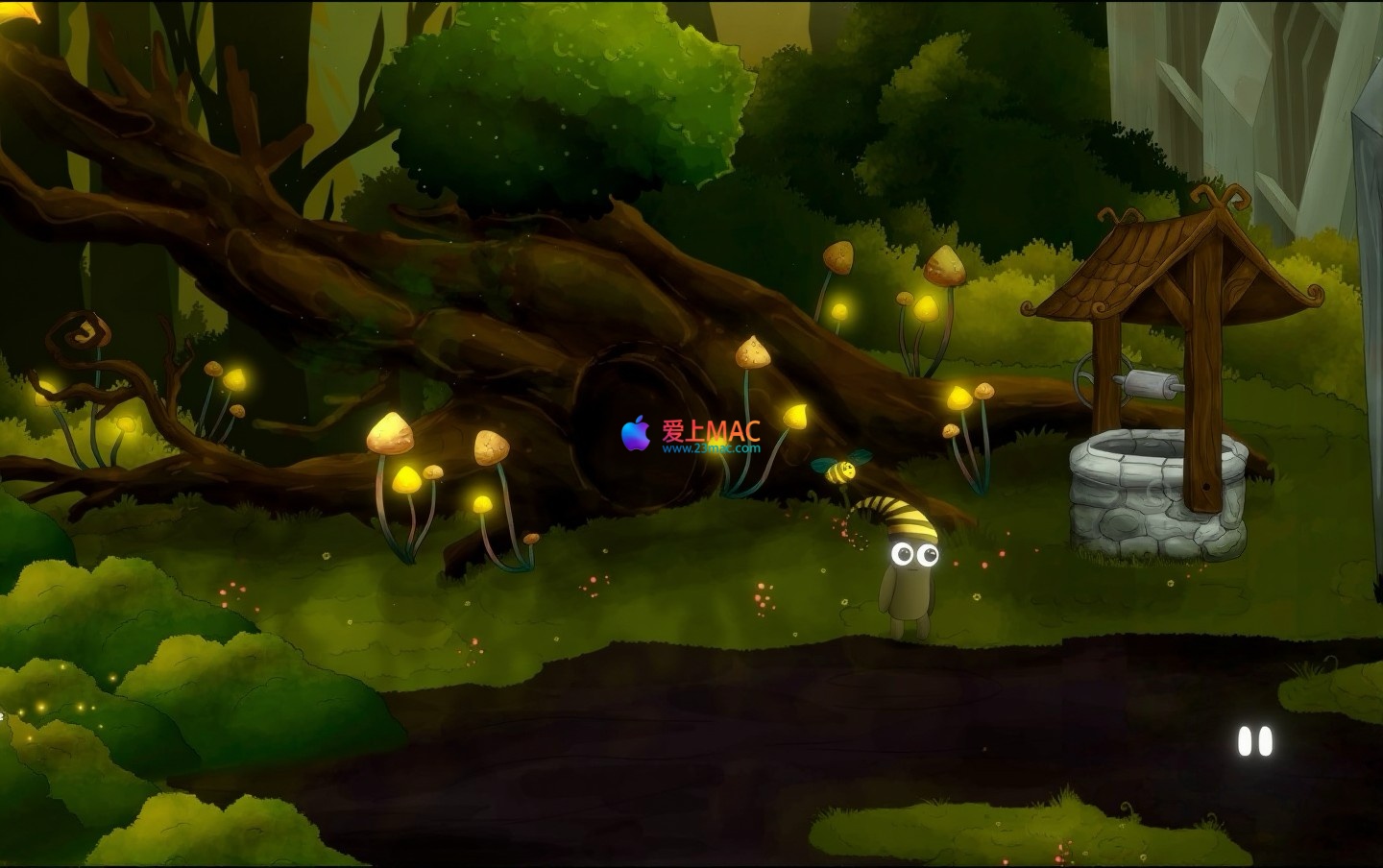
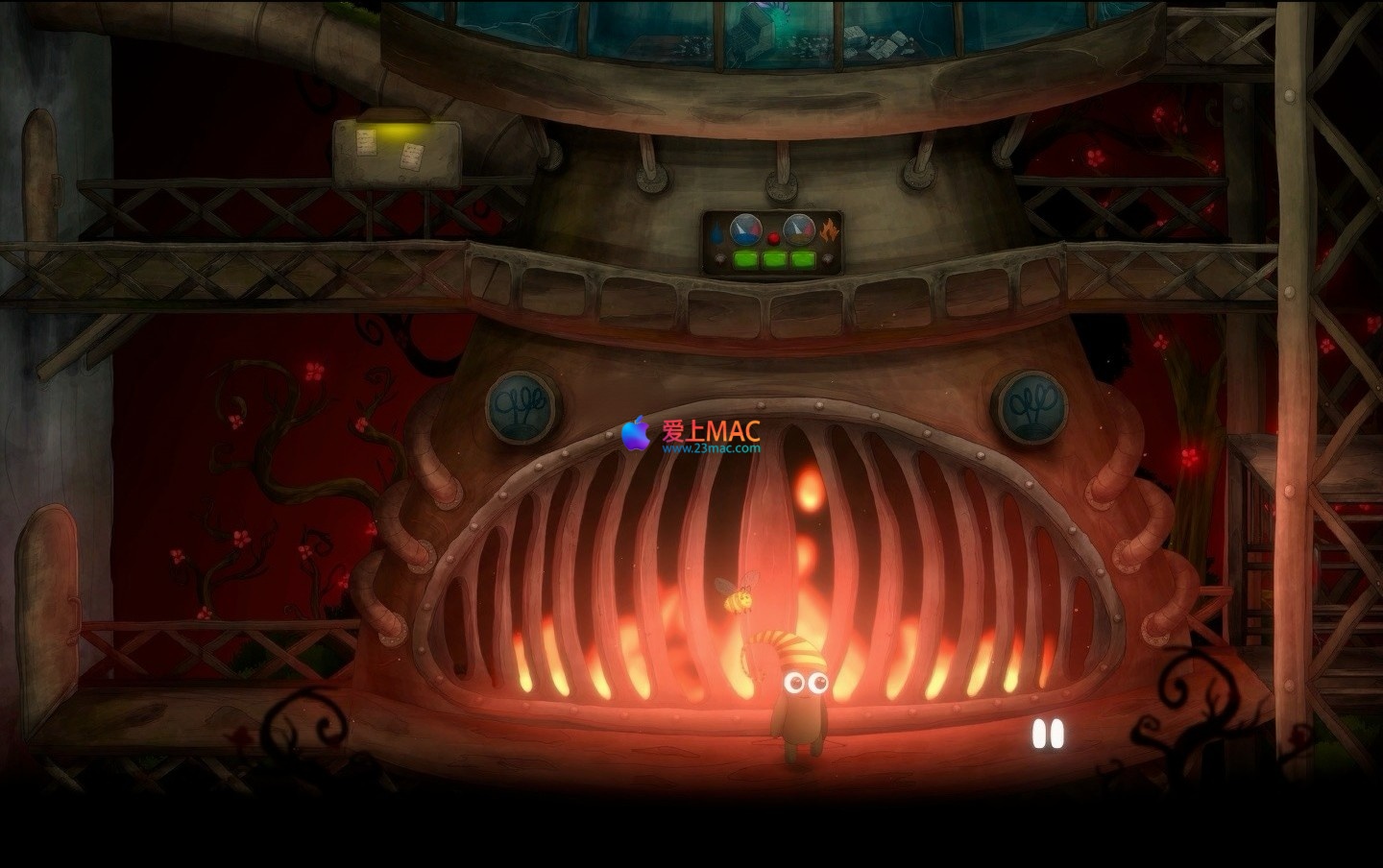
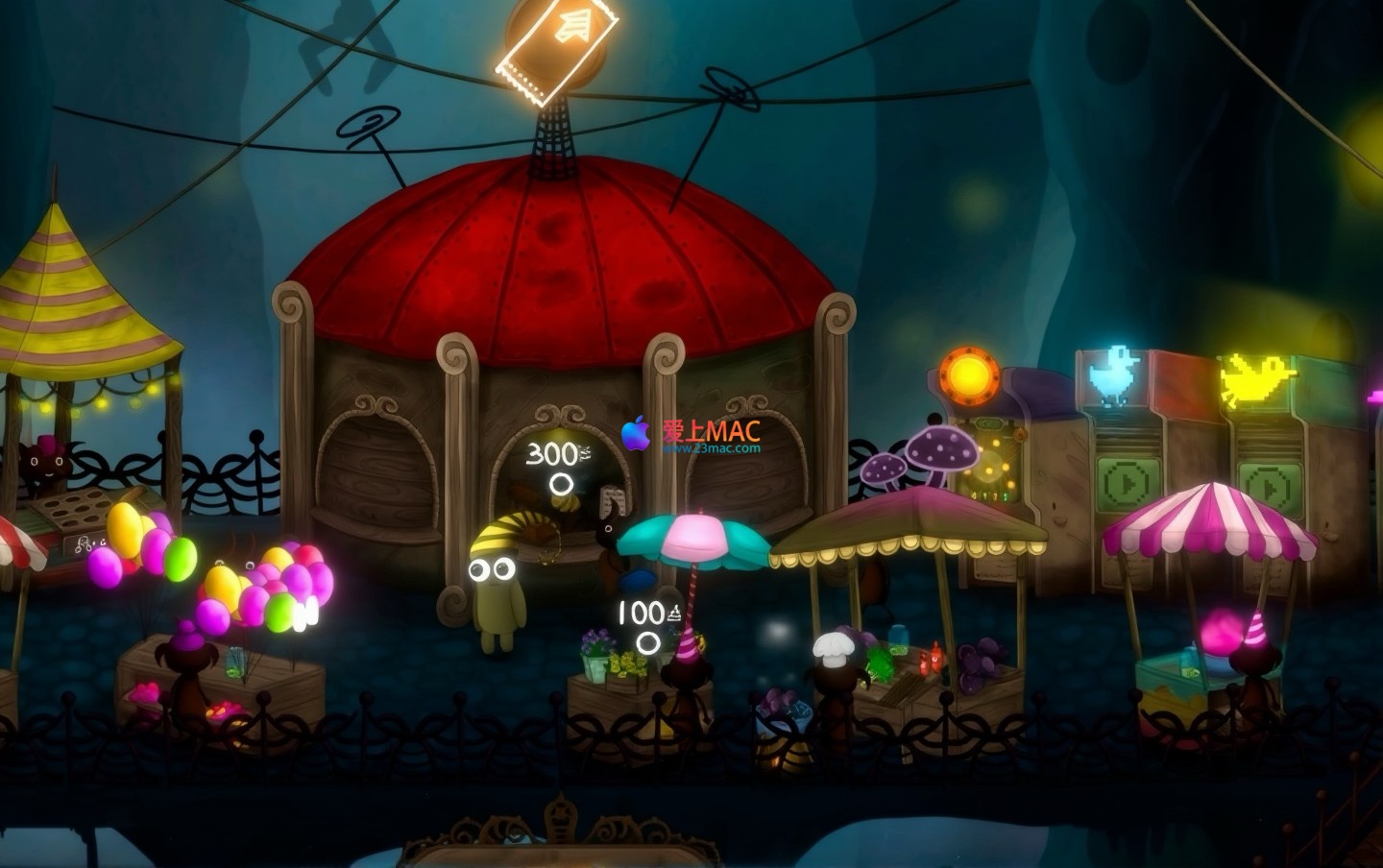
All backgrounds and characters in the game are meticulously hand-painted. The scenes are filled with details, and many seemingly insignificant corners conceal secrets. We encourage players to pause and appreciate the artwork, exploring the stories hidden within the scenes. This artistic style is highly regarded in the indie game community, with some media comparing it to a “living fairy tale book.”
Created by a professional composer, the original soundtrack perfectly complements the game’s atmosphere. The music changes with the plot, immersing you in the tranquility of exploration, the tension of puzzles, and the excitement of discoveries. In between exploration, you can also enjoy this beautiful music.
To ensure you can smoothly experience Shapik: The Quest for Mac, please follow the steps below. The entire installation process takes approximately 5-10 minutes.
Before starting, please confirm that your Mac meets the minimum requirements: macOS 10.12 or higher, at least 4GB of RAM, and 1GB of available hard disk space. It is recommended to use a Mac device from 2015 onwards.
Click on the download link provided on the page to obtain the DMG mirror file. After downloading, double-click the DMG file to mount it to your desktop. You will see a window containing the game icon.
Drag the game icon (Shapik.app) directly to the “Applications” folder. This is the standard installation method for Mac software, requiring no additional configuration. After dragging, the system will automatically complete the copy.
Open the “Applications” folder, find the Shapik icon, and the system will prompt “Unable to verify developer.” To bypass the Gatekeeper’s default restrictions, go to “System Preferences” → “Security & Privacy,” and click the “Open Anywhere” button. This is to ensure the game runs smoothly.
If the game cannot launch, check if SIP (System Integrity Protection) is disabled. Some older games require disabling SIP. Restart your Mac and press Command+R to enter Recovery Mode, then input “csrutil disable” in the Terminal.
Here are the most common issues encountered by players during installation and gameplay, along with detailed answers:
First, update your graphics drivers to ensure your macOS version is the latest. If the issue persists, try lowering the graphics settings in the game settings. We found that disabling “Dynamic Shadows” can significantly improve stability.
By default, game save files are saved in the “~/Library/Application Support/Shapik/” directory. If you reinstall your system, back up this folder beforehand. We recommend manually backing up this folder weekly.
The game only supports English interface. However, the story is mainly conveyed through animated sequences, making language barriers minimal. If you need a Chinese patch, you can check community forums where some players have created unofficial Chinese translations.
Yes, the game natively supports Xbox and PS controllers. After connecting the controller, go to the settings menu and select “Controller” to automatically recognize it. We recommend using controllers for exploration, as they offer smoother operation.
If your download speed is below 1MB/s, try switching to a different network environment. We tested that using wired network is 30% faster than Wi-Fi. Additionally, avoid downloading during peak hours for better performance.
In the game settings, set “Render Resolution” to “100%” and disable “Anti-Aliasing.” If your Mac is an Intel chip, enabling “Low Power Mode” can balance performance.
You can visit our official forum or search for “Shapik walkthrough” to view video guides. We update a puzzle analysis post weekly to assist players who are stuck.
Yes, the game supports multiple monitors. You can choose the primary display in the display settings. However, we recommend playing on a single screen to avoid mouse drift caused by switching between screens.
You can leave a message on the page’s contact section or send an email to our customer service. We promise to respond within 48 hours and fix known issues in the next version.
No, this version is a full edition with no in-app purchases or ads. You can purchase it once to enjoy all content without any interference.
Mastering these shortcuts can make your gameplay in Shapik more efficient. Below is a table of the most practical combinations:
| Shortcut | Function | Applicable Scenarios |
|---|---|---|
| Command + Q | Quickly exit the game | Use when you need to exit immediately |
| Command + H | Hide the game window | Use temporarily to switch to other applications |
| Command + Tab | Switch applications | Commonly used for multitasking |
| Command + Shift + 3 | Full-screen screenshot | Record memorable game moments |
| Command + Shift + 4 | Region screenshot | Capture specific puzzle regions |
| Command + Option + Esc | Force quit application | Use as a last resort when the game freezes |
| Command + Space | Open Spotlight search | Quickly find game files |
| Command + C / V | Copy / Paste | Share game screenshots or guides |
Moreover, the game also supports custom shortcuts. You can bind commonly used operations to convenient positions in the settings menu under “Control”.
To help you get up to speed faster, we have compiled three real-case examples, covering puzzles, exploration, and performance optimization:
The clues for puzzles in the game are hidden within the “Thought Clouds” animations. For example, the direction of a leaf’s movement at the entrance of the forest hints at a hidden path. It is recommended that you watch each animation at least twice at a slower speed. We tested and found that 90% of puzzles can be solved by carefully analyzing the animations.
The sounds in the game are not just background noises but also hints. When you get close to hidden items, the background music will become quieter. We suggest wearing headphones to play, so you can more clearly capture the subtle changes. For example, in the scene of the waterfall, the rhythm changes of the water flow point to a hidden treasure chest.
If you encounter lag on a Mac from 2017, you can enter the settings and set “Texture Quality” to “Medium” and disable “Ambient Occlusion”. We tested and found that these adjustments can increase frame rate by more than 20%, with little impact on the visual experience.
This is a challenging point in the early part of the game. You need to collect three magic stones, hidden in tree holes, behind the waterfall, and under the statue. The first step is to observe the “Thought Clouds” at the entrance of the tree hole, which will display a pattern of a password. The second step is to use this password to open the dark door behind the waterfall. The third step requires you to step on the stones in a specific order, which can be found in the arrangement of leaves.
The game has a hidden ending that requires collecting all “Memory Fragments”. These fragments are scattered in various corners of the scenes, often requiring additional puzzles to be obtained. We suggest that after completing the game, you re-explore each map, especially those that seem unreachable. After collecting all fragments, trigger the hidden storyline at the final scene’s altar.
Here are some screenshots of the game “Shapik: The Quest for Mac v1.4”:
“Shapik: The Quest for Mac” is a game worth savoring. It has unique artistic styles and narrative techniques, especially suitable for players who enjoy puzzles and exploration. We recommend that you allocate at least 3 hours for the full game experience and try to play in a quiet environment to fully appreciate its music and visuals.
If you encounter any issues during installation or play, please feel free to contact us through the contact information provided on the page. Our team will continuously update the game version to ensure compatibility with the latest macOS system. When you upgrade to macOS Sonoma, the game will still run stably.
Lastly, don’t forget to follow our website to get more Mac game reviews and download resources. We will select a quality game every week and provide tested download links. Wish you a pleasant gaming experience!
This resource requires login to download
Log in
Adobe Photoshop CC 2019 for Mac v20.0.2 Chinese Activation Download
Downloads:1929 | 2026-10-21

Master Typing 3 for Mac v15.15.0 Chinese Activation Download
Downloads:340 | 2026-10-20

Disk Drill Enterprise for Mac v5.4 Data Recovery Software Chinese Activation Version Download
Downloads:559 | 2026-10-19

PeakHour 4 for Mac v4.1.13 Network Bandwidth Visualization Tool Activated Version Download_macOS
Downloads:1489 | 2026-10-17


Ratings & reviews
5
(Maximum 5 ratings, total 53 user reviews)
Let’s rate it.