



Mp3Tag for Mac v1.12.1 Chinese Activation Version Download
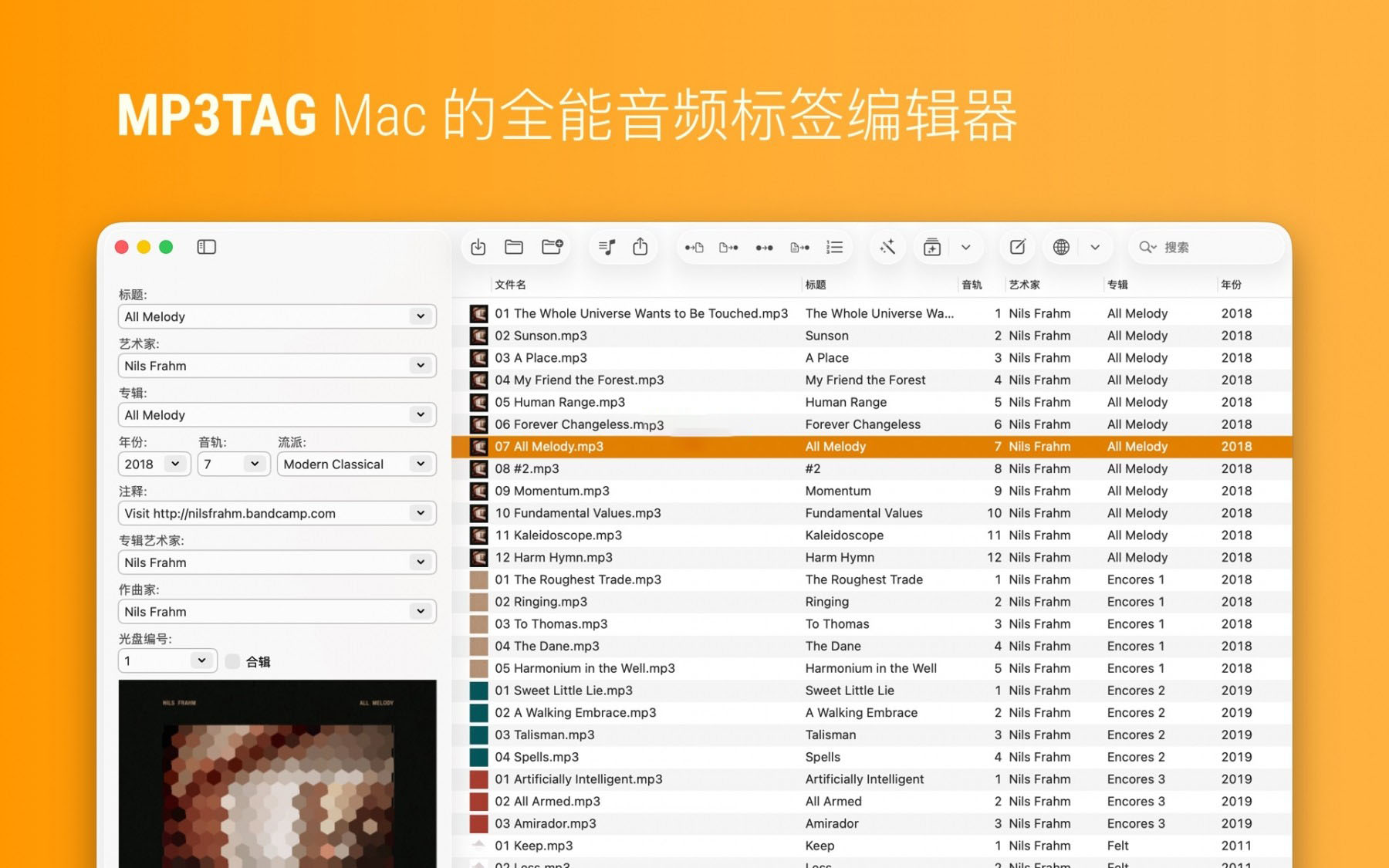
Mp3tag is a versatile tool for editing metadata of audio files, suitable for musicians, DJs, podcasters, and music enthusiasts. It is user-friendly and can handle various audio formats including MP3, MP4, and M4V (yes, video!) as well as FLAC, OGG, OPUS, AIF, DSF, MPC, and WAV. It supports searching for data from Discogs and MusicBrainz, allowing users to download album covers and matching tags for their music library. Mp3tag also offers features such as renaming files based on tag information, replacing characters or words in filenames, importing tag data, and adjusting the size and image format of embedded covers.
Given the repetitive and tedious task of organizing a digital music library, Mp3tag allows users to group multiple tasks into action sets, ensuring a consistent and organized workflow. These action sets can format tag fields, perform case conversions, remove unnecessary fields, or adjust embedded covers to match desired sizes.
## Key Features
– Batch edit tags for multiple files.
– Edit album art.
– Rename files based on tag information.
– Import metadata from filenames.
– Use the automatic numbering wizard to assign track and disc numbers.
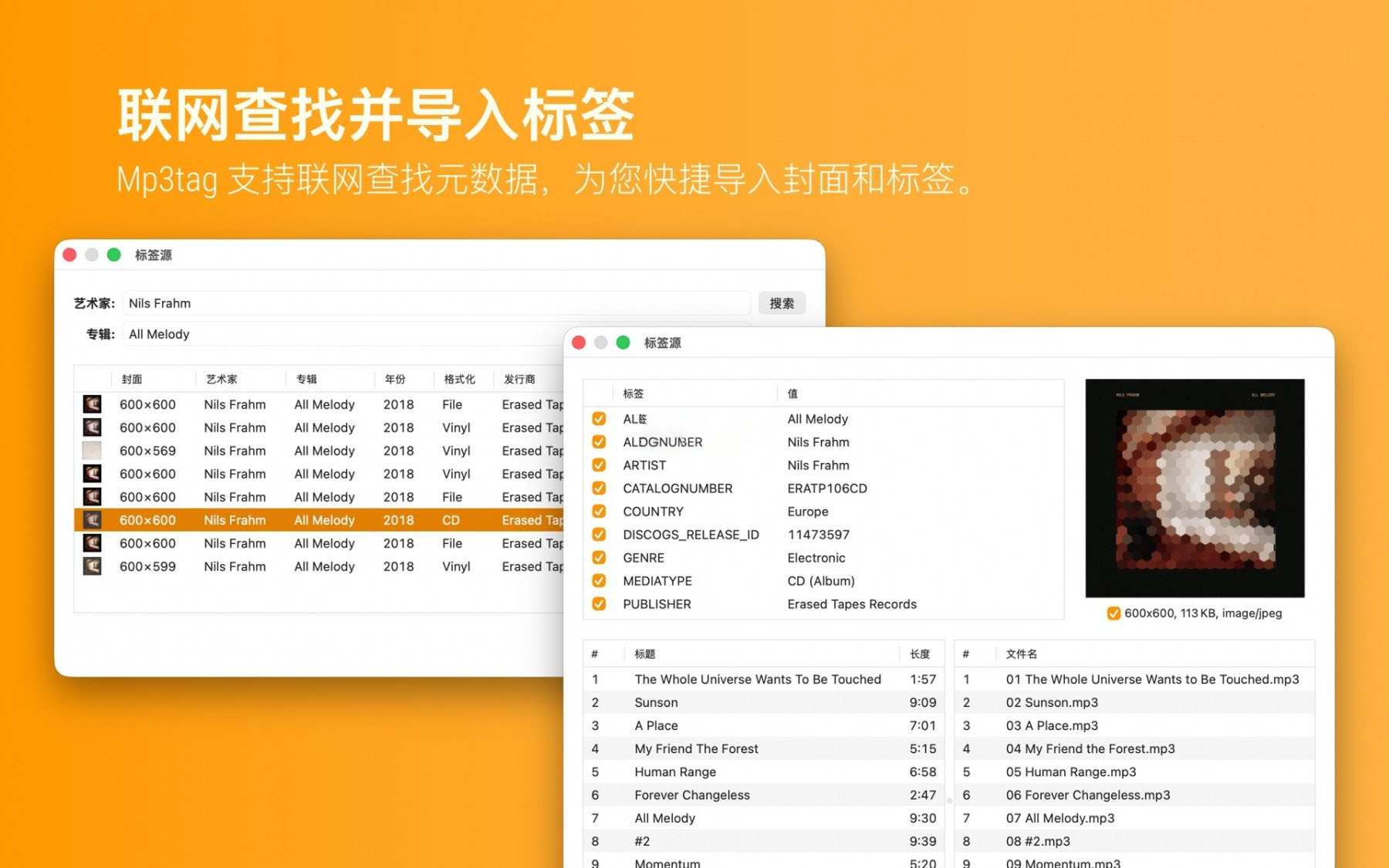
– Import metadata from online tag sources.
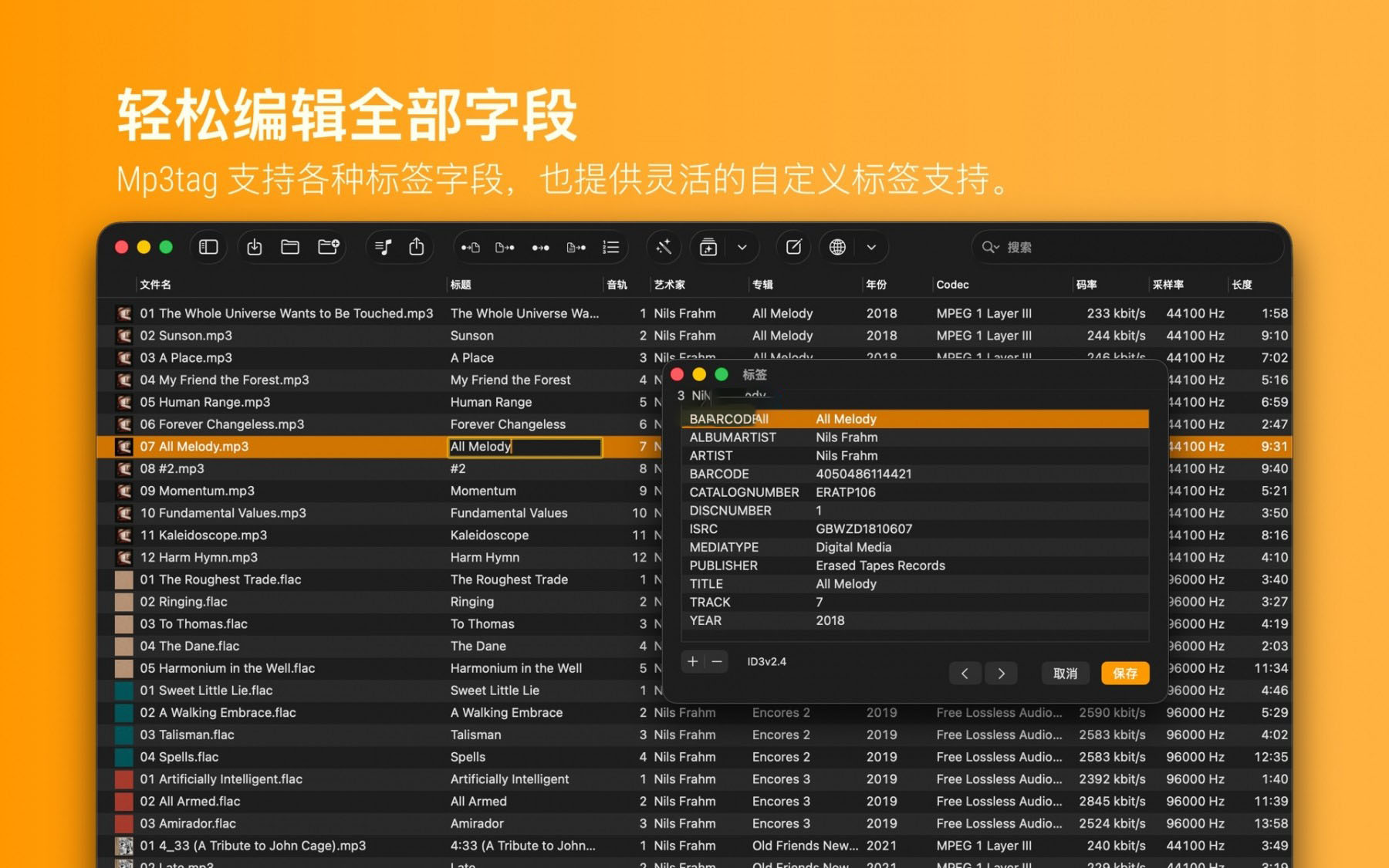
– Flexible tagging features to allow users to customize tag fields in a standardized way.
– Apply action sets to reusable workflows across various file types.
– Handle a variety of file types in a unified software interface.
## Supported File Formats
– MP3 (ID3v1, ID3v2.3, UTF-8 encoded ID3v2.4)
– MP4 / M4A / M4B / M4V (iTunes and Nero)
– FLAC (Vorbis annotations)
– OGG (Vorbis annotations)
– OPUS (Vorbis annotations)
– AIF (RIFF INFO and RIFF ID3)
– DSF (ID3v2)
– MPC (APEv2)
– WAV (RIFF INFO and RIFF ID3)
– MKA / MKV / WEBM (Matroska)
Version 1.12.1 Update Highlights:
【New Features】
– Support for macOS 13.3 (Tahoe) Liquid Glass effect, with system compatibility optimizations.
– Added “Manage Covers…” feature in the Cover menu (shortcut: ⇧⌘C) to perform operations such as adding, removing, replacing, adjusting parameters, and reordering embedded covers for individual or multiple files.
– Added a “Cover” submenu in the Edit menu to consolidate all cover-related functions.
– Added a shortcut for adding covers: ⇧⌘A.
– Added a “Quick Preview” feature in the Display menu, with shortcut ⌘Y.
– Added a “Quick Preview” entry in the right-click context menu.
– Support for specifying full file paths for exported files and playlist files.
【Changes, Improvements, and Fixes】
– Fixed the `SayFormat` function in the Web data source framework to support the optional second parameter mentioned in the official documentation.
– Fixed the issue where files opened via “File → Open” but not explicitly opened would fail when using quick previews due to sandboxing errors.
– Fixed a feature regression issue: when the “Advanced → Reuse Unmodified MP4 atoms” setting is not enabled, Mp3tag would mistakenly delete unknown MP4 atoms during file rewriting.
Software Screenshots:
This resource requires login to download
Log in
PDF Squeezer 4 for Mac v4.3 Chinese Activation Version Download
Downloads:2409 | 2026-10-27

Carbon Copy Cloner for Mac v5.1.16 Chinese Translation and Activation Edition Download
Downloads:3201 | 2026-10-19

File Cabinet Pro for Mac v7.9.5 Serial Key Download
Downloads:1647 | 2026-10-18

App Cleaner & Uninstaller Pro for Mac v8.5 Software Uninstaller Chinese Activated Version Download
Downloads:303 | 2026-10-17


Ratings & reviews
No rating
Let’s rate it.