

Hype 4 Pro for Mac v4.1.22 HTML5 Interactive Animation Creation Tool Chinese Version Download
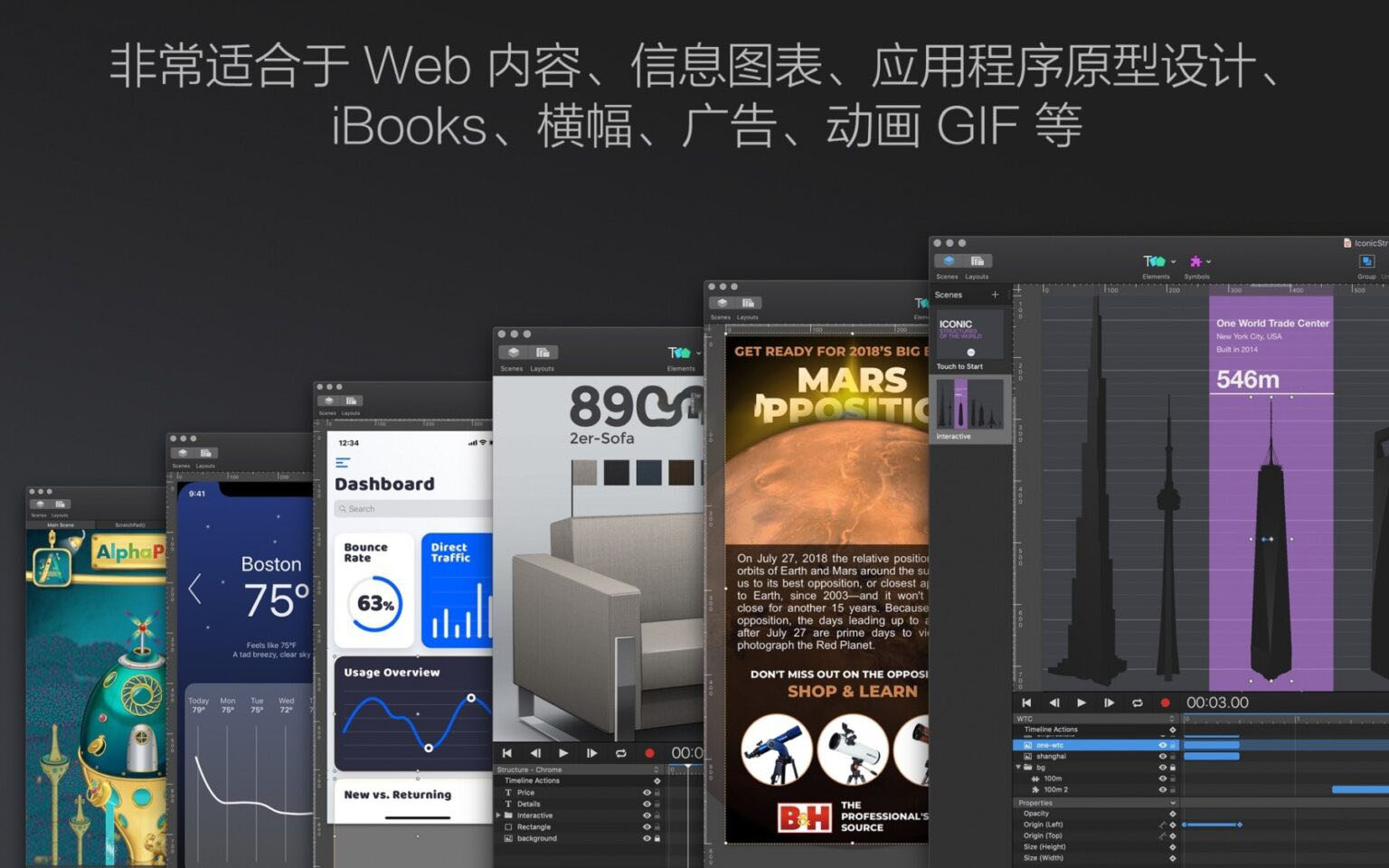
Hype 4 Professional is a professional-grade HTML5 interactive animation creation tool, featuring a visual no-code workflow that allows you to quickly create web animations, interactive pages, rich media ads, H5 presentations, and more. The software is based on a keyframe animation system and comes with a rich set of interaction triggers, ultimately outputting standard HTML5/CSS3/JavaScript code that runs smoothly on all platforms and browsers, desktop and mobile, without the need for plugins.
Features:
#### 1. Core Animation Creation System
– Complete keyframe-based animation system with one-click recording mode: keyframes are automatically generated when you manipulate elements, and you can also manually add, delete, and drag to adjust keyframes for precise animation control.
– Bezier curve motion paths: add arbitrarily complex motion trajectories to elements, adjusting curve arcs via control points to achieve natural and smooth displacement effects.
– Multi-timeline parallel mechanism: supports creating multiple independent timelines to separately manage the animation logic of different elements, and you can trigger specified timelines to play via various events.
– Relative keyframe feature: supports animation offset calculations based on the element’s current state, adapting to flexible scenarios such as dynamic interactions and component reuse.
– Rich easing effects: built-in 29 preset easing functions; the Pro version supports custom easing with Bezier curves and JavaScript mathematical equations, and easing presets can be reused within the document.
– Vector shape morphing: supports smooth transition morphing between vector graphics with different numbers of anchor points; the Pro version provides a direct anchor point matching algorithm, greatly improving morphing precision and naturalness.
#### 2. Interaction and Event System
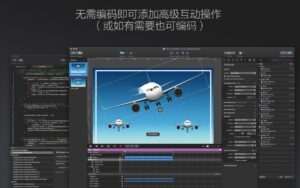
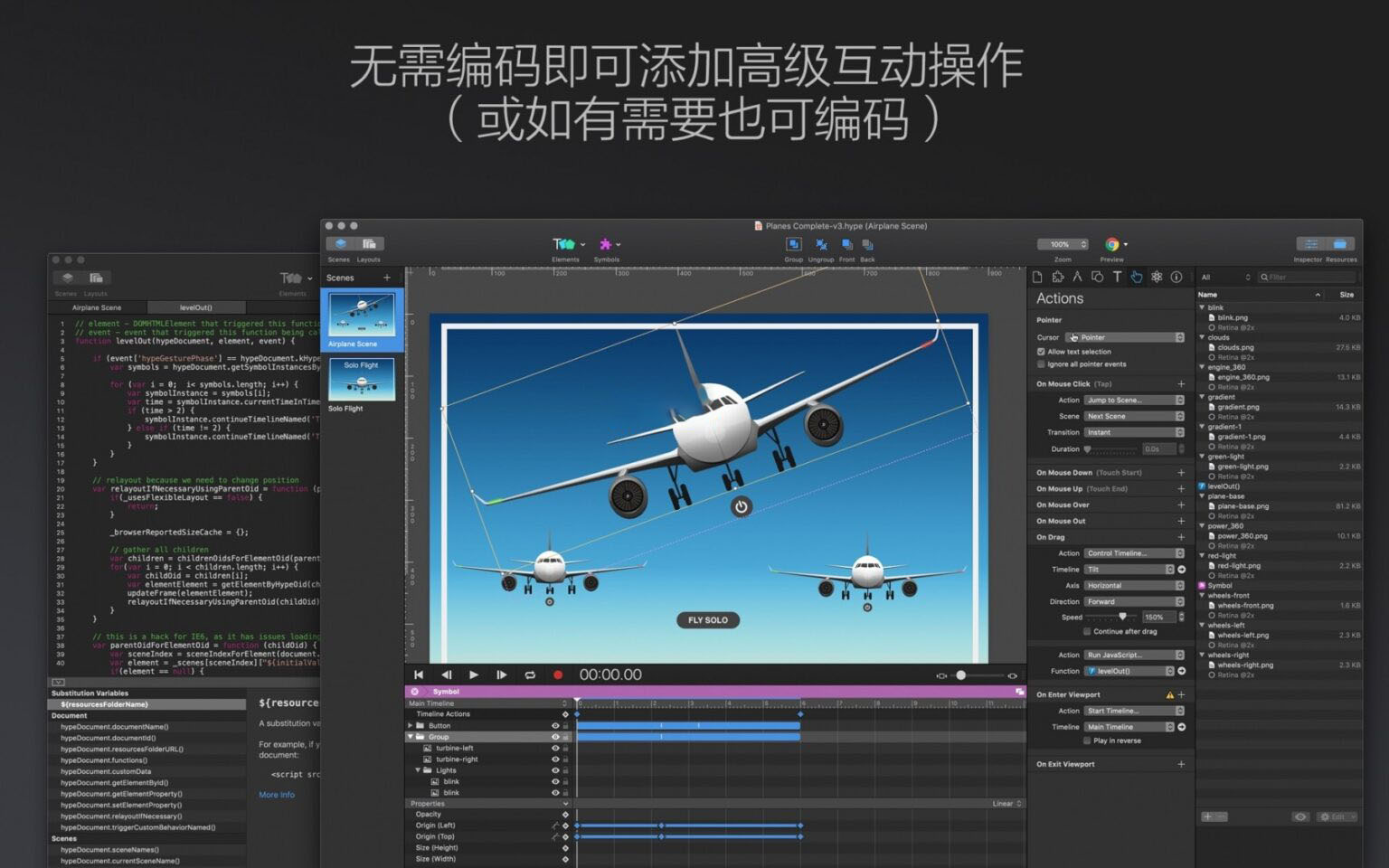
– Full-scenario visual interaction configuration: bind trigger events to elements without writing code, covering mouse clicks, hover, mouseout, drag, as well as mobile touch, swipe, gestures, and more.
– System event support: supports system-level events such as scene load completion, timeline playback end, and viewport scrolling to trigger actions.
– Rich action types: can trigger scene transitions, timeline play/pause/jump, audio and video control, page navigation, running custom JavaScript code, and more.
– Drag timeline binding: bind drag operations to timeline progress, directly controlling animation playback progress through drag gestures for immersive sliding interactions.
– Pro-exclusive · Scroll Waypoints: automatically trigger specified actions or timelines when elements enter or exit the browser viewport, easily achieving long-page scroll interaction effects.
#### 3. Pro-Exclusive Core Capabilities
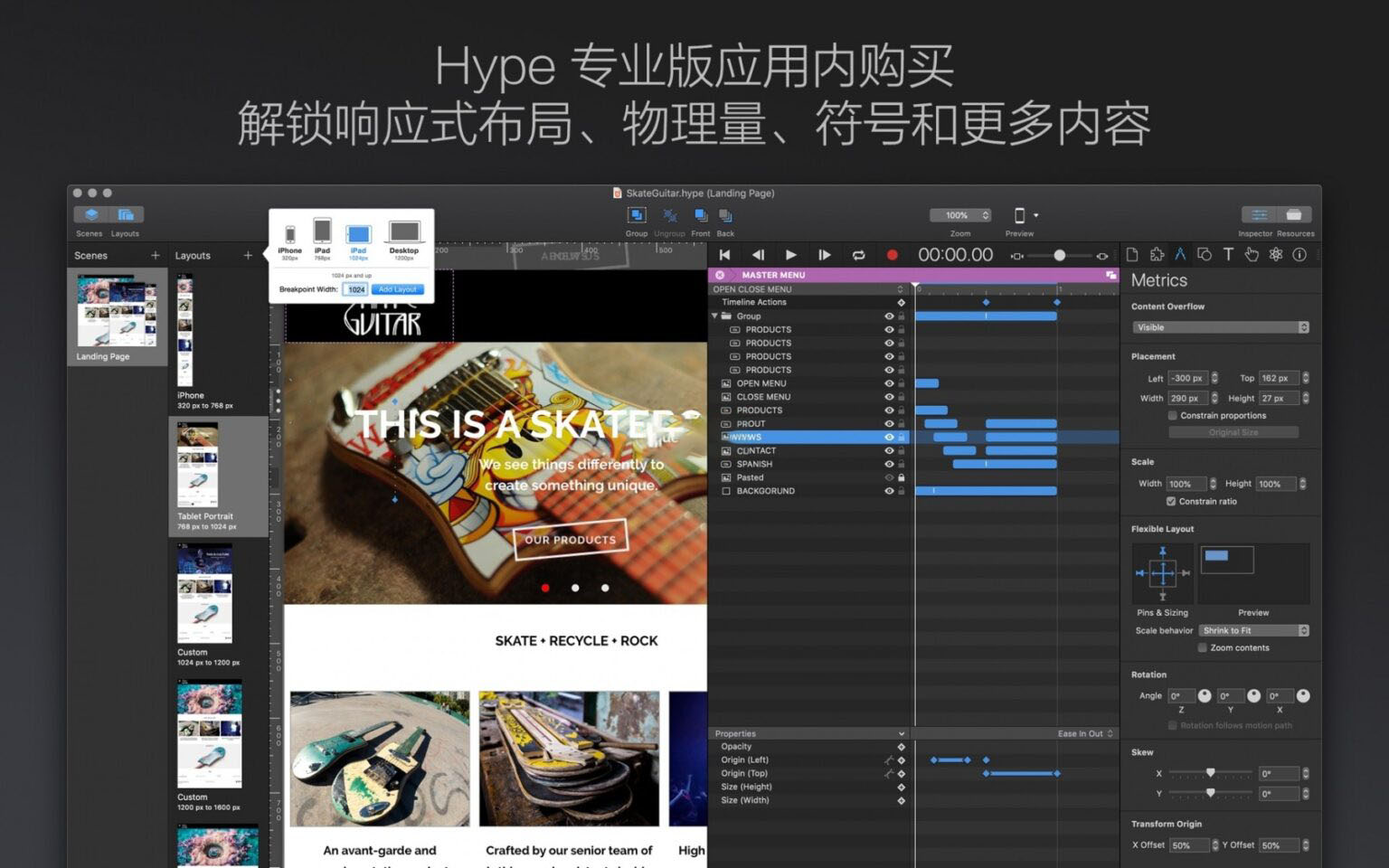
– Responsive layout: customize multiple screen breakpoints and create independent layouts for different sizes, automatically adapting to desktops, tablets, phones, and other devices.
– Componentized Symbols: encapsulate animations and element combinations into reusable components that support nesting; modifying the main symbol updates all instances synchronously; the Pro version supports persistent symbols for global sharing of main content across scenes.
– Physics animation engine: give elements realistic physical motion effects without keyframes or code; customize elasticity, friction, air resistance, and density parameters, and support dynamically adjusting scene gravity based on device gravity sensing.
– Precise grid system: based on the classic 960 grid system, customize column widths and gutters for pixel-perfect layout and alignment.
– Custom Behaviors: encapsulate complex action combinations into custom behaviors, edit once and call multiple times, simplifying the creation of repetitive interaction logic.
– Sprite sheets: support importing external sprite sheet assets, and automatically composite image sequences and animated GIFs into sprite sheets to optimize frame animation loading performance and runtime efficiency.
#### 4. Vector and Visual Effects
– Built-in vector drawing tools: includes polygon, pen path, freehand pencil, and other tools to draw scalable vector graphics directly on the canvas.
– Full-dimensional graphic transformations: supports scaling, rotation, skewing, 3D perspective transformation, and other deformation effects.
– Rich visual effects: supports blur, drop shadow, inner shadow, reflection, image color adjustment filters, and more, with real-time preview and adjustment.
– Font system: supports system fonts, custom web fonts, and Google fonts, adapting to multilingual typography and animation needs.
#### 5. Export and Delivery Capabilities
– Standard web export: natively outputs pure HTML5/CSS3/JavaScript code with no third-party plugin dependencies, compatible with mainstream browsers on all platforms, with backward compatibility down to IE6.
– Pro-exclusive · Advanced export optimization: supports official CDN-hosted runtime files, extremely compressing the export package size, with the smallest compressed package as low as 1.9KB.
– Multi-format output: supports exporting MP4/ProRes 422 videos (customizable bitrate), APNG animated images, OAM components, iMessage stickers, and more.
– Commercial advertising adaptation: the Pro version provides standard export specifications for rich media ads, supports fallback images, and ensures compatibility in delivery scenarios.
– Developer-friendly: supports adding custom HTML data attributes for easy integration with front-end development workflows and CMS systems.
#### 6. Workflow and Interface
– WYSIWYG editing: an editing canvas based on the WebKit engine, with editing effects highly consistent with final browser runtime effects.
– Pro-exclusive · Free layout interface: all function panels support free dragging and combining, allowing you to customize the interface layout according to your work habits.
– Dual theme adaptation: supports switching between light and dark interface themes.
– Real-time mobile preview: with Hype Reflect, preview your work in real time on iOS devices, debugging while creating.
– Efficient shortcuts: a full set of shortcuts covering common operations to boost creative efficiency.
#### 7. Multimedia and Resource Management
– Multimedia embedding: supports importing video and audio assets, with control over playback logic and interaction triggers.
– High-definition support: perfectly adapts to Retina and other high-resolution screens, supporting import and export of high-definition assets.
– Pro-exclusive · External editor integration: can invoke external software to edit images, code, and HTML head resources, automatically syncing back to Hype after editing.
– Resource library management: unified management of all images, audio, video, symbols, and other assets, supporting batch import, replacement, and cleanup.
Software screenshots:

Receipts for Mac v1.9.12b3 Tax, Accounting, and Finance Software Activated Version Download
Downloads:2749 | 2026-10-17

Chronicle for Mac v14.2.2 Bill Management Software Activated Version Download
Downloads:1091 | 2026-10-17

MAMP PRO for Mac v5.7 Web Development Server Environment Activated Version Download
Downloads:2729 | 2026-10-17
MAMP PRO for Mac 4.4.1 Web Local Server Environment Activated Version Download
Downloads:3084 | 2026-10-17


Ratings & reviews
5
(Maximum 5 ratings, total 81 user reviews)
Let’s rate it.