

KeyKey for Mac v3.0 Typing Tutor Practice Tool Chinese Activated Version Download
KeyKey for Mac is a professional touch typing (blind typing) training software that uses high-frequency vocabulary and common expressions from real languages as its core training material, replacing the meaningless syllable exercises of traditional typing software. Through scientific muscle memory training, it helps users efficiently improve typing speed and accuracy. The software supports multiple languages and keyboard layouts, and features intelligent adaptive courses, precise error tracking, and visual progress statistics. It is suitable for users from beginners to advanced professionals seeking to improve their typing speed, and is a lightweight and efficient tool for enhancing keyboard input skills.
Features:
#### 1. Scientific Training System
– Real corpus training: Practice content is generated based on word frequency analysis of thousands of books and articles in the corresponding language, using real everyday words and phrases rather than random meaningless syllables, so training results can be directly applied to actual work and input scenarios.
– Muscle memory oriented: Abandons the traditional “memorize the keyboard layout first” approach. Through repeated practice of high-frequency common letter combinations, fingers develop natural conditioned reflexes, building long-term stable typing muscle memory.
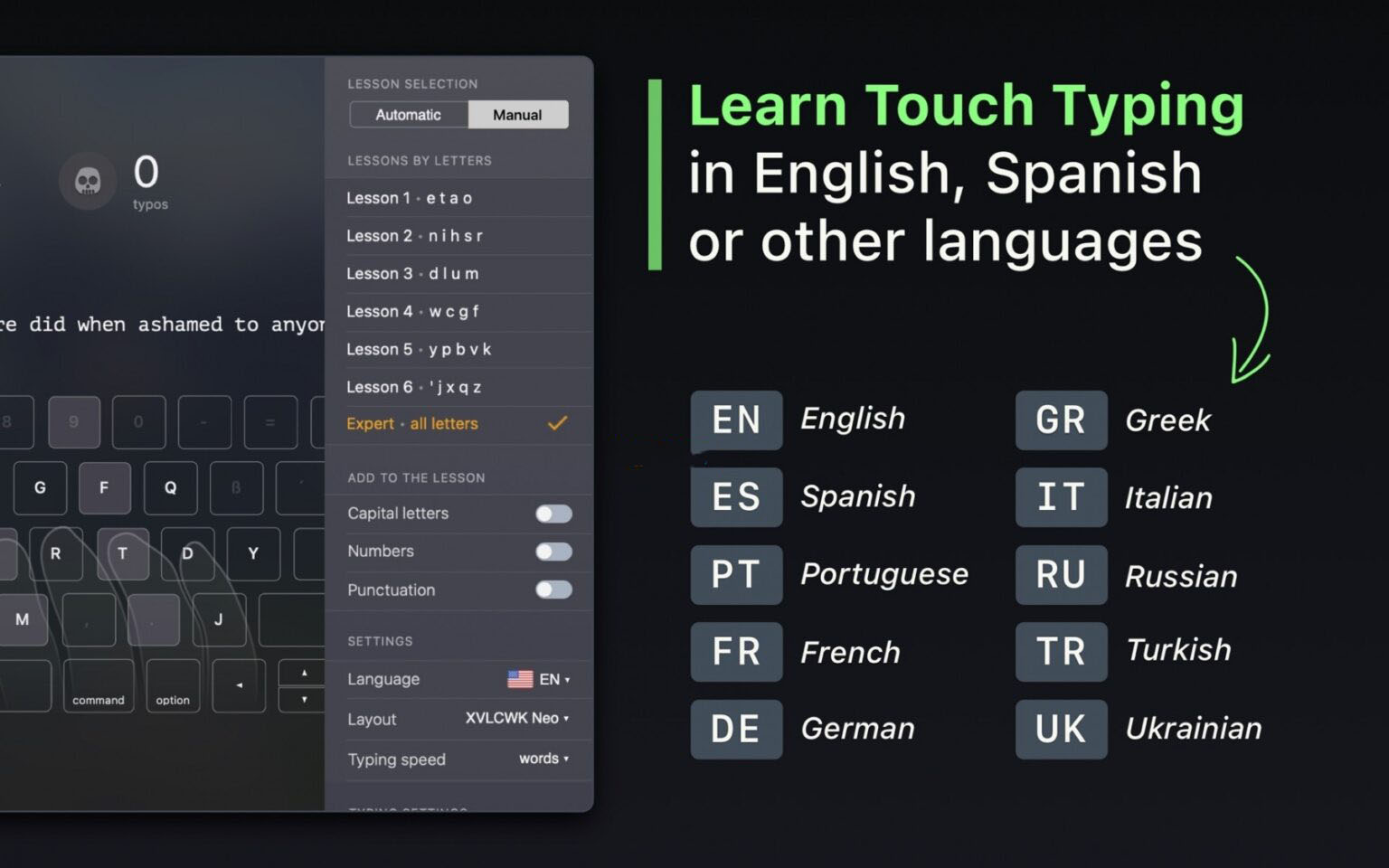
– Dual-mode training: Supports automatic and manual modes. In automatic mode, courses intelligently adjust difficulty based on real-time typing performance; in manual mode, you can freely choose starting lessons and practice content.
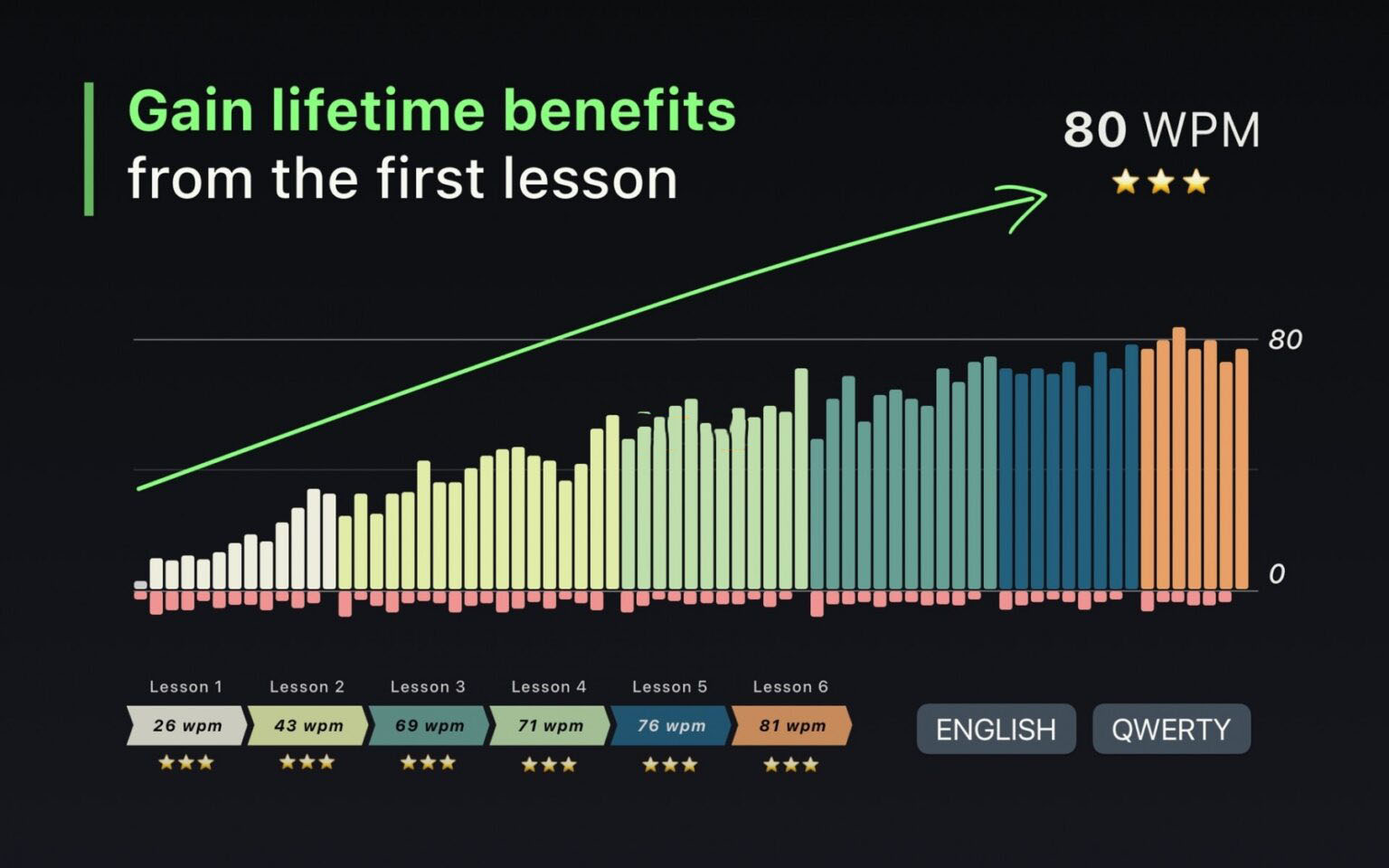
– Graded difficulty system: Offers two difficulty levels: novice and expert. Novice courses progress from basic keys, and after completing the first 6 basic lessons, expert mode is unlocked for more intensive input practice.
#### 2. Multi-language and Multi-keyboard Layout Compatibility
– Multi-language support: Covers more than ten languages including English, Russian, Spanish, German, French, Portuguese, Ukrainian, etc., with each language adapted to local word frequencies and common expressions.
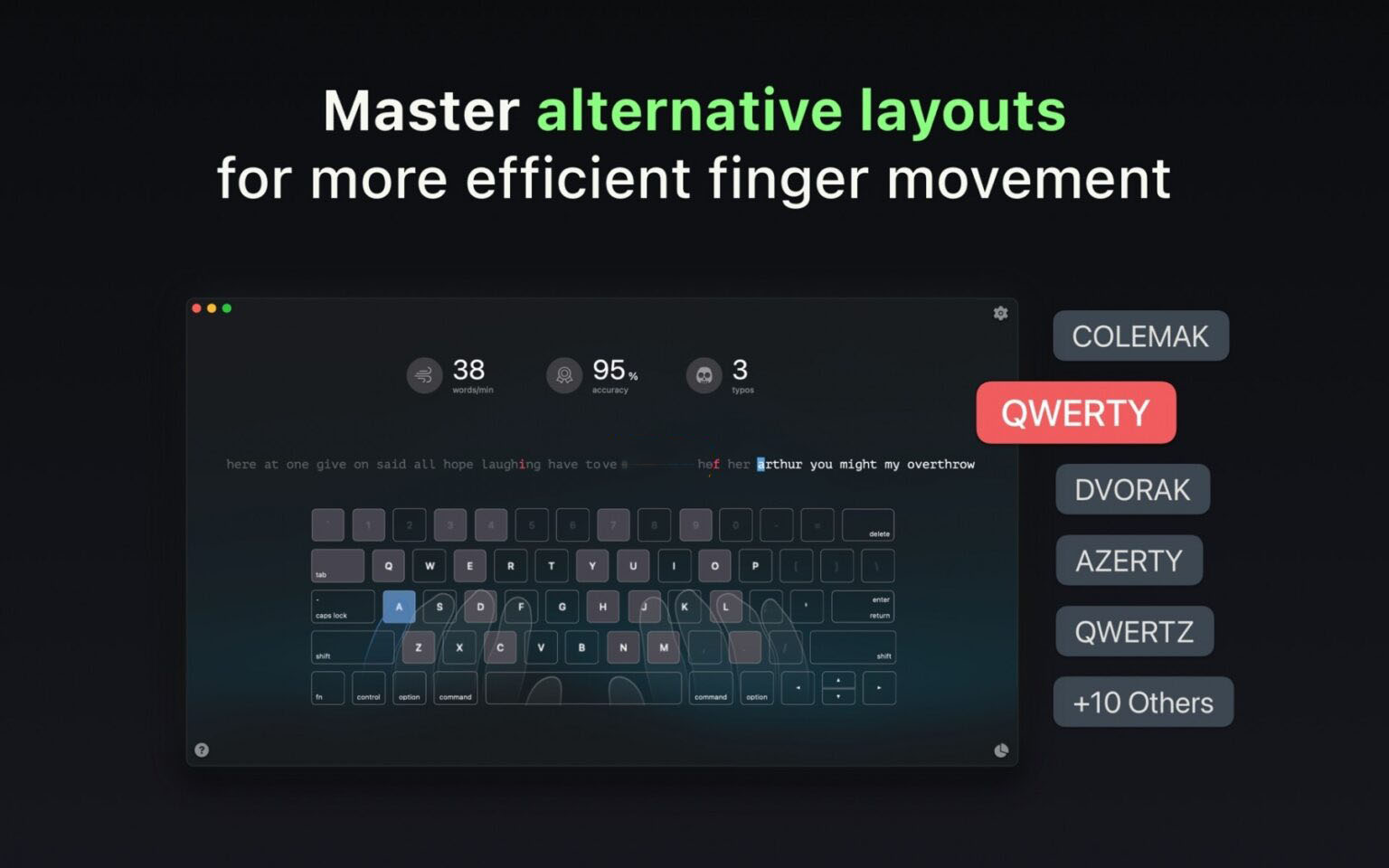
– Full keyboard layout adaptation: Supports QWERTY, Colemak, Dvorak, and other mainstream keyboard layouts, meeting different input habits and advanced layout learning needs.
– Independent progress management: Training data for different languages and keyboard layouts are stored and counted independently, allowing free switching between multiple practice systems without interference.
#### 3. Real-time Feedback and Precise Error Correction
– Real-time error highlighting: Instantly highlights input errors in red during typing, visually showing the wrong keystrokes, and correcting bad input habits immediately.
– Targeted reinforcement of error-prone points: Automatically records high-frequency error-prone letters and letter combinations, intelligently increases practice frequency for corresponding content in subsequent lessons, and targets input weaknesses.
– Virtual keyboard finger guidance: Built-in real-time dynamic virtual keyboard marks standard finger zones and corresponding key fingering, helping beginners quickly master correct key hand positions and develop standardized typing habits.
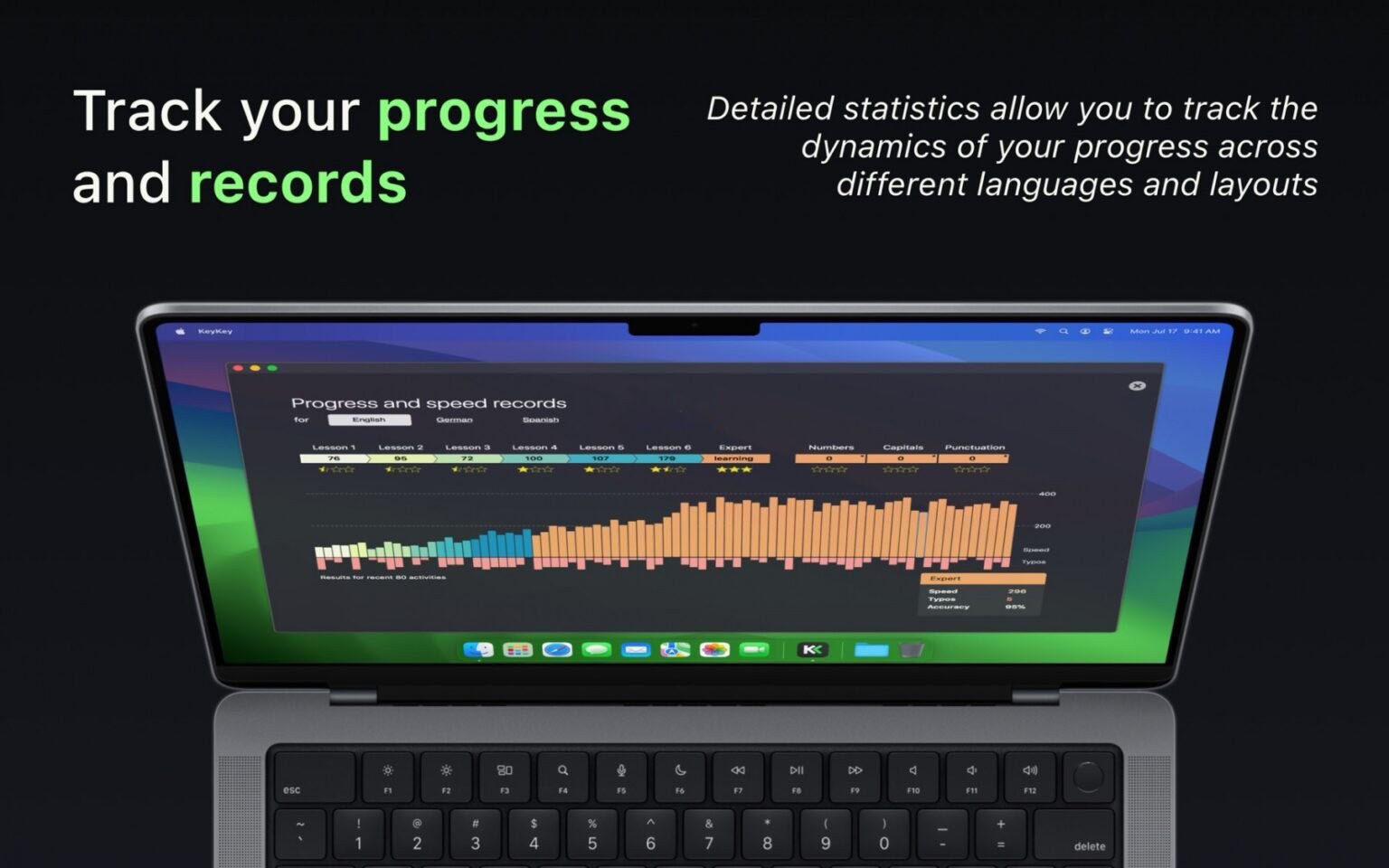
#### 4. Progress Tracking and Data Statistics
– Multi-dimensional data recording: Completely records core metrics such as typing speed (WPM), accuracy, and number of errors for each practice session.
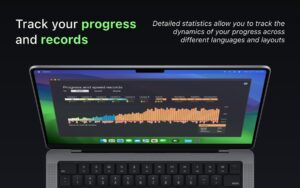
– Visualized historical progress: Presents training results by session, generates long-term progress trend curves, and visually displays the trajectory of speed and accuracy improvement.
– Capability insight analysis: Automatically analyzes typing weaknesses, identifies speed bottlenecks and high-frequency error types, and provides clear reference for future practice directions.
#### 5. Custom Practice Configuration
– Special practice modules: Freely enable special practice for uppercase letters, numbers, and punctuation to targeted improve comprehensive input skills.
– Flexible intensity adjustment: Supports custom practice length and difficulty, adjusts training intensity as needed, and adapts to different practice durations and improvement goals.
– Progressive content design: Each new lesson introduces new letter combinations while retaining consolidation practice of learned content, gradually strengthening muscle memory.
Version 3.0 Update:
– Adapted for macOS 27 Golden Gate
– Provides ANSI or ISO keyboard layout options to match your actual keyboard
– Supports hiding the on-screen keyboard for blind typing practice
– Course vocabulary has been filtered to exclude any offensive words
– Your course history and settings are automatically synced from earlier versions
– Comprehensive optimization of the entire app interface and usability
Software screenshots:
This resource requires login to download
Log in
FastTasks 2 for Mac v2.49: A Handy Tool for Troubleshooting and Activation Download
Downloads:3069 | 2026-10-19

MouseBoost Pro for Mac v3.3.1 Right-Click Assistant Professional Edition Chinese Activation Download
Downloads:3581 | 2026-10-19

Alfred 4 for Mac v4.0.4 Quick Launcher Productivity Booster Download
Downloads:2273 | 2026-10-19

Mac Weather Dock v5.5.2 Weather Forecast Software Chinese Activation Version Download
Downloads:890 | 2026-10-18


Ratings & reviews
4.9
(Maximum 5 ratings, total 18 user reviews)
Let’s rate it.