


Numbers for Mac v15.1: Create Spreadsheets Compatible with Excel Chinese Activation Version Download
<Numbers for Mac is a powerful spreadsheet application suitable for various scenarios, from household budgets to commercial invoices. It offers a rich library of Apple-designed templates to help users get started quickly. With its flexible layout canvas, you can freely add tables, charts, text, and images, and analyze and dynamically display data through interactive charts, data pivots, and hundreds of built-in functions.
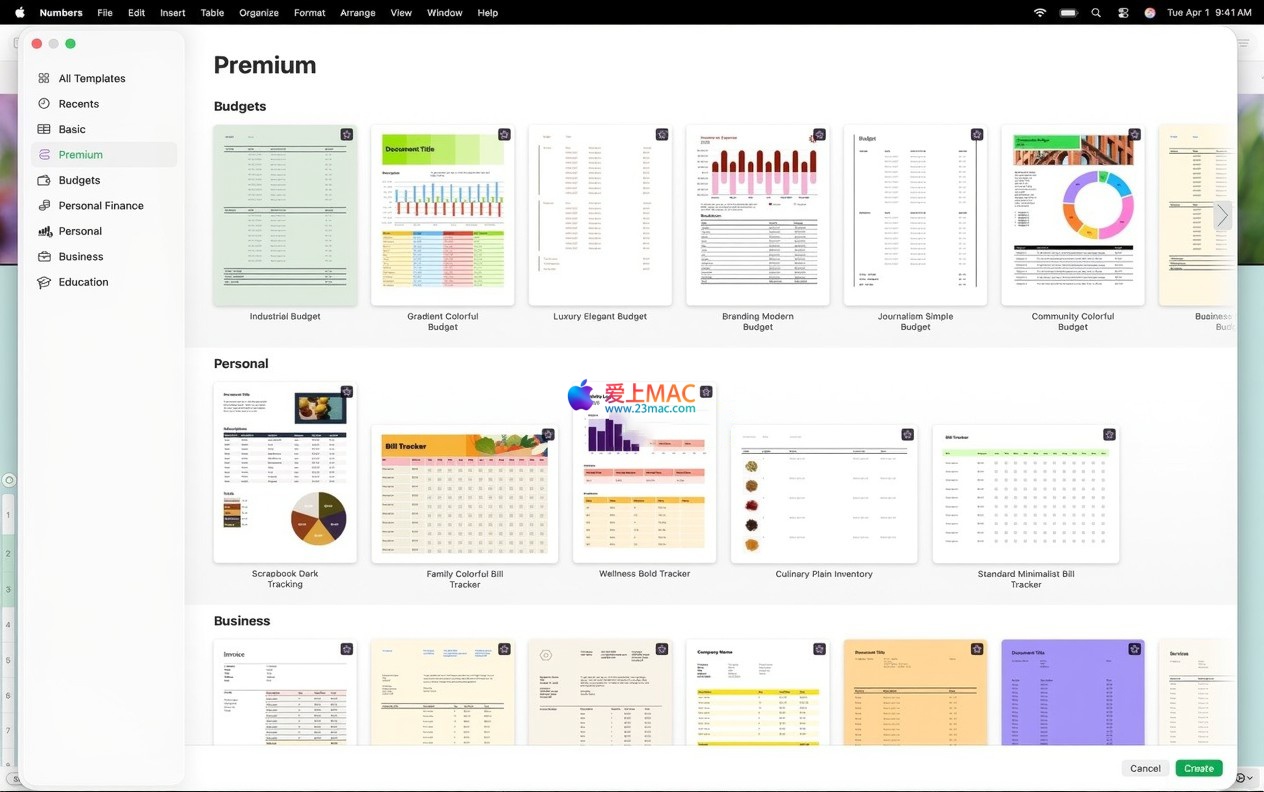
Numbers provides convenient cross-platform usage experience and a rich set of startup resources:
Numbers grants you flexible layout capabilities and creative freedom:
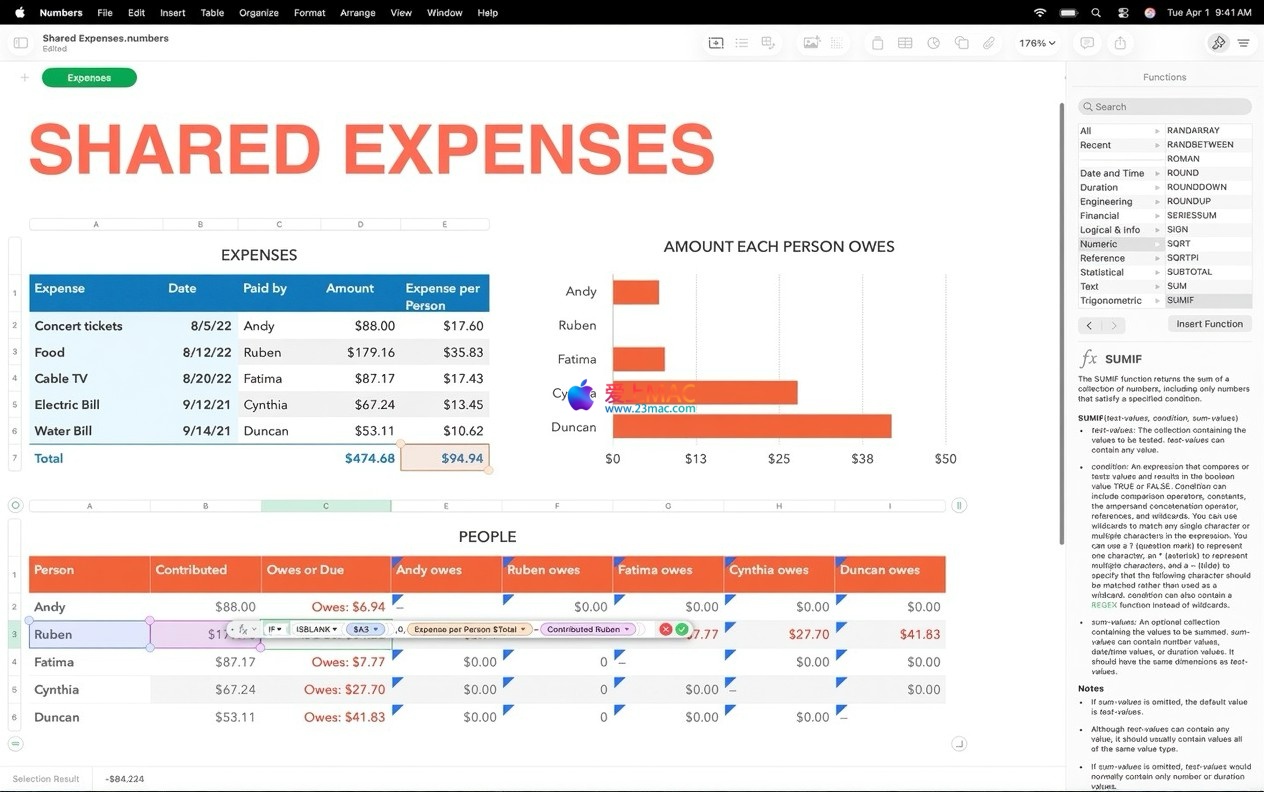
Numbers provides easy-to-use and comprehensive calculation tools:
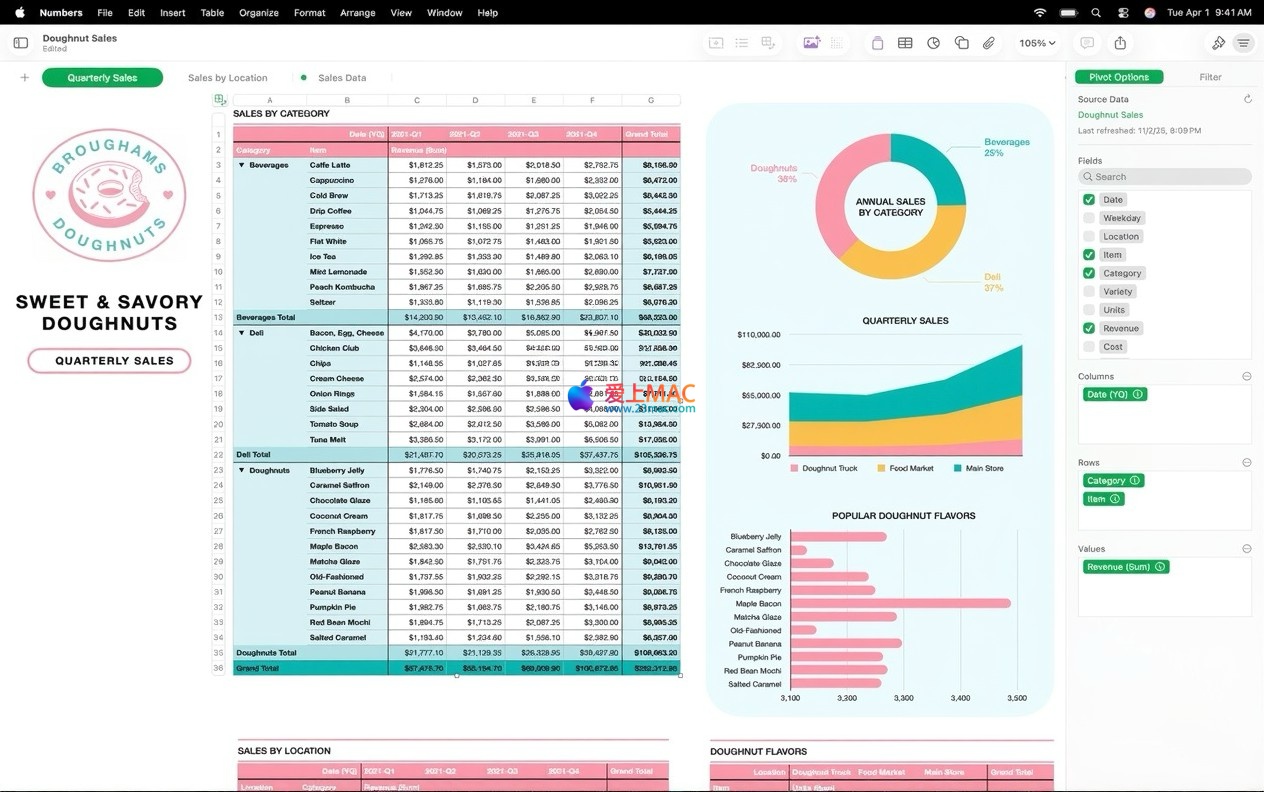
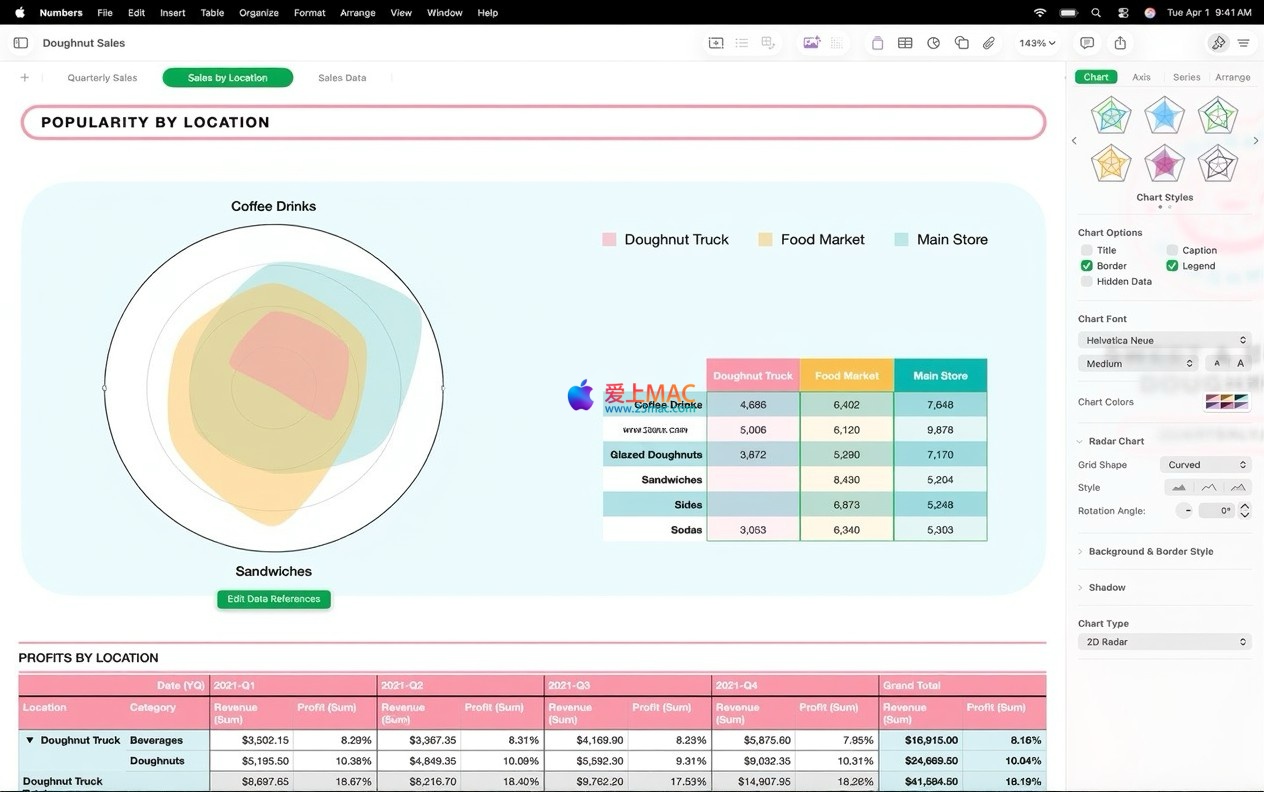
Through smart tools, explore data patterns in depth:
Numbers supports efficient team collaboration and multi-format output:
Integrates Apple smart technologies to enhance productivity:
Here are some screenshots of Numbers for Mac v15.1, showcasing its features for creating spreadsheets, Excel compatibility, and Chinese operation environment:
This resource requires login to download
Log in
Screenium 3 for Mac v3.3.2 Screen Recording and Screenshot Software with Chinese Activation Download
Downloads:543 | 2026-10-24

Cuphead for Mac v1.3.2 Side-scrolling Action Game _ Cuphead Mac Download and Activation Version
Downloads:726 | 2026-10-23

Pixelmator Pro for Mac v3.3.3 Professional Image Editing Software Chinese Activation Version Download
Downloads:109 | 2026-10-21

RAR Extractor for Mac v10.5.0: Chinese Activation Version Download
Downloads:103 | 2026-10-19


Ratings & reviews
4.7
(Maximum 5 ratings, total 20 user reviews)
Let’s rate it.