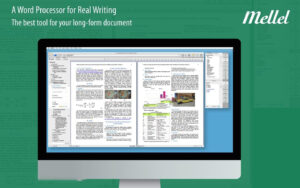
| Mellel for Mac is a powerful word processing tool designed for handling all lengthy written works, including essays, manuscripts, and novels. It provides you with the control you need for every aspect of the writing process: outlines, footnotes, bibliographies, styles, and more. From your initial ideas to the final manuscript, Mellel allows you to use a reliable tool throughout the entire process: all you need to do is write it.
Reliable: Mellel is designed for heavy-duty work. It won’t crash.
Consistent: Use styles and style sets across all documents.
Powerful: This side of Mac sets the most advanced and flexible features.
Fast: Forget about “refresh” — Mellel does everything live.
Multilingual: Mellel is an excellent multilingual tool, excelling in RTL languages.
Features:
Everything is immediately updated.
-Auto-generated headings allow you to easily organize your document.
-Dynamic cross-references update automatically.
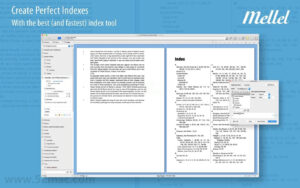
-Unprecedented powerful indexing tools.
-As you write, citations and real-time bibliographies update.
-Easy and controlled generation of tables of contents.
Management and organization:
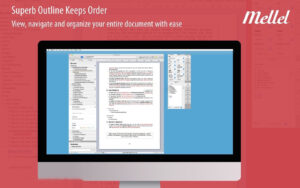
-The “Outline” pane allows you to get a bird’s-eye view of the structure.
-Organize and easily move any headings or elements.
-Easily mark, tag, and highlight any part of the document.
-Track changes and comments to monitor modifications.
Creating consistent documents:
-Styles are clear and consistent.
-Styles can be reused in any document.
-Strong tables and table styles.
-Text flows around images and text boxes.
-Strong layout and page styles.
Advanced multilingual support:
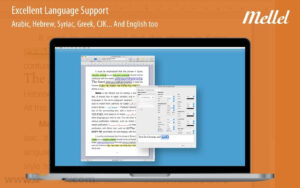
-Excellent support for RTL languages (Arabic, Hebrew, Syriac, etc.).
-Different languages can use the same style for fonts and sizes.
-Excellent support for Greek, Cyrillic, CJK, and more.
Finding anything:
-Advanced find and replace tools.
-Similar to intelligent regular expressions.
-Easy searching by objects and styles.
-Run hundreds of “find actions” at once.
Advanced layout configuration options:
-Smart paragraph spacing, hyphens, and retention options.
-Create titles with multiple parts and styles.
-Smart page styles for chapters.
-Flexible and advanced character style changes.
Compatibility and collaboration:
-Import DOCX, DOC, RTF, OPML, and TXT documents.
-Export DOCX, EPUB, RTF, OPML, and TXT documents.
-Export PDF with live links, index, cross-references, and tables of contents.
-Supports all image formats (JPEG, PDF, PNG, etc.).
-Synchronize with Dropbox, iCloud, and other services between Mac and iPad versions.
Version 6.7.0 Update Content:
1. **Unified Color Picker Update:**
Replaces the cumbersome system color picker with a dedicated Mellel color picker. Click to select colors from the palette, which supports custom additions and rearrangements. The panel integrates related attributes such as fill type, stroke style, and line width, reducing clutter. After selecting a color, it automatically applies a reasonable default style, without requiring you to pre-set fill or stroke types, while still allowing you to use the system color picker to customize any color.
2. **Optimized Panel and Window Layout:**
Reorganized the character, page, chapter, and table function panels, as well as the corresponding style editor and annotation configuration windows, improving clarity and usability. Compresses the annotation configuration window height, optimizes the compactness of the annotation flow window, and adjusts details such as the line number attribute panel and find/replace bar for small-screen devices.
3. **Drag-and-Drop Image Replacement:**
Added the ability to drag and replace images: drag a new image from Finder onto an existing image within the document, and it will replace the image while retaining its original position, size, text wrapping, border, and cross-reference ID.
4. **Detail Optimization and Bug Fixes:**
-Optimized: Table selection is now semi-transparent, allowing you to see through the cell background.
-Added: When there are no spelling suggestions, a “No Spelling Suggestions” option appears at the top of the right-click menu when there are no suggestions.
-Repaired: Shadow cutting in the template browser, ineffective dragging in the find/replace bar, inaccurate image adjustments when zooming, and abnormal handling of multiple comment authors when closing revisions.
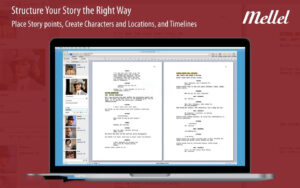
Software Screenshot:
|







Ratings & reviews
No rating
Let’s rate it.