

Sonic Racing for Mac v2.13.0: A Fast-Track Racing Game – Sonic Racingmac Download & Activation
Here is the page providing Sonic Racing for Mac v2.13.0 索尼克赛车 快节奏竞速赛车游戏_Sonic Racingmac download_activated version | LoveMAC, has been tested available. If you encounter any issues with the download link or installation after downloading, please leave a message to contact us.
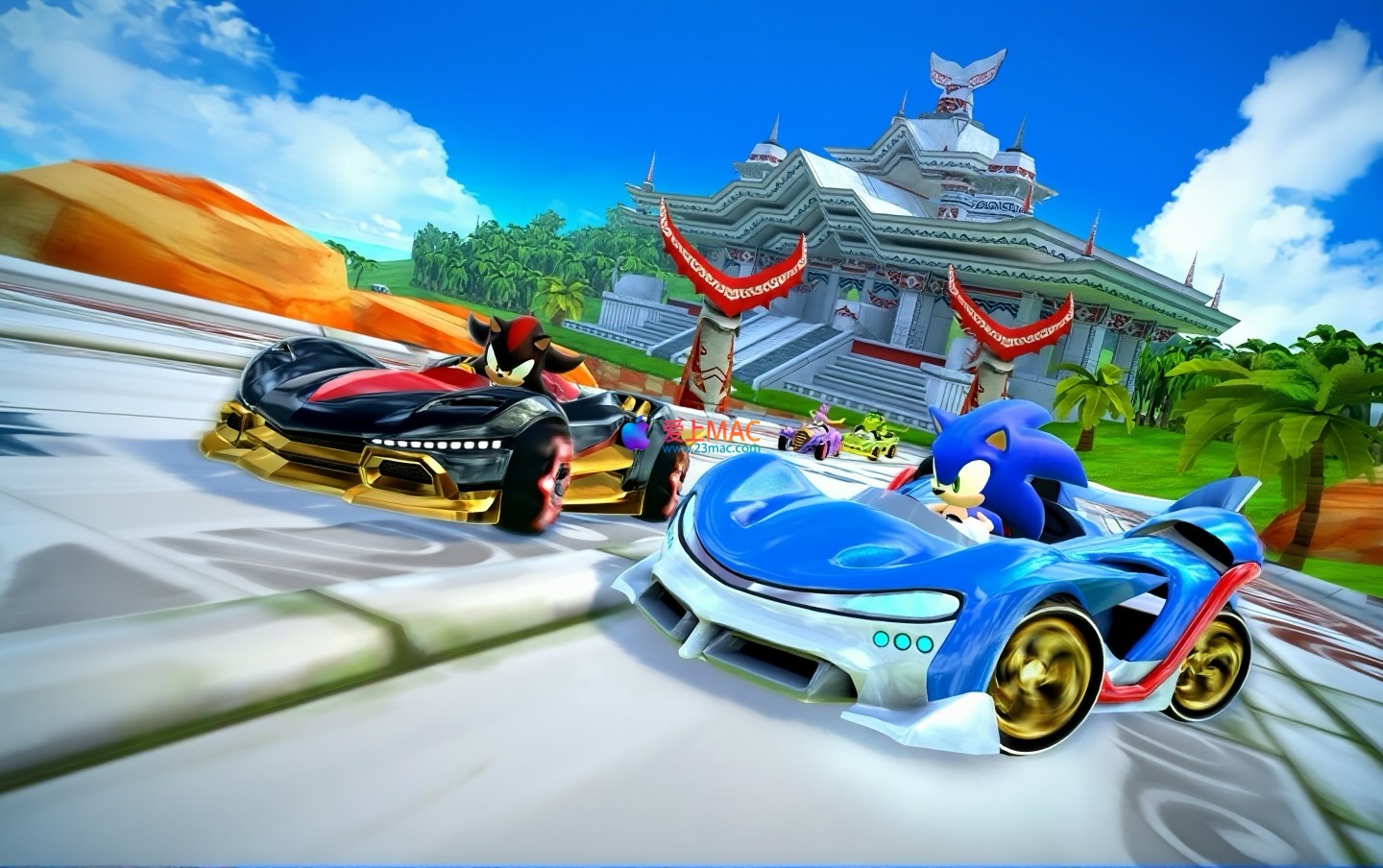
Fastest hedgehog in the world, Sonic, returns to the world with its iconic speed in Sonic Racing. This game gathers many classic characters from the “Sonic Universe” to bring you an ultimate multiplayer racing showdown. While racing at lightning speed, collect random boost items on the track to enhance your own, or cleverly set traps to disrupt your opponents. Strategy and speed play out here.
What sets Sonic Racing apart from other racing games is its depth in gameplay design and a distinctive roster of characters. We have refined the following core features based on feedback from global players, which form the foundation of this game’s charm.
This update brings revolutionary changes and new content to the game. After our “LoveMAC” team’s deep testing, the v2.13.0 version on the Mac platform has reached new heights in compatibility and stability.
This is the most significant update to Sonic Racing to date. All base characters now have the ability to use multiple vehicle parts for deep customization. Unlock parts by completing community challenge goals and customize your favorite character’s vehicle as you wish. This change references the modification logic from the “Forza Horizon” series, but focuses more on balancing visual and performance aspects.
The game introduces two new character versions, bringing a fresh experience:
To ensure you can enjoy Sonic Racing, we have compiled a detailed installation guide. Please follow the steps below to avoid any issues with permissions that may prevent the game from running.
Download the DMG mirror file from the link provided on this page. After downloading, double-click the DMG file to open it and drag the game icon to the “Applications” folder. This process typically takes 1-2 minutes, depending on your network speed and disk speed.
Note: Solutions for First Launch Issues
If you encounter issues when first opening the game, please follow the steps below:
xattr -cr /Applications/Sonic Racing.app && codesign --force --deep --sign -- /Applications/Sonic Racing.app
This command will fix the application’s attributes and re-sign it, typically resolving the launch issue. If this does not work, check the System Preferences under “Security & Privacy” and ensure that applications from “Any Source” are allowed.
Before launching the game, it is recommended to right-click on the “Sonic Racing.app” in the “Applications” folder, select “Show Package Contents,” and then navigate to the “Contents” folder. In the “Info.plist” file, confirm that the version number is “2.13.0.” If the version number does not match, please re-download the installation package.
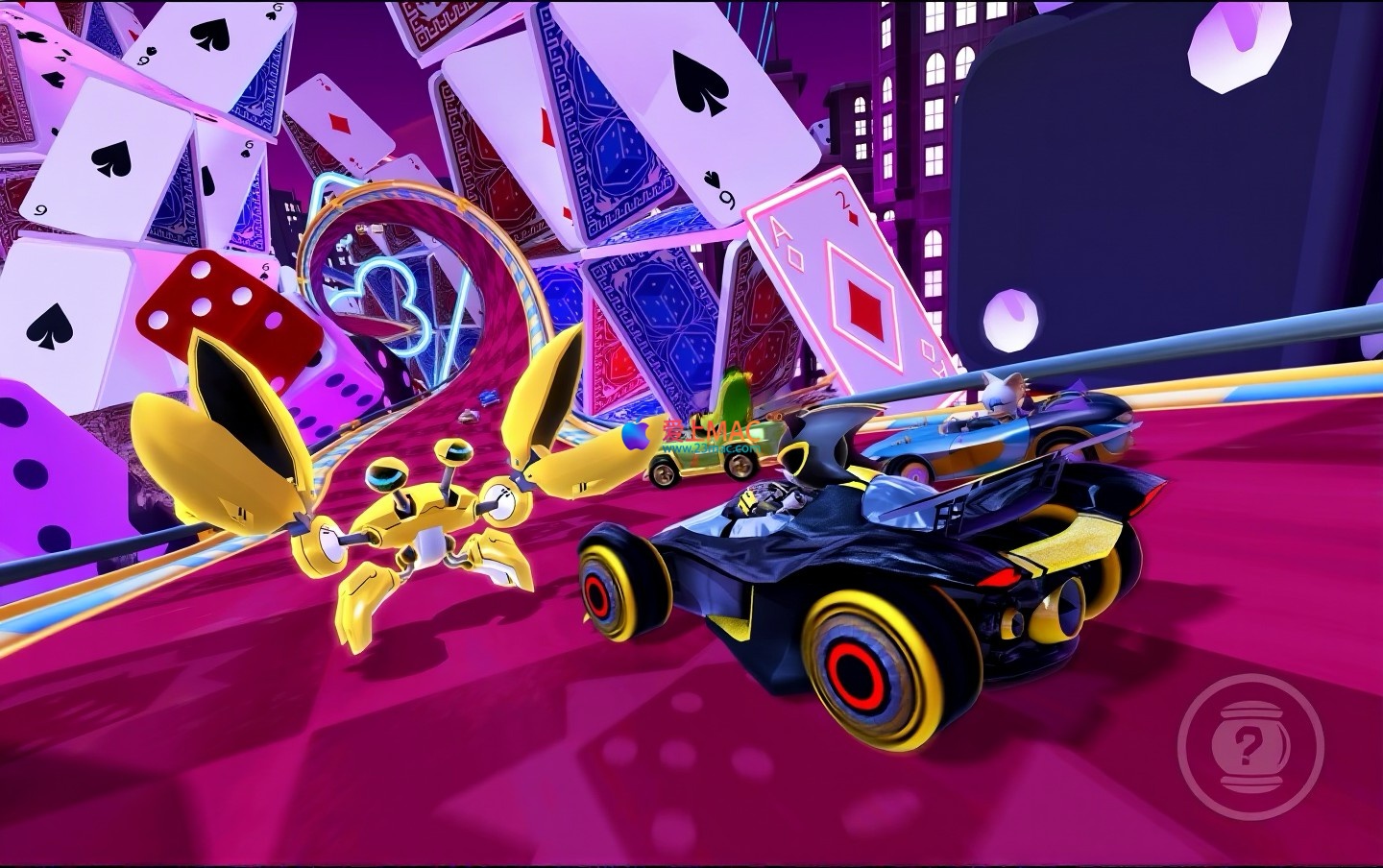
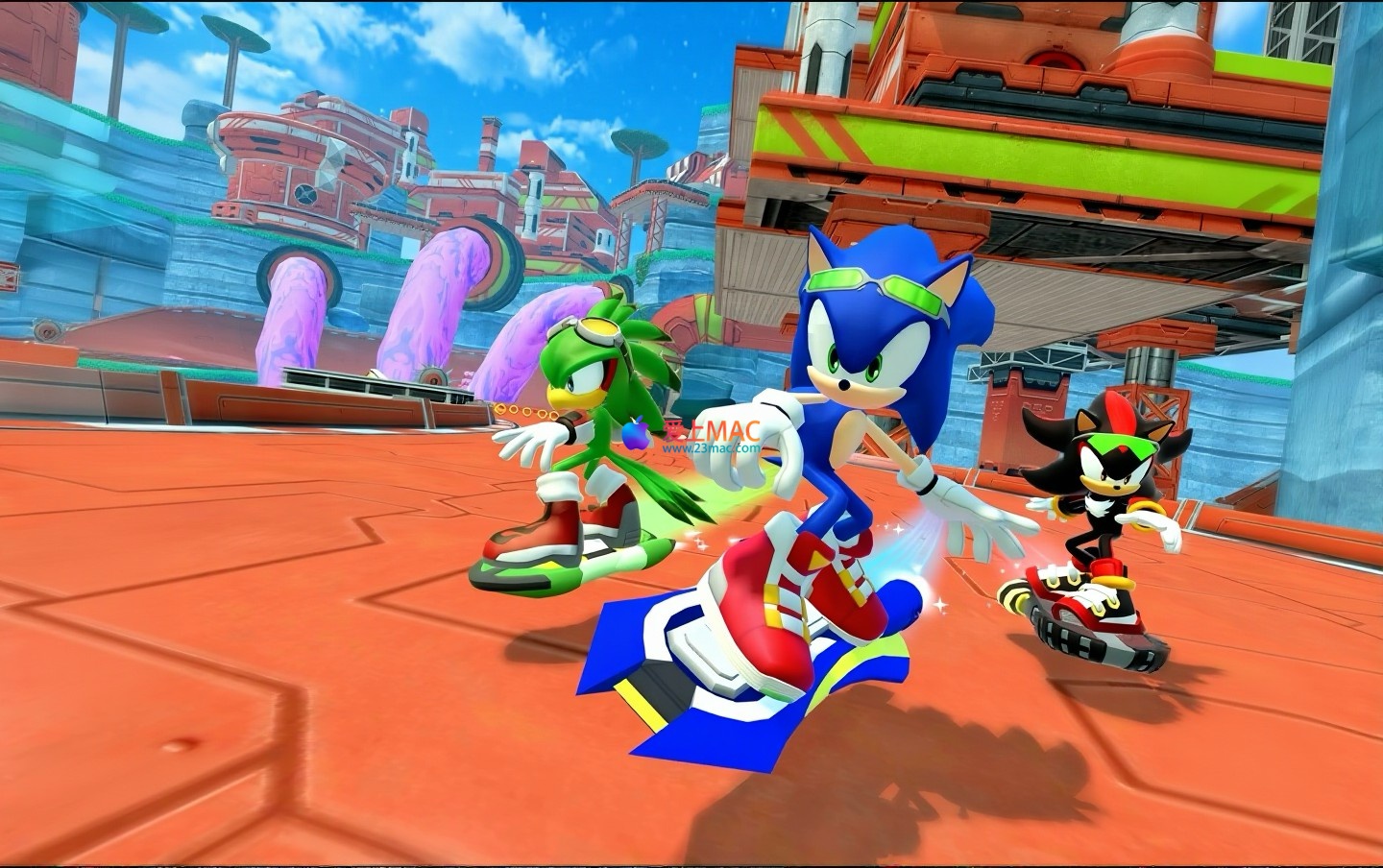
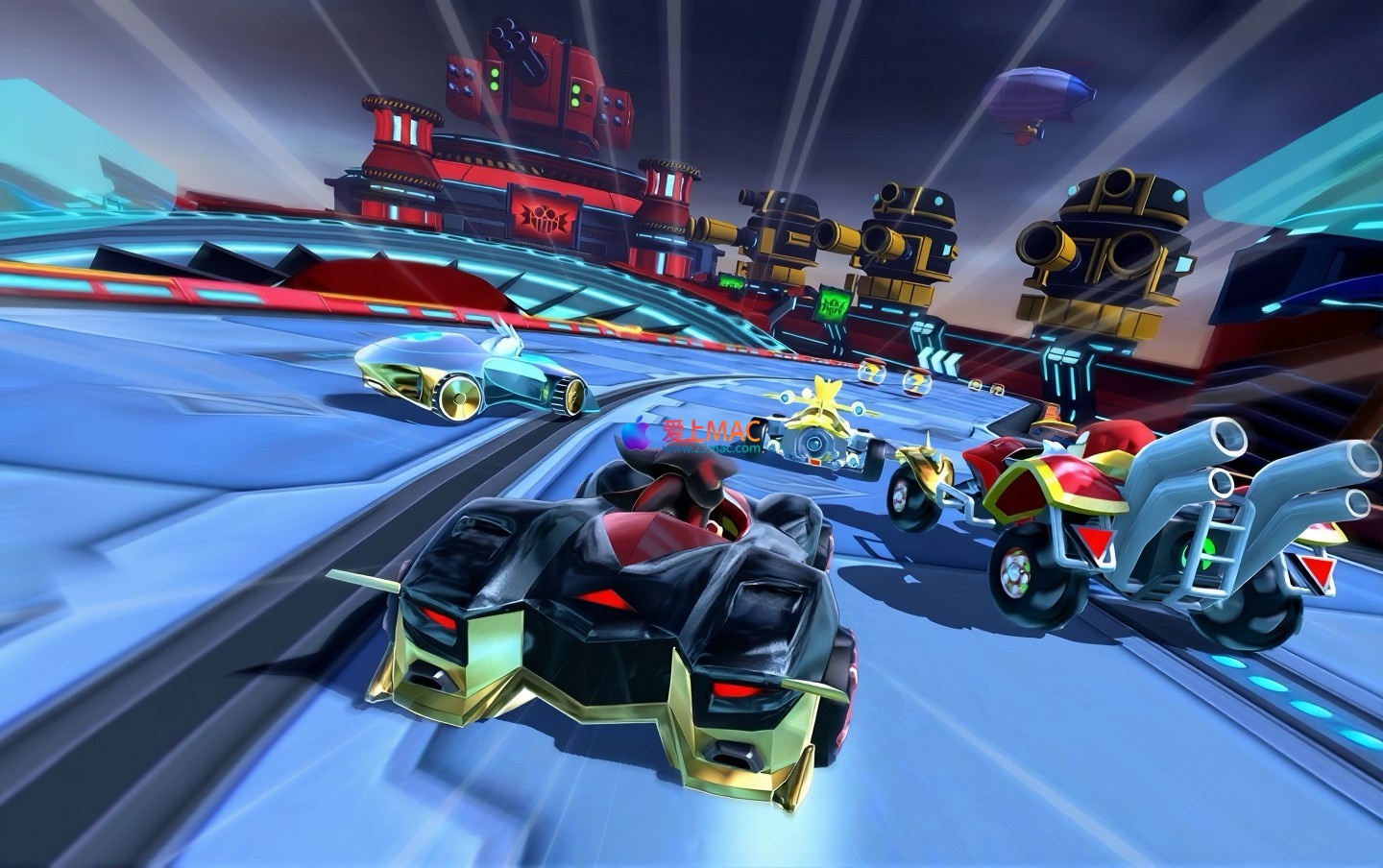
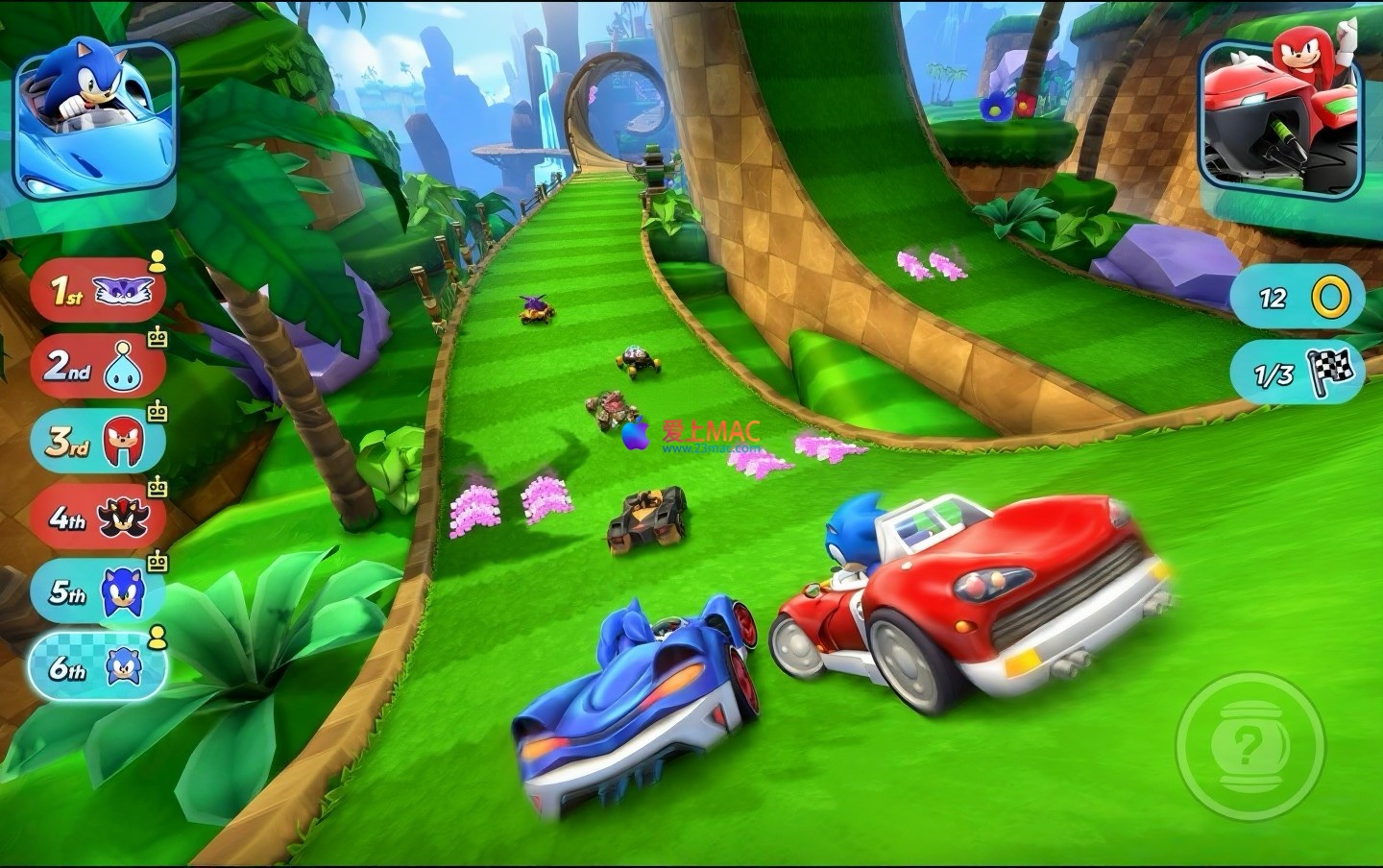
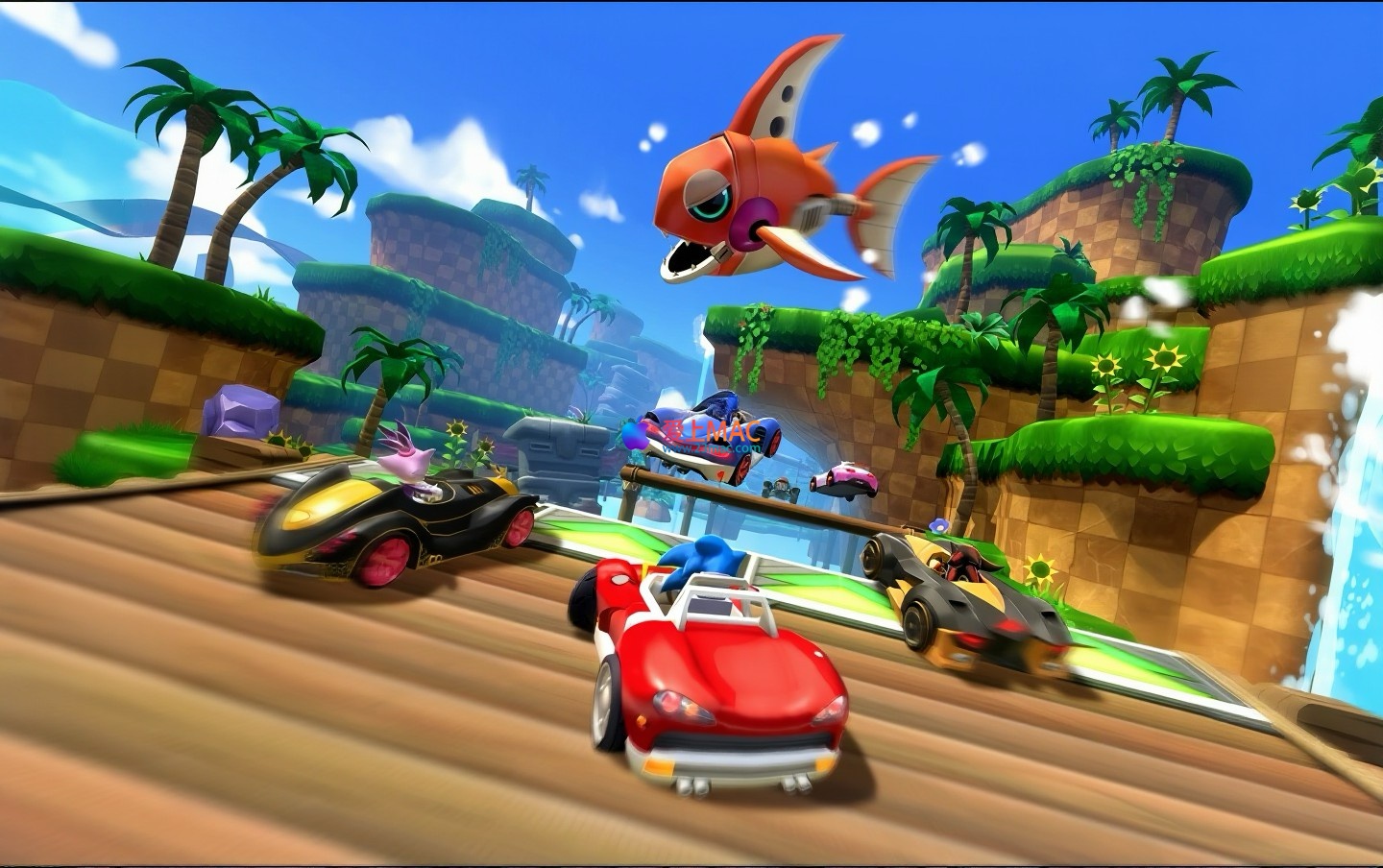
Here are the game scenes from Sonic Racing for Mac v2.13.0, showcasing the real-time effects in different modes and scenes:
Intense multiplayer racing showdown in Sonic Racing
Rich character and vehicle customization interface in Sonic Racing
Navigate through diverse regions with unique tracks
Use enhancement items for offense and defense
Accelerate with Wesley’s ability
Team up for racing
For common issues encountered during installation and gameplay, we’ve compiled a list of frequently asked questions to help you resolve them quickly.
A: Please ensure your Mac’s operating system is macOS 10.15 Catalina or a later version. Also, make sure you’ve followed the “Installation Guide” to fix application permissions. If the issue persists, it may be due to insufficient hardware configuration. Check if your Mac meets the minimum requirements (at least 8GB of RAM and 2GB of GPU memory).
A: Yes, v2.13.0 version supports Xbox One, PS4, and Switch Pro controllers natively. After the first connection, the system will automatically recognize and map the controller buttons. You can also customize the button layout in the game settings.
A: The “Flame Form” is a reward from community challenges. You need to complete specific tasks in the “Grand Prix” event, such as finishing the “Magma Falls” track as the first place three times. Your progress can be viewed on the “Challenges” page.
A: According to our tests, on a MacBook Air equipped with an M1 chip, the game runs smoothly at 60 frames per second with medium graphics settings. On a MacBook Pro with an Intel chip, we recommend adjusting the resolution to 1920×1080 and disabling shadows for a smoother experience.
A: By default, game saves are stored in the “~/Library/Application Support/Sonic Racing/” directory. You can manually copy this folder to your iCloud Drive for backup. However, ensure that the system versions are consistent when syncing across devices.
A: In v2.13.0 version, there are appearance-related in-game purchases, such as special vehicle paint jobs and character skins. All parts and abilities that affect game balance are unlocked through in-game challenges and are free to use.
A: Try using wired network connections and closing applications that consume bandwidth (such as download tools). In the game settings, switch the “Region Match” to “Lowest Latency” mode. If the issue persists, consider using a network accelerator tool.
A: No, your old save data will be preserved. In v2.13.0 version, the game is fully compatible with old save data. After an update, all unlocked characters, vehicles, and progress will be retained. If you encounter data anomalies after updating, try restarting the game or logging out of your account.
A: Yes, it does. In local multiplayer, up to four players can enjoy split-screen. However, note that the split-screen mode reduces the field of view for each player and may require high-performance graphics on your Mac. Use it on high-end devices.
A: You can follow Sega’s official social media accounts or visit the update logs page on “23mac.com”. We will promptly provide the latest patch information and download links.
To enhance your gameplay efficiency in Sonic Racing, we’ve compiled a table of commonly used keyboard shortcuts for Mac. These shortcuts cover various functions within and outside the game, helping you get up to speed more quickly.
| Shortcut | Description | Applicable Scenarios |
|---|---|---|
| Command + Q | Quickly exit the game | Any game interface |
| Command + H | Hide the game window | When you need to switch to the desktop temporarily |
| Option + Command + Esc | Forcefully exit a non-responsive game | When the game freezes or crashes |
| Shift + Command + 3 | Take a full-screen screenshot | To record a memorable moment |
| Shift + Command + 4 | Take a screenshot of a selected area | To capture specific UI or scenes |
| Control + Command + Space | Open the emoji and symbol panel | To input special symbols in chats |
| Command + Tab | Switch between applications | To switch between the game and other applications |
| F11 | Show or hide the desktop | To quickly view files on the desktop |
| Command + M | Minimize the game window | To keep the game running in the background |
| Command + W | Close the current window | To close pop-up windows or menus within the game |
Based on testing on macOS 12 Monterey, there may be slight differences in other versions. It is recommended that you verify these on your own in actual use.
After mastering the basic operations, we share some advanced techniques. These contents are derived from the practical experience of experienced players, which can help you achieve better results on the track.
Drifting is the core technique in Sonic Racing. Press the Shift key before entering a turn to initiate a drift, and use the left and right arrow keys to control the angle. When the drift ends, releasing the Shift key will trigger a “small acceleration.” In practice, completing three drifts and seamlessly connecting the acceleration can maximize the speed gain. For example, in the “Green Field” track’s consecutive S-curves, applying this technique can reduce the single lap time by about 1.5 seconds.
The Wisps ability is not used mindlessly. For instance, “Blue Wisps” can create deceleration areas, suitable for placement at the exit of narrow bends; “Red Wisps” provide instantaneous acceleration, which should be released at the end of a straightaway or when about to be overtaken. In team races, it is recommended that defensive-type characters carry “Yellow Wisps” (providing a shield) to protect the front-row sprinting teammates.
We have shared insights from a test player “MacRacer99.” In the “Championship Race,” he chose the “Agent Form” character and used “speed-type” vehicle parts. The strategy was: in the initial stages, use props to disrupt opponents and ensure oneself in the middle position; in the last two laps, use the Wisps ability to accelerate. By doing so, he maintained the top five position for three consecutive weeks on the “Magma Falls” track. The key is: do not reveal your strength too early, and reasonably allocate prop resources.
The v2.13.0 version of the parts system offers numerous combination possibilities. Based on community data analysis, it is recommended that beginners use the “balanced” tires combined with “lightweight” chassis. This combination can balance speed and handling. Advanced players can choose the “speedy” engine combined with “high grip” tires, but it requires more precise drift control. It is suggested that beginners test different combinations in the “training mode” to find the best solution for their own style.
Whether you are soloing, playing with friends locally, or competing against players worldwide, Sonic Racing will bring you unparalleled excitement and exhilaration. Join now, prepare, position, and go full speed ahead!
If you encounter any issues during the download or installation process, please leave a message below. Our “loveMAC” team will respond promptly to ensure you can smoothly experience this classic racing game.
This resource requires login to download
Log in
Mac Outline v3.2106.2 Digital Notebook Chinese Activation Version Download
Downloads:3307 | 2026-10-27

Maya 2024 for Mac 3D Animation Software M1/M2 Chip Support Chinese Activation Download
Downloads:2278 | 2026-10-22

DupeZap for Mac v4.1.3 Serial Key Download
Downloads:975 | 2026-10-19

Final Draft 11 for Mac v11.1.2 Screenwriting Software Activated Version Download
Downloads:216 | 2026-10-17


Ratings & reviews
4.6
(Maximum 5 ratings, total 11 user reviews)
Let’s rate it.