

Disciples Domination: A Dark Fantasy Strategy RPG – Download and Activation Version for Mac
Disciples Domination for Mac 圣战群英传:统治 暗黑奇幻策略RPG_Disciples Dominationmac下载_激活版 | 爱上MAC,已测试可用,如遇到链接失效或下载后无法安装等情况,请留言联系我们。
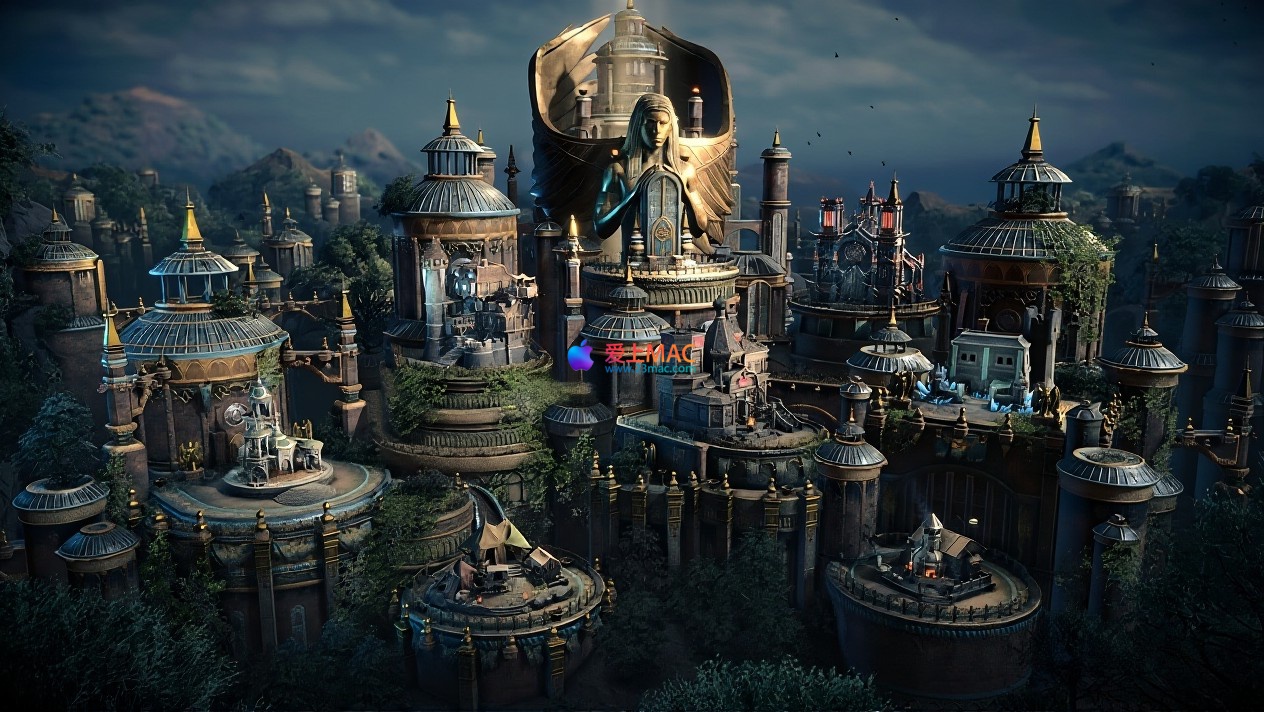
Since Evianna liberated Nandava from the tyranny of the gods, it has been fifteen years. In this dark fantasy and turn-based strategy RPG titled Disciples Domination, you will return to this kingdom suspended in the abyss, ascend to the throne of Ilyia, and confront a kingdom on the brink of collapse.
The former liberator now finds herself in the grip of inner storms. The weight of the throne and the malevolent dreams consume her will, turning her former resistance into a consuming fear. Under the torment of power’s backlash and neurasthenia, Evianna’s rule begins to waver. Allies disappear, traitors arise, and an unknown force spreads madness and bloodshed across the land.
Your choices will determine the ultimate fate—reconciliation or destruction? On the quest to uncover the endless conflicts, you will encounter dark magic, covert plots, betrayal, and discord. Explore the ravaged mountain clans, witness the rise of ancient sects, and confront the foreboding prophets. Old wounds are reopened, and the old enemy returns with renewed vigor.
To save Nandava, you must burn all your courage. Are you willing to face—indeed embrace—the darkest truths?
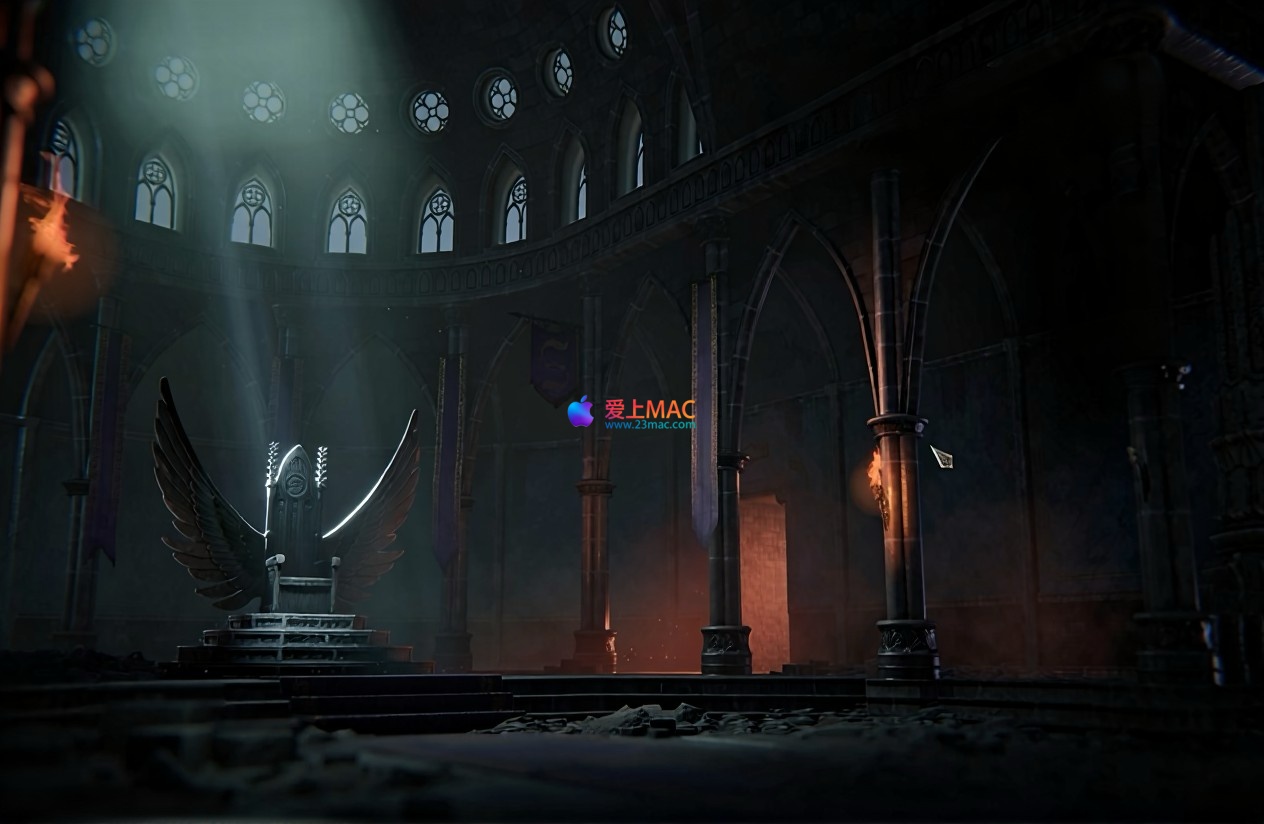
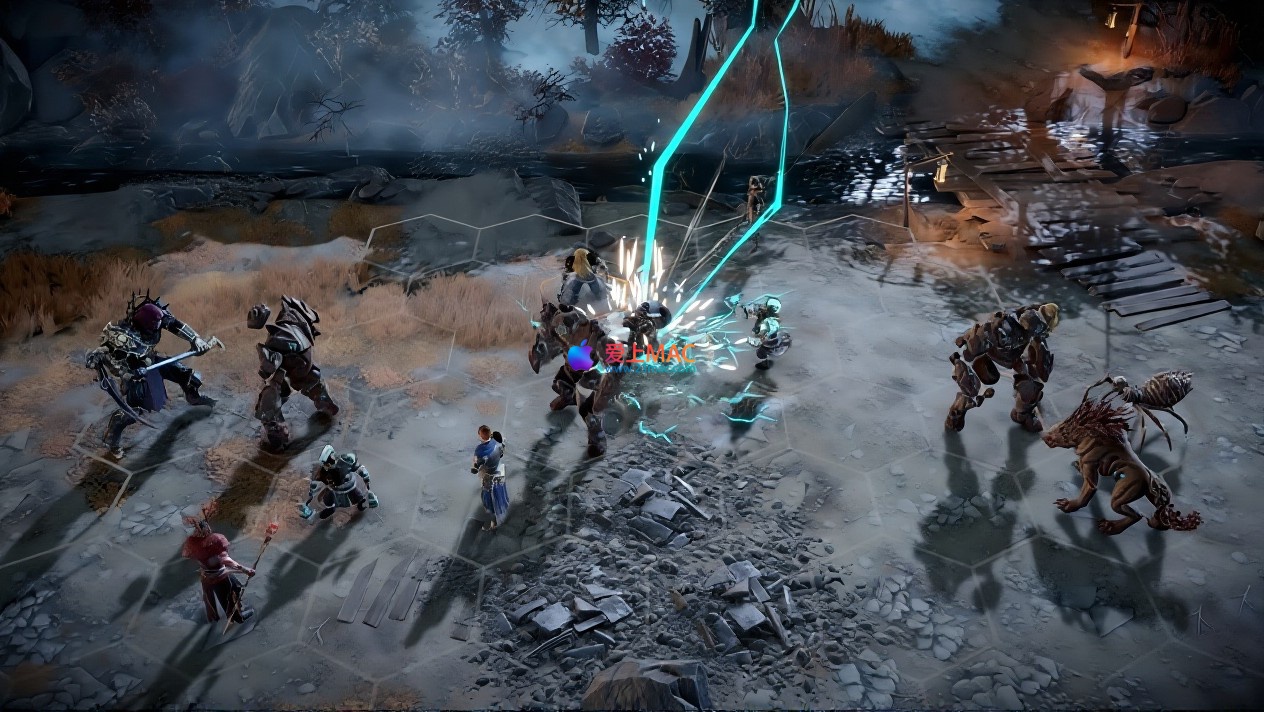
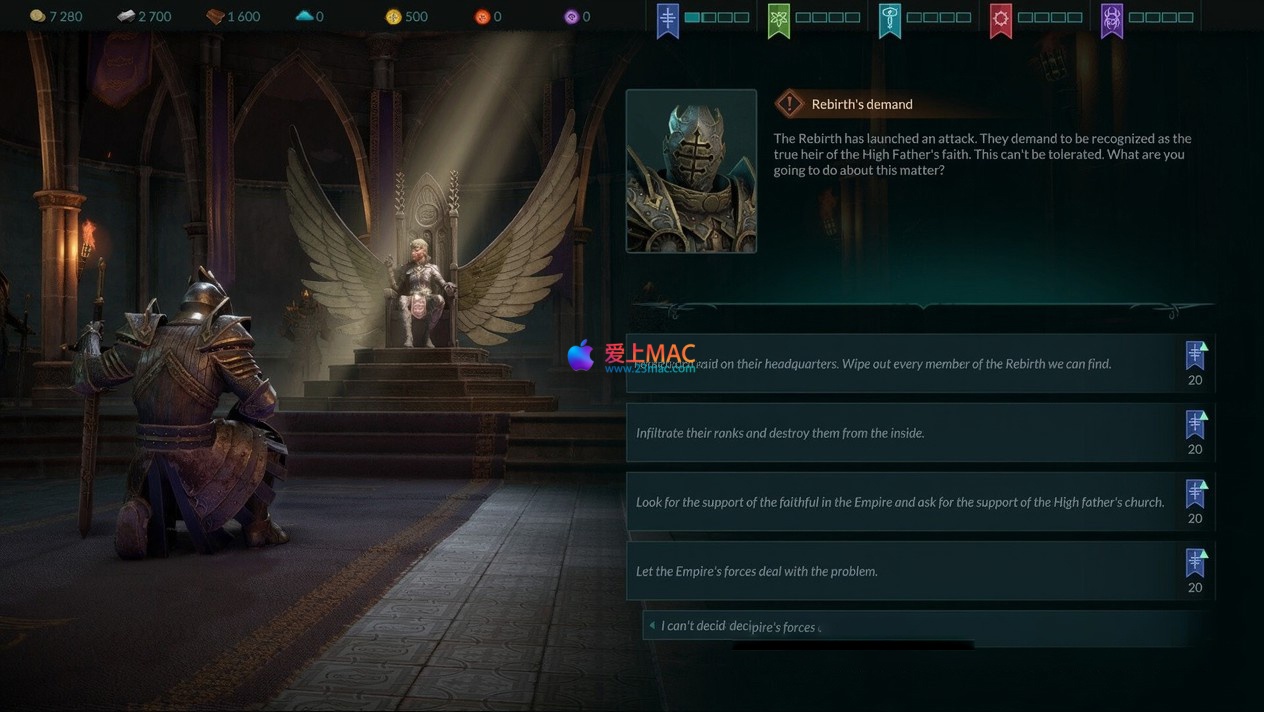
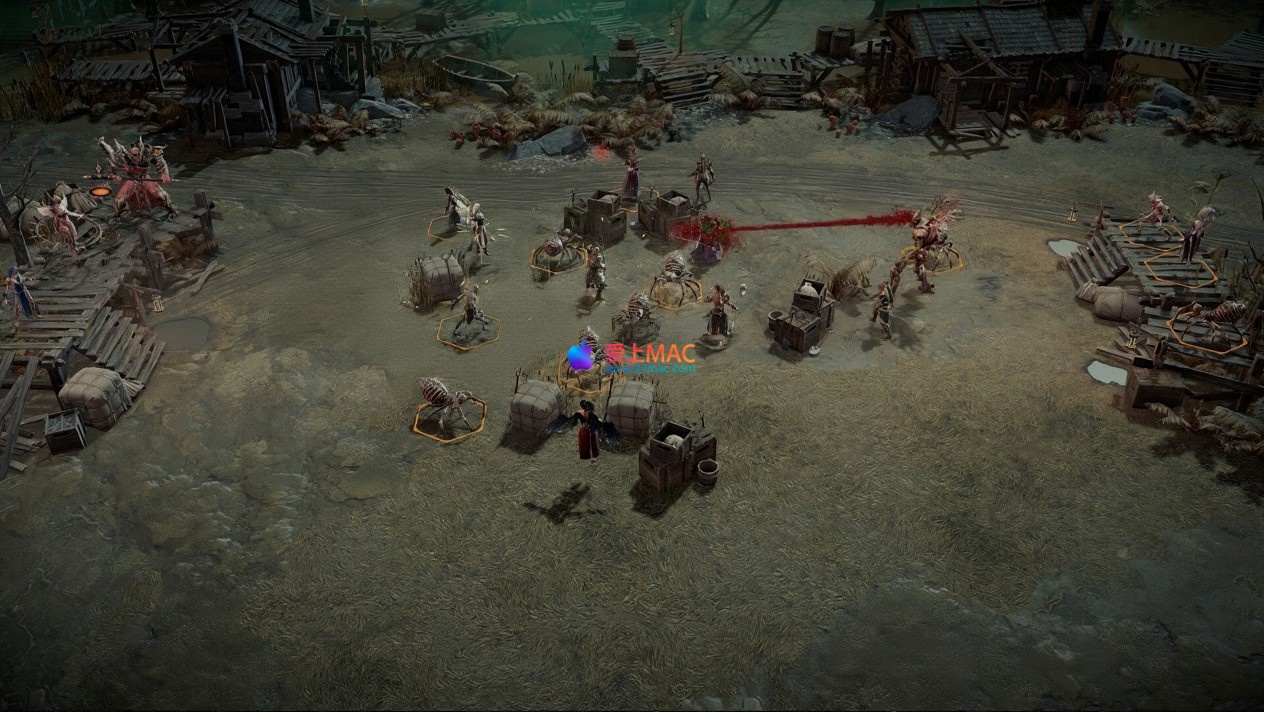
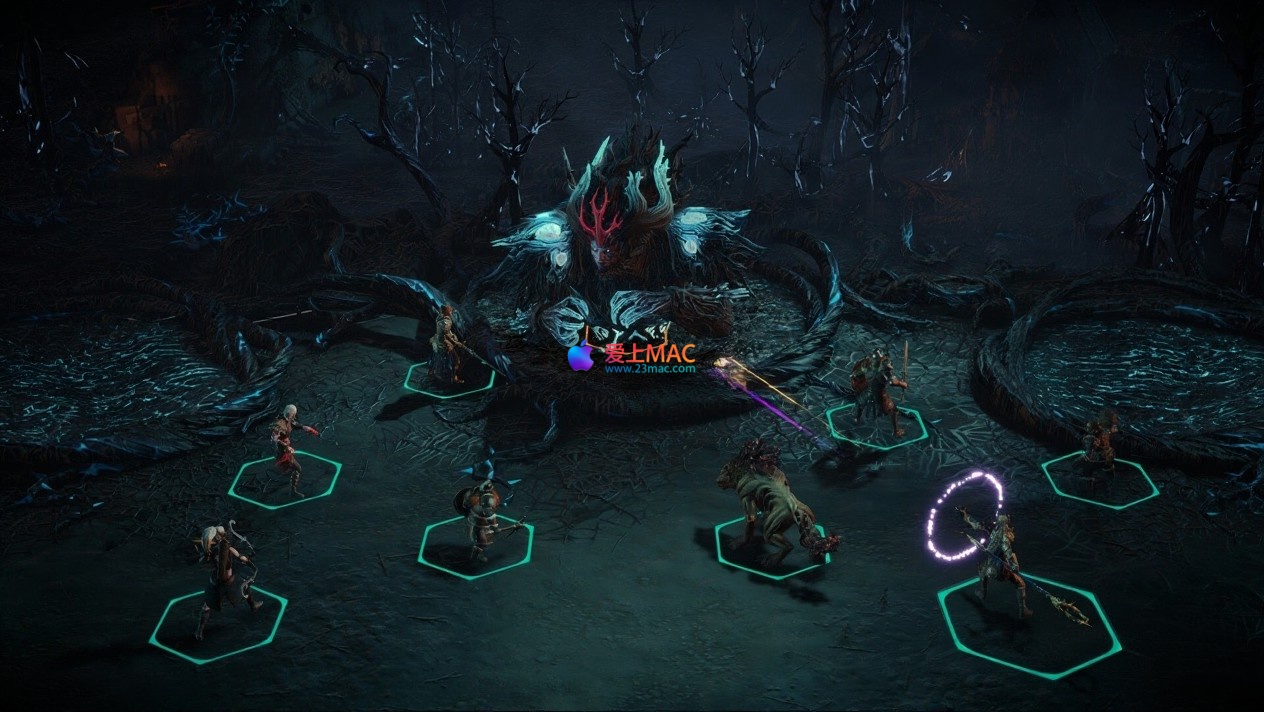
Here are previews of the game scenes in Disciples Domination:
Many players encounter difficulties during the installation process of Mac versions, especially for non-native-supported works. Below is a guide tailored for Disciples Domination, ensuring a smooth installation process.
First, ensure your Mac runs macOS 10.15 or a higher version. This game has strict system requirements, and running on a lower version may prevent it from launching. Additionally, ensure you have at least 8GB of free space available, as the game and its patches will consume considerable space.
Click on the provided download link to obtain the DMG format installation package. After downloading, double-click on the DMG file to mount a virtual disk. Then, drag the “.app” program file to the “Applications” folder. This step is often overlooked, leading to permission issues if you directly double-click to run.
After launching the game from the “Applications” folder, find the “Options” or “Settings” option. If the game prompts you to verify the developer, simply click “Open” in the “Security & Privacy” settings. This is a standard precaution by macOS for non-App Store applications.
Upon entering the game’s main menu, locate the “Options” or “Settings” menu. If the default language is English, you can switch to Chinese in the language sub-menu. For graphics settings, adjust based on your Mac’s configuration. Start with medium effects and reduce shadows and anti-aliasing if you experience frame drops.
By default, game saves are stored in the path “~/Library/Application Support/Disciples Domination/”. Regularly back up this folder to prevent loss of progress. Especially for significant plot points, maintaining multiple manual backups is advisable.
Based on user feedback and community discussions, we have compiled the following frequently asked questions. If you encounter other issues, feel free to leave a comment.
This is usually caused by incompatibility with your graphics driver or resolution. Try launching the game in safe mode by holding down the “Shift” key before launching. If that doesn’t work, adjust the resolution in the “System Preferences” > “Display” to the default setting and restart the game.
It may be due to mismatched save versions and game updates. It’s recommended to manually back up saves, as specified in the previous section. If the save is damaged, try loading an earlier auto-saved version. Additionally, avoid forcing the game to exit when writing to the save file.
Mac’s cooling design is conservative, so high load during large 3D game play is normal. It’s recommended to elevate the bottom of the laptop to enhance airflow. You can also enable vertical sync (V-Sync) in-game to limit the frame rate to 60fps, significantly reducing heat.
Go to the main menu’s “Options” > “Language”, and select “Simplified Chinese”. If there’s no Chinese option, it may be due to the version you downloaded not including the Chinese package. It’s recommended to download the full version from our site again, as we have integrated multi-language support.
Crashes are often caused by insufficient memory or conflicts with background applications. First, close resource-heavy applications like Chrome and WeChat. If the issue persists, check the “Activity Monitor” for high CPU usage by “kernel_task”, which is usually a heat protection mechanism.
Some external mice may exhibit jittering on Macs. It’s recommended to disable the “Mouse Acceleration” option in game settings. If using a touchpad, adjust the “Tracking Speed” to a moderate-to-slower setting to improve precision.
In such cases, please immediately leave a comment or use the “Contact Us” page to report the issue. We will promptly replace the broken link and re-upload a verified installation package. All resources on our site are tested manually to ensure their availability.
Based on testing, “Sword Art Online: Sovereign” can run smoothly on a MacBook Air with an M1 chip, but Rosetta 2 translation is required. The M2 chip offers better compatibility, with minimal lag. If you use an Intel-based Mac, the experience will be better.
To uninstall, drag the game icon from the “Applications” folder to the trash, then empty the trash. Additionally, delete the relevant folders in “~/Library/Application Support/” and the preference files in “~/Library/Preferences/”, to ensure a thorough removal.
This is usually due to missing font files or encoding issues. Try changing the preferred language to “Simplified Chinese” in the system’s “Language & Region” settings, then restart the game. If still incorrect, it may be a bug in the game version, and updating to the latest patch is recommended.
In “Sword Art Online: Sovereign”, mastering the use of shortcuts can significantly enhance your command efficiency. The table below summarizes the most practical key combinations, which is recommended to save for future reference.
| 功能类别 | 快捷键 | 作用说明 |
|---|---|---|
| 基础操作 | W / A / S / D | 地图视角上下左右移动 |
| 基础操作 | 鼠标滚轮 | 拉近拉远视角 |
| 基础操作 | 空格键 | 暂停/继续游戏时间 |
| 战斗指令 | Tab | 切换单位选择 |
| 战斗指令 | Enter | 结束当前单位回合 |
| 战斗指令 | Shift + 点击 | 快速移动单位到指定格子 |
| 界面管理 | M | 打开/关闭世界地图 |
| 界面管理 | I | 打开/关闭背包 |
| 界面管理 | J | 打开/关闭任务日志 |
| 界面管理 | Esc | 返回上一级菜单或暂停 |
| 快速存档 | F5 | 快速保存当前进度 |
| 快速读档 | F8 | 快速加载最近存档 |
| 单位操作 | 1 – 6 | 选择对应编号的单位 |
| 单位操作 | Ctrl + 点击 | 强制攻击指定目标 |
Hint: On Mac, the Command key typically replaces the Ctrl key on Windows. However, in this game, most shortcuts still use Ctrl, so no additional settings are needed.
Knowing the background and operations is not enough to truly appreciate the depth of Saints and Conquerors: Domination. Below, I share several core tips and real-world battle strategies.
At the start of the game, gold and wood are vital resources. Don’t rush to build advanced units; instead, upgrade your main city and resource buildings first. I tested and found that maintaining a 2:1 resource output ratio for the first 10 turns is most stable. Dispatch scouts to explore the map, as they often find free units or skill books hidden in ruins.
Units from different factions have natural克制relationships. For example, dwarf units with heavy armor have high resistance to physical attacks but are vulnerable to magical damage. In battle, I pair a mage hero to break through enemy front-line defenses. Remember, stacking one type of unit easily invites counterplay.
Once, in “The Ashen Lands,” I encountered a dwarf ambush. They deployed three shield units and two catapults. Instead of directly engaging, I used the terrain—sending a team of assassins to flank and eliminate the catapults, then using ranged magic to weaken the enemy. In the end, we defeated them with only one unit lost. This case illustrates that leveraging the environment is more important than blindly stacking units.
Heroes are the key to the game’s outcomes. I recommend focusing on “Leadership” and “Tactics” skills in the early stages. Leadership increases the unit limit, while Tactics provides additional action points. In the mid-game, allocate “Magic” or “Combat” skills based on your playstyle. Don’t average out; specializing in one area yields better results.
The diplomacy system in the game is quite realistic. You can maneuver between multiple factions to obtain temporary allies. However, remember that no friendship lasts forever. Once, I allied with a neutral clan, only to have them ambush my capital during a major expedition. Thus, diplomatic agreements should always have a backup plan, such as keeping a guard unit on the border.
In turn-based battles, action points are the game’s key. You can use the “Wait” command to delay units, allowing you to strike after the enemy. For instance, first let the meat shield units wait, then let the output units strike the weakened enemies. Once proficient, this technique can help you win with fewer units.
Saints and Conquerors: Domination is not a fast-paced game. It requires players to balance storytelling, strategy, and management. If you enjoy a rich world and deep turn-based battles, this game is definitely worth investing several hours.
From installation to battle, we’ve broken down all the key points. I hope this guide helps you avoid common pitfalls and quickly immerse yourself in the dark epic of Narnia. If you discover other techniques during the game, feel free to share in the comments.
Lastly, I remind you: All resources on this page come from 23MAC, and they have been tested and verified. If you encounter any issues with downloading or installation, please leave a message, and we will assist you promptly.
This resource requires login to download
Log in
Things 3 for Mac v3.13.12 Chinese Activation Version Download
Downloads:1957 | 2026-10-27
Acorn for Mac v8.7 Lightweight Image Editor Activated Version Download
Downloads:2836 | 2026-10-24

DxO ViewPoint 4 for Mac v4.15.0 Correction of Distortion – Chinese Activation Version Download
Downloads:930 | 2026-10-21

DCommander for Mac v3.9.4 Advanced File Manager Activated Version Download
Downloads:2890 | 2026-10-17


Ratings & reviews
4.8
(Maximum 5 ratings, total 59 user reviews)
Let’s rate it.