


Machine Mind: A Doom-Themed Action Game for Mac
Here is the page providing Machine Mind for Mac v1.0.5, a survival, real-time strategy, and action game set in a post-apocalyptic theme. It allows players to survive by participating in battles, crafting modules, building vehicles, and defending and developing their base. It introduces vehicle control and automation operations, enabling players to command multiple units in coordinated combat. Players can explore the core secrets of this crumbling world to uncover the truth behind the world-shattering disaster.
A mysterious virus swept the globe, nearly destroying human civilization. A few survivors sought refuge in orbital space stations, while the surface of the Earth became a wasteland occupied by rampaging invaders. In a ship destruction incident, your consciousness was miraculously saved in a special “consciousness module,” but at the cost of being confined in a metallic shell. Your journey begins: driving a rover to survive, attempting to re-establish contact with the orbital station, and gradually unraveling the mystery behind this world-altering disaster.
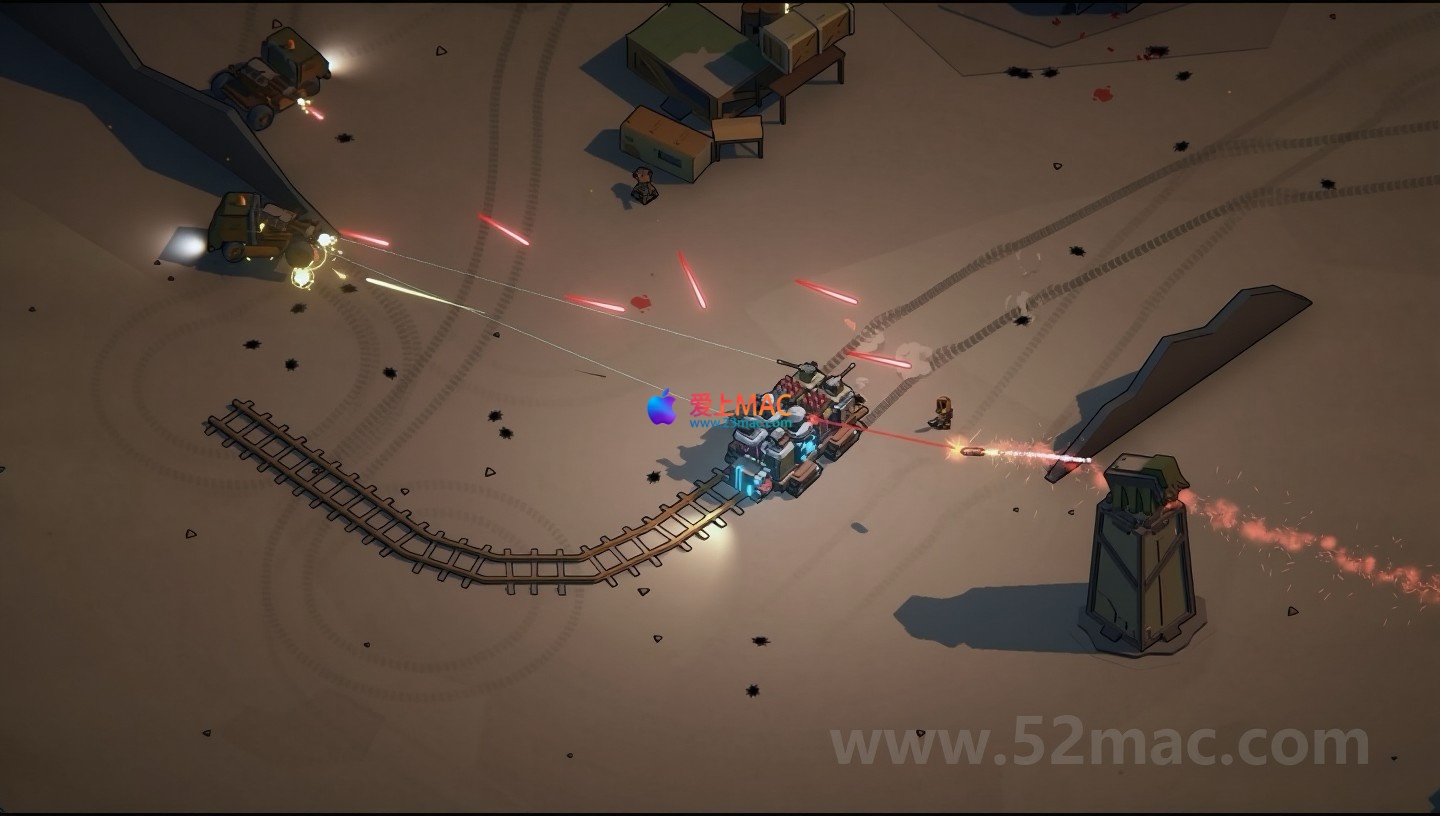
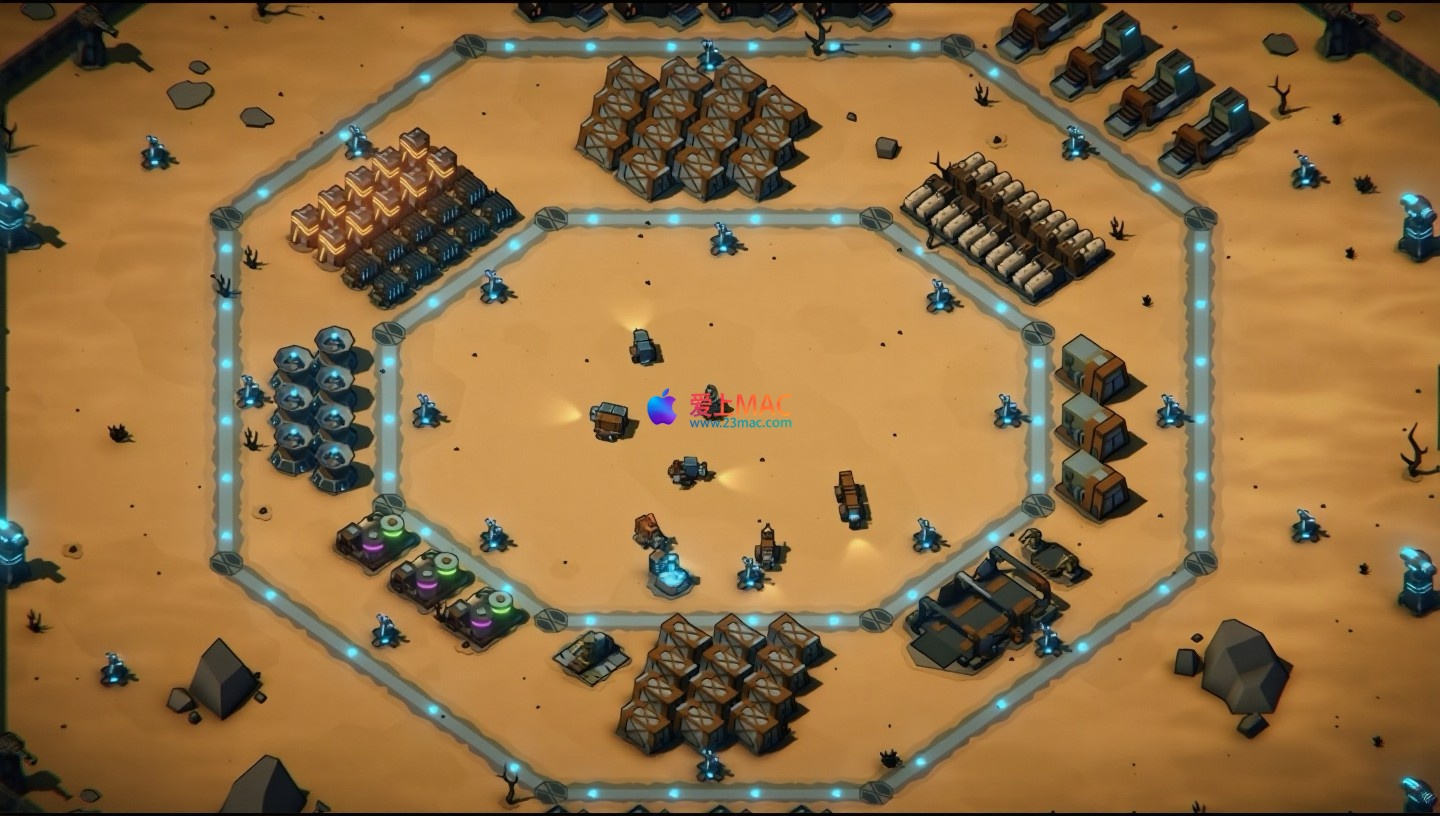
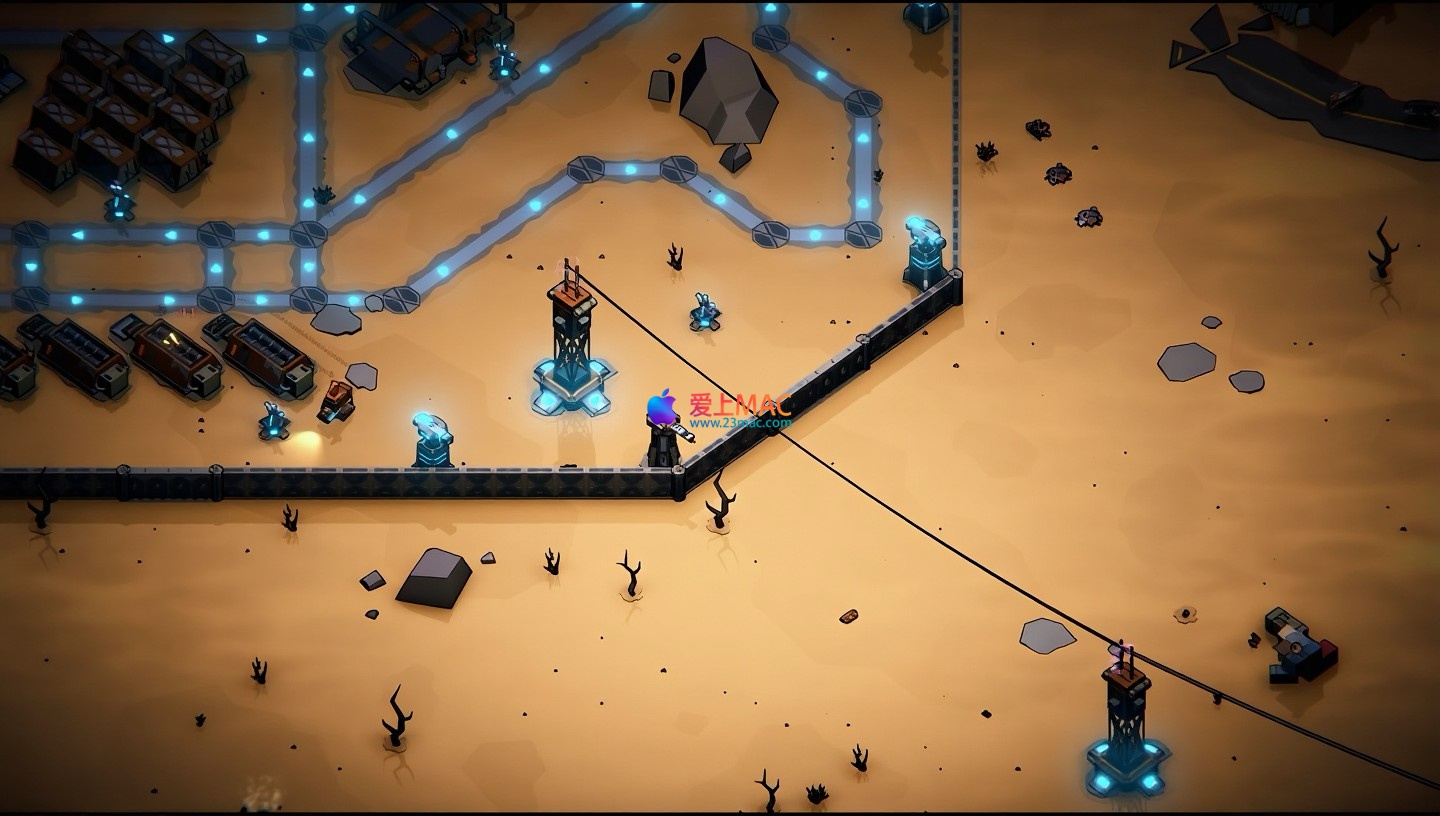
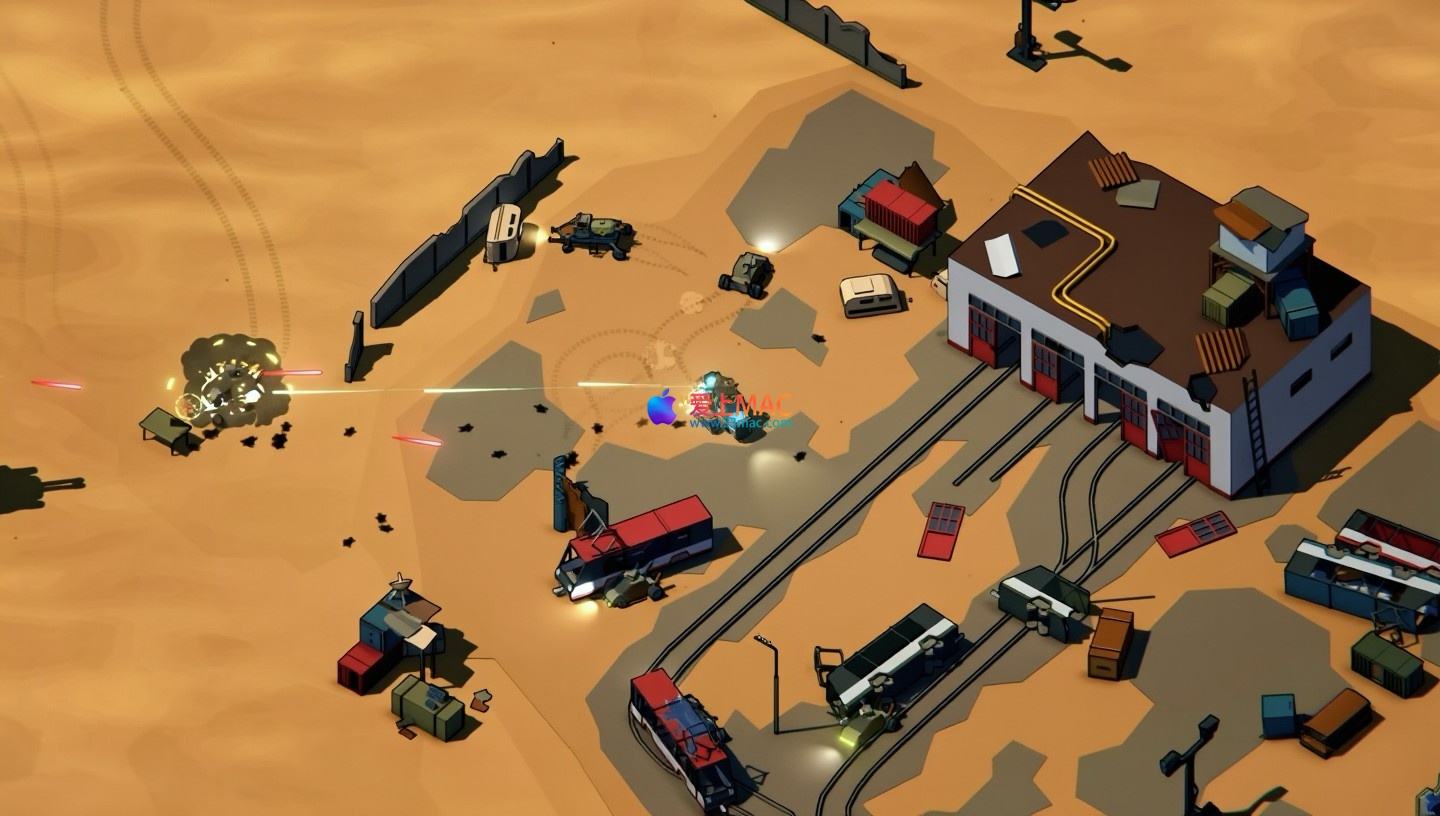
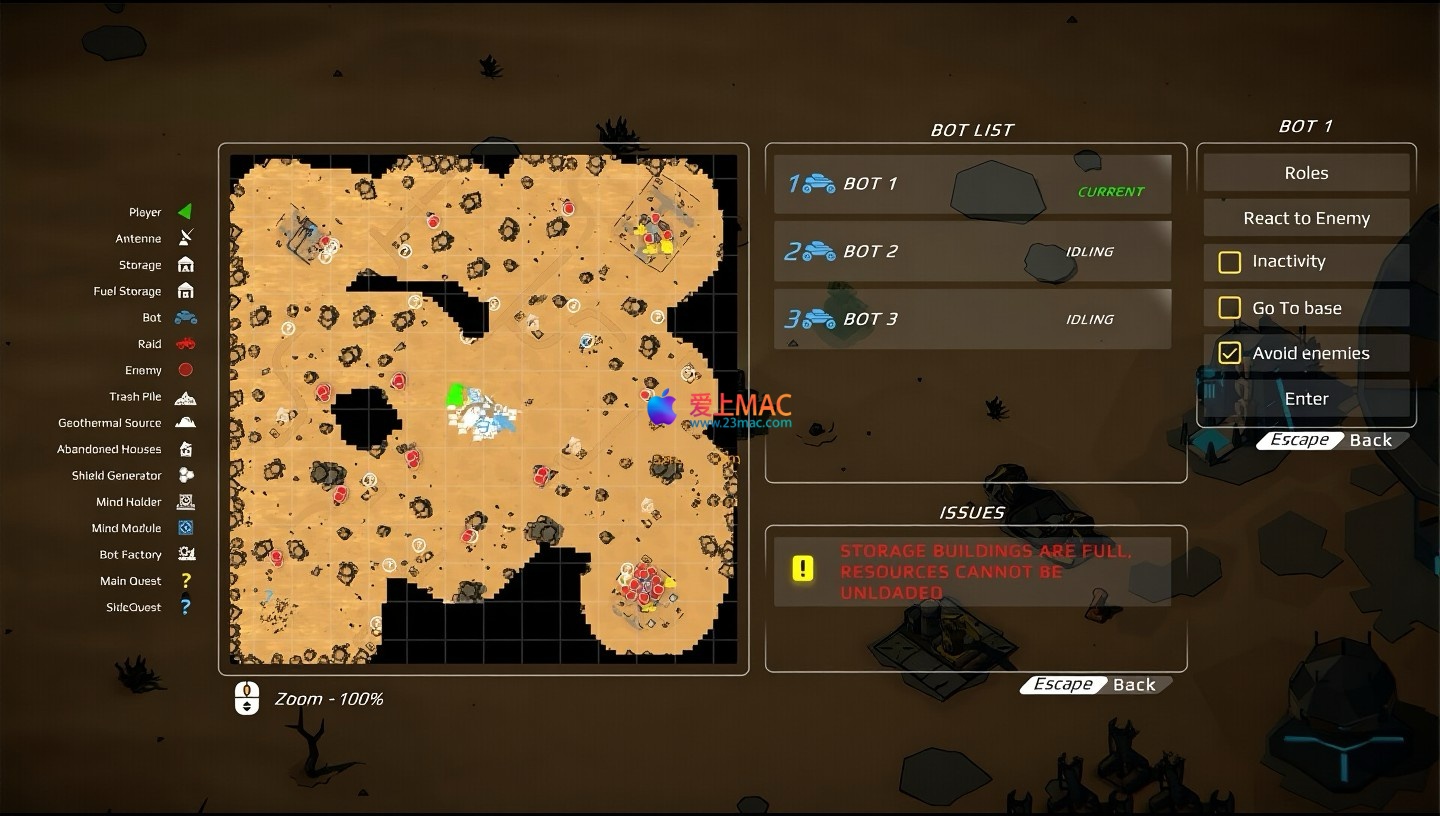
Here are the real-time gameplay images of Machine Mind Mac version v1.0.5:
Before installing Machine Mind Mac version v1.0.5, ensure your macOS version is at least 10.14 (Mojave). Reserve at least 8GB of disk space to ensure smooth game performance.
Click the download link to obtain the installation mirror file in “.dmg” format. Double-click the file to automatically mount and pop up the installation window.
Drag the “Machine Mind” icon to the “Applications” folder. This process typically takes 30 seconds to 1 minute, depending on your Mac’s performance.
Open the “Launchpad” or “Applications” folder, find and double-click the “Machine Mind” icon. If the system prompts “Unable to verify developer,” go to “System Preferences” > “Security & Privacy” > “General,” and click the “Open Anywhere” button.
After the first launch, the game will automatically create a save directory. Wait for the loading to complete, and you can enter the main menu to start your journey into the post-apocalyptic world. If you encounter a crash, try restarting your Mac or updating the graphics card driver.
We have compiled answers to the most frequent user questions to enhance your gaming experience.
The official version of Machine Mind already includes simplified Chinese subtitles and interface. You can switch to the language in the “Settings” > “Language” option.
Please check if the downloaded file is complete and verify the MD5 checksum value. If it still fails, try closing antivirus software or switching to a different network environment.
Consider lowering the graphics settings, such as “Shadow Quality” and “Anti-Aliasing.” Closing unnecessary background applications can also effectively free up memory resources.
The game uses automatic save functionality. Save automatically when completing key tasks or entering new areas. Manual saves can be performed in the menu interface.
At the base’s “Workbench”, select the “Vehicle Modification” option. You need to first gather materials like metal and circuit boards to unlock and install new function modules.
Upgrade the base’s defensive and weapon modules first. Use robot formations for attrition warfare, or explore other areas to obtain more advanced resources before returning to challenge them.
Yes, it does. Xbox or PS4 controllers are recommended, and the game will automatically recognize them upon connection. You can also customize the button mappings in the settings.
Save files are located at: ~/Library/Application Support/MachineMind/Saves. It is recommended to regularly copy this folder to an external hard drive to prevent data loss.
Mastering these shortcuts can significantly enhance your efficiency in playing “Machine Mind”. The table summarizes the core operations and their corresponding keys.
| Operation Category | Shortcut | Function Description |
|---|---|---|
| Unit Control | W/A/S/D | Move the selected unit |
| View Operation | Arrow Keys or Mouse Wheel | Translate the game view |
| Quick Selection | Shift + Left Mouse Button | Add/remove units to the current formation |
| Attack Command | A + Left Mouse Button | Force attack a specific target or area |
| Pause Menu | Esc | Open the pause interface to set or exit |
| Construction Mode | B | Quickly enter the base construction menu |
| Map Switching | M | Open/Close the global map |
Don’t upgrade all devices blindly in the early stages. Prioritize manufacturing “Recycling Modules”, which allow your robots to extract rare parts from scrapped vehicles. This technique can save a lot of resource collection time.
When constructing “Auto Cannons” around the base, pay attention to maintaining spacing. Use robot formations to set patrol routes, ensuring each cannon is within repair range. In real combat, this layout can withstand up to three waves of attacks.
Divide your troops into three groups: one to attract enemy fire, one to destroy enemy supply lines, and the last to defend the base. Quickly switch between formations using shortcuts to significantly increase the chances of victory.
A classic case shared by player “Endless Scavenger” demonstrates this strategy. In the second chapter’s desert map, he encountered sandstorms and numerous enemies. He first used the vehicle’s “Invisibility Module” to bypass the main force, then detonated resource points to create chaos, and finally led his robot squad from the flank. The entire process took only 8 minutes, successfully breaking through the encirclement.
The Mac version of “Machine Mind” v1.0.5 offers a deep manufacturing system and real-time strategy elements, providing players with an immersive post-apocalyptic survival experience. From base construction to automated management, each step requires careful planning. We hope this article can help you quickly get started and find your own survival path in this broken world. If you encounter any technical issues, feel free to leave a comment in the review section, and we will respond to your inquiries as soon as possible.
This resource requires login to download
Log in
SimpleMind for Mac v2.9.0 Chinese Activation Edition Download
Downloads:3001 | 2026-10-27

Classic First-Person Shooter Game: Prodeus for Mac v1. 0. 2 Download and Activation Edition
Downloads:1960 | 2026-10-23

ON1 Resize 2022 for Mac v16.0.1: Lossless Image Resizing Tool Chinese Activation Version Download
Downloads:1413 | 2026-10-23

Adobe Lightroom Classic CC 2019 for Mac v8.3 Chinese Activation Download
Downloads:3283 | 2026-10-22


Ratings & reviews
5
(Maximum 5 ratings, total 97 user reviews)
Let’s rate it.