Pixelmator Pro for Mac is a high-end image editing software designed for professional users and enthusiasts. It combines powerful professional-grade image processing features with an intuitive user interface, widely used in image editing, graphic design, and photo retouching, and is favored by many Mac users.
一、核心功能与专业工具
Pixelmator Pro offers a comprehensive set of editing tools to meet various needs, from basic adjustments to complex creations:
- Comprehensive image editing tools: Provides a complete set of tools to enhance existing images or create new works from scratch.
- No-destructive editing: Supports adjusting or undoing individual editing steps at any time, preserving the original image data.
- Object manipulation and composition: Easily moves, resizes, and arranges multiple objects to create complex visual compositions.
- Advanced color adjustment: Offers lossless color adjustment tools for precise control over image tones and color balance.
- Machine learning enhancement: Based on Core ML technology, automatically analyzes and optimizes photos to the best state.
- RAW file support: Native support for editing multiple RAW format images without the need for pre-conversion.
- Digital painting and brushes: Equipped with fully customizable dual-texture brushes that perfectly support digital painting and traditional art creation.
- Effects and filters: Includes a rich selection of artistic and effect filters, allowing users to freely combine and save custom effects for reuse or sharing.
- Removal and enhancement tools: Smartly removes imperfections or objects, seamlessly cloning image regions, and using professional enhancement tools for local brightness adjustment.
- Shape transformation tools: Allows adjusting the shape of objects or regions within an image, suitable for artistic creation or portrait micro-tuning.
- Vector graphics design: Includes high-quality customizable vector graphics and provides a pen tool for users to create vector paths.
- Professional typography tools: Provides a full suite of text layout functions, making it easy to design aesthetically pleasing text elements.
- Web optimization and output: Uses advanced compression algorithms to optimize image size while maintaining quality for network publishing.
- Bulk processing: Integrates five Automator workflows for automated batch processing of large numbers of images.
二、机器学习增强的图像编辑
The software integrates machine learning technology to significantly enhance editing efficiency and intelligence:
- Smart photo enhancement: Optimizes photos through algorithms trained on a vast collection of professional photos, automatically adjusting exposure, color, and details.
- Automatic layer naming: Automatically generates descriptive layer names for new layers, improving layer management efficiency.
- Smart cropping assistance: The cropping tool can automatically detect horizontal lines in images to assist users in straightening the scene quickly.
- Smart object removal: The repair tool can intelligently analyze surrounding pixels to remove unnecessary objects with high realism.
- Quick and precise selection: The quick selection tool uses ML technology to help users easily and accurately complete complex selections.
三、广泛的兼容性与集成
Pixelmator Pro boasts excellent format support and system integration capabilities:
- Multi-format support: Supports opening and editing JPEG, TIFF, PNG, PSD, HEIF, SVG, PDF, GIF, BMP, TGA, JPEG-2000, and other mainstream image formats.
- Photoshop file compatibility: Can directly open and edit PSD files containing layers.
- SVG vector editing: Supports importing and editing SVG vector graphics.
- Integration with macOS Photos: Can directly start editing from the Photos app and save the modifications back to the original photo library.
- Convenient sharing: After editing, images can be shared via photos, email, AirDrop, and other methods.
四、版本 3.5.10 更新内容
The latest version includes the following improvements and fixes:
- Removed the restriction on scaling for video layers during transformations, making the operations more flexible.
- Fixed the issue where some PDF files were displayed in black and white instead of color when opening.
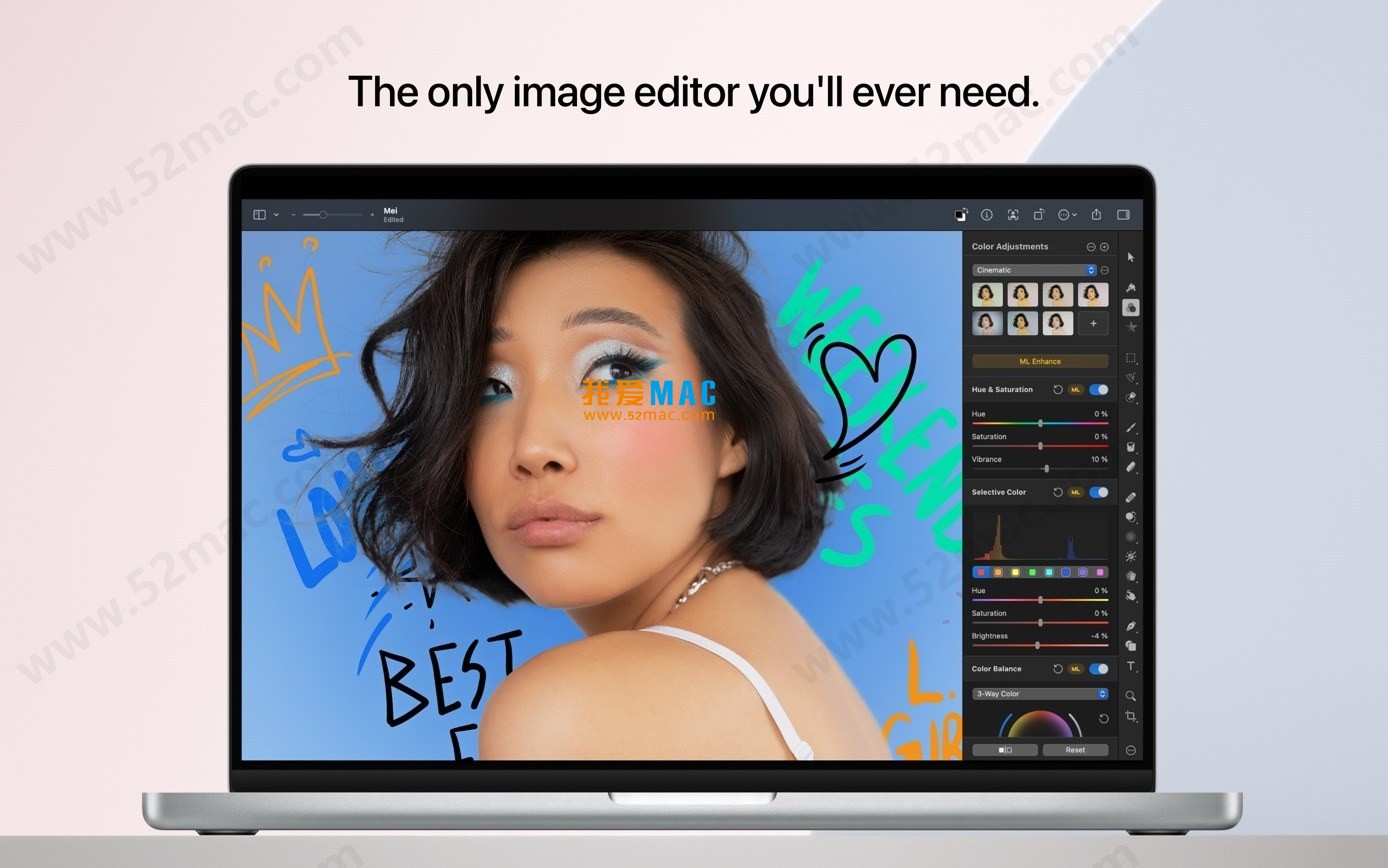
五、软件界面截图
Here are screenshots of the Pixelmator Pro for Mac user interface:





Ratings & reviews
4.6
(Maximum 5 ratings, total 33 user reviews)
Let’s rate it.