

Topaz Photo Pro for Mac v1.2.1: Smart Image Enhancement Software Activation Download
Here is the page providing Topaz Photo Pro for Mac v1.2.1 smart image enhancement software activation download | LoveMAC, it has been tested and available. If you encounter issues with the link or cannot install the software after downloading, please leave a message to contact us.
Topaz Photo for Mac is a professional image enhancement software based on artificial intelligence. It utilizes advanced intelligent algorithms to effectively solve common issues such as image noise, blurriness, and low resolution, and provides a series of optimization tools. The software is suitable for photographers, designers, and ordinary users, and can run independently or be integrated as an extension into mainstream image editing software.
The software centers on “AI deep learning,” with its functions built upon an AI model trained on millions of images. This technology can precisely identify image details and defect boundaries, achieving intelligent processing:
The software integrates the functions of multiple professional tools into a solution with 12 AI-driven tools covering the entire workflow from repair to enhancement:
The software offers a “local + cloud” dual-rendering mode, balancing performance, efficiency, and data security:
Supports batch import and processing of multiple images (such as 50 2400 million pixel photos), processing on a M2 Pro chip device in approximately 3 minutes and 15 seconds. It supports RAW, JPG, PNG, TIFF, and optimizes camera-native RAW files to retain the original dynamic range and color information.
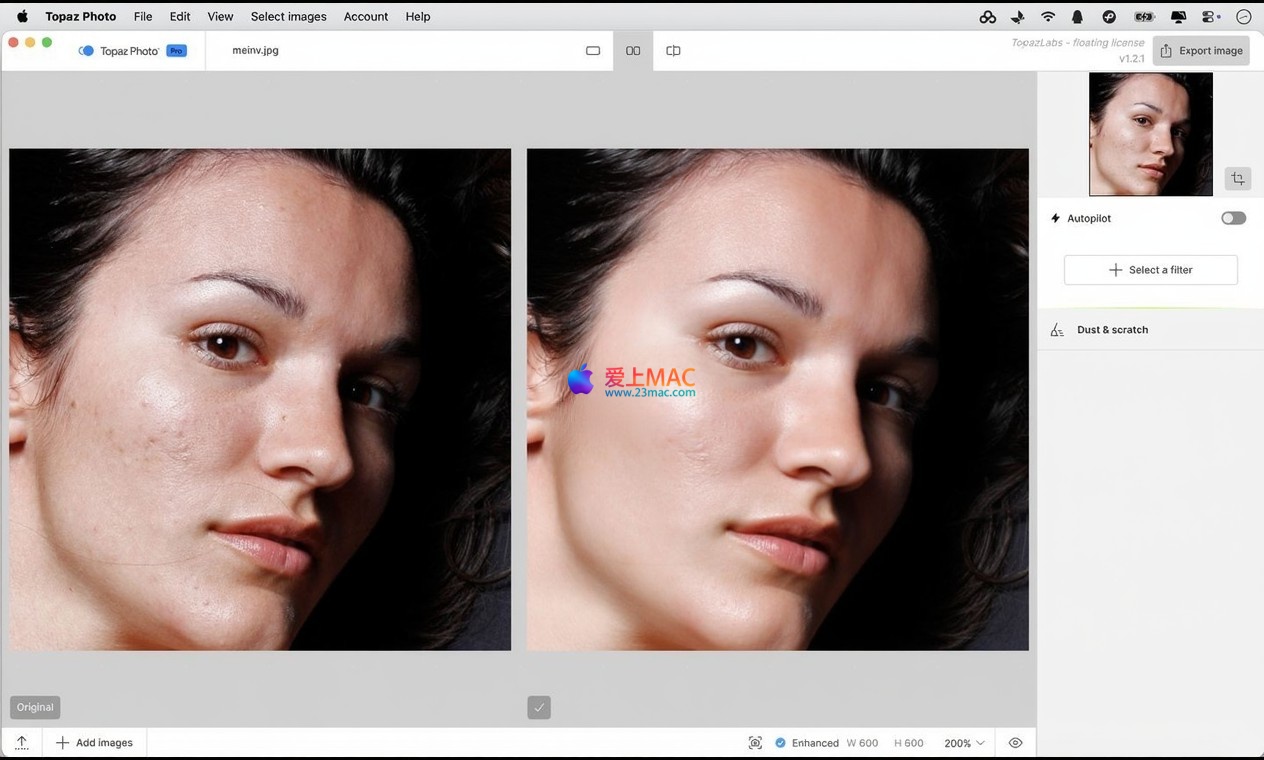
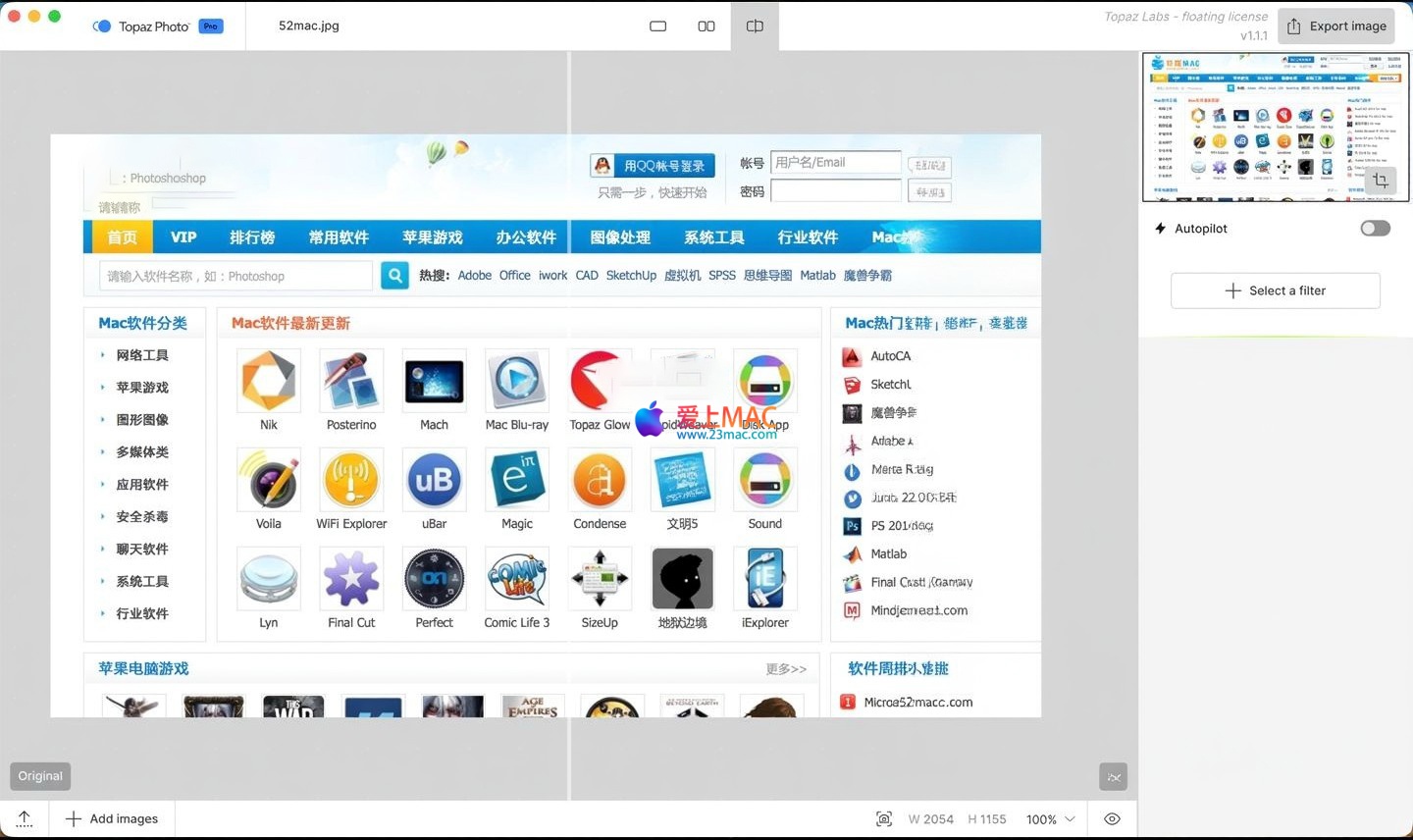
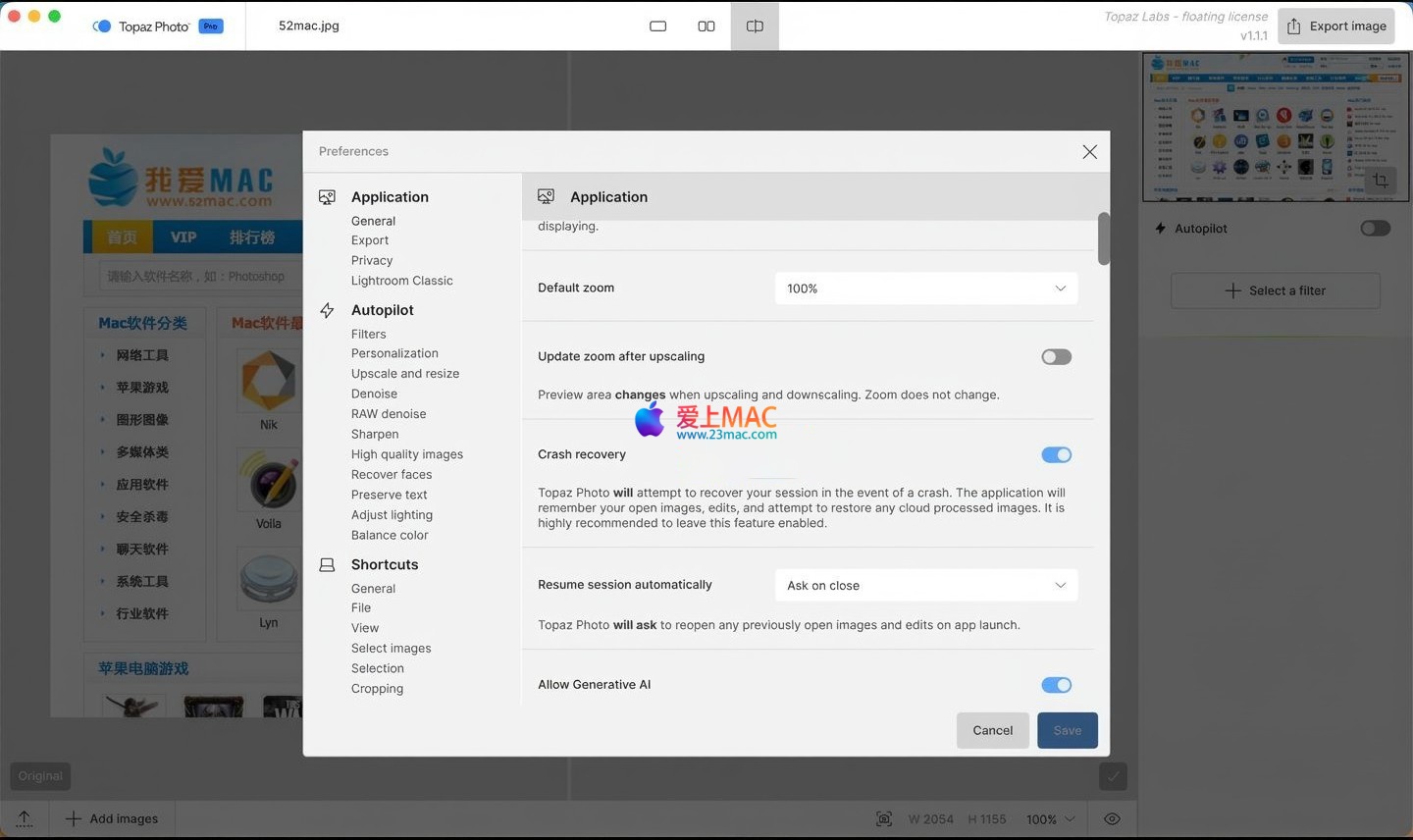
Here are some screenshots of the Topaz Photo Pro for Mac v1.2.1 software interface
To ensure the software runs stably, please follow the steps below strictly. This tutorial has been tested on macOS Ventura and higher versions.
Topaz_Photo_Pro_v1.2.1.dmg from the link provided on this page..dmg file, and drag the “Topaz Photo Pro” icon to the right-hand “Applications” folder in the pop-up window.Note: If the icon cannot be launched after being dragged to the “Applications” folder, try right-clicking the icon and selecting “Open” to bypass the system restriction.
We have compiled the most frequently asked questions from our users and provided detailed answers.
This is a common prompt from macOS Gatekeeper’s security mechanism. Go to “System Preferences” → “Security & Privacy” → “General,” and click “Open Anywhere.” If this option is unavailable, enter the command in the terminal: sudo spctl --master-disable, and then try again.
Please check if the activation code contains spaces or if there was a copy/paste error. It is recommended to manually input the code rather than copy and paste. If still invalid, confirm your network connection is normal, as some activations require a network check.
This is often due to GPU driver conflicts. Try updating macOS to the latest version, or disable “GPU acceleration” in the software’s “Preferences” to use CPU rendering instead.
Batch processing requires high memory and CPU usage. Ensure your Mac has at least 8GB of available memory. In the “Processing Settings,” choose “Standard” mode instead of “Max” to significantly improve speed.
Please check the “Color Space” setting in the software. It is recommended to set the output color space to “sRGB,” which is the standard for most displays and networks. If using a wide color gamut display, retain “Adobe RGB.”
After installation, the software will automatically recognize Adobe series software. If not recognized, manually copy the TopazPhotoPro.plugin file from the installation package to the Photoshop’s Plug-ins folder, and restart Photoshop.
Supports most mainstream camera models, including but not limited to Canon CR2/CR3, Nikon NEF, Sony ARW, and Fuji RAF. The complete list can be found in the official documentation. If an unsupported format is encountered, it is recommended to convert it to DNG format before importing.
If parameters have been adjusted and the results are unsatisfactory, find the “Reset” button in the top right corner to reset all parameters to the default state. Alternatively, choose “Edit” → “Preferences” → “Reset All Settings” in the top menu bar.
The trial version usually has watermarks or limited functionality, and cannot use cloud rendering. The activation version has no restrictions and can enjoy all AI models and unlimited local/remote rendering.
Drag the “Topaz Photo Pro” icon from the “Applications” folder to the trash, and empty it. Additionally, delete the ~/Library/Application Support/Topaz Photo Pro folder to clear any residual configuration files.
Mastering the following shortcuts can significantly enhance your efficiency when using Topaz Photo Pro.
| 快捷键 | 功能描述 | 适用场景 |
|---|---|---|
Cmd + Z |
撤销上一步操作 | 在调整参数时快速回退 |
Cmd + Shift + Z |
重做上一步操作 | 撤销后重新应用 |
Cmd + S |
保存当前项目 | 随时保存进度,防止丢失 |
Cmd + O |
打开新图像文件 | 快速导入素材 |
Cmd + E |
导出当前图像 | 处理完成后输出结果 |
Cmd + + |
放大视图 | 检查细节 |
Cmd + - |
缩小视图 | 查看整体效果 |
空格键 |
临时切换到手型工具 | 拖拽平移视图 |
Tab |
隐藏/显示侧边工具栏 | 最大化预览区域 |
F |
全屏模式切换 | 沉浸式处理 |
Tip: On Mac,
Cmdkey is typically equivalent toCtrlkey, adapt according to your habit.
The following tips are summarized from experienced users, helping you avoid common pitfalls and maximize the software’s potential.
Many beginners tend to overdo noise reduction, resulting in loss of texture. The trick is: first use “smart noise reduction” to lower noise to an acceptable level (usually 50%-70%), then use “sharpening” tools to restore texture. It’s recommended to turn on “preview comparison” mode to observe the effect in real-time.
Example: A family photo from the 1980s, heavily yellowed with scratches. The workflow is as follows:
When shooting landscapes, it’s often difficult to balance details in the sky and ground. The trick is: use the “local adjustment brush” to reduce noise in the sky area and sharpen the ground area. Use feathering to make the transition area look natural.
Wedding photography often involves hundreds of RAW files. The suggestion is: first process a sample photo, save all parameters as “preset”. Then enter the “batch processing” mode, apply the preset to all photos with a single click. On a Mac with M2 chip, processing 100 photos at 240 million pixels takes about 6 minutes.
If your Mac’s configuration is low (e.g., Intel chip), processing high-resolution images will be very slow. In this case, enable the “cloud rendering” mode, offloading the computing tasks to the server while the local device only handles previews. In a 2019 MacBook Pro, cloud rendering is about 3 times faster than local rendering.
Professional advice: Before exporting the final work, please enlarge to 100% to check the edge details, avoiding the generation of “halos” due to over-sharpening.
Topaz Photo Pro for Mac v1.2.1 is a truly “resurrecting old photos” intelligent tool. It solves the pain points of traditional image processing, such as “losing texture due to noise reduction” and “fuzziness due to enlargement,” and offers dual modes for both performance and privacy.
Whether you are a professional photographer needing to quickly process a large number of RAW files or a regular user wanting to restore cherished old photos, this software can provide satisfactory results. Its intuitive user interface and powerful AI models make complex tasks simple.
If you have already installed and experienced this software, please share your usage insights or works in the comments. We will also continuously update version information to ensure you always use the latest and most stable features.
Lastly, please remind: after downloading, please install it promptly to avoid link expiration. If you encounter any technical issues, please contact us through the site’s message board at any time. Thank you for choosing Topaz Photo Pro for Mac!
This resource requires login to download
Log in
Pro Version 3.6 of OmniFocus for Mac – Chinese Activation Download
Downloads:3365 | 2026-10-27

Vector Drawing Software: Sketch for Mac v2025.2.2 Chinese Activation Download
Downloads:2676 | 2026-10-21

EdgeView 3 for Mac v3.8.6 Chinese Activation Version Download
Downloads:3569 | 2026-10-21

Unclutter for Mac v2.1.18 Chinese Activation Version Download
Downloads:1433 | 2026-10-19


Ratings & reviews
4.6
(Maximum 5 ratings, total 60 user reviews)
Let’s rate it.