

ON1 Photo RAW MAX 2026.3 for Mac Chinese Activation Version Download
本页面提供 ON1 Photo RAW MAX 2026.3 for Mac v20.3.0 照片编辑器 中文激活版下载 | 爱上MAC,已测试可用,如遇到链接失效或下载后无法安装等情况,请留言联系我们。
ON1 Photo RAW MAX 是一款面向专业摄影师与创意工作者的高级 RAW 图像处理与照片编辑软件。它专为 macOS 设计,将文件浏览、RAW 开发、非破坏性图层编辑及特效应用无缝整合于单一平台,提供高效的一站式工作流。相较于标准版,MAX 版本额外集成了 Adobe 插件支持与云同步功能,进一步满足了专业用户的协作与扩展需求。
核心优势: 一体化工作流、强大的 AI 编辑工具、完整的图层与合成功能、以及超越 Lightroom 的本地文件直接编辑能力。
To begin installing ON1 Photo RAW MAX 2026.3 before the installation, it is recommended that you ensure your macOS version is 26.3 or higher to fully support all AI features.
Mastering the following shortcuts can significantly enhance your post-processing efficiency. We have prepared a clear and visually appealing table for you.
| Keyboard Shortcuts | Function Description | Applicable Scenarios |
|---|---|---|
| Command + Z | Undo the previous operation | Quickly revert any accidental actions |
| Command + Shift + Z | Redo the operation that was undone | Use when comparing before and after effects |
| Command + E | Open or Close the “Edit” panel | Quickly switch to edit mode |
| Command + B | Open or Close the “Browse” mode | Quickly browse the photo library |
| Command + D | Cancel the current selection | Cancel the selection after using Super Select AI |
| Command + + / - | Zoom in / Zoom out | Check the details of the photo |
| Command + 0 | Fit the view to the window | Quickly view the full photo |
| Command + Shift + E | Export the current photo | Quickly export after editing |
| Command + J | Create a new layer | Perform layer composition operations |
| Command + Shift + N | Create a new folder (in browse mode) | Organize the photo library |
Having the tools is not enough; mastering the right techniques can yield impressive results. Below are a few tips accumulated from practical experience.
When shooting portraits, a messy background is a common issue. Utilizing Super Select AI allows for the quick selection of the subject. After selecting, click on “Create Mask,” then apply blur or replace operations to the background. The entire process takes no more than 30 seconds, resulting in a natural effect.
During concerts or night photography, ISO often reaches 3200 or even 6400. Activating NoNoise AI and choosing the “High Quality” mode enables the software to automatically analyze and remove noise types. We tested a photo with an ISO of 6400; after processing, the details were retained with almost no noticeable noise.
When the sky is dull and lifeless, don’t worry; Sky Swap AI can replace the sky with a single click. After selecting a suitable preset, the software automatically matches the original photo’s lighting direction and color. If there are any imperfections at the edges, use the “Brush” tool to gently blend it in.
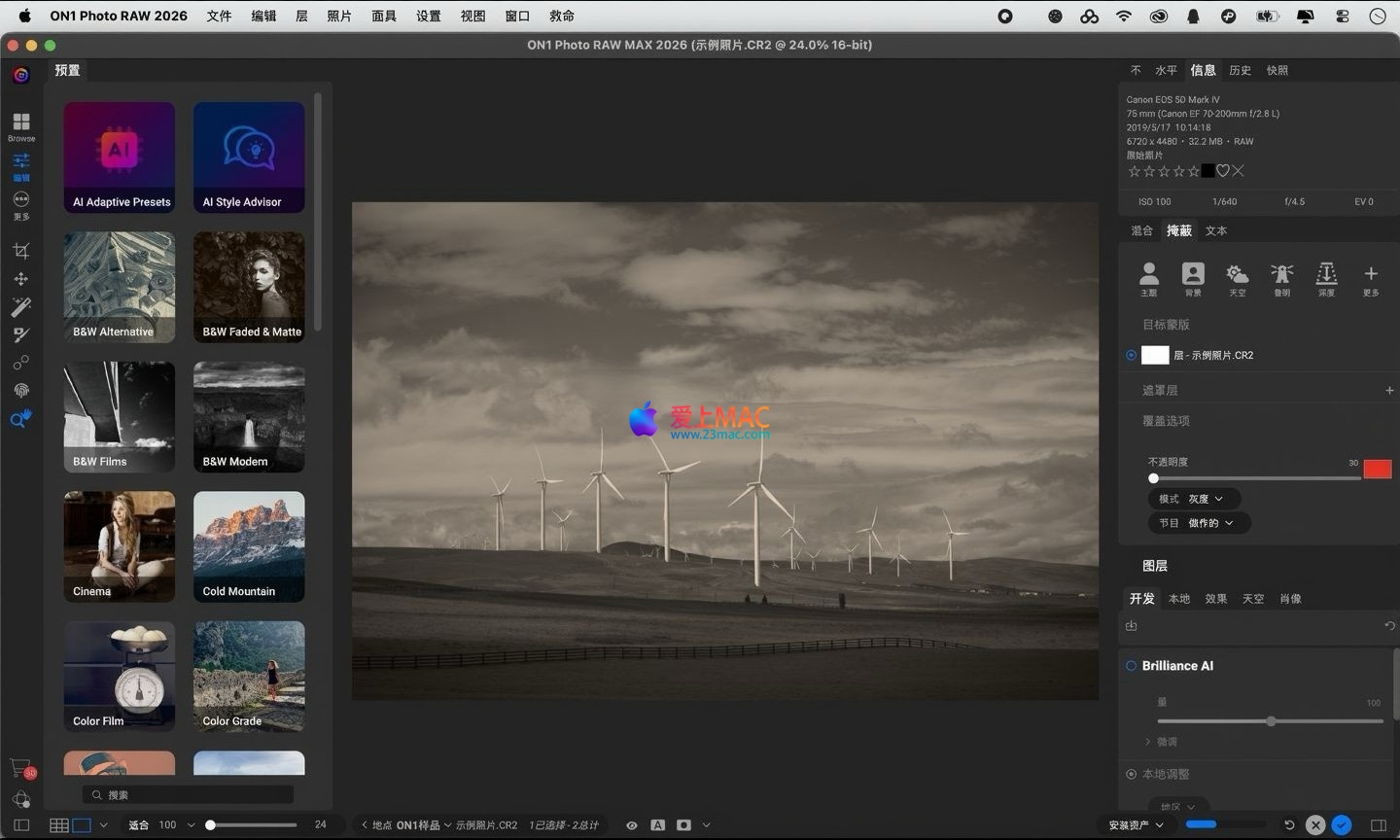
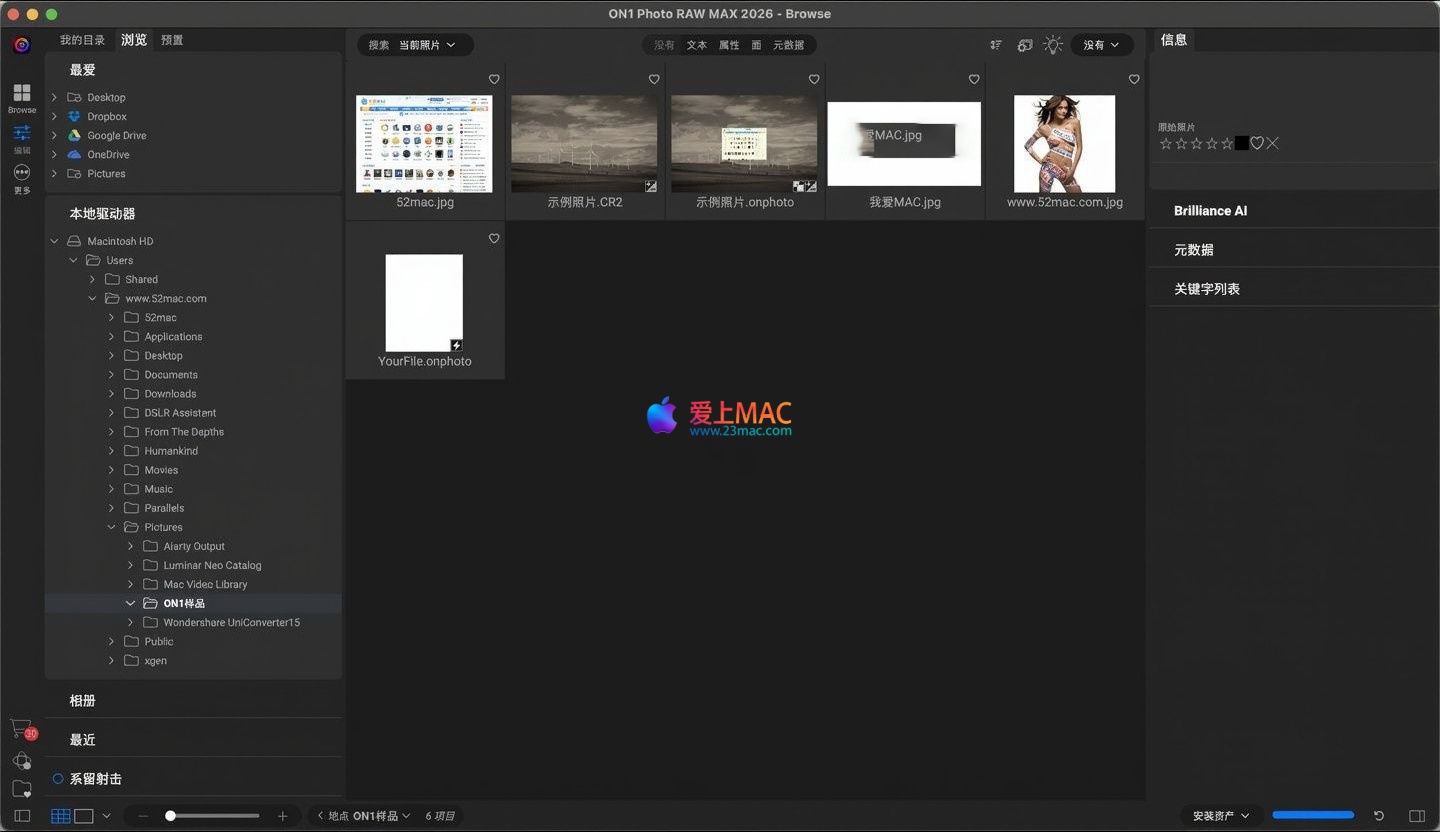
We used a RAW file that was underexposed as an example. First, locate the photo in the “View” module and double-click to enter the “Edit” module. Utilize Brilliance AI to instantly correct exposure and color. Next, apply a “Gradient Filter” to darken the sky area, enhancing the layers. Finally, use Resize AI to enlarge the photo to 40 million pixels, suitable for printing. The entire process is smooth and efficient, without needing to switch between multiple software applications.
ON1 Photo RAW MAX 2026.3 for Mac v20.3.0 is a professional-grade RAW image processing software that integrates browsing, editing, and management functionalities. Its powerful AI tools, complete layer support, and continuously improved performance make it a popular alternative to Lightroom for many photographers. Whether in professional photography studios or for personal creators, users can enjoy efficient and flexible post-processing experiences. We hope this article helps you smoothly install and quickly get started with this excellent software.
This resource requires login to download
Log in
Adobe After Effects 2022 for Mac v22.5 Crack Edition Download
Downloads:2470 | 2026-10-24

ICEY for Mac: 2D Side-scrolling Action Game -国产精品游戏_ICEYmac Download and Activation Version
Downloads:1960 | 2026-10-23

Live Home 3D Pro for Mac v4.8.4 Chinese Activation Edition Download
Downloads:2589 | 2026-10-22

Capture One 23 Pro for Mac v16.5.1.14 Chinese Activation Version Download
Downloads:1205 | 2026-10-21


Ratings & reviews
4.9
(Maximum 5 ratings, total 29 user reviews)
Let’s rate it.