


XMind Pro for Mac v26.02.04171 Chinese Activation Edition Download

  • Introduction
Download
Download now
Join VIP Free download

Description

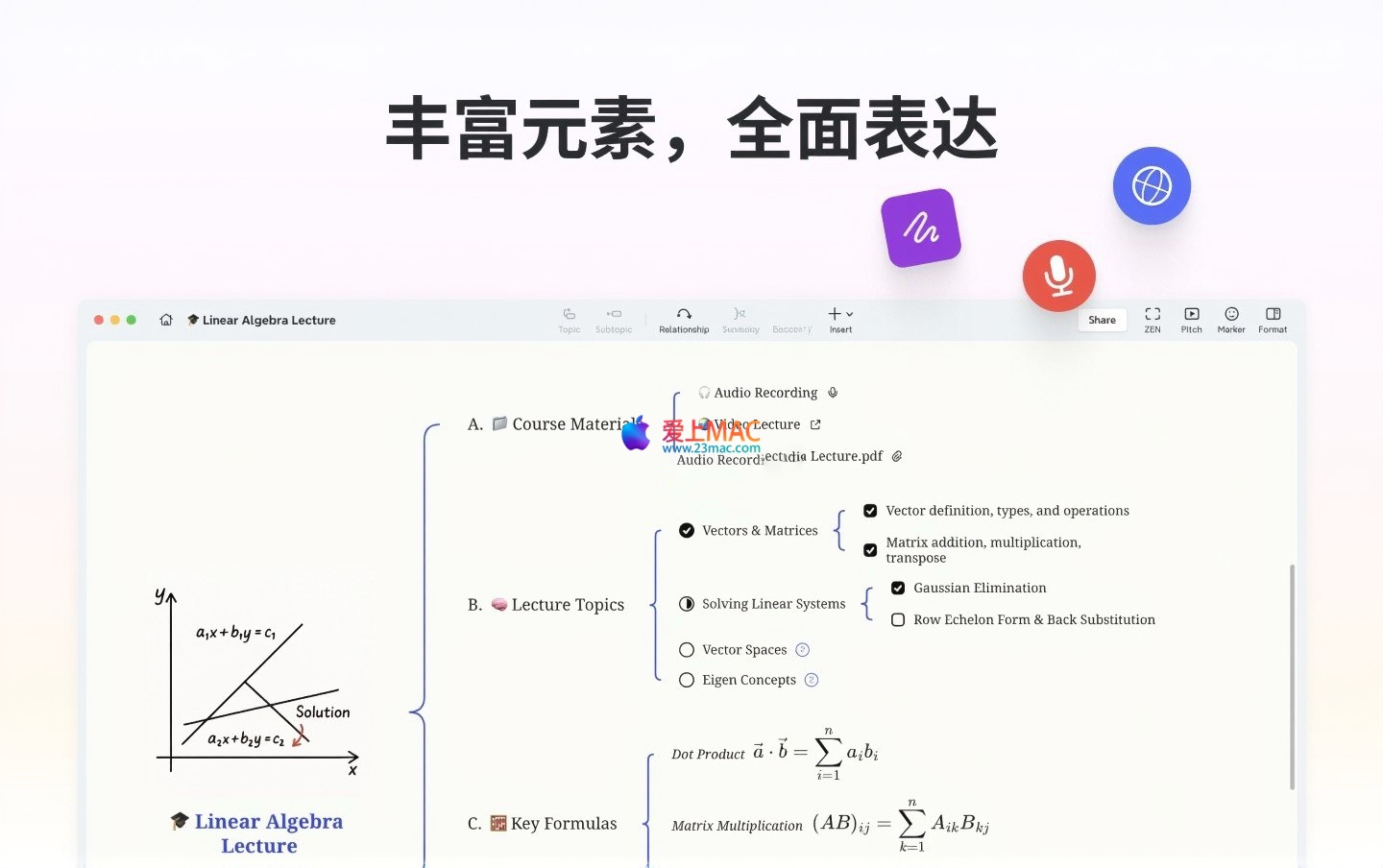
Xmind Pro for Mac is a professional mind mapping and brainstorming software designed to help users efficiently capture inspiration, organize logic, and visualize their thinking processes. It combines artistic aesthetics with practical functionality, making the process of organizing thoughts a smooth and clear experience. Whether for constructing workflow, extending creative ideas, or recording to-do lists, meeting minutes, or project planning, Xmind helps achieve a perfect blend of logic and creativity.

Important Notes and Pre-Installation Information:

  • The version mentioned in this article is a specific cracked version. Please do not perform any software updates or upgrades, as this may cause the license to become invalid.
  • Installing and using cracked software carries security and legal risks. Users should weigh these risks before proceeding.

One. Installation and Activation Steps

  1. Install the Application: Drag the downloaded “Xmind” software file to the Mac’s “Applications” folder to install it.
  2. First Run and License Agreement: Open Xmind from the “Applications” folder and agree to the software license agreement upon the first run.
  3. Skipped Login: The software may prompt for a login window. Close this window to start using all the software’s features. For logging in to experience features like synchronization, you can register a new account or use WeChat quick login.
  4. Key Settings: Disable Automatic Updates: To ensure the cracked version remains usable, make sure to disable the “Check for Updates Automatically” or similar option in the software settings.
Installation Process Example (Illustration)
XMind 安装与许可同意界面示意图
Important Reminder: Please ensure to disable the software’s automatic update function in settings. This is a critical step to ensure the cracked version remains usable.
***

Two. Core Functionality Features

1. Aesthetic and Powerful Visualization Tools

  • Comprehensive Graphic Structure: Supports classic mind maps, fishbone diagrams, organizational charts, and tree tables, allowing for the use of multiple structures and their combination to present thoughts more clearly.
  • Variety of Themes and Colors: Offers diverse skeletal styles and color schemes, allowing for quick application and meeting different aesthetic and scenario needs.
  • Unique Hand-drawn Style: Converts standard diagrams into natural hand-drawn appearances with a single click, adding creative fun and personal expression.
  • Professional Presentation Mode: Automatically generates transition animations and layouts to enter a presentation mode, making the entire process from conception to presentation seamless.
  • Efficient Outline View: Supports seamless switching between outline view and mind map modes, facilitating the quick organization and structuring of ideas.
  • Support for Dark Interface: Fully supports switching between light and dark interface themes, protecting vision and adapting to different work environments.

2. Quick and Smooth Editing Experience

  • Quick Input: Quickly records ideas and generates mind map nodes in real-time.
  • Theme Links: Quickly establishes connections between themes across different mind maps.
  • Branch Focus: The “Show Only This Branch” feature helps concentrate attention in complex mind maps.
  • ZEN Mode: Provides an immersive editing environment free from distractions, aiding in deep thinking.

3. Stable and Comprehensive Import/Export and Sharing

  • High-Quality Export: Supports exporting high-resolution PNG, SVG (transparent background) formats, meeting needs for printing and design.
  • Wide Format Compatibility: Supports importing files in formats like MindManager, FreeMind, MindNode, Markdown, and OPML; exporting in formats like PDF, Word, text, and OPML, ensuring seamless collaboration and sharing.

Three. Update Log for Version v26.02.04171

  1. New “Section” Function: Allows grouping related free themes, facilitating unified management, layout, and export.
  2. Skip Non-Workdays in Timeline Calculations: Automatically excludes weekends and holidays when calculating project timelines.
  3. Enhanced Gantt Chart Functionality: Supports batch linking tasks and adjusting timelines, enhancing efficiency in large-scale project scheduling.
  4. English language support added.
  5. Support for selecting multiple tasks to quickly add dependencies.
  6. Support for exporting Gantt charts in PNG, JPEG, and PDF formats.
  7. Support for printing Gantt charts.
  8. Support for quickly editing start dates and durations for tasks.
  9. Dependency relationships can be added without requiring start and end dates.
  10. Support for customizing the starting day of the week (e.g., Monday or Sunday).
  11. Optimized display logic for content pasted from external sources into the mind map.
  12. Fixed issues with branch text line breaks in logical diagrams, as well as known issues like branch text in Arabic punctuation and Markdown task export failures.

Four. Software Interface Screenshots

Xmind Pro for Mac 主界面与工作区示例
XMind Pro 主界面截图
多种图形结构与主题风格应用示例
XMind Pro 图形结构示例

“`

Download info

This resource requires login to download

Log in
Note: This resource is for informational purposes. By using this resource, you agree that you accept full responsibility to the copyright holder. For questions, please contact us.

Ratings & reviews

4.6

(Maximum 5 ratings, total 64 user reviews)

Let’s rate it.

  • 5 stars
    60.9%
  • 4 stars
    39.1%
  • 3 stars
    0%
  • 2 stars
    0%
  • 1 stars
    0%

You may also like

More
×
XMind Pro for Mac v26.02.04171 Chinese Activation Edition Download
iMac — One-stop Mac Software Download Platform
Social login
captcha
Social login