

Dropzone 5 for Mac v5.1.5 Menu Bar Productivity Tool Chinese Activated Version Download
Dropzone is a menu bar productivity tool that uses a customizable grid of drag-and-drop actions to let you quickly complete file processing, app launching, content sharing, and batch task execution with one click, greatly simplifying daily workflows and significantly boosting efficiency.
Features:
## Drag-and-Drop Shortcut Core
– Lightning-Fast File Operations: Drag files/folders to the corresponding target to quickly complete common operations such as move, copy, and open, replacing cumbersome system-level operations and supporting simultaneous batch processing of multiple files.
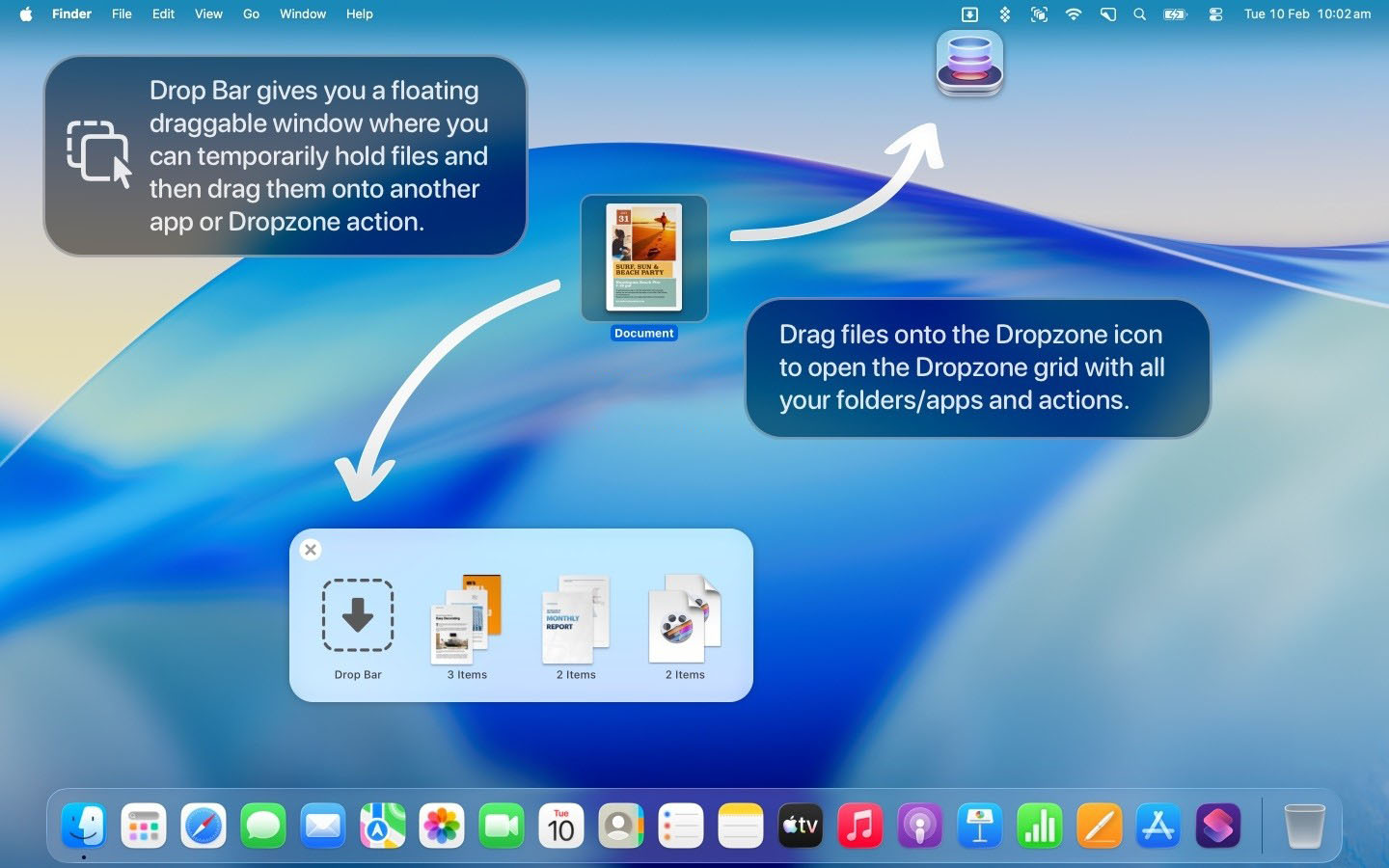
– Drop Bar File Staging: Provides a temporary file staging bar where dragged files can be pinned for storage and dragged out to email, chat windows, or other apps at any time; supports automatic collection of system screenshots and can be configured to automatically execute follow-up processing actions.
– Floating File Shelf: The Drop Bar can pop out as an always-on-top floating window that stays at the top layer of the desktop, making cross-app file dragging smoother and more convenient.
## Multi-Grid Custom Workspaces
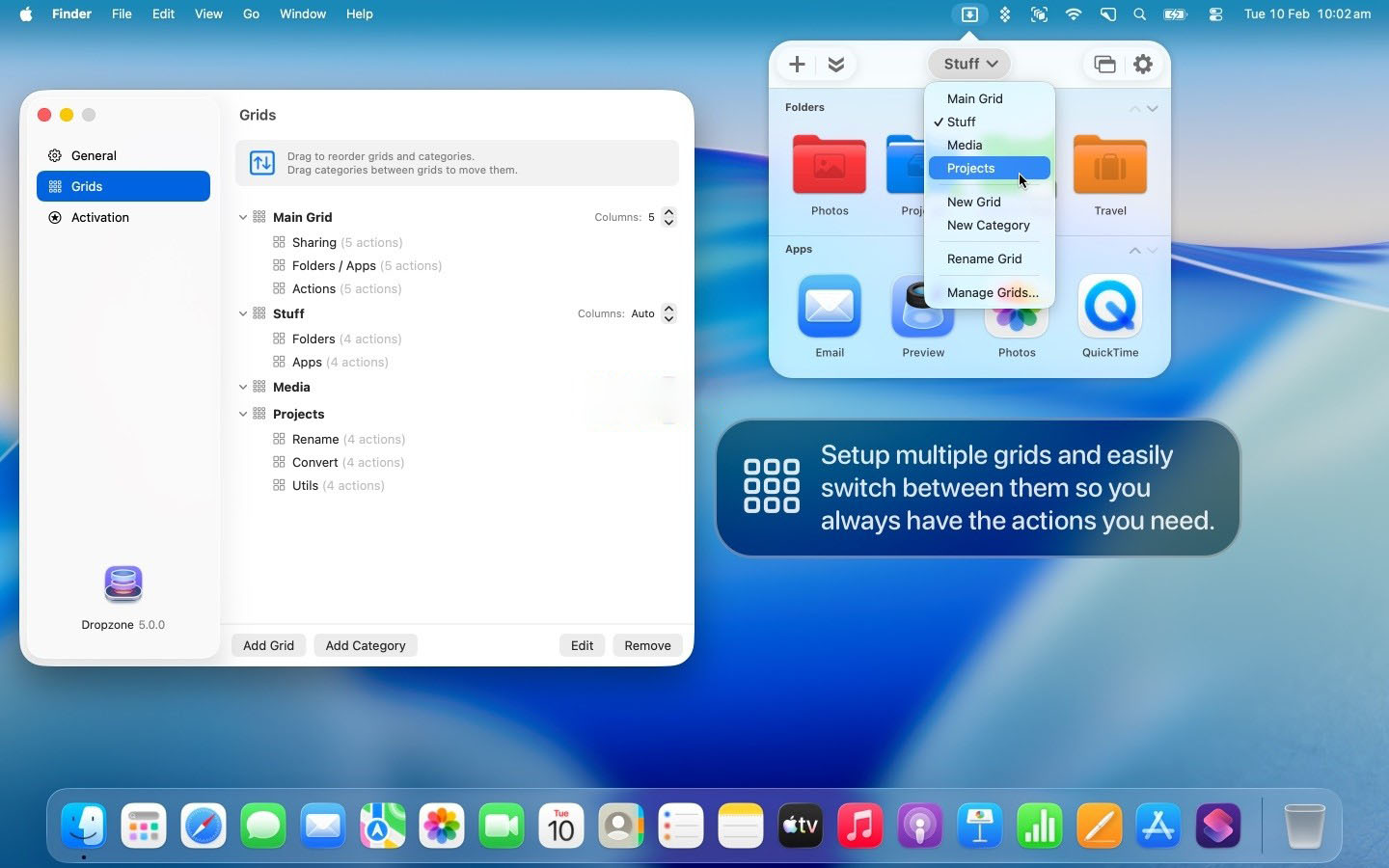
– Multi-Scenario Grid Grouping: Supports creating multiple independent grid workspaces, allowing apps, folders, and actions to be categorized by work scenario or project type, and switching between different scenario action sets with one click.
– Free Layout Management: Supports drag-and-drop adjustment of element order within the grid, custom categorization and grouping, and can use colored icons, symbols, and emojis to distinguish targets, creating a personalized action panel.
– Zero-Barrier Addition: Directly drag apps, folders, or actions to the “Add Area” to quickly add them to the grid, with simple and intuitive configuration.
## Built-in Practical Productivity Actions
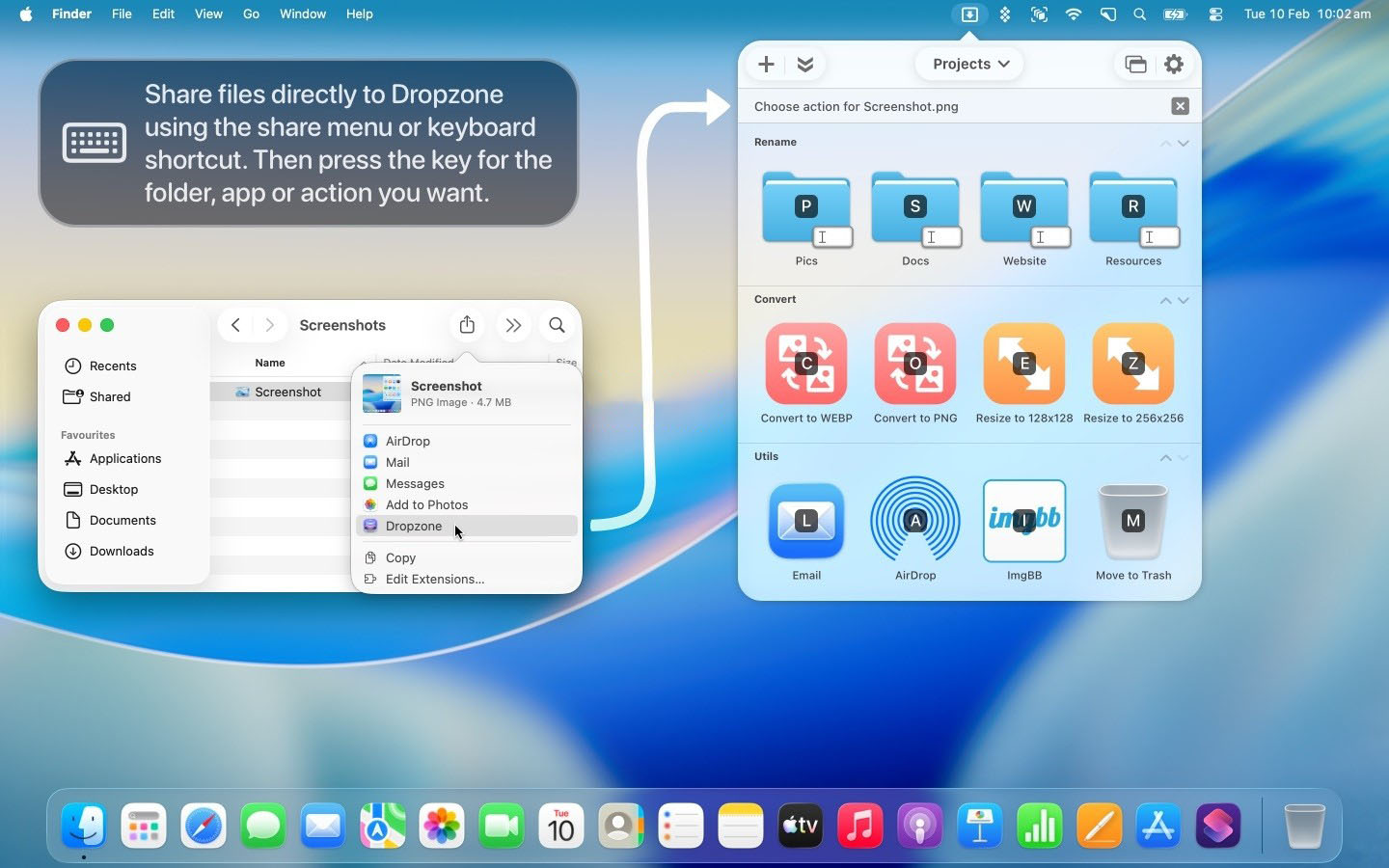
– Batch Image Processing: Supports image format conversion, batch size adjustment, metadata removal, and more; drag images to complete with one click without opening professional image processing software.
– Quick URL Shortening: Built-in TinyURL short link service; select a URL and press the shortcut key to generate a short link and automatically copy it to the clipboard.
– Quick Device Sharing: Deep integration with AirDrop; drag files to quickly share them to other Apple devices without extra steps.
## All-Platform Cloud Service Upload Integration
– Quick Image Hosting Sharing: Supports Imgur image hosting upload; drag images to upload with one click and automatically return a sharing link, suitable for quickly sharing screenshots and assets.
– Cloud Storage Upload: Supports uploading files to cloud storage services such as Amazon S3, FTP servers, and Google Drive; drag to complete the upload.
– Video Platform Upload: Supports direct upload of audio and video files to YouTube, simplifying the content publishing process.
## Efficient Task and Shortcut Management
– Multi-Task Parallel Engine: Supports running multiple tasks simultaneously; the grid includes a task status area to view the execution progress of each task in real time.
– Status Notification Alerts: Automatically sends system notifications after operations complete, so you don’t need to wait around and task progress is clear at a glance.
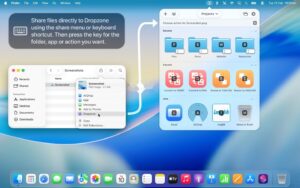
– Global Shortcuts: Supports setting custom shortcuts for frequently used actions, allowing quick triggering without opening the menu bar.
## High Extensibility and Customization
– Plugin Action Library: Supports downloading and installing third-party extension actions to continuously expand functional boundaries and adapt to more scenario needs.
– Script Development API: Provides Ruby and Python development interfaces, supports custom action script writing, and enables personalized batch processing and automated workflows to meet advanced users’ customization needs.
Version 5.1.5 Update:
New: In the “Open URL” action, custom URL schemes and app icons are now supported
New: Drop Bar stacked pop-up menu; you can now preview and drag individual items inside
New: Drag apps or folders directly into the blank area of the grid to add them to the grid
Improved: Frosted glass effect of the grid under macOS 27
Fixed: Shadow rendering issue when dragging Drop Bar items
Fixed: Issue where quickly toggling the grid on and off could cause the grid to fail to open
Software Screenshots:
This resource requires login to download
Log in
Window Manager Tool v3.3 Activation Download for Mac
Downloads:2569 | 2026-10-19

BetterTouchControl for Mac v2.803 Customize Multi-Finger Touch Gestures Activation Download
Downloads:2023 | 2026-10-19

Path Finder for Mac v2209 File Management Tool Chinese Activated Version Download
Downloads:1015 | 2026-10-17

Money Pro for Mac v2.8.5 Financial Management Software Activated Version Download
Downloads:569 | 2026-10-17


Ratings & reviews
4.8
(Maximum 5 ratings, total 37 user reviews)
Let’s rate it.