

Pixea for Mac v8.4 Minimalist Media Viewer Chinese Activated Version Download
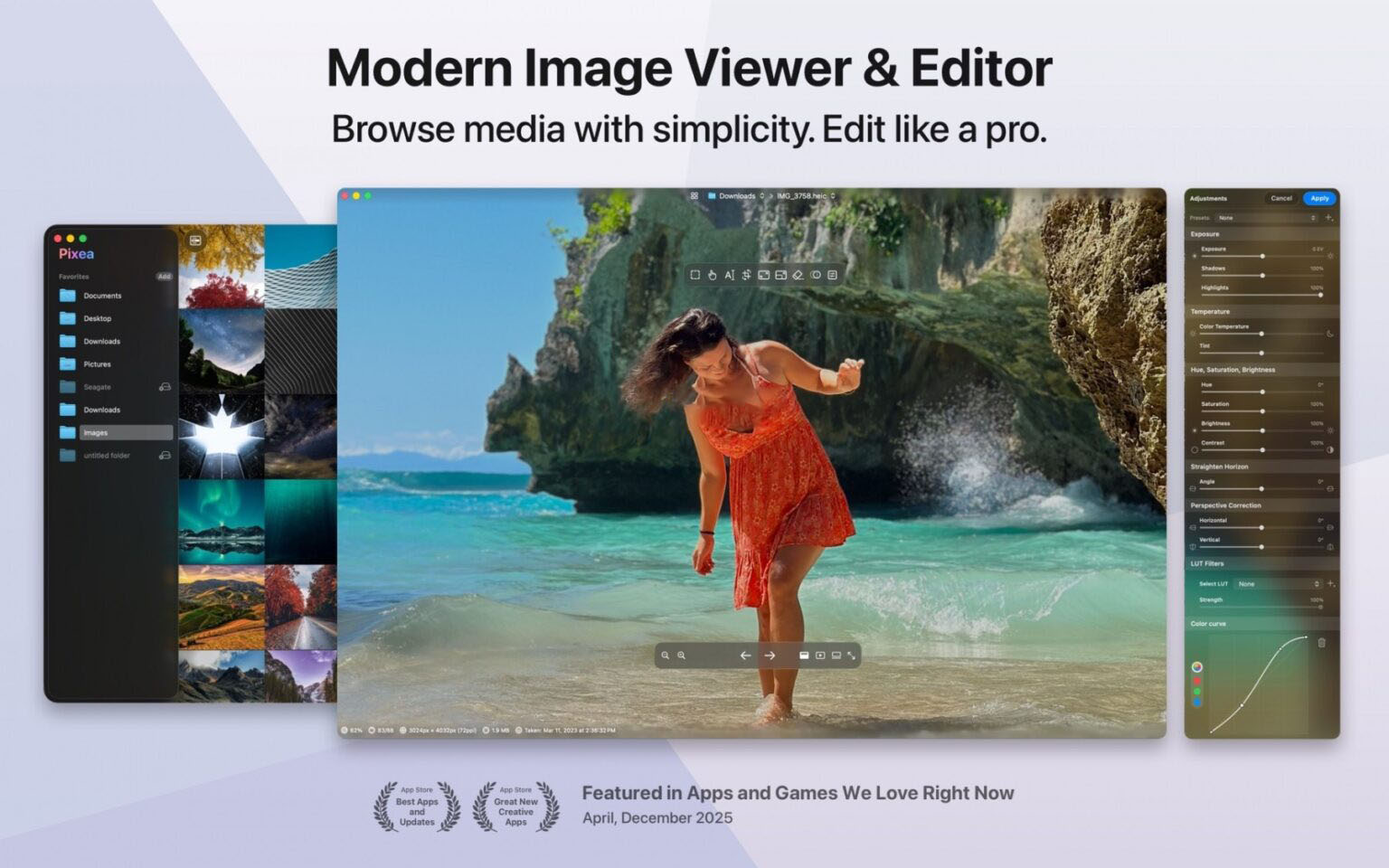
Pixea is a modern image editor and media viewing software designed for macOS, featuring a clean and minimalist interface. It fully supports a wide range of formats including HEIC, JPEG-XL, PSD, RAW, WEBP, MKV, MP4, and more. Browse media folders, photo libraries, and compressed files in a whole new way; search, filter, sort, or shuffle your assets, then enhance them with precise parameters and smart tools—all integrated into this streamlined app.
Quickly and clearly manage your media files:
– Instantly open images, videos, and archives;
– Search, filter, sort, or shuffle your library;
– Navigate files smoothly with keyboard shortcuts and trackpad gestures.
Fine-tune light, color, and image details:
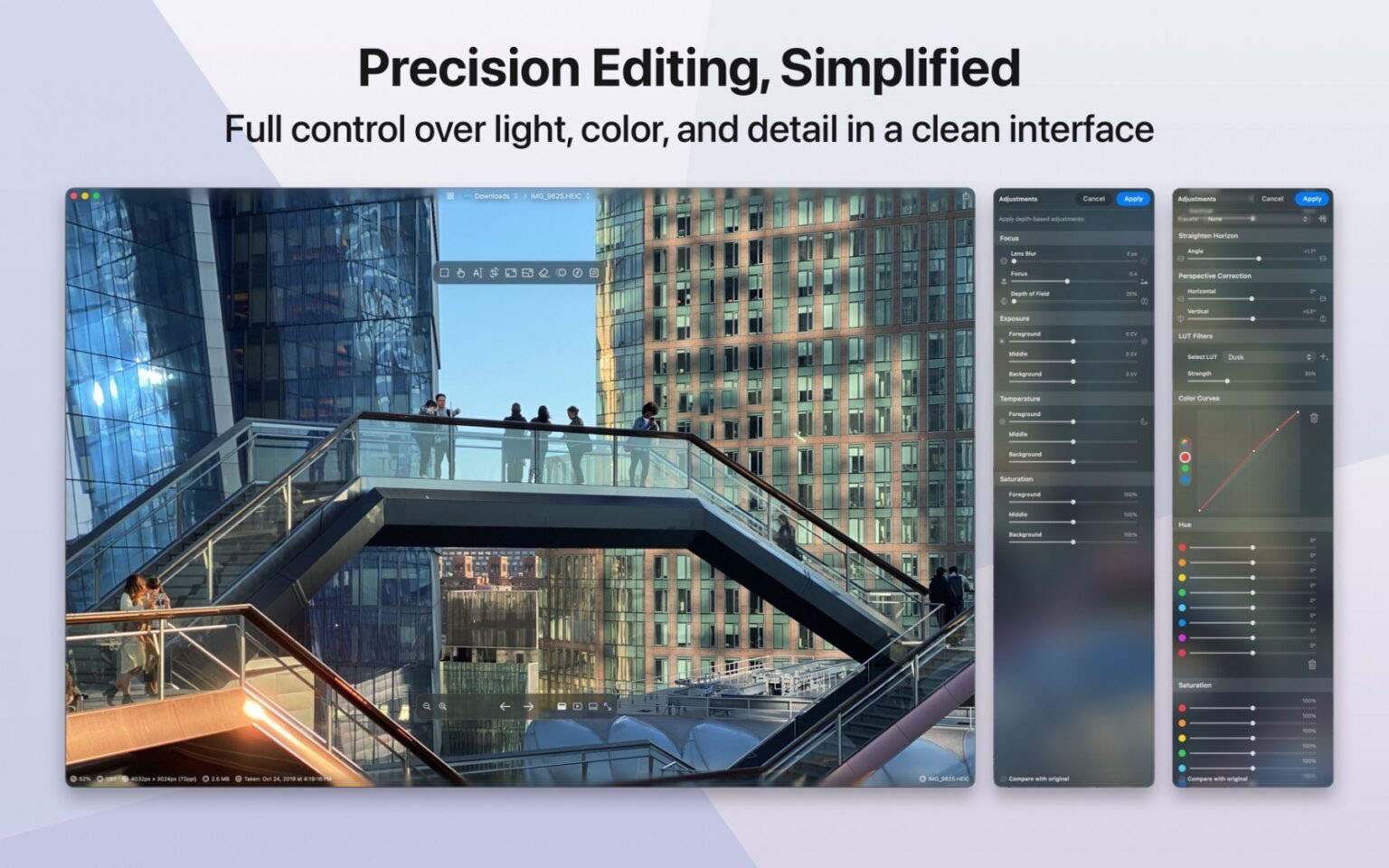
– Adjust exposure, contrast, hue, saturation, brightness, temperature, and tint;
– Apply LUT filters, adjust color curves, and set HSL parameters per channel;
– Adjust focus and perform depth-based image optimization;
– Easily correct horizon and perspective distortion;
– Perform lens distortion correction;
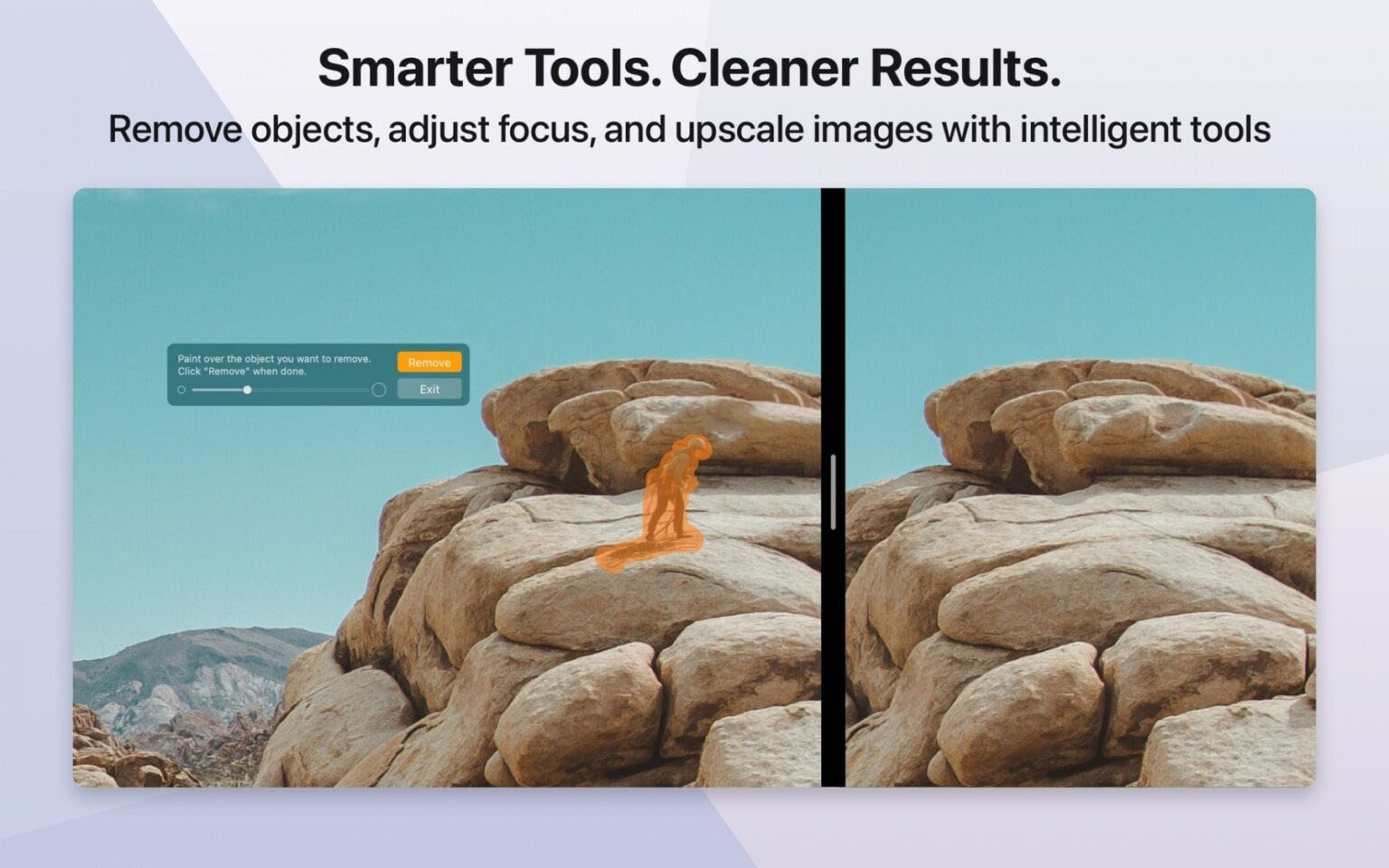
– Use built-in smart tools to remove clutter, passersby, and image imperfections;
– Enlarge images 2x or 4x with smart detail enhancement.
Batch process files efficiently:
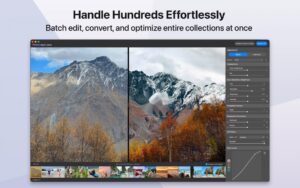
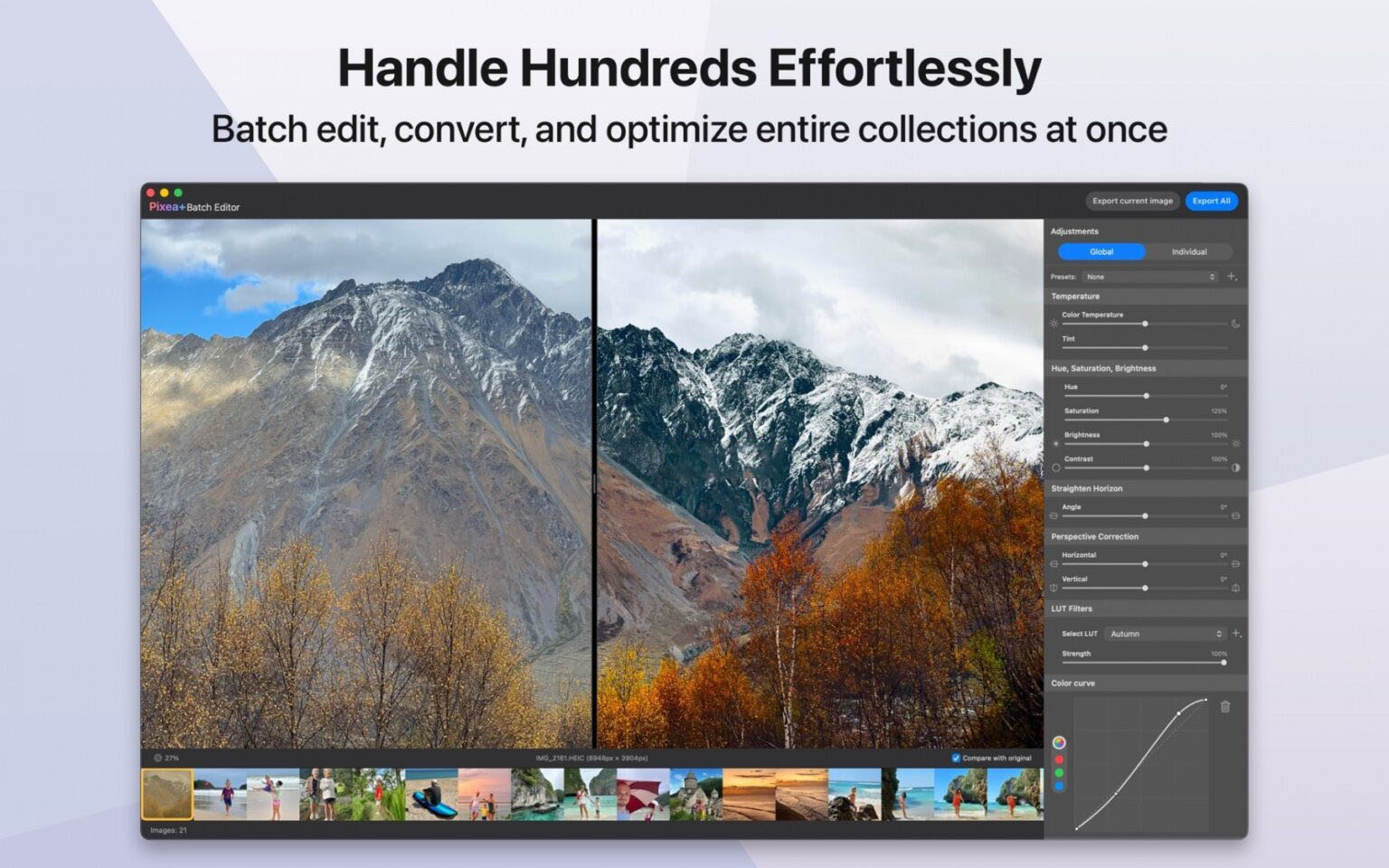
– Apply adjustments to multiple images at once;
– Batch convert image formats;
– Optimize an entire set of assets in seconds.
Supported image formats: JPEG, HEIC, GIF, PNG, TIFF, JPEG-XL, AVIF, PSD, BMP, fax images, macOS and Windows icons, SCV image sequences, Radiance HDR images, Google WebP.
RAW formats: Leica DNG and RAW, Sony ARW, Olympus ORF, Minolta MRW, Nikon NEF, Fujifilm RAF, Panasonic RW2, Canon CR2, CR3, CRW, Hasselblad 3FR; Sketch files (preview only); Photos library files, ZIP archives, CBZ comic files.
Video formats: MP4, MOV, A4V, FLV, AVI, WMV, MPEG, VOB, RM, MKV.
Export formats: JPEG, JPEG-2000, JPEG-XL, WebP, AVIF, HEIC, PNG, TIFF, BMP, GIF.
Version 8.4 update:
New image adjustment features
– Warp tool: fine-tune local geometry
– Spatial dehaze (depth-based adjustment and dehazing)
– Clarity enhancement
Other improvements
– Improved print dialog with new options for auto-rotate, scale, and “images per page”
– New “Copy to Clipboard” option: supports maximum compatibility or preserves HDR statistics and headroom
– Improved “brilliance” image adjustment effect
– Improved UI/UX
– Fixed other known issues and made various optimizations
Software screenshots:

ACDSee Photo Studio 5 for Mac v5.1.1130 中文汉化激活版下载 | 爱上MAC
下载次数:1987 | 2026-01-17
ACDSee Photo Studio 5 for Mac v5.3.1401 中文汉化激活版下载 | 爱上MAC
下载次数:3412 | 2026-01-17

EPSViewer Pro for Mac v1.2 AI和EPS文件预览工具 激活版下载 | 爱上MAC
下载次数:3397 | 2026-01-17

EdgeView 5 for Mac v5.6.0 图像浏览器 中文激活版下载 | 爱上MAC
下载次数:2408 | 2026-01-17


评分及评论
4.6
(满分5, 共40用户评价)
来评个分数吧