
Kaleidoscope for Mac v7.0.2 File and Image Comparison Tool Activated Version Download
Kaleidoscope is a professional-grade file comparison and merging tool, focusing on precise identification and comparison of differences in text, images, and folders, and deeply integrated with mainstream version control systems like Git. With its clear and intuitive visual interface, efficient single-window workflow, and rich customization options, it meets various professional needs such as code comparison for developers, design proof verification for designers, document difference comparison, and version conflict resolution. It is an efficient file difference processing tool.
Features:
**Text Comparison and Merging**
– Supports almost all text files including plain text, source code, HTML, Word, RTF, etc., achieving character-level precise difference identification, with different colors clearly marking added, deleted, and modified content.
– Offers three comparison layout modes: Blocks, Fluid, and Unified, which can be freely switched according to usage scenarios; supports collapsing unchanged areas to focus on core differences.
– Built-in instant search and quick jump to changes for fast locating of differences; supports directly converting comparison results into editable merged documents to quickly integrate conflicting content.
– Supports syntax highlighting for multiple programming languages, equipped with powerful text filters that can mask non-core differences such as timestamps and identifiers, making comparison results cleaner and more efficient.
**Precise Image Comparison**
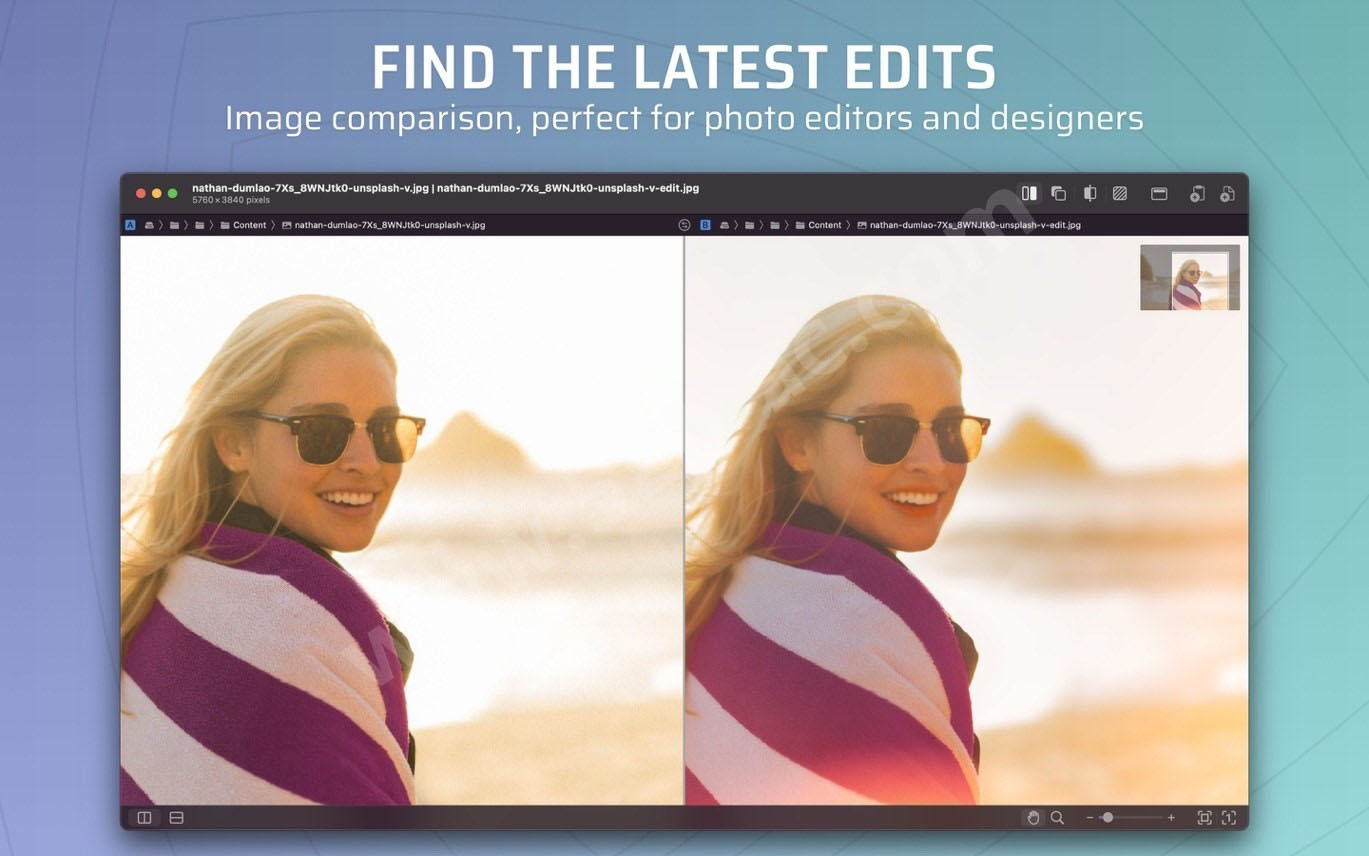
– Compatible with mainstream image formats such as JPEG, TIFF, PNG, PSD, supports RGB/CMYK/LAB color spaces and Alpha channels, and adapts to images of any size.
– Provides four comparison views: side-by-side, single image, split, and difference mask, which can be quickly switched via shortcuts; supports absolute difference and relative difference mask modes to precisely locate pixel-level subtle changes.
– Supports multi-touch zoom and smooth scrolling, customizable background color, difference mask style, and checkerboard parameters; equipped with AI intelligent image alignment that automatically aligns screenshots and photo comparison materials.
– Built-in pixel comparison tool to view detailed technical parameters such as image format and color profile, suitable for designers to finely verify design differences.
**Batch Folder Comparison**
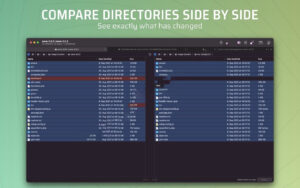
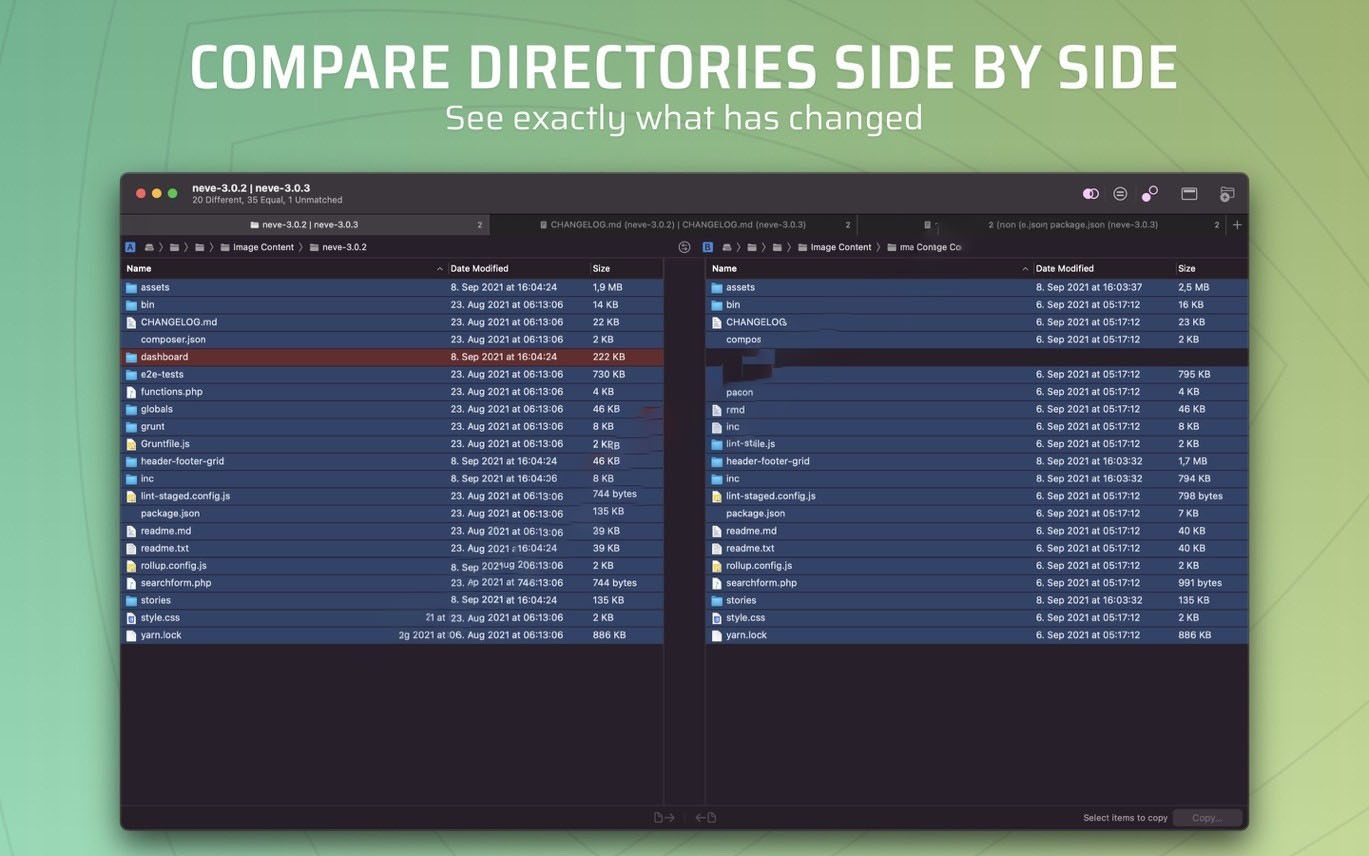
– Supports batch comparison of entire directory trees, identifying content differences between two folders at a glance, and provides an overview of differences in multi-level subfolders.
– Quickly filter files by three statuses: different, same, and mismatched, and supports filename search and location; directly copy files or folders from one side to the other, with normal copy and full clone modes.
– Integrated Quick Look for quick preview without opening files; supports viewing detailed differences in file attributes, permissions, encoding, etc.
**Deep Git Integration**
– Native support for Git version control, allowing direct browsing of repositories, viewing file commit history, comparing differences between branches/tags/commits, and supporting visual commit graphs that clearly show branches, merges, and commit relationships.
– Supports real-time detection of working copy changes; file modifications, staging, and new untracked files are updated in real-time without reopening the comparison window; fully adapts to Git worktree mode.
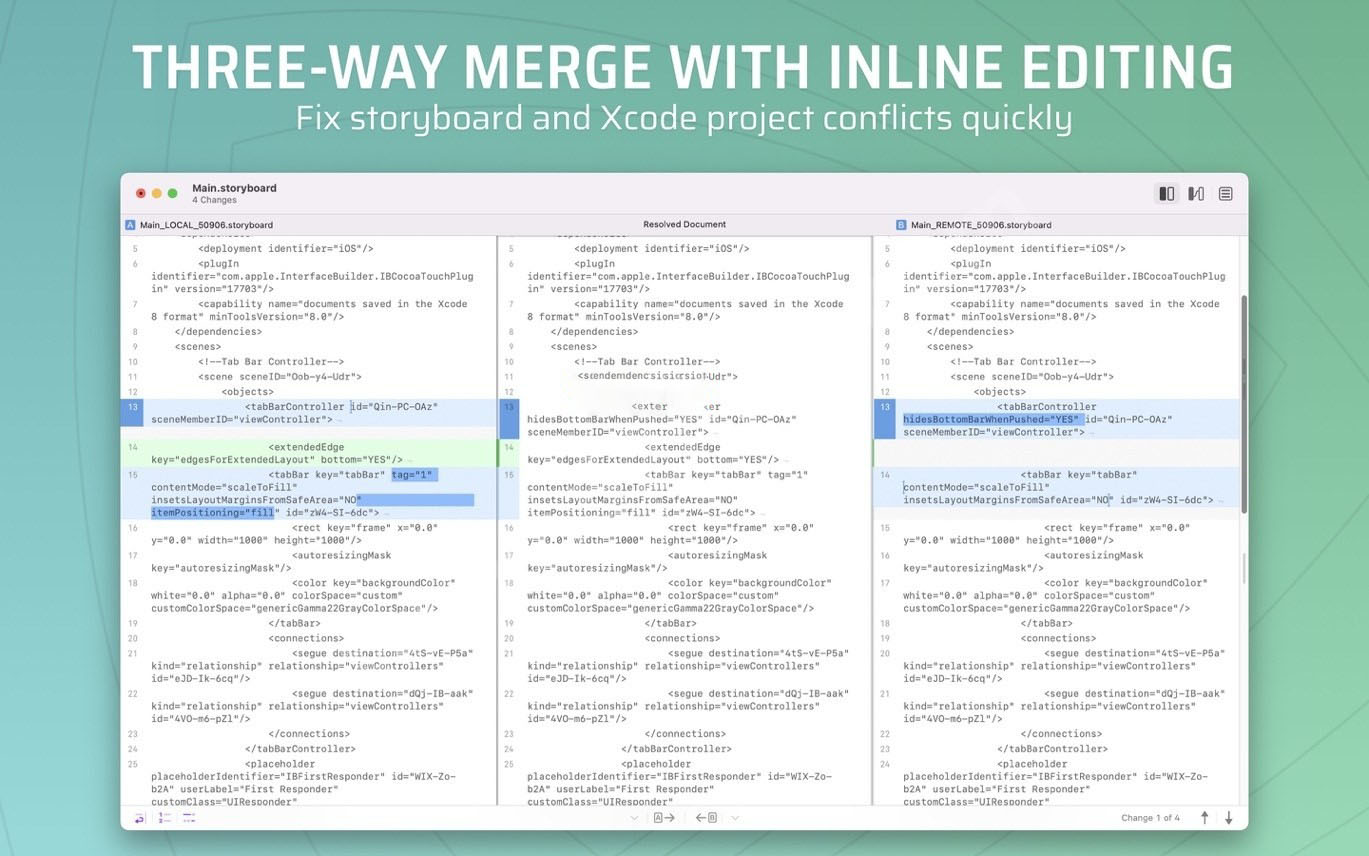
– Supports three-way merge, clearly showing conflict sources and commit context, and allows conflict resolution directly within the software; supports direct invocation via git difftool and git mergetool.
– Provides unified navigation of changesets, allowing jumping across files to traverse all differences, and efficiently completing code reviews with shortcuts.
**Efficient Interaction and Extensions**
– Single-window multi-tab workflow, each tab corresponding to a comparison task; equipped with file shelf and path bar for quick switching between files and viewing file paths.
– Full keyboard shortcut coverage, supports direct paste comparison from clipboard, and quick invocation of comparison via right-click service menu, greatly improving operation efficiency.
– Provides ksdiff command-line tool for deep integration with other development tools and workflows; supports custom URL Scheme to directly invoke comparison tasks via links.
– Supports exporting comparison results as PDF, HTML, etc., and quickly sharing comparison content via AirDrop, email, etc.
Version 7.0.2 Updates:
## Enhancements
Commit History Filtering: When comparing, the commit history can now be limited to show only commits from the right side, instead of always showing unique commits from both sides as before. You can choose “Right Side Only” or “Both Sides” in “View > Commit History”.
Working Copy Uncommitted Changes Hint: When comparing with the HEAD of a worktree, if the worktree has uncommitted changes, a new row “Working Copy Changes” will now appear in the commit history.
Custom Syntax Coloring Threshold: Added a “Syntax Coloring Threshold” setting. To prevent large files from opening slowly, the system originally automatically disabled syntax coloring for large files. Now you can set this file size limit yourself (ranging from 250 KB to 5 MB), or choose “None” to never disable syntax coloring. This setting is located in the “Advanced” panel (hold ⌥ while opening settings to see it).
Manual Refresh Working Copy: Added “View > Refresh Working Copy” (shortcut ⌘R), allowing manual update of the real-time working copy changeset even when real-time updates are paused.
Improved ksdiff Installation Guidance: Improved the setup guidance process for manually installing ksdiff and updating or repairing system links.
## Bug Fixes
macOS 27 Sidebar Fix: Fixed an issue on macOS 27 where the file type filter in the changeset sidebar could not be opened and controls were unresponsive.
File Recreation Reload: Files that were deleted and then recreated in an open comparison view now correctly reload.
Settings Interface Display Fix: Fixed a drawing anomaly (display glitch) around the appearance options in “Settings > General” when keyboard navigation is enabled.
Image Comparison Background: Placeholders in image comparison now respect your configured background preferences.
And various other minor fixes and experience improvements.
Software Screenshots:
This resource requires login to download
Log in
Commander One for Mac v3.4 Full Chinese Activation Download
Downloads:994 | 2026-10-19

Magnet Pro for Mac v3.0.4 Window Management Software Activation Download
Downloads:3305 | 2026-10-18

TinkerTool System Maintenance Tools Activation Version Download
Downloads:3583 | 2026-10-18

Tencent Lemon Cleaner for Mac v5.1.1 System Optimization & Cleaning Tool Chinese Version Download_mac Version
Downloads:1514 | 2026-10-17


Ratings & reviews
4.9
(Maximum 5 ratings, total 43 user reviews)
Let’s rate it.