

Default Folder X for Mac v6.3.3 File Dialog Enhancement Tool Activated Version Download
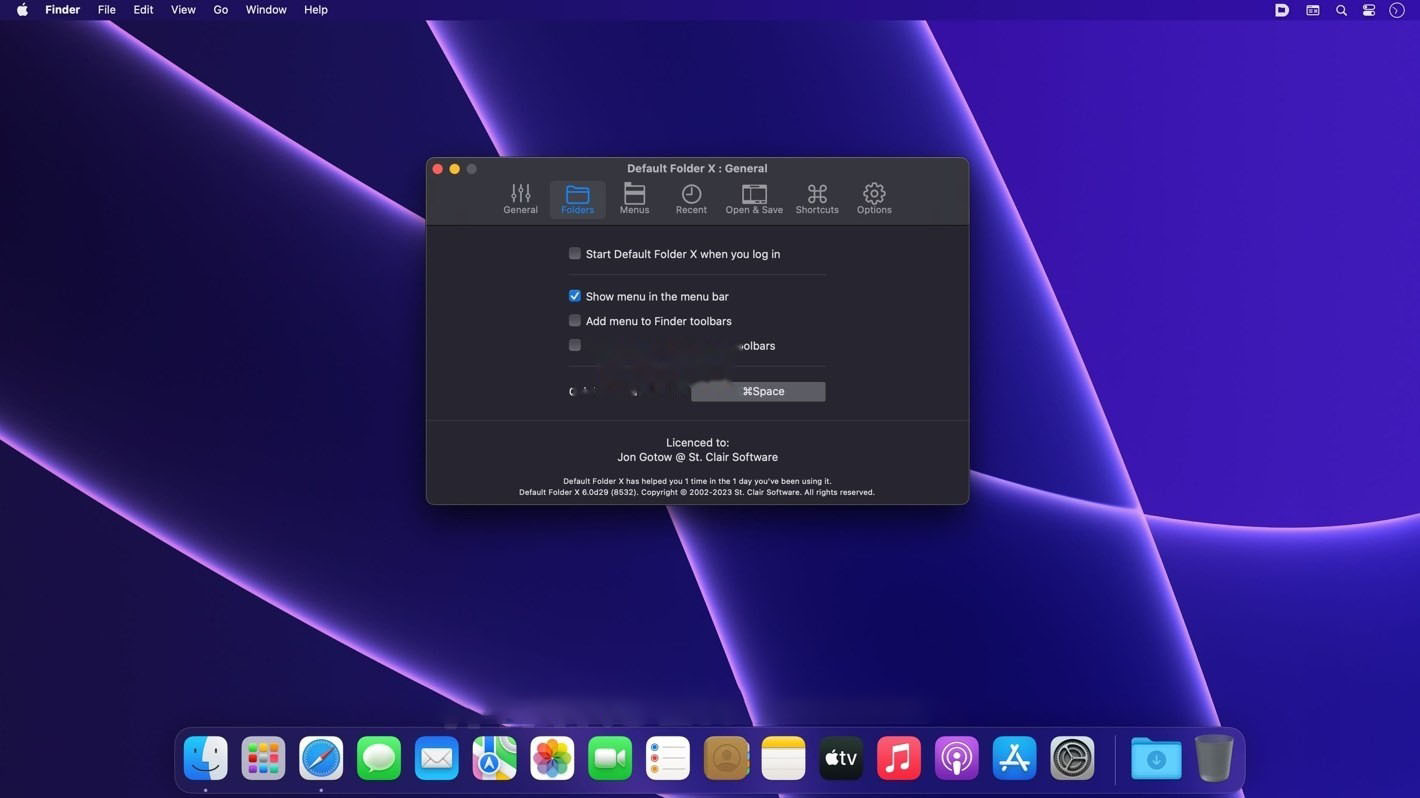
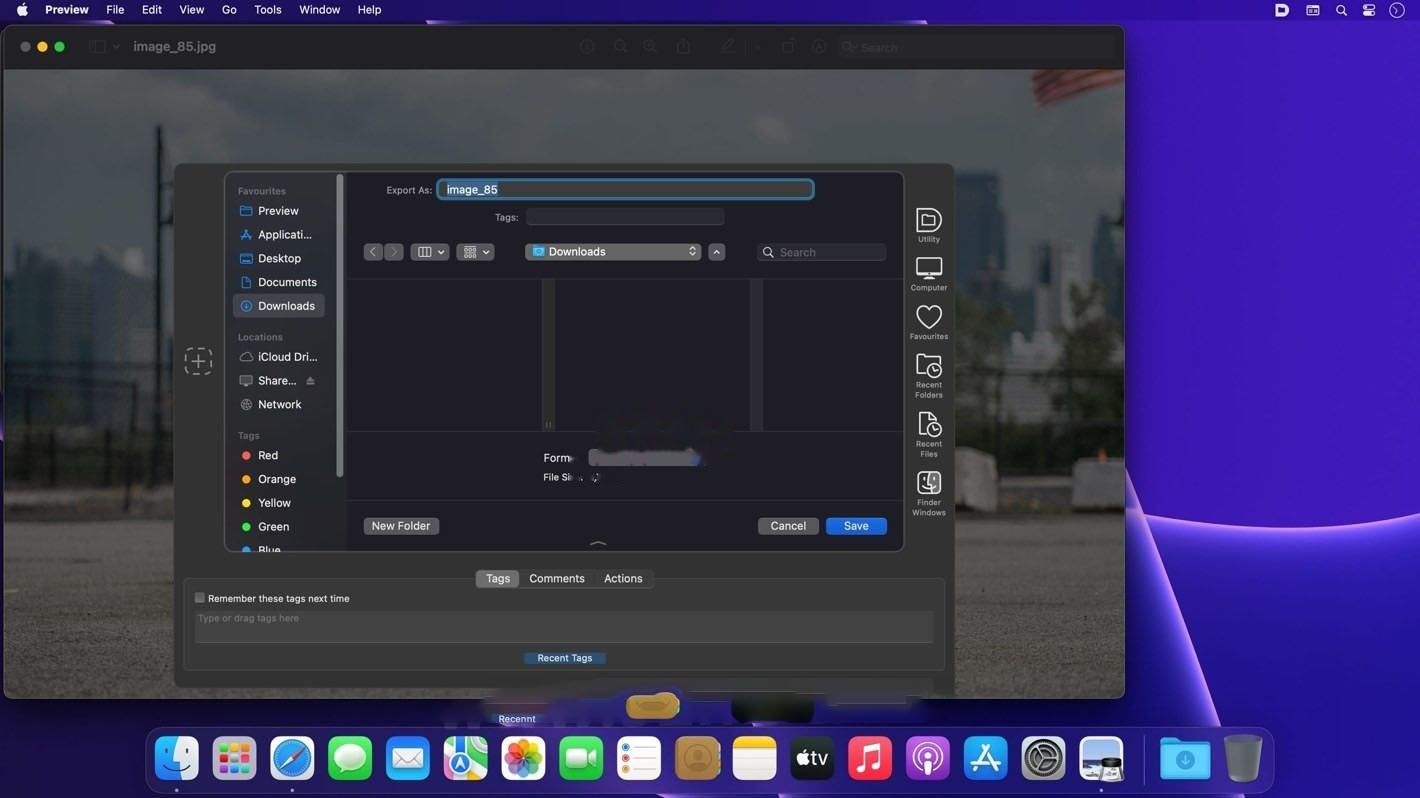
Default Folder X is a system-level file dialog enhancement tool that extends full quick navigation capabilities to the “Open” and “Save As” dialogs of all applications, eliminating the tedious operation of searching for folders layer by layer and significantly improving work efficiency in file access and directory navigation.
Features:
**Core Navigation Enhancements**
– Adds a shortcut toolbar to the side of open and save file dialogs in all applications, with two core entries: favorite folders and recently accessed files/folders. Click to jump instantly.
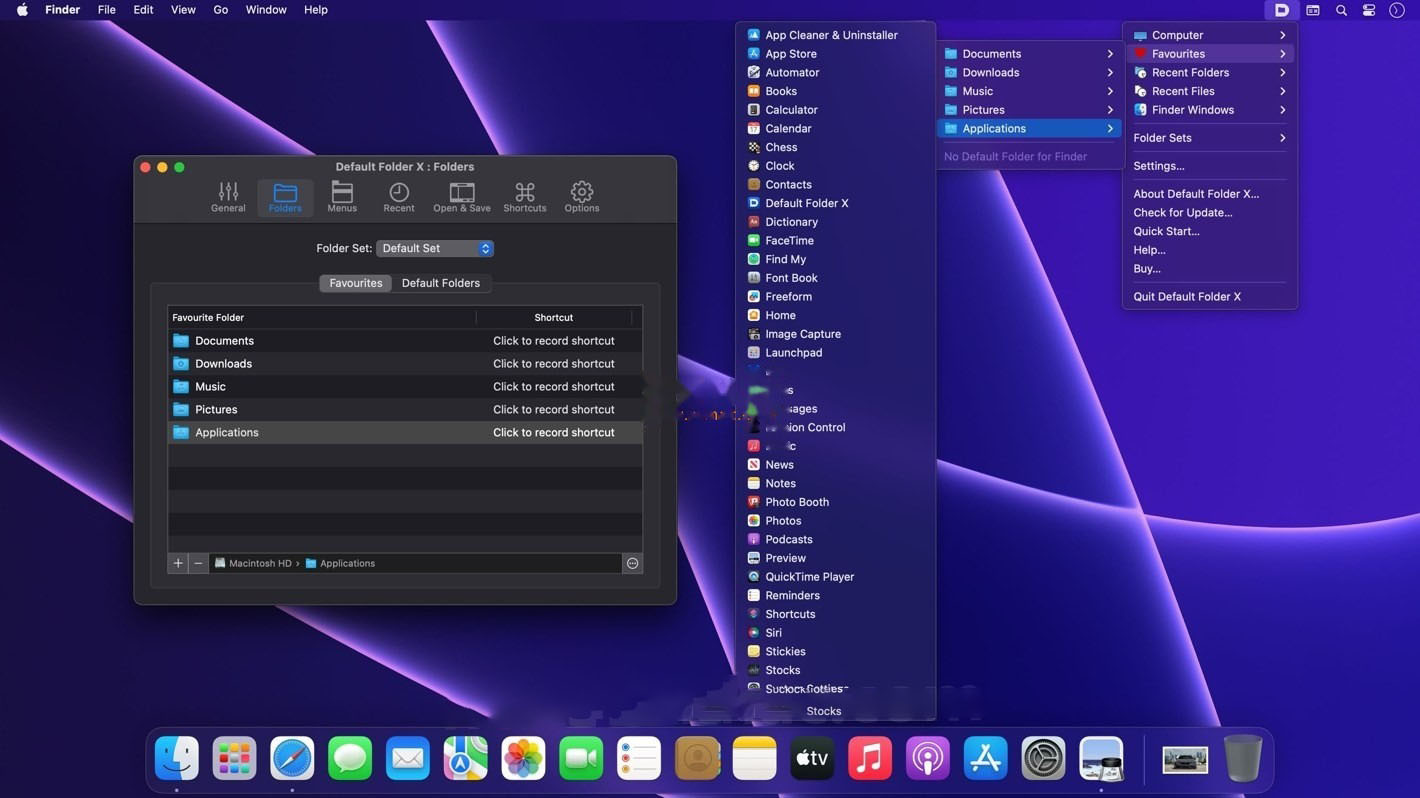
– Supports hierarchical directory menus, eliminating the need to click layer by layer. You can directly expand multi-level subdirectories in the menu and quickly locate the target path.
– Can directly jump to the path of the currently open window in Finder, eliminating the need to repeatedly navigate to the same directory.
**Search and Shortcuts**
– Built-in Quick Search feature, which can be invoked via a global shortcut. Enter a few characters to match commonly used files, folders, and applications.
– Supports fully customizable shortcuts. You can set dedicated hotkeys for frequently used directories and functional operations, completing directory jumps with pure keyboard operation.
– Search results support direct opening, copying paths, showing in Finder, and more. You can also drag results directly to other locations.
**Preview and Information Expansion**
– Enhanced file preview capabilities. Files can be previewed in list, icon, and other view modes in the open dialog, and the preview size can be dynamically enlarged.
– The information bar at the bottom of the dialog can display the full path of the selected file; click to copy it with one click. It also supports displaying file source attribute information.
– Integrates the Finder tag system, allowing you to filter files by tags in the dialog and sort tags by name or date.
**Menu Bar and Finder Deep Integration**
– A permanent function icon in the top menu bar provides quick access to all favorites and recent directories at any time.
– Supports dragging files to the menu bar icon to quickly select a target path and complete move, copy, or alias creation operations.
– Integrates with the Finder context menu. After selecting a file/folder, you can directly invoke Default Folder X to choose a target location and complete the operation.
**Personalization and Synchronization Configuration**
– Supports pinning recently accessed files/folders to the top, so frequently used items remain resident and are not overwritten by refreshes.
– Automatically synchronizes file changes in cloud drive directories such as iCloud, Dropbox, and OneDrive, updating the recent items list in real time.
– Customizable menu display style, directory grouping, and maximum number of recent items to suit different usage habits.
Version 6.3.3 Update Contents:
– Fixed an issue in version 6.3.2 where a fix for the “Save” dialog pop-up menu not working caused the feature to become unusable on older versions of macOS (Monterey and earlier). This update ensures it works properly on all systems.
– Added a temporary workaround for an issue in macOS 27 that causes Default Folder X to fail in applications based on the Qt cross-platform library. Affected software includes FreeCAD, WaveLab, and possibly other Qt applications. To enable: Hold the Option key while selecting “Settings” from the Default Folder X menu, then turn on the “Work around macOS 27 process ID bug” option.
– Added support for Java applications built by Stochaster Apps.
Software Screenshots:
This resource requires login to download
Log in
Easy New File for Mac v5.6 Right-Click Quick New Document Chinese Activated Version Download
Downloads:3370 | 2026-10-17

Commander One Pro for Mac v3.9 Powerful File Manager Chinese Activated Version Download
Downloads:180 | 2026-10-17

Disk Xray for Mac v4.4 Duplicate Finder & Disk Cleanup Tool Activated Version Download
Downloads:506 | 2026-10-17

ForkLift for Mac v4.4 File Management Tool Chinese Activated Version Download
Downloads:2971 | 2026-10-17


Ratings & reviews
4.7
(Maximum 5 ratings, total 94 user reviews)
Let’s rate it.