

Image Resizer for Mac v4.3 – Resize Photos, Activated Version Download
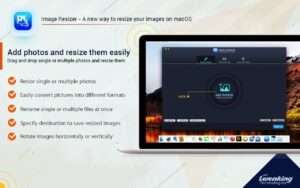
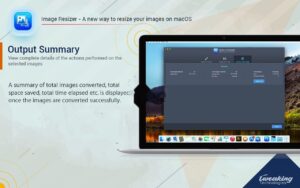
Image Resizer is a professional batch image processing tool focused on the core needs of image resizing, format conversion, and batch renaming. It comes with a rich set of customizable processing parameters and supports drag-and-drop operation and multi-threaded parallel processing, enabling fast batch processing of large numbers of image files. It is widely suitable for web asset creation, image resource organization, batch output, and many other scenarios.
Key Features:
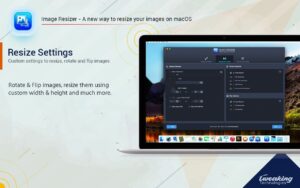
– Multi-mode resizing: Resize images by pixel values, percentage ratios, specified width and height, and more. You can choose to lock the original aspect ratio to avoid distortion, or force-fit the target dimensions. Built-in sets of commonly used size presets let you match the output requirements of different platforms with one click.
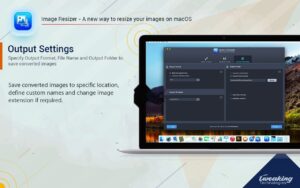
– Multi-format batch conversion: Compatible with mainstream image formats such as JPEG, BMP, GIF, PNG, TIFF, and JPEG2000. Batch format conversion is supported, along with customizable output quality and color depth, letting you flexibly balance image quality and file size.
– Smart batch renaming: Batch rename files by sequence number, search and replace keywords in file names, and customize naming prefixes, suffixes, and rules to quickly standardize the file names of large batches of images.
– Basic editing features: Batch crop, rotate, and flip images, and add text watermarks and image watermarks with freely adjustable position, opacity, and overlay effects. You can also adjust image color parameters and add border effects, completing basic image processing in one place.
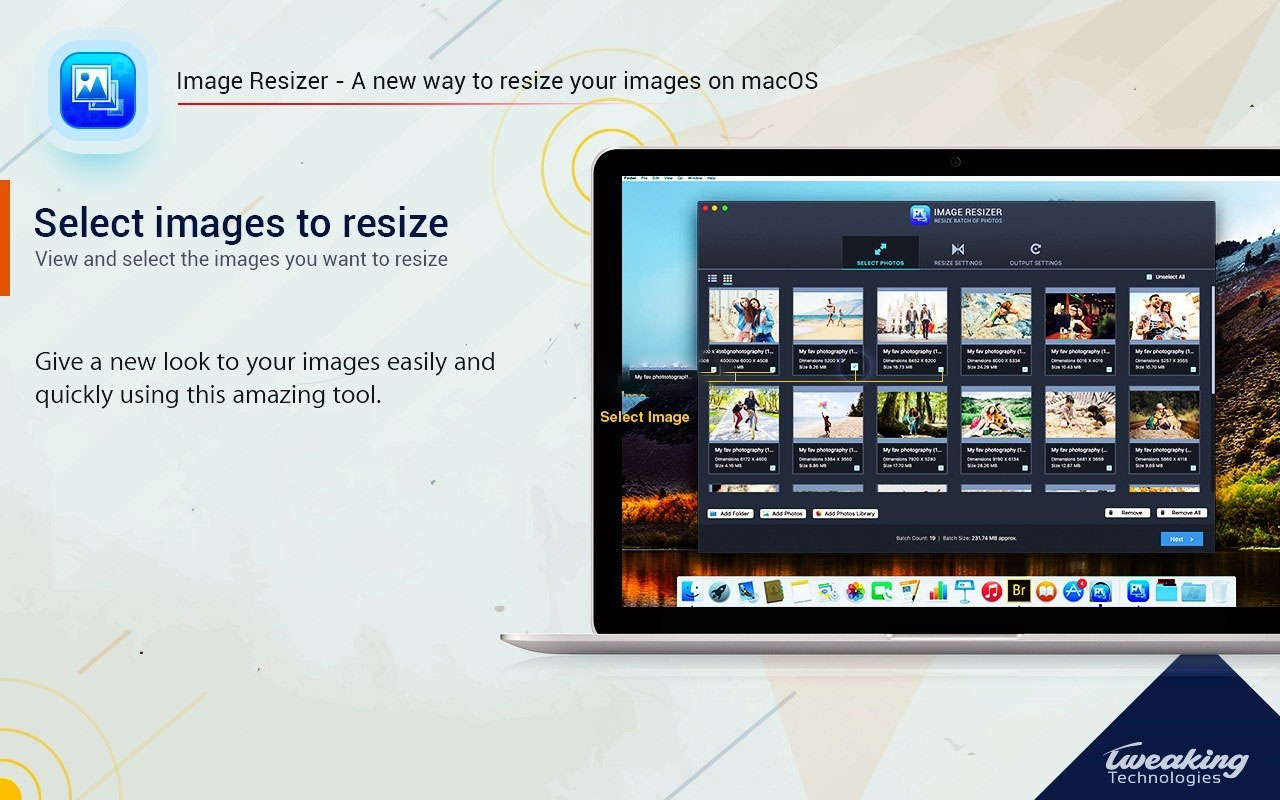
– Efficient and smooth experience: Add individual files or entire folders by drag and drop, with the option to preserve the original directory structure in the output. A built-in real-time preview lets you confirm results before processing, and the multi-threaded processing mechanism greatly improves efficiency when handling large numbers of images.
– Flexible configuration management: Save and load custom processing schemes so repeated tasks don’t require reconfiguring parameters. You can specify a separate output directory, and result folders are generated automatically without overwriting original files, keeping your source files safe.
What’s new in version 4.3:
– Added support for processing FAX and JFIF format images
– Optimized the batch renaming feature, with processing speed increased by 5x
– Fixed an issue where some TIFF format images could not be loaded properly
– Improved program stability when processing corrupted image files
– Other detail experience optimizations and known issue fixes
Screenshots:
This resource requires login to download
Log in
Adobe Bridge 2020 for Mac v10.0.2 Unactivated Chinese Activation Edition Download
Downloads:1848 | 2026-10-22

Lite Image Editor for Mac v2.2.7 Activation Download
Downloads:3015 | 2026-10-22

WidsMob Retoucher for Mac 2.2: Advanced Photo Editor with Activation
Downloads:731 | 2026-10-21

Topaz Gigapixel AI v7.4.4: Smart Image无损 Upscaling Activation Download
Downloads:3459 | 2026-10-21


Ratings & reviews
4.7
(Maximum 5 ratings, total 11 user reviews)
Let’s rate it.