



Microsoft Office 2024 for Mac v16.108.3 Chinese Activation Edition Download
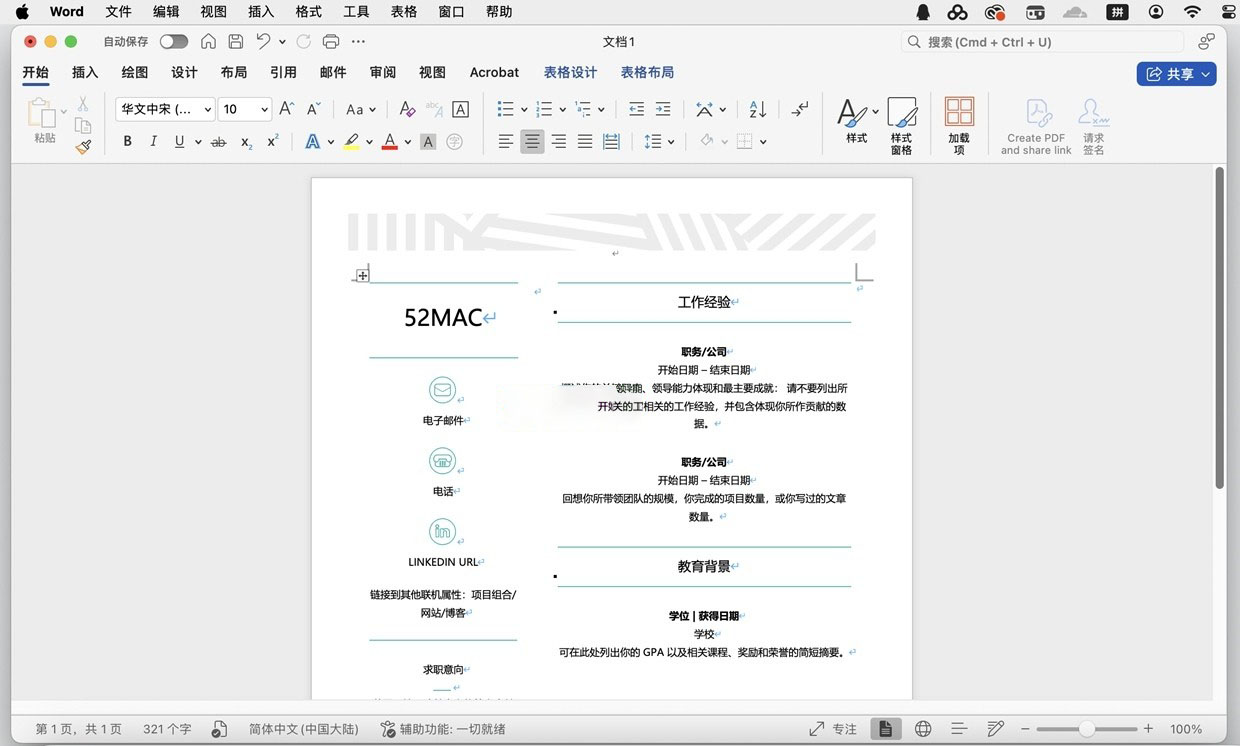
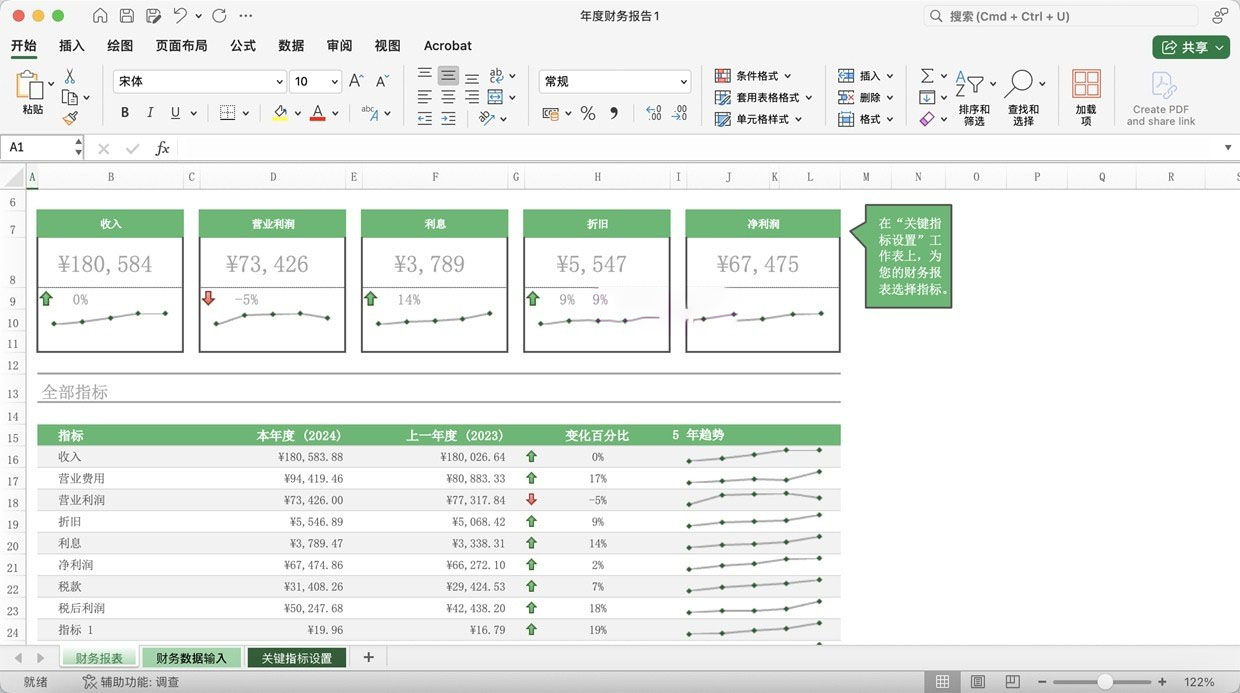
Office for Mac provides a comprehensive range of office functions, with Word applications supporting a wide array of document processing features including improved digital pen functionality, Focus mode, learning tools, and translation features; Excel offers powerful data analysis and formula functions, supporting chart creation and data visualization; and PowerPoint features a rich suite of presentation creation tools. The 2021 version added a “landscape” page-turning mode, allowing Word documents to present a similar left-to-right flipping effect, particularly suitable for use on tablet devices. Additionally, PowerPoint 2021 introduced ink writing functionality, enabling users to freely sketch on slides and convert ink to editable shapes.
Seamless compatibility ensures a smooth cross-platform collaboration experience. Office for Mac integrates tightly with the macOS system, featuring a clean and aesthetically pleasing interface that aligns with Mac users’ usage habits. It supports the import and export of multiple file formats, ensuring seamless integration with Windows users’ document exchanges. As the “de facto standard” for global office collaboration, the .docx, .xlsx, and .pptx formats are “pixel-accurate” in Office for Mac, maintaining consistent display effects for font rendering, paragraph spacing, complex tables, and Excel formulas, across Windows and macOS versions, to eliminate format compatibility issues in cross-platform collaboration.
Enhanced user experience and convenient operations. Office for Mac features a clean and intuitive interface, offering smooth and fluid operations, and supports a wide range of keyboard shortcuts and macOS system gestures. The 2021 version introduced “operation guide search” functionality, allowing users to quickly find related features by entering operation descriptions in the search box. The immersive reading feature has also been enhanced, providing advanced page color options and “line focus” functionality to help users concentrate on reading and understanding document content. Word 2021 also added dark mode, supporting both dark function zones and toolbars, as well as dark document backgrounds, effectively reducing eye strain.
System support and continuous updates. Office for Mac supports the latest three versions of macOS, providing native support for both Apple Silicon and Intel processors. The software updates approximately once a month, including security updates, stability improvements, and new features. The Microsoft 365 for Mac version continuously provides new features and improvements, while the Office LTSC for Mac 2021/2024 version offers stable versions suitable for environments requiring long-term stability. Office for Mac integrates well with iCloud and OneDrive, supporting online collaboration and document synchronization across devices, ensuring users can work efficiently regardless of their location.
Professional value and application scenarios. For Mac users who frequently collaborate with Windows users, Office for Mac is an indispensable productivity tool. In business, academic, and legal settings, it ensures consistent document formatting, avoiding communication costs due to format differences. Compared to the native applications Pages, Numbers, and Keynote, Office for Mac offers broader compatibility and more professional features, serving as the “stabilizing force” in the Mac office ecosystem. Additionally, Office for Mac supports deep integration with Microsoft 365 cloud services, making collaboration and document management more efficient and convenient.
Version 16.108.3 Update Content:
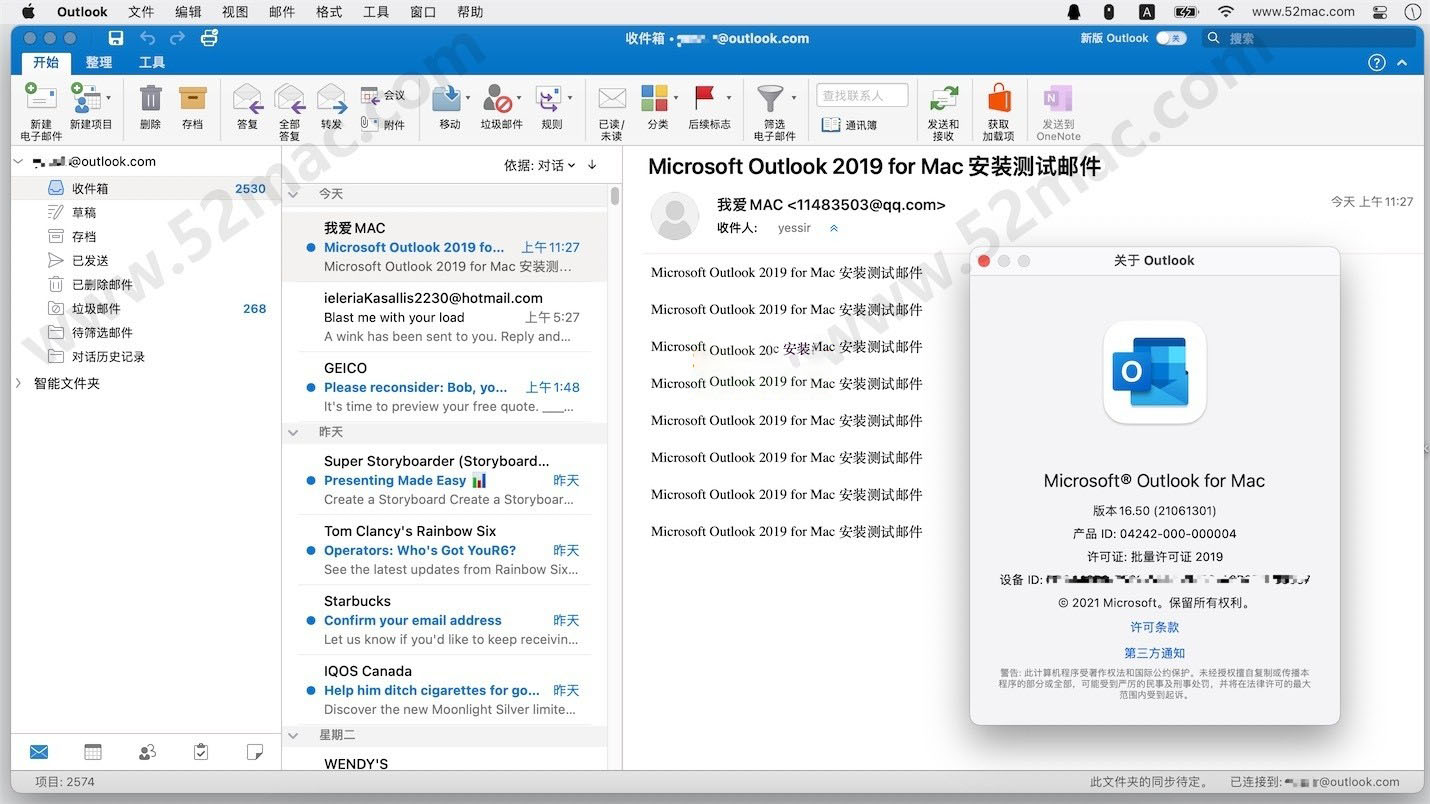
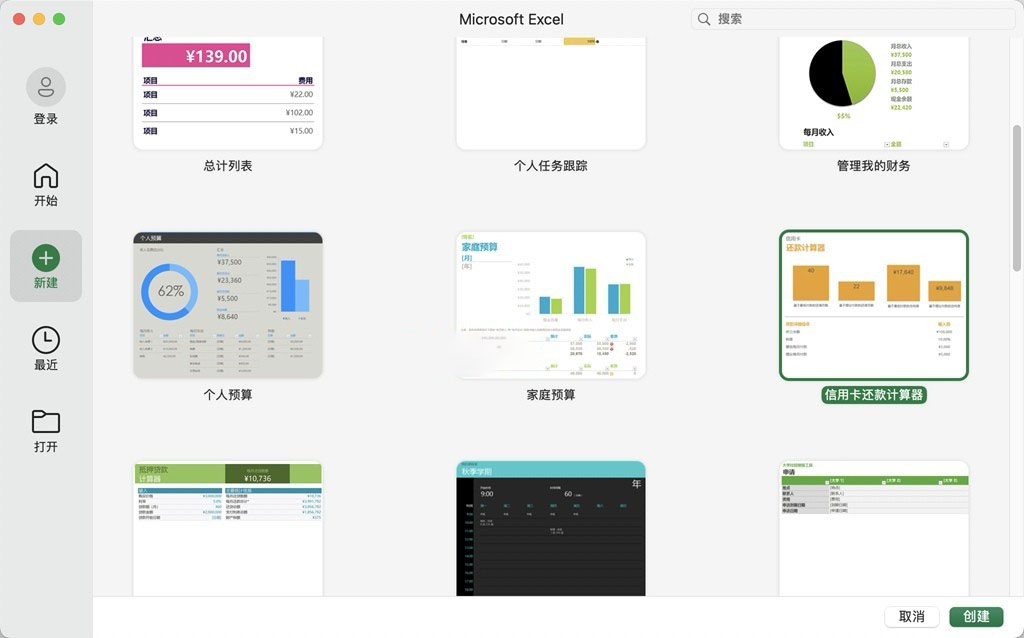
Software Screenshots:
This resource requires login to download
Log in
Compressor for Mac v4.6.3 FCPX Auxiliary Export Encoding Tool Chinese Activation Version Download
Downloads:730 | 2026-10-24

Magicka 2: An Action Adventure Game – Mac Download & Activation
Downloads:3658 | 2026-10-23

Affinity Photo for Mac v1.9.1 Professional Photo Editing Software with Chinese Activation Download
Downloads:3062 | 2026-10-23

Music Collection Organizer for Mac v5.9.1 Activation Download
Downloads:2331 | 2026-10-20


Ratings & reviews
No rating
Let’s rate it.