Loopback enables easy transfer of audio between apps, merging audio from app sources and audio input devices. Loopback then makes the audio available at any location on your Mac. With an easy-to-understand wired interface, Loopback provides the high-end studio console functionality of a recording studio right inside your computer!
Play music and more with podcasts
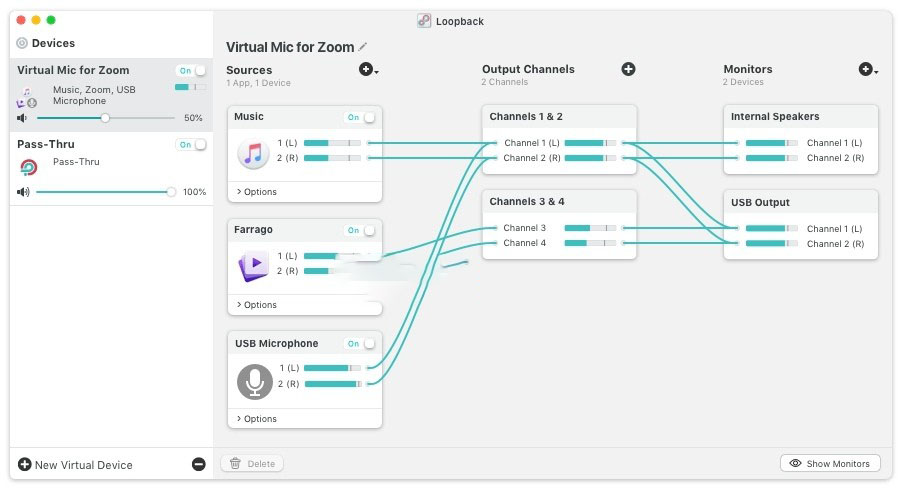
- Combine your microphone with audio sources like “Music” or “Farrago,” and select “Loopback” as the source in “Skype.”
- Your guests will hear your voice and audio attachments.
Combine multiple hardware devices
- Applications like GarageBand, Logic, and Ableton Live only allow recording from one audio device at a time. Loopback allows you to combine multiple input devices into a single virtual device for recording all audio.
Create professional screen recordings
Most screen recorders allow you to include microphone audio, and some may allow recording system audio, but neither are ideal. Instead, create a virtual device to capture your microphone and application audio to accurately capture the desired audio.
Record game videos
Creating high-quality audio game videos is not difficult. Use Loopback with Elgato’s Game Capture hardware to simultaneously record your microphone and game audio!
Pair well with Audio Hijack
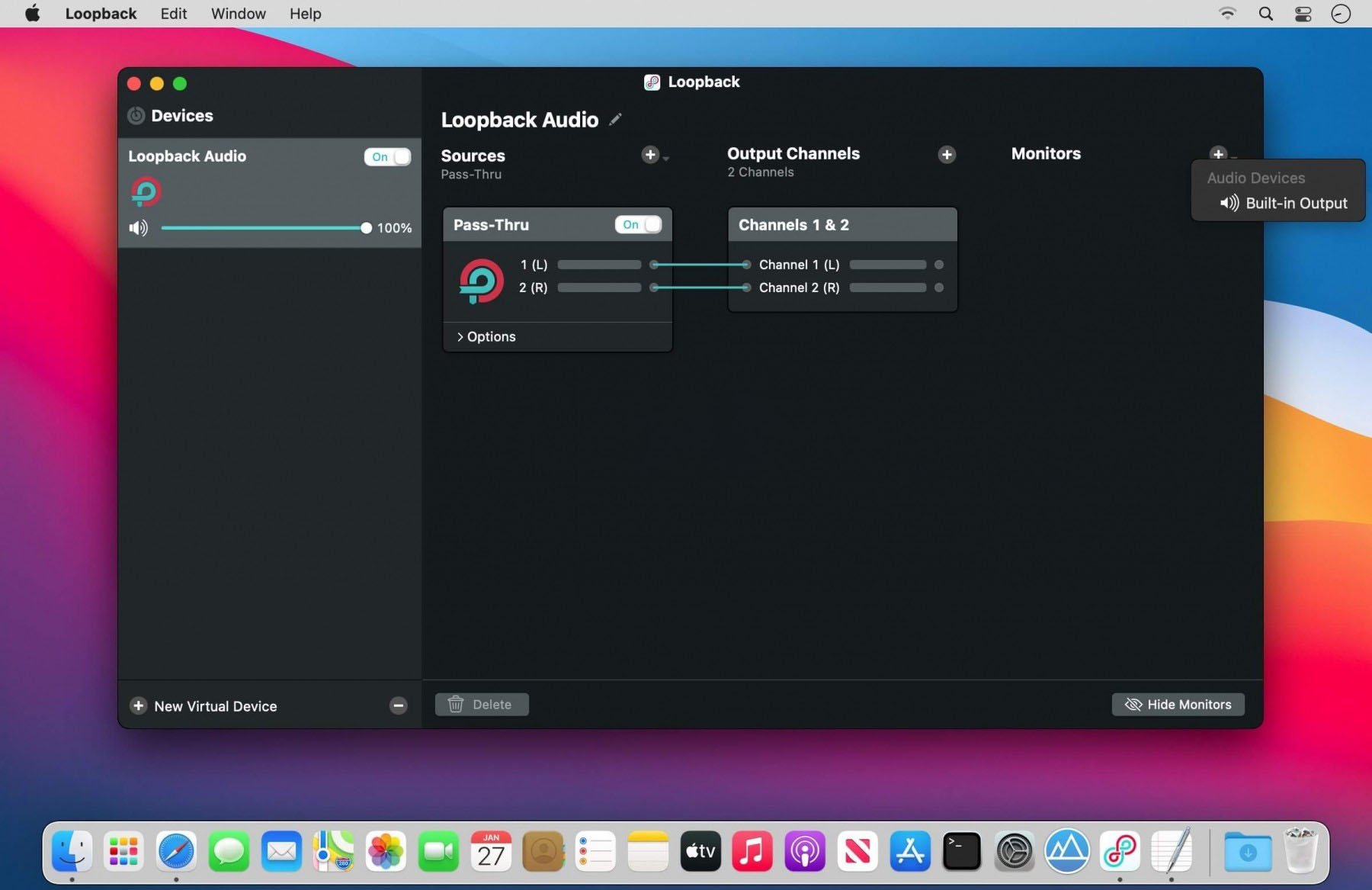
Make a simple Pass-Thru device in Loopback and set it as the output of any Audio Hijack chain. Now, you can choose this source as an input for any application to receive this audio.
So much…
Loopback provides unparalleled power and control over how audio is routed around your Mac and between applications. We can’t wait to hear how you find incredible new uses for it!
Additional features:
- Works with any application
- Works with any input device
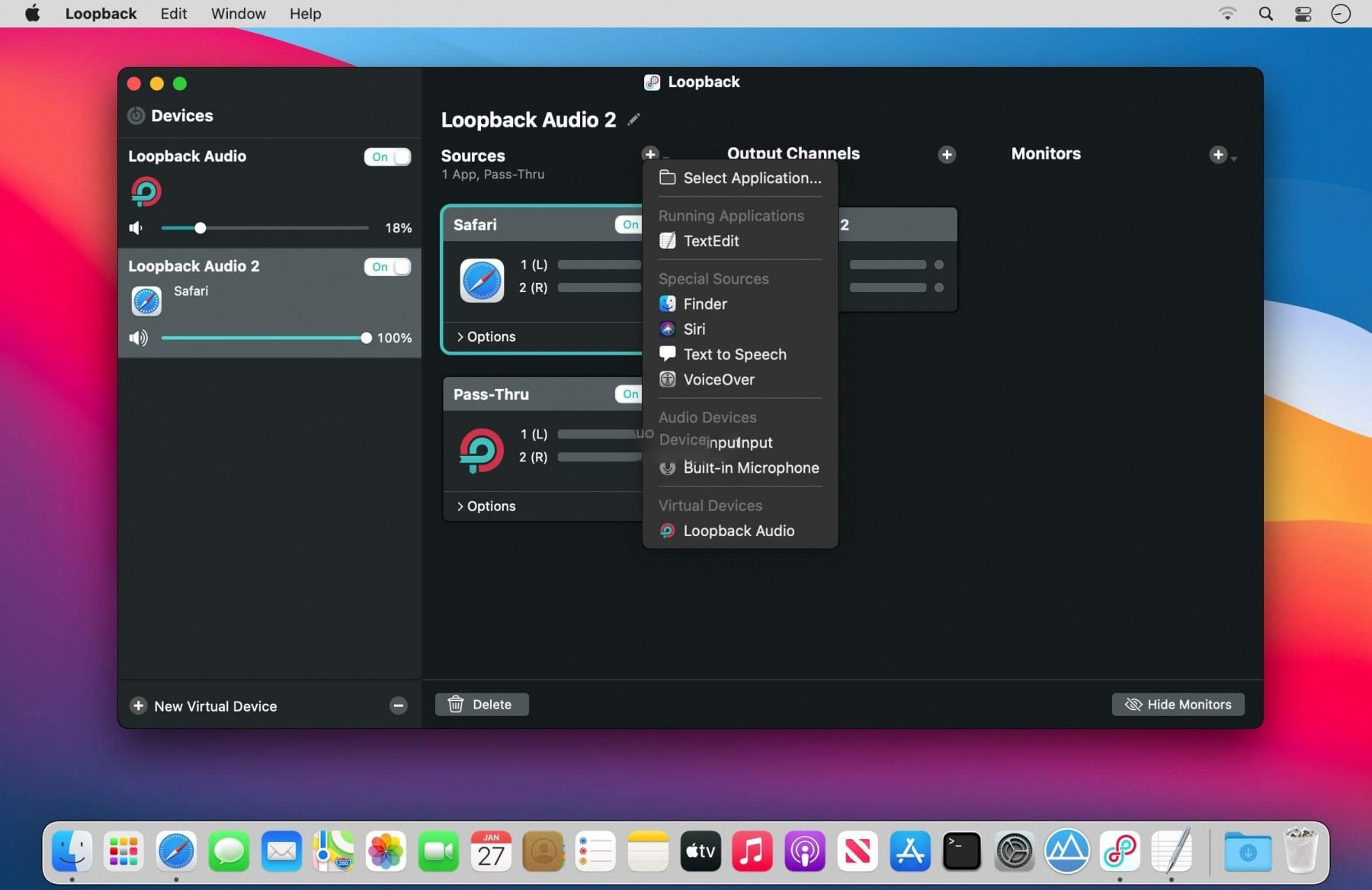
- Combines audio from software applications and physical audio devices
- Customizable monitoring options allow you to hear how the virtual audio device sounds through other devices
- Multi-volume control allows you to adjust the relative volume of each audio source within the device, as well as adjust the overall volume of the device
- Multi-channel audio allows your virtual audio device to have up to 64 channels, providing powerful functionality
- Custom channel mapping allows you to fully control the mapping of audio channels
- Loopback allows you to nest one Loopback device within another, providing power for complex needs
- Easy on/off switching allows you to disable certain parts of the device without deleting and recreating settings
Version 2.4.10 Update Content:
macOS 26 (Tahoe) Menu Simplification
macOS 26 (Tahoe) has simplified the menu, removing the Apple-embedded Loopback software icon. For more details, see the official blog post.
Quiet Software Update Notifications
The Loopback software update notifications have been optimized for a quieter display, avoiding interruptions to users’ work. When a new version is detected automatically, it no longer pops up to interrupt the current operation, but instead displays a small “Update Available” prompt in the software’s main window title bar, allowing you to choose the update timing.
License Window Activation Code
The activation code input field in the Loopback license window now supports the right-click menu, allowing you to use the mouse to paste the code. This update further mitigates the known vulnerability in the WKWebView framework.
Enhanced ARK Plugin 13.1.3
The ARK plugin that provides audio processing for Loopback has been upgraded to version 13.1.3, fixing the issue of **audio anomalies** occurring between virtual devices, as well as the function regression introduced in Loopback version 2.4.9. It also fixes the occasional program crash that occurs when updating virtual device configurations.
Fixed multiple issues with the volume meters displaying incorrectly for audio sources in virtual audio devices.
Software Screenshots:




Ratings & reviews
No rating
Let’s rate it.