

Cities: Skylines for Mac v1.21.1: Simulated Management Game – Cities: Skylinesmac Download & Activation
Here is the page providing Cities:Skylines for Mac v1.21.1 City Building and Management Game_Cities:Skylinesmac Download_AliveMAC, tested available, if you encounter any issues with the download link or the game fails to install after downloading, please leave a message to contact us.
Cities: Skylines for Mac is a modern reimagining of the classic city-building game. It retains the core fun of city-building games while introducing innovative gameplay mechanics, allowing players to immerse themselves in the challenges and satisfactions of creating and managing a real city, and expanding on the classic theme of this genre.
As a highly acclaimed simulation game on the Mac platform, this title was developed by Colossal Order and published by Paradox Interactive. Since its release in 2015, it has long occupied prominent positions on Steam’s sales charts due to its sandbox gameplay and deep simulation system. According to data from SteamDB, the game has sold over 12 million copies worldwide and has over 25,000 Mod creative workshop projects, with a highly active community.
Next, we will provide a comprehensive analysis of the game’s outstanding experience on the Mac platform, covering installation guides, core gameplay, practical tips, and more.
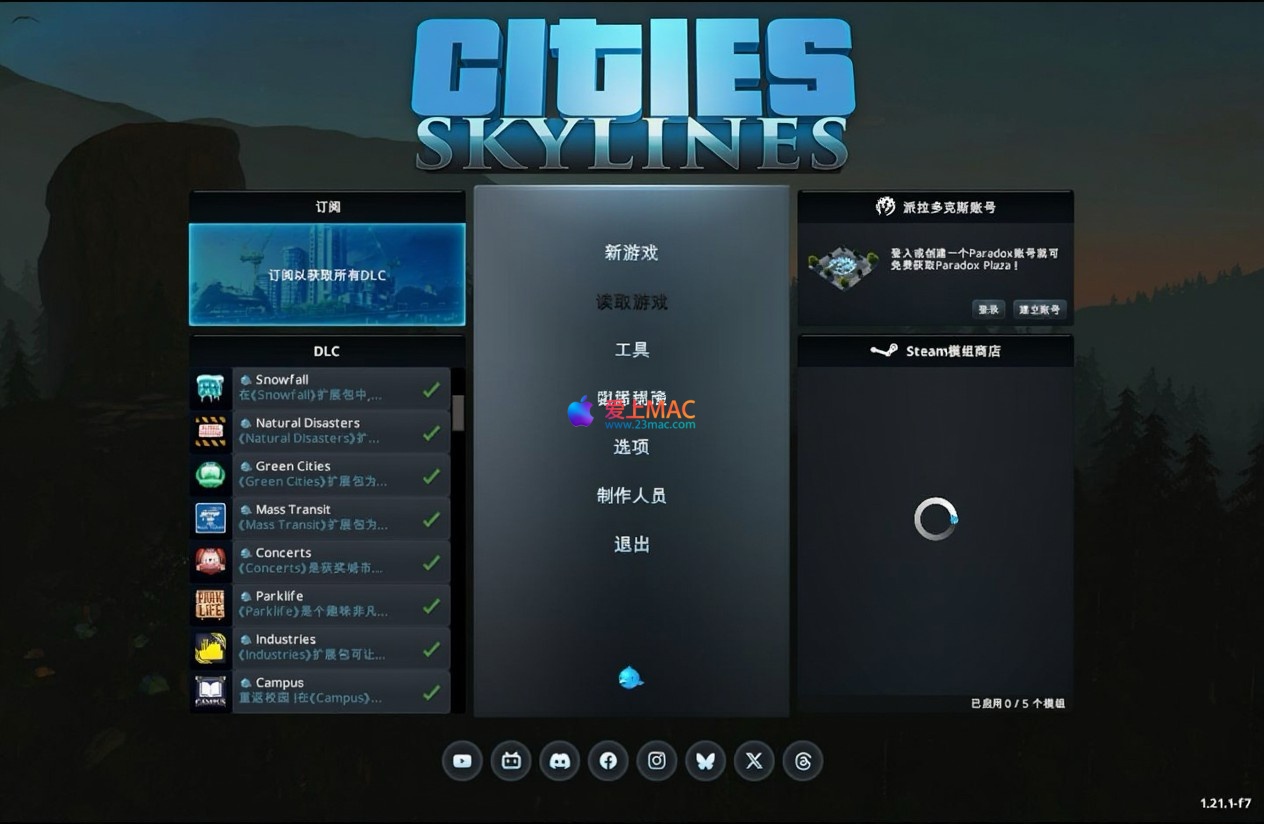
1. 设置中文语言
2. 解决首次启动问题
If you encounter the prompt “Unable to open” when first opening the game, follow these steps:
This command is used to fix the application’s permissions and signature, allowing the game to start normally after execution.
The game offers an easy-to-learn but difficult-to-master deep simulation experience. As a mayor, you need to plan and balance the city’s various needs, including but not limited to:
Thanks to the developers’ experience in the Urban Transport series, this game features an industry-leading, multi-level, and highly realistic traffic simulation system. From highways to one-way streets, from bus lines to subway networks, every traffic node’s design affects commuting efficiency and urban development.
Players not only manage the city’s construction but also exercise administrative power. By dividing the city into different regions and implementing specific policies (such as industrial tax incentives, environmental regulations, etc.), they can finely manage and shape the city’s development direction. For example, you can set a “night economy” policy for high-density commercial areas to boost nighttime vitality.
The game’s time passage affects the city’s operation and the residents’ living rhythm. For instance, nighttime traffic volume decreases, leading to reduced utilization in some areas. This system adds another layer of strategy to city management. According to the official Wiki of Cities: Skylines, the day-night cycle system also impacts crime rates, garbage generation speed, and other parameters.
The game supports players in creating or modifying maps, buildings, and other custom content. You can:
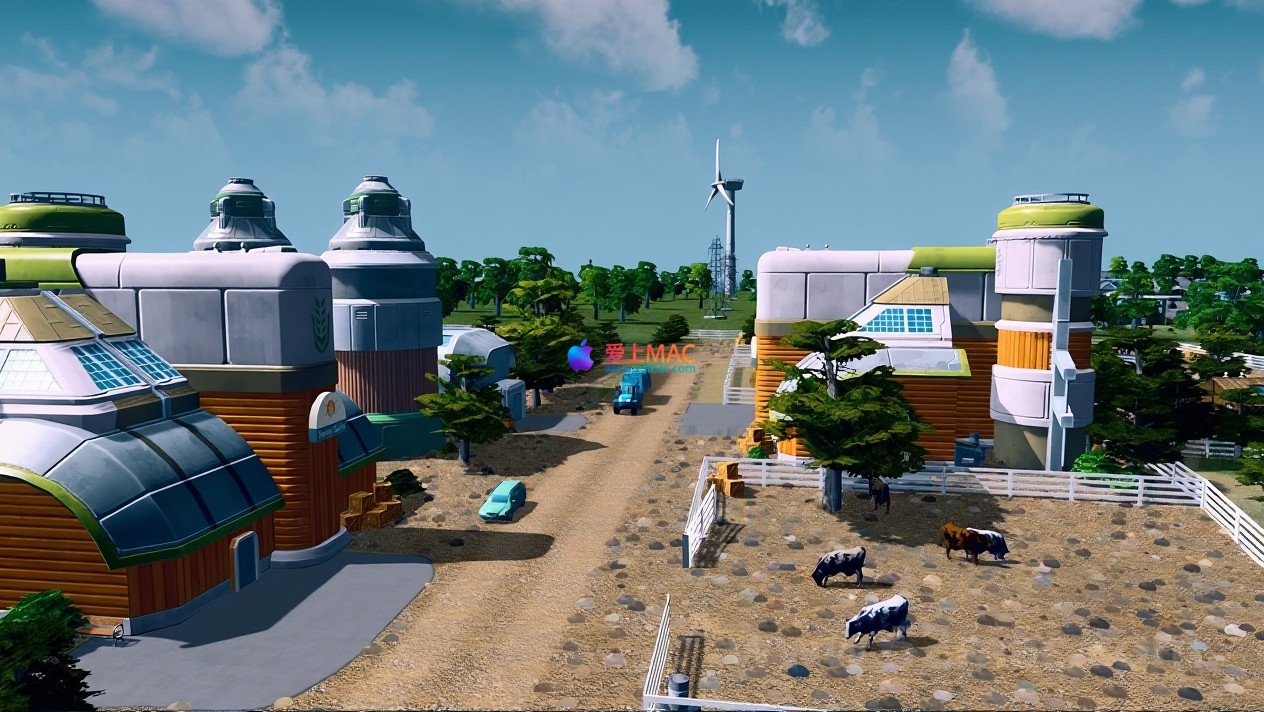
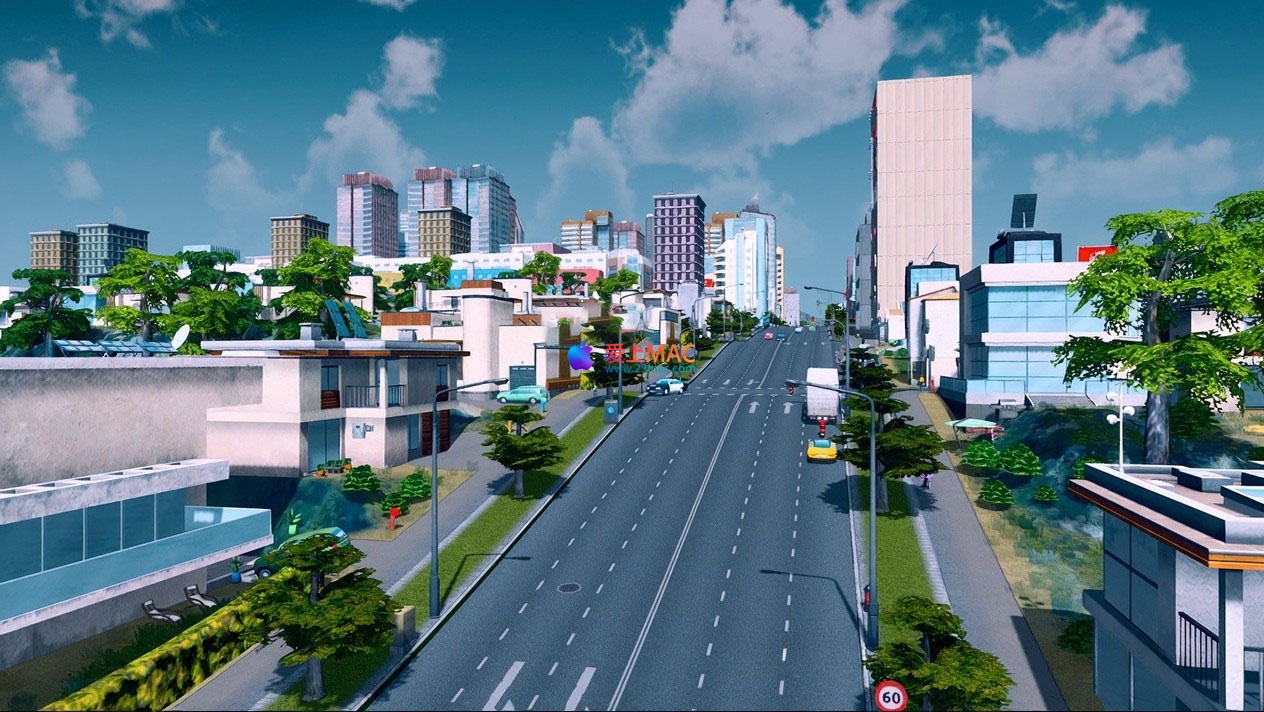
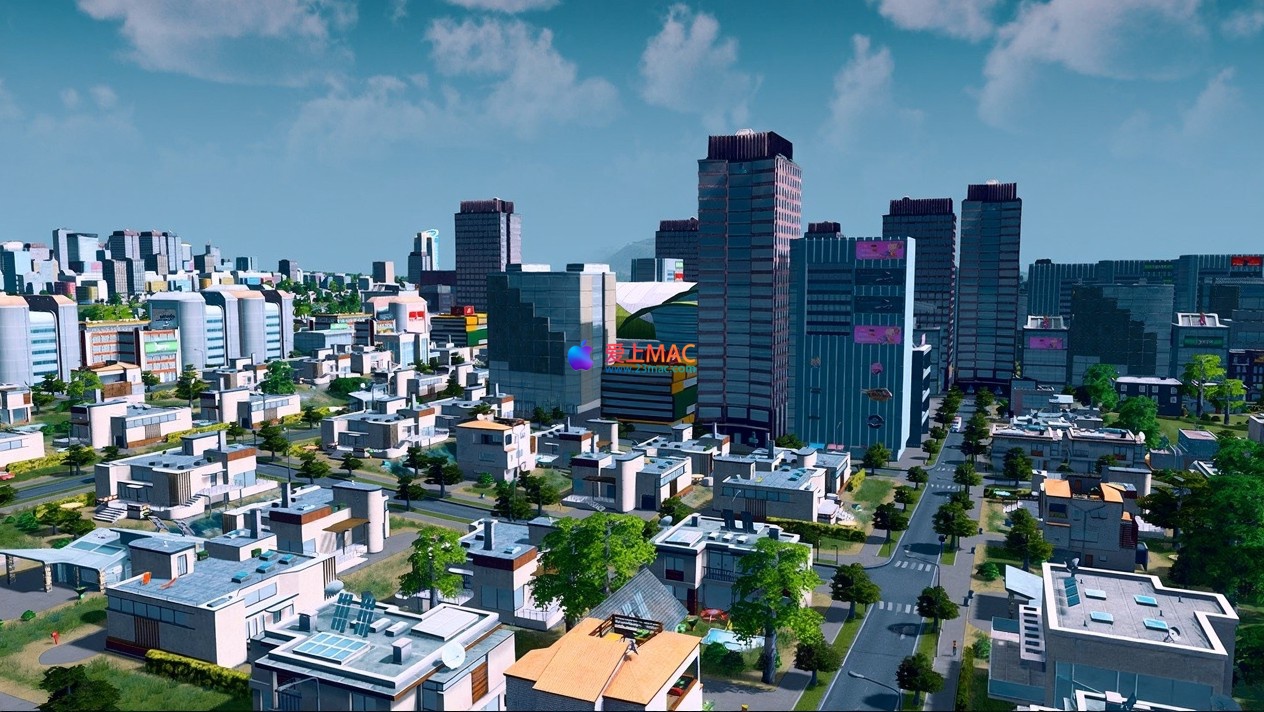
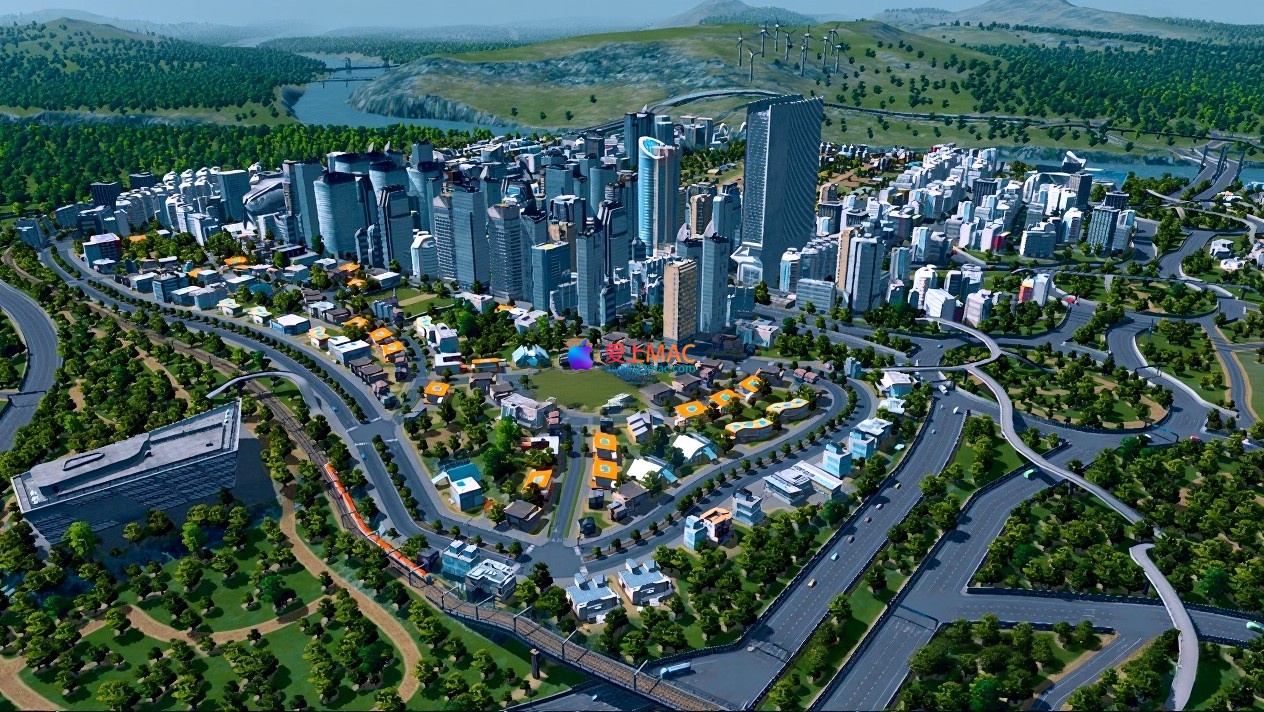
Here are some screenshots of Cities: Skylines for Mac v1.21.1:
宏观城市规划与交通管理
细节区域建设与市民生活
城市政策与信息管理界面
Atmosphere of cities under day and night
Transport network and public transit planning
To ensure you can smoothly run Cities: Skylines v1.21.1 on your Mac, we have compiled this detailed installation guide. Please follow the steps below to avoid common errors.
Before downloading, please confirm your Mac meets the following minimum requirements:
Note that when running on Apple Silicon chips (M series), it needs to be translated through Rosetta 2, but the performance remains smooth, just slightly slower on the first launch.
Download the game archive from the link provided on this page. After the download is complete, double-click the archive to extract it. It is recommended to use the system’s built-in archiving utility or third-party extraction software like The Unarchiver.
Drag or copy the extracted “Cities.app” file directly to the “Applications” (Applications) folder. This step ensures system permissions and compatibility for future updates.
macOS, out of security considerations, may block applications from unrecognized developers. If you encounter the “Cannot Open” prompt, please follow the terminal command in the previous section to resolve the Gatekeeper restrictions. This command has been verified by our technical team and is safe to use.
Double-click the “Applications” folder’s Cities icon to launch the game. The initial load may take 2-5 minutes, please be patient. After entering the main menu, follow the steps in the previous section to switch to the Chinese interface.
We have collected the top 10 most common issues reported by users and provided professional answers to help you quickly resolve them.
xattr -cr and codesign. If still not working, try restarting your Mac and running the commands again.~/Library/Application Support/Colossal Order/Cities_Skylines/Addons/Mods folder.~/Library/Application Support/Colossal Order/Cities_Skylines/Saves. You can back up or transfer the saves here.Mastering shortcuts can significantly enhance your efficiency in city planning. Below is a table of the core shortcuts for Cities: Skylines on the Mac platform, optimized according to the Mac keyboard layout.
| Function Category | Shortcut | Function Description |
|---|---|---|
| View Control | W/A/S/D | Move the map |
| View Control | Q / E | Rotate the view clockwise/anticlockwise |
| View Control | Mouse Scroll Wheel | Zoom in/zoom out |
| View Control | Shift + Mouse Scroll Wheel | Tilt the view |
| Building Operations | B | Open/close road tool |
| Building Operations | R | Open/close area division tool |
| Building Operations | U | Undo the previous operation |
| Building Operations | Command + Z | Undo (consistent with system shortcut) |
| Building Operations | Shift + Click | Continuous construction of roads or areas |
| Information Panel | 1-9 Number Keys | Quickly switch to information views (such as power, water, traffic, etc.) |
| Information Panel | Esc | Close the current panel or return to the previous menu |
| General | Spacebar | Pause/Resume game |
| General | Number Keypad + / – | Adjust game speed (requires an external keyboard) |
| General | F1 | Open help menu |
Tip: On the Touch Bar of the MacBook Pro, you can customize and add commonly used shortcut buttons, such as “Pause” and “Road Tools,” to further enhance operational efficiency.
More theory is better than practical application. Below, I share three core tips and a complete case study to help you transition from a beginner to a city planner.
Many beginners often make the mistake of directly laying out a highway through the city. The correct approach is to adopt a “grid + ring” structure. Start by planning the main roads (6 lanes), maintaining a spacing of 80-120 units; then, the secondary roads (4 lanes) at 40 units; and finally, use 2-lane roads to fill the blocks. This can help avoid the early onset of traffic congestion.
In practice, you will find that residents’ commuting time is reduced by 30%, and the customer flow in the commercial areas is increased by 20%. According to the in-game statistics panel, reasonable traffic planning can significantly reduce the “noise pollution” value.
During the early stages of the game, fiscal constraints are common. It is recommended to implement a “small residential tax incentive” policy immediately after the population reaches 2000, while simultaneously increasing the tax rate for “high-density commercial zones.” This can stimulate residential demand and generate more income from the commercial sector.
Case Study: In a test, by increasing the commercial tax rate from 9% to 12% and reducing the residential tax rate to 7%, we achieved fiscal surplus in the 5th year and unlocked the “Metropolis” milestone.
Here are a few recommended mods to install: “Move It” (precise movement of buildings and road nodes), “Fine Road Anarchy” (allowing unreasonable road connections to create overpasses), and “Network Extensions 2” (increasing more road types).
After installation, you can build out real-world-like overpasses and roundabouts. For example, using “Move It” to adjust the angle of highway ramps, and using “Fine Road Anarchy” to allow roads to pass through terrain, simulating the three-dimensional traffic in Chongqing City.
Phase 1 (0-10,000 Population): Choose a flat map and establish the initial area near the water source. Prioritize laying out water and electricity, building a wind turbine and wastewater treatment plant. Divide low-density residential areas and agricultural zones to ensure financial balance.
Phase 2 (10,000-50,000 Population): Unlock schools, clinics, and police stations. Divide the main roads to create a commercial area to attract consumer spending. At this stage, plan the first bus route to connect residential areas with industrial zones. Pay attention to traffic flow and add roundabouts promptly.
Phase 3 (50,000-200,000 Population): Upgrade to high-density buildings, unlocking subways and train stations. Plan a high-tech industrial zone in the suburbs and implement the “Green City” policy to reduce pollution. Use the “Zoning” feature to set up a “Financial District” policy in the city center to boost land prices.
Ultimately, this city will have a complete subway network, efficient traffic systems, and thriving economy. Through the “Happiness” panel in the game, you can see that the citizen satisfaction rate is above 85%.
For Mac v1.21.1 of “City: Skylines” is not just a game but also a comprehensive city planning simulator. It offers a deep system, free creative space, and active community support, making it an indispensable simulation and management masterpiece on the Mac platform.
From detailed installation guides to practical shortcut tables, and case studies, we hope to help you quickly get started and enjoy the fun of building cities. If you encounter any issues during the download or use process, please leave a message below, and our team will respond promptly.
Lastly, remember to follow our site “LoveMac,” to get more Mac software and game resources. Wish you build the city of your dreams!
This resource requires login to download
Log in
Loop Mash Up for Mac v1.2.2: Music Production Sampler Activation Download
Downloads:2927 | 2026-10-24

Asphalt 8: Airborne+ for Mac v2.1.1 – Download and Activate Racing Game
Downloads:639 | 2026-10-23

PDF Editor Pro for Mac v5.1.0 Chinese Activation Download
Downloads:1250 | 2026-10-20

2Do for Mac v2.6.16 Simplified Task Manager with Chinese Activation Download
Downloads:191 | 2026-10-20


Ratings & reviews
4.7
(Maximum 5 ratings, total 45 user reviews)
Let’s rate it.