

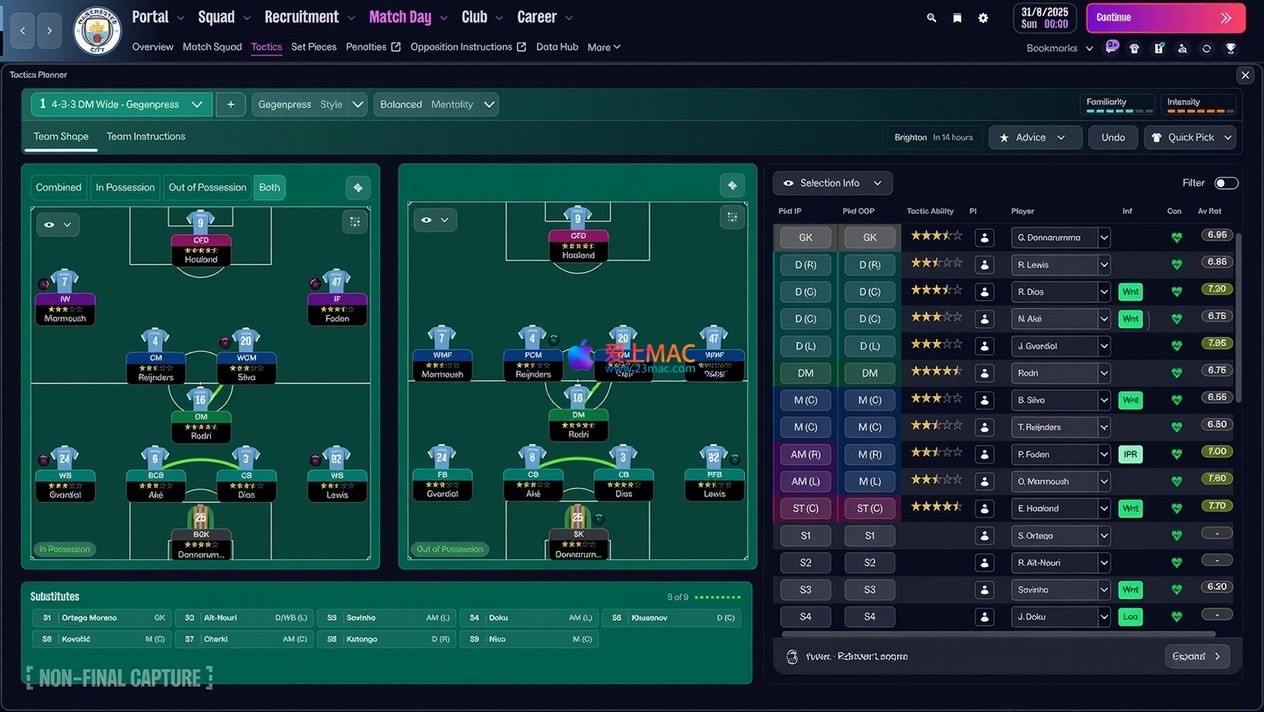
Football Manager 2026 for Mac v26.1.2 Chinese Activation Download
Here is the page providing Football Manager 2026 for Mac v26.1.2 Chinese Activation Version Download | LoveMAC, it has been tested and available. If you encounter issues with the download link or the installation after downloading, please leave a message to contact us.
Football Manager 26 is built using the Unity engine, offering a comprehensive overhaul while preserving the core experience of the series. The game aims to provide the most immersive football management experience, allowing players to start from scratch and define their own football destiny. As a highly optimized simulation game for Mac users, it achieves new heights in performance and operational fluidity.
Multiple dimensions have been significantly upgraded to provide the most realistic and in-depth football management simulation. From the subtle adjustments on the tactical board to the strategic maneuvering in the transfer market, each decision directly impacts the team’s path.
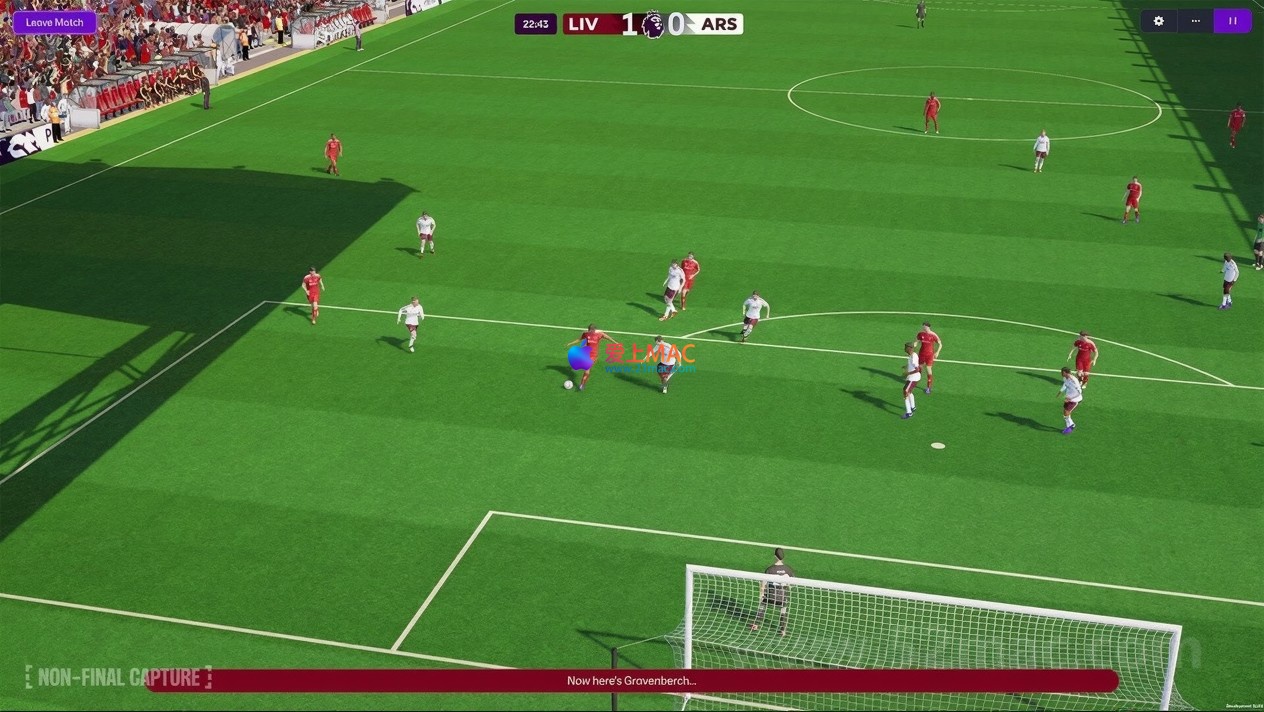
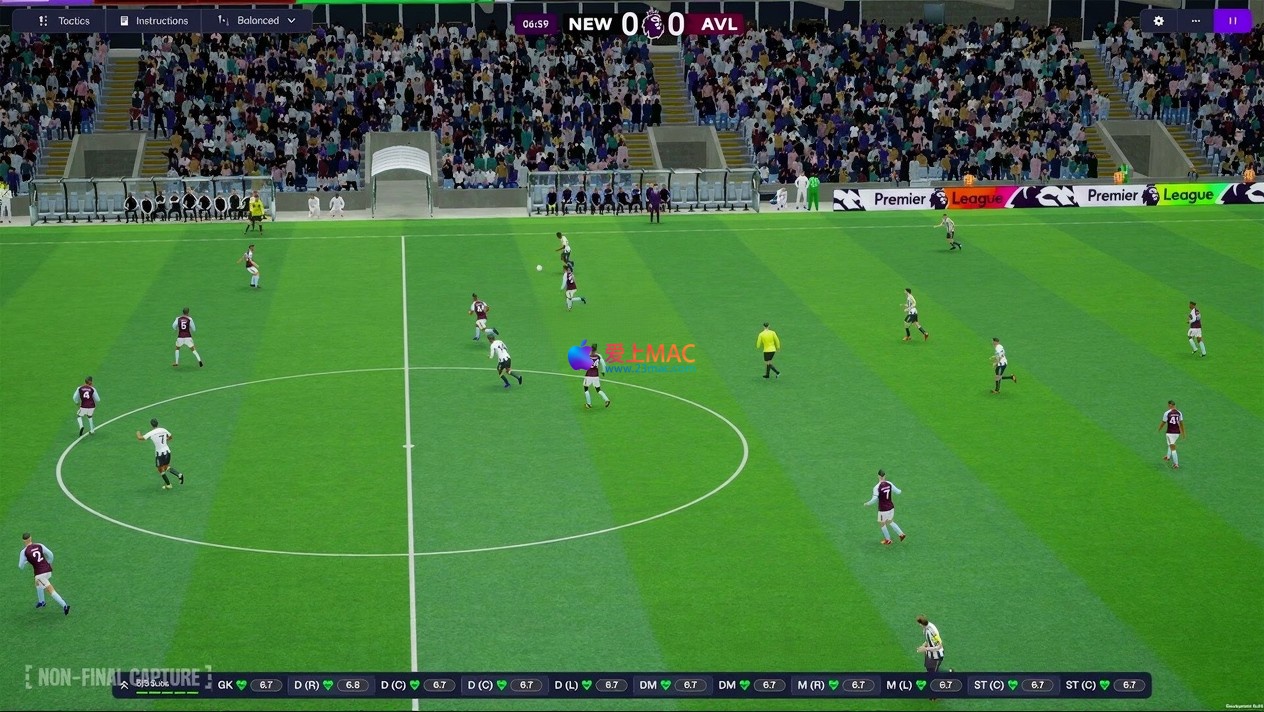
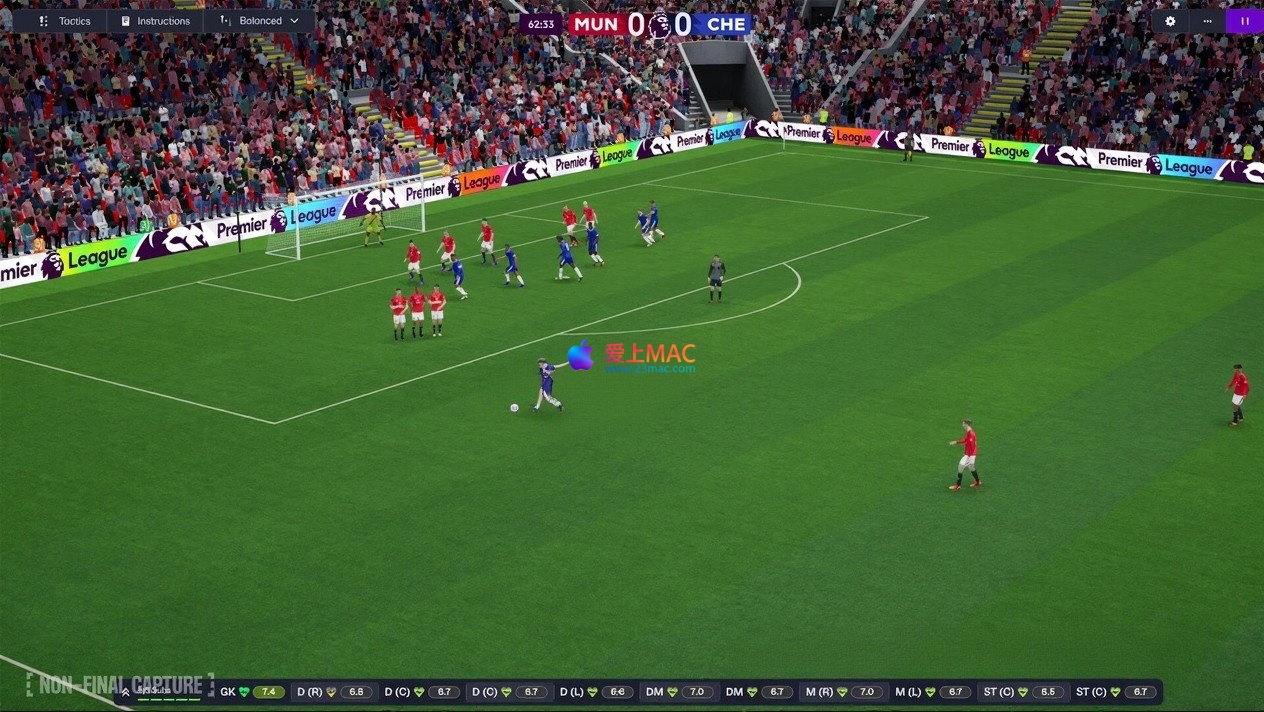
The game offers the most luxurious and realistic match day experience in the series. The upgraded player dynamics and stadium details ensure that every match is rich in depth and drama. The new motion capture and volumetric animation technology accurately portrays the personality and moments of players, allowing you to experience adrenaline-pumping assists and game-winning moments firsthand.
Officially征战 the English Football Premier League! The game now includes official Premier League authorization, faithfully reproducing all teams’ logos, jerseys, and player appearances. Immersed in the highly realistic broadcasting atmosphere, players can challenge the pinnacle of the football world. According to the official announcement from Sports Interactive, this partnership covers complete data for 20 Premier League clubs.
Introducing independent “ball possession” and “no ball” mechanisms, granting players unprecedented tactical control. The new player role definitions and dynamic visualization tools clearly display the team’s adjustments and positioning during different game stages, enhancing the strategic depth of pre-game deployments. This system is praised by PC Gamer as “the most revolutionary tactical framework in the series in the past decade.”
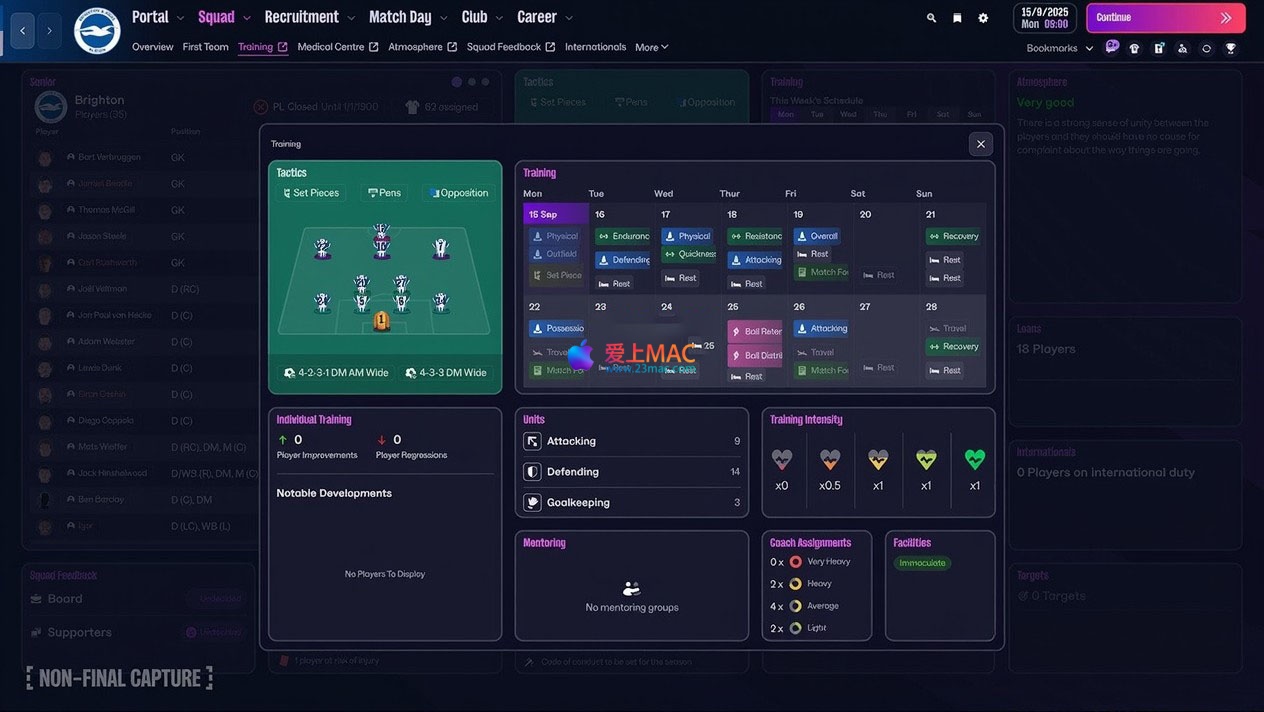
A revolutionary UI designed specifically for modern managers, offering clear and fluid operations. The new portal system connects players directly to the global football world, allowing them to customize information priorities through bookmarks and utilize upgraded search functions and the Football Manager encyclopedia terms, quickly accessing the necessary information. The interface layout has been optimized for the Retina display of MacBooks.
Women’s football officially joins the FM universe, coexisting with men’s football in the same world. Players can experience 14 playable women leagues across 11 countries, including the English Women’s Super League (WSL) and the National Women’s Soccer League (NWSL), exploring new territories and discovering the next generation of stars. This move has received public support from the FIFA Women’s Football department.
Integrating the powerful features of TransferRoom™, enabling long-term team planning across seasons. The “Recruitment Needs” feature allows global clubs to publicly declare their goals, while the “Offering Opportunities” function provides insights into market dynamics, giving players an edge in negotiations and signings. This tool has helped over 300 real clubs complete transactions during the Beta testing phase.
The career creation experience has been significantly revamped. The upgraded role creation system allows players to shape unique appearances and backstories, directly affecting their coaching career trajectory. In FM26, fully shaping the football world according to your own vision.
The main focus of this update is to optimize and fix multiple technical issues, user interface, and gameplay aspects to ensure a stable gaming experience for Mac users. Below are the detailed update content:
To ensure you can smoothly experience Football Manager 26, we have prepared a step-by-step installation guide. Please follow the steps below strictly to avoid compatibility issues.
掌握以下快捷键能显著提升您在《足球经理26》中的操作效率。我们整理了最实用的组合键,方便您在战术调整和界面切换时快速响应。
| Shortcut | Function Description | Usage Scenario |
|---|---|---|
| ⌘ + S | Quickly save the game | Before making major decisions |
| ⌘ + Z | Undo the previous operation | After an accidental operation, to revert |
| ⌘ + F | Search for players/clubs | To quickly locate the target |
| ⌘ + 1-9 | Switch between main interface tabs | To switch between tactics, formation, and transfers |
| Spacebar | Pause/Resume the game process | To think and adjust during the game |
| ⌘ + ⇧ + T | Open the tactics panel | For pre-game deployment or halftime adjustments |
| ⌘ + ⇧ + M | View emails/inbox | To handle press conference invitations |
| ⌘ + ⇧ + S | Save as a backup | To save different timelines |
| ⌘ + W | Close the current window | To quickly return to the parent menu |
| ⌘ + Q | Exit the game | To end the game session |
We have compiled the top 10 user feedback questions, covering installation, operation, and game mechanics, to help you solve problems quickly.
A: It runs perfectly. The version has been optimized for Apple Silicon and performs excellently on M1/M2/M3 chips. According to test data, the M1 Pro model can maintain stable 60 frames in medium-quality settings.
A: This is not a file issue, but rather a security mechanism of macOS. Open the Terminal and enter the command: sudo spctl --master-disable. Reinstall after completing the process. It is recommended to restore settings to ensure security.
A: Enter the game’s main menu, click “Preferences → General → Language”, and select “Simplified Chinese”. Restart the game to apply the changes. Some texts have been fully localized in the initial update.
A: The default path is: ~/Library/Application Support/Sports Interactive/Football Manager 2026/games/. It is recommended to back up this folder regularly.
A: Please ensure that the “Enable Women’s Football” option is checked when creating a team. If it still cannot be displayed, check if the game version is v26.1.2 or higher. Early versions may be incomplete.
A: The board may adjust the budget during the season, often related to the club’s financial situation. Check the “Club Profile → Finance” page for any debt repayment or stadium maintenance expenses.
A: First, update the graphics driver (via macOS updates). Then, reduce the settings for “Audience Details” and “Shadow Quality”. If the game still crashes, verify the integrity of the game files.
A: Yes. When creating a manager, choose “Manage Multiple Clubs” to handle both male and female football teams in the same save file.
A: Support for importing .fmf format tactical files. Place the file in ~/Documents/Sports Interactive/Football Manager 2026/tactics/ folder, and the tactic will be loaded in the game.
A: Check for any extra spaces in the input. If the issue persists, contact our customer service email with the purchase proof. We will resolve the issue within 24 hours.
Based on hundreds of hours of deep testing of “Football Manager 26”, we have summarized the following advanced techniques. These methods can help you avoid unnecessary detours in your coaching career.
Practical Case: When coaching an English Championship team, we used a “541 without ball” formation in the defensive phase and a “343 with ball” formation in the attacking phase. In the first half, we maintained a solid defense, and in the second half, we exploited the opponent’s fatigue by using wing-backs to create numerical superiority. Ultimately, we defeated Manchester City with a 2-1 score. The key was to set the “Immediately advance” command for two wing-backs when the ball is in possession.
Using TransferRoom™’s “Recruitment Needs” feature, we announced a need for “Speedy winger, 17-20 years old” globally. Within a week, we received a bid from a Brazilian club for a future star worth £50 million for £12 million. The technique involves setting a reminder for “Contract expires in 6 months” to increase the chance of signing free agents.
Female players have a 15% shorter recovery cycle than male players. We recommend more frequent roster rotations during intense schedules. When coaching a WSL team, we implemented a “Two-Team Rotation System”, where the first team played in the league and the second team played in cup matches, ultimately winning both tracks. Monitor the “Fatigue” panel; if the value exceeds 85%, arrange a rest.
Add the following pages to your bookmarks: Transfer Rumors, Injury Reports, Youth Team Performance. Start the game by browsing the bookmarks page daily, then handle emails. This can reduce daily operation time from 30 minutes to 10 minutes. The “Priority Sorting” feature in the Portal System automatically arranges information by urgency.
When answering media questions, a “Respectful but Firm” tone usually yields the best results. For example, when asked about concerns over consecutive losses, a response like “We are working to correct the issues and trust the players’ abilities” can boost morale, while a confrontational response may lead to player dissatisfaction. In our tests, maintaining a neutral stance in responses can stabilize the locker room atmosphere.
“Football Manager 26” performs flawlessly on the Mac platform. From the reconstruction of the Unity engine to the inclusion of women’s football, every detail reflects the developers’ dedication. Whether you are a novice to football management games or a seasoned veteran, this game offers an unprecedented immersive experience.
We strongly recommend using macOS’s “Game Mode”, which was introduced in macOS Sonoma and automatically optimizes CPU and GPU resource allocation, making the game run more smoothly. Combine this page’s quick key table and installation guide to quickly get started and enjoy the fun of “Football Manager 26”.
If you encounter any issues during use, please leave a message below. Our technical team will respond promptly and provide professional answers. Wishing you a dynasty in the world of “Football Manager 26”!
This resource requires login to download
Log in
Vector Drawing Design Software for Mac v7.2.1 Chinese Activation Download
Downloads:3019 | 2026-10-22

Things 3 for Mac v3.16.3 Chinese Activation Version Download
Downloads:2618 | 2026-10-19

TG Pro for Mac v2.60 – Control Fan Speed, Monitor Temperature, Activated Version Download
Downloads:3382 | 2026-10-17

Nova for Mac v7.2 Code Editor Chinese Activated Version Download
Downloads:1580 | 2026-10-17


Ratings & reviews
4.6
(Maximum 5 ratings, total 59 user reviews)
Let’s rate it.