

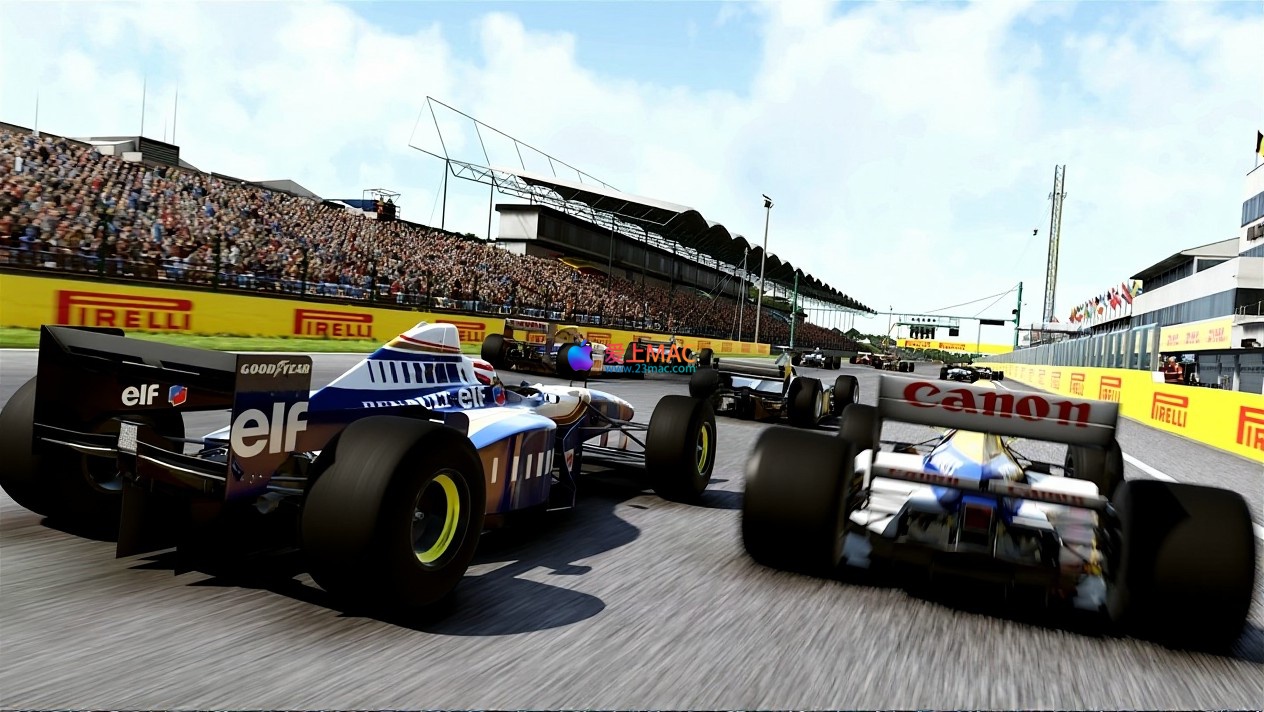
F1 2017 for Mac v1.13: Formula 1 Racing Game – F1 2017 Mac Download & Activation
This page provides F1 2017 for Mac v1.13 F1方程式赛车2017 急速赛车游戏_F1 2017mac下载_激活版 | 爱上MAC,已测试可用,如遇到链接失效或下载后无法安装等情况,请留言联系我们。
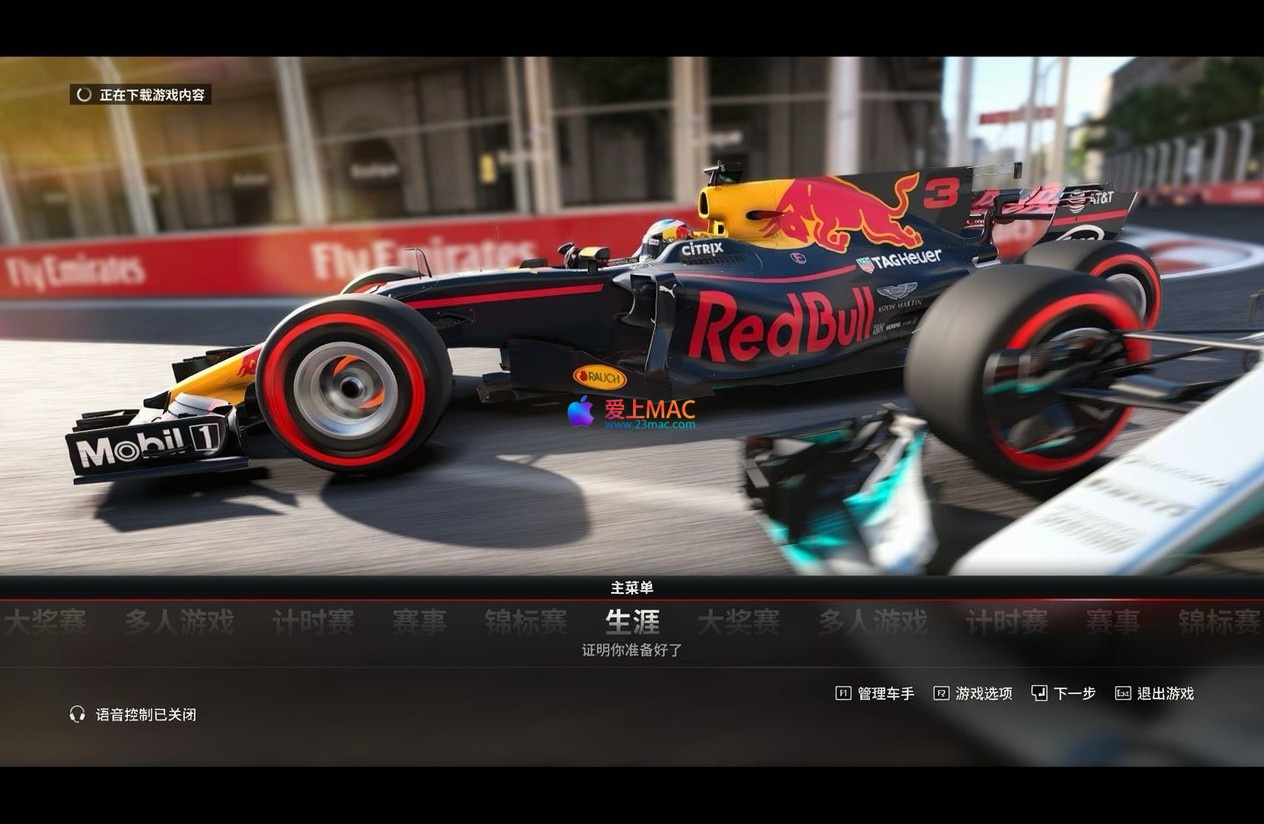
“F1 2017” not only brings unprecedented track racing excitement to players, but also extends the depth and strategy of the F1 world beyond the track. The game builds a more realistic and complete F1 competition world through the introduction of a new off-track trading system, vehicle development system, and comprehensive upgraded career mode.
The game combines stunning new scenes and interactive characters to provide players with the most immersive and rich F1 competition experience to date.
The career mode has been revolutionarily expanded in this game, allowing players to cross multiple seasons and hone their driving skills and strategic vehicle development, writing their own racing legends. Key updates include:
The game includes twelve iconic F1 cars from the Ferrari, McLaren, Red Bull, Renault, and Williams teams, all of which can be driven in all game modes. Classic cars are seamlessly integrated into the career mode, allowing players to compete against them in single or multi-series races. These classic cars are based on the championship models of the 2010 to 2013 seasons.
The new “Invitational” mode offers a variety of exciting challenge types, including: overtaking races, pursuit races, checkpoint challenges, and time trials. Each mode tests different driving skills and tactical adaptability.
Online multiplayer supports a complete lineup of up to 20 cars and adds two exclusive “spectator” seats. Improved matchmaking systems, new online data and balance mechanisms, and diverse game types allow players to compete using cars from the 2017 season or classic cars. The “Event Mode” has been expanded to three platforms, and a new scoring system has been introduced. According to community feedback, matchmaking times have been shortened by about 30% compared to the previous version.
The new “Championship” mode lets players participate in specially structured special events that closely mimic the real F1 championship structure, experiencing the unique tension and diverse content of championships. This mode supports customizing the length of the schedule and AI difficulty levels, suitable for players of different levels.
This game introduces four unique layouts based on the official 20 tracks, including the “British Short Track,” “Japanese Short Track,” “American Short Track,” “Bahrain Short Track,” and the visually stunning “Monaco Night” track. These variant tracks not only change the combination of bends but also pose new challenges for tire wear and fuel strategy.
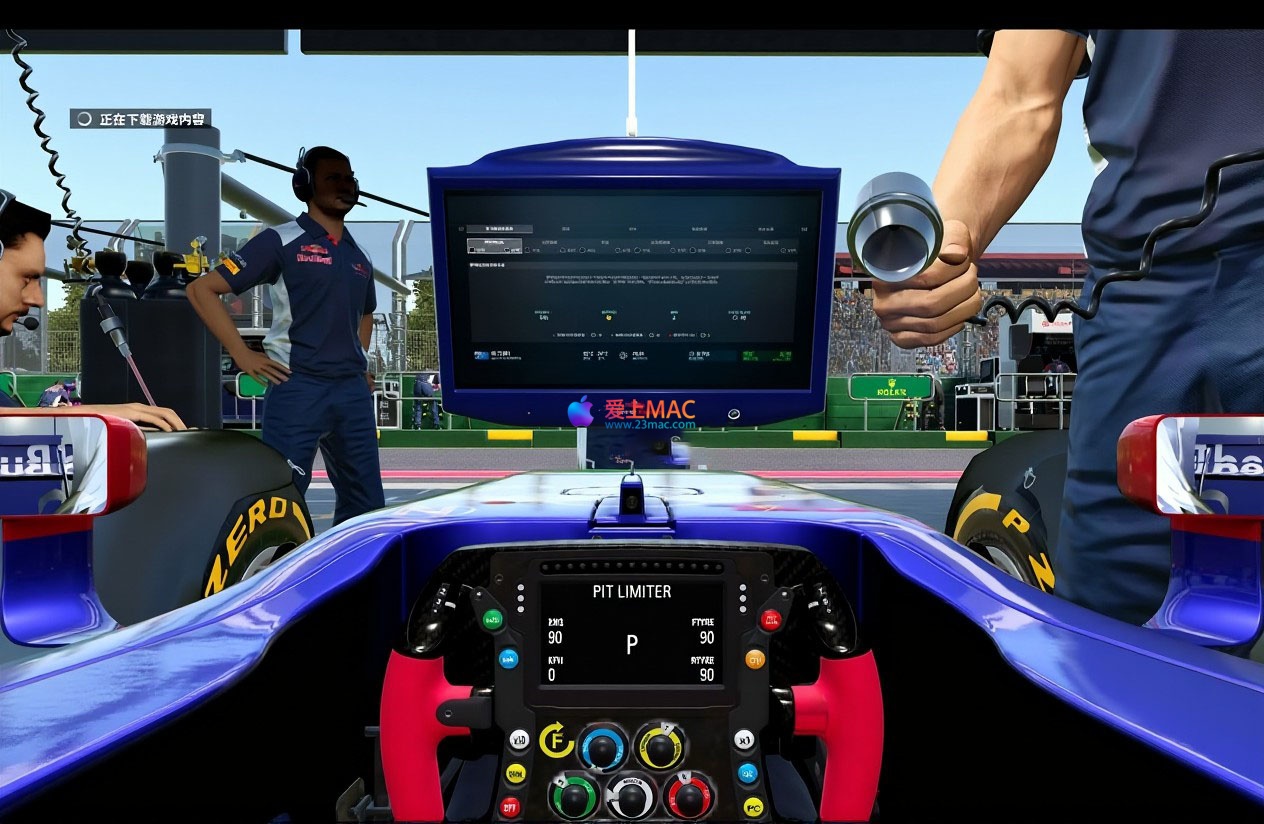
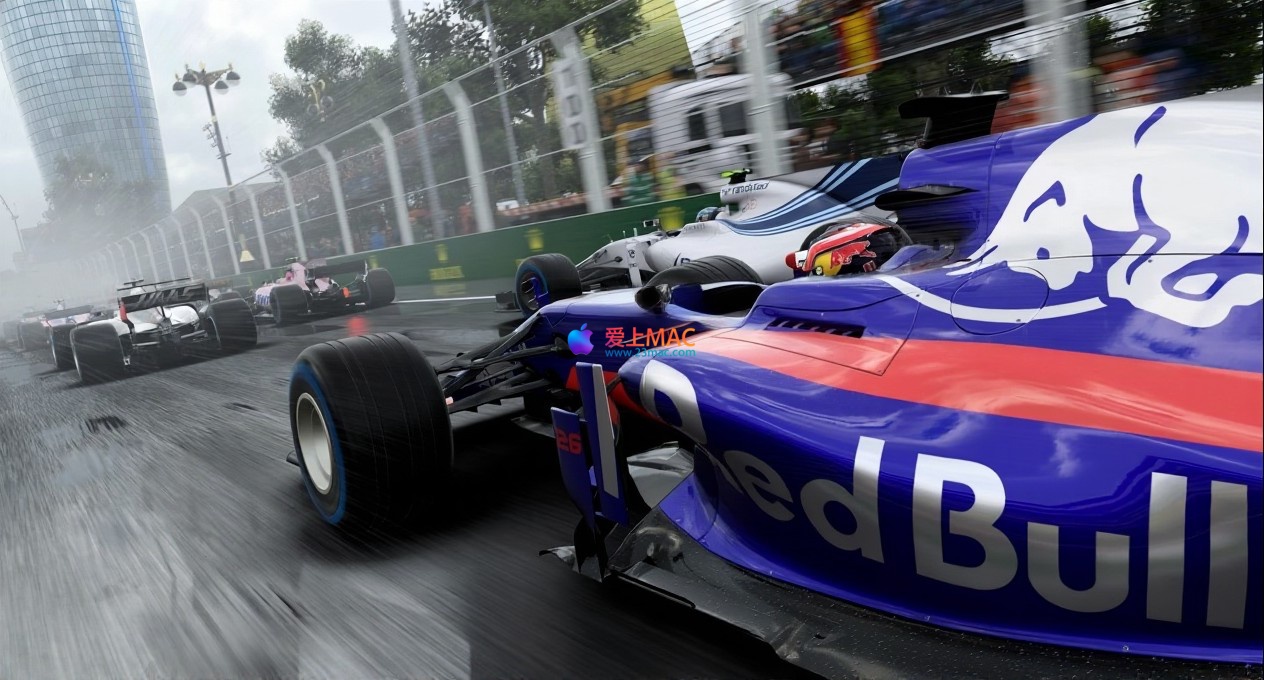
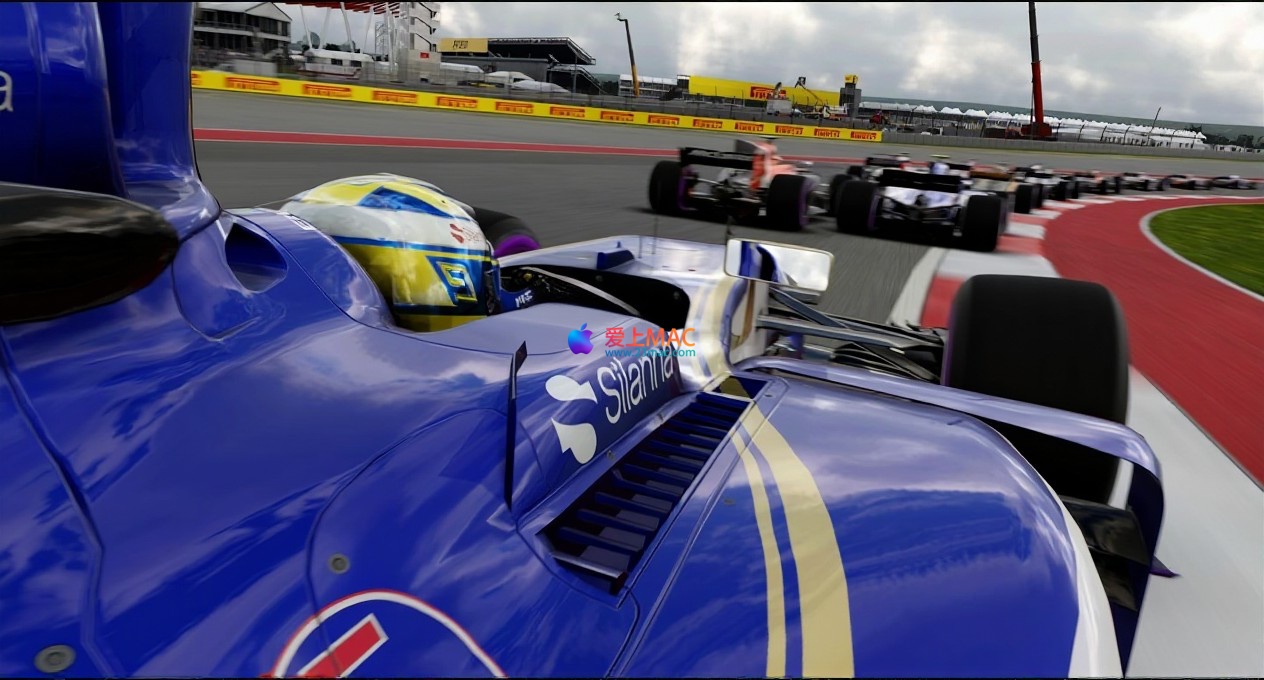
F1 2017 for Mac v1.13 Game Screenshots
Before installing F1 2017 for Mac v1.13 F1方程式赛车2017 急速赛车游戏_F1 2017mac下载_激活版 | 爱上MAC,已测试可用,如遇到链接失效或下载后无法安装等情况,请留言联系我们, ensure your Mac system version is at least macOS 10.12 Sierra, and you have at least 50GB of available hard drive space. The recommended graphics card is AMD Radeon or NVIDIA GeForce series, and integrated graphics may not run smoothly.
Step 1: Download the game image file. Download the .dmg format installation package from the provided link on this page. After downloading, double-click the .dmg file to mount it.
Step 2: Drag the application to the “Applications” folder. In the pop-up window, drag the F1 2017 icon to the right Applications file icon. This process will copy the game files, which may take about 5-10 minutes.
Step 3: First launch and security settings. If the system prompts “Unable to verify developer,” go to “System Preferences” > “Security & Privacy” > “General,” and click the “Open Anywhere” button. This is the standard protection mechanism of macOS for non-App Store applications.
Step 4: Wait for the load. During the first launch, the game will create cache files, and the load time may take several minutes. Please be patient and do not forcibly exit. Subsequent launch speeds will significantly improve.
Step 5: Set language and graphics. After entering the game main menu, switch the interface language in Options > Audio & Language. Based on your Mac configuration, adjust the resolution and graphics presets in the Graphics options, and recommend starting from the “High” graphics preset.
Q1:How do I deal with game lag?
A:First, lower the graphics settings, disable anti-aliasing and shadow effects. Secondly, ensure that no other high-load programs are running in the background. If using an Intel-based MacBook, consider using an external cooling stand.
Q2:I get a “Disk space insufficient” error during installation?
A:The game body is approximately 45GB, and the installation process requires an additional 10GB of temporary space. Please clean files in the “Downloads” and “Trash” folders, or use tools like CleanMyMac to free up space.
Q3:How do I save my game progress?
A:The game uses an automatic save mechanism, which automatically saves progress at the end of each race or when exiting Career mode. It is recommended to exit the window via the main menu’s “Exit” option rather than directly closing it.
Q4:I can’t connect to the multiplayer mode?
A:Check if your network connection is stable and ensure that your firewall is not blocking game communications. If using a VPN, try disconnecting and reconnecting. Server status can be checked on the official forum.
Q5:My steering wheel controller isn’t recognized?
A:The game supports Logitech G29 and Thrustmaster T300 steering wheels and controllers. Ensure that the driver is updated to the latest version and remap the buttons in the game settings.
Q6:The game crashes or freezes?
A:Try resetting the game preferences. In Finder, hold down the Option key, click “Go” > “Library”, find the Preferences folder, and delete the com.codemasters.F12017.plist file.
Q7:Can I run the game on Apple Silicon M1/M2 chips?
A:This version is for Intel architecture. It can be run on M-series chips through Rosetta 2 translation. In testing, it can stabilize at 45-60 frames per second on an M1 Pro chip with medium graphics settings.
Q8:How do I switch the view?
A:The default shortcut is C to switch between cockpit, car front, and rear views. The cockpit view is recommended for the most immersive experience.
Q9:The game has no sound?
A:Check if the system sound output device is correctly set. In the game audio settings, ensure the volume slider is not muted. Try switching the output device to the built-in speakers.
Q10:The download link is broken?
A:Please leave a message or contact us via in-site message on this page. We will replace the link and respond within 24 hours.
| Shortcut | Function | Usage Scenario |
|---|---|---|
| C | Switch driving view | Quickly switch the field of view during a race |
| F1 | Show/Hide HUD | Use during screenshots or recordings |
| F2 | Show track map | Understand the opponent’s position |
| F3 | Switch instrument display | View detailed data |
| Spacebar | Flashback (time rewind) | To retry after a mistake |
| Esc | Pause/Menu | Pause the game at any time |
| Up Arrow + Down Arrow | Adjust DRS/ERS mode | For straight-line acceleration or power-saving |
| Shift + Enter | Voice chat toggle | For multiplayer mode communication |
Tactic One: Fuel Management Strategy. During practice sessions, make sure to complete the “Fuel Management” practice project. For every kilogram of fuel saved, your lap time can improve by approximately 0.05 seconds. In real-world scenarios, adjust the engine mode to “Hybrid” or “Economy” during safety car activations or yellow flag periods to significantly reduce fuel consumption.
Tactic Two: Energy Recovery System (ERS) Utilization. The ERS system is crucial to victory. When you lift off the throttle during a turn, the ERS automatically recovers energy. Release the recovered energy during the straightaway to maximize acceleration. In qualifying, set the ERS to “Super-Launch” mode, and in the race, balance its use.
Tactic Three: Tire Temperature Management. Cold tires have extremely poor grip. Warm up the tires by gently steering left and right and applying light braking during the warm-up lap. The best grip occurs when the front tires reach 90°C and the rear tires reach 100°C. During safety car periods, tire temperatures will drop quickly, so restart with caution.
Real-World Case: Monaco Night Race. The Monte Carlo street race is narrow and full of tight corners, making overtaking extremely difficult. A “Stability Priority” strategy is recommended: aim for positions 1-5 in qualifying and focus on minimizing mistakes in the race. In the slow-down corner after the tunnel, using the ERS to accelerate can facilitate a key overtake. This case uses the Ferrari SF70H, starting with soft tires and changing to medium tires on the 25th lap, finishing in 3rd place from 7th.
Real-World Case: Silverstone Circuit. Silverstone has many high-speed corners, causing significant tire wear. A “Two-Stop Strategy” is recommended: start with soft tires, change to medium tires on the 12th lap, and change to soft tires again on the 30th lap. In the slow-down corners at Copse and Becketts, precise line choices are needed to maintain full throttle. The McLaren MCL32 is used, with fine throttle control allowing it to be 0.3 seconds per lap faster than the competition in high-speed corners.
F1 2017 for Mac is a heartfelt effort from Codemasters on the Mac platform. It not only reaches the top levels of the industry in terms of graphics and physics engine, but also offers over 100 hours of immersive experience through a deep career mode and a rich array of classic content. From vehicle development to race strategy, from single-player challenges to multiplayer competitions, each aspect is meticulously crafted.
For Mac users, this game is one of the few top-tier racing simulators that can run flawlessly on macOS. Although it has hardware requirements, with the installation and optimization guidance provided in this article, you should be able to enjoy the F1 racing experience on your Mac. If you are a fan of racing or are looking for a game that truly tests your driving skills, F1 2017 is definitely worth your time to experience.
Lastly, a reminder: if you encounter any installation or running issues after downloading, feel free to leave a comment in the review section. We will respond to your inquiries as soon as possible. Wishing you a smooth and successful racing journey!
This resource requires login to download
Log in
Slim Music Player for Mac v1.5.1 Activation Download
Downloads:0 | 2026-10-27

Movavi Screen Capture Pro 10 for Mac – Chinese Activation Download
Downloads:2136 | 2026-10-24

Movavi Video Editor Plus 2020 for Mac v20. 0. 0 Chinese Activation Version Download
Downloads:1306 | 2026-10-24
-for-Mac-v1.3.0-科幻探险游戏-中文破解版下载.png)
Tacoma for Mac v1.3.0: Sci-Fi Exploration Game Chinese Activation Download
Downloads:2841 | 2026-10-23


Ratings & reviews
4.8
(Maximum 5 ratings, total 89 user reviews)
Let’s rate it.