

Warning: Attempt to read property "slug" on null in /www/wwwroot/www_23mac_com/wp-includes/taxonomy.php on line 4763

Pixelmator Pro for Mac v3.6.18 Chinese Activation Version Download

  • Introduction
Download
Download now
Join VIP Free download

Description

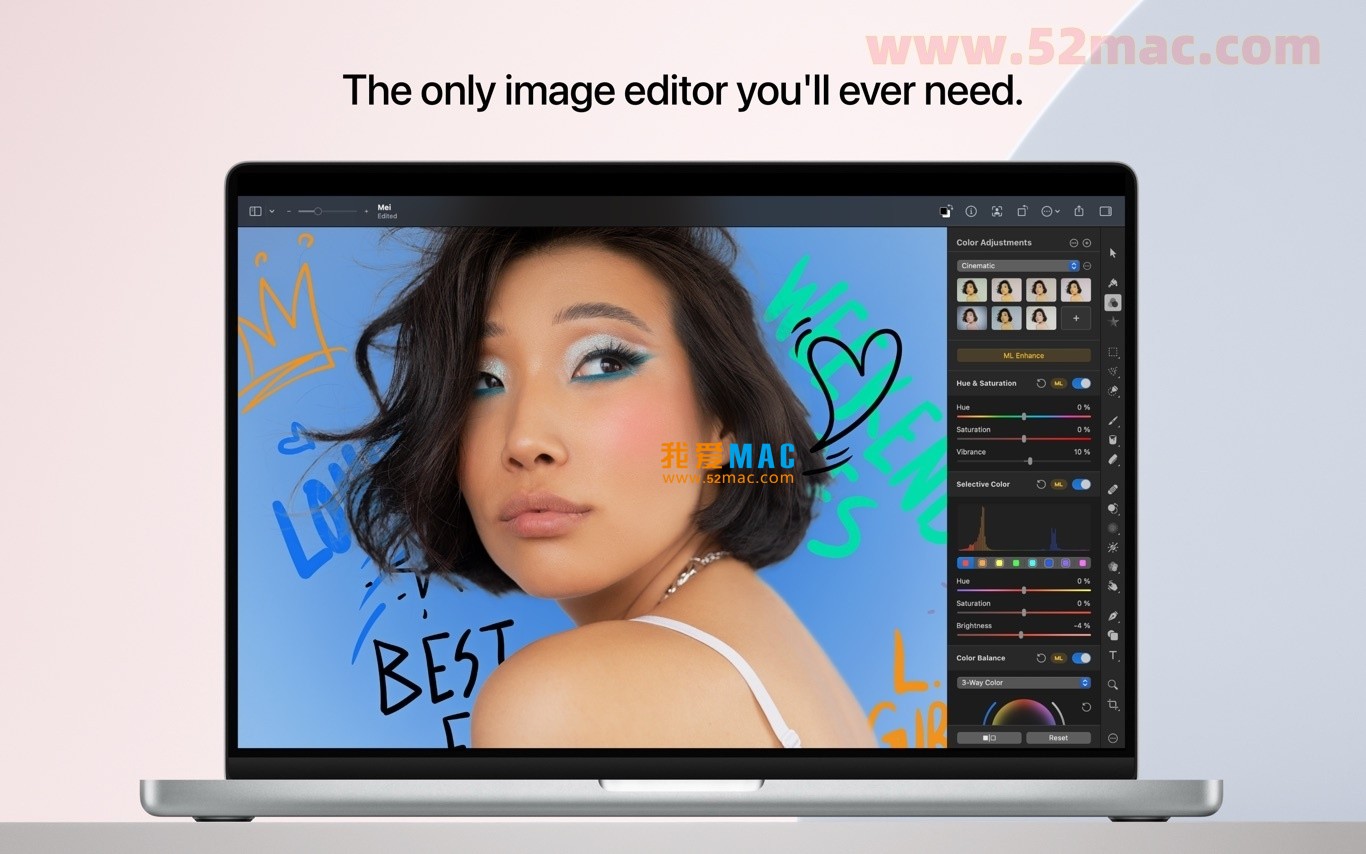
Pixelmator Pro for Mac is a professional-grade image editing software designed for graphic design and photography enthusiasts. It combines powerful professional-grade image processing capabilities with an intuitive and user-friendly interface to provide all users with an efficient and fluid creative experience. The software excels in image editing, graphic design, and photo retouching, and is widely favored by Mac users.

一、核心功能与专业工具

Pixelmator Pro offers a comprehensive suite of editing tools covering all stages from basic adjustments to advanced creations:

  • 全面的图像编辑:提供完整的工具集,可轻松增强现有图像或从零开始创作新作品。
  • 非破坏性编辑:支持随时对单个调整进行修改,原始图像数据始终得到保护。
  • 灵活的对象控制:轻松移动、调整大小及排列多个对象,构建复杂的视觉组合。
  • 高级色彩调整:使用无损色彩调整工具,精准控制图像的色调与色彩平衡。
  • RAW 格式支持:高度支持RAW文件,可直接在软件内进行编辑,无需预先转换。
  • 数字绘画:配备一系列手工制作、完全可定制的双纹理画笔,完美支持数位板,适用于数字绘画与传统艺术创作。
  • 特效与样式:利用内置效果库创建各种艺术与视觉特效。可保存自定义的调整、效果及图层样式组合,便于复用与共享。
  • 修复与修饰:智能移除瑕疵或完整对象,无缝克隆图像区域,并使用全套工具对局部亮度与细节进行精细调节。
  • 形状重塑:使用重塑工具灵活改变对象或区域的形状,既可进行艺术化夸张处理,也可对肖像进行细微调整。
  • 矢量图形:内置高质量、可自定义的矢量图形库,并配备专业的“笔”工具供用户自行创建矢量图形。
  • 专业排版:提供全套文字排版工具,轻松设计美观的文本效果。
  • 优化与输出:为网络优化图像,采用高级压缩算法在保证质量的同时极致压缩文件尺寸。
  • 批量处理:内置五个 Automator 动作,可自动化执行重复性任务,实现高效的批量图像处理。

二、机器学习增强编辑

The software integrates a deep learning technology based on Core ML to significantly enhance editing efficiency and intelligence:

  • ML智能增强:通过在海量专业照片上训练的算法,自动将照片调整至最佳状态。
  • 智能图层命名:自动为新添加的图层生成描述性名称,提升图层管理效率。
  • 水平线检测:裁剪工具可智能识别图像中的水平线,辅助用户快速拉直照片。
  • 智能对象移除:使用修复工具,能够以惊人的真实感智能移除选定对象并填补背景。
  • 快速选择工具:利用机器学习技术,快速、精准地完成复杂图像区域的选择。

三、广泛的兼容性与集成

Pixelmator Pro深度集成到 macOS 生态系统及行业标准格式中:

  • 多格式支持:支持打开并编辑 JPEG、TIFF、PNG、PSD、HEIF、SVG、PDF、GIF、BMP、TGA、JPEG-2000 等主流图像格式。
  • PSD文件支持:可打开并编辑包含图层的 Photoshop 文件,保持良好的工作流程兼容性。
  • SVG矢量编辑:支持直接编辑 SVG 矢量图形文件。
  • 与“照片”应用集成:可直接从 macOS “照片”应用中启动编辑,并将修改结果无缝保存回原图库。
  • 便捷分享:编辑完成后,可直接将图像分享至照片、邮件、AirDrop 及其他应用程序。

四、版本更新 (v3.6.18)

版本 3.6.18 更新内容:
This version mainly addresses several minor issues to further improve the overall stability and performance of the software.

五、软件界面截图

以下为 Pixelmator Pro for Mac v3.6.18 的运行界面截图:

Pixelmator Pro 主界面与工具展示

图1:Pixelmator Pro 主工作区与核心工具面板
Pixelmator Pro 色彩调整界面

图2:专业的色彩调整与校正工具
Pixelmator Pro 机器学习增强功能

图3:基于机器学习的智能照片增强功能
Pixelmator Pro 矢量图形编辑

图4:矢量图形创建与编辑界面
Pixelmator Pro Text Layout Tool

Figure 5: Advanced Text Layout and Styling Design Tool
Pixelmator Pro Effects and Export Options

Figure 6: Effects Application and Image Export Settings

Download info

This resource requires login to download

Log in
Note: This resource is for informational purposes. By using this resource, you agree that you accept full responsibility to the copyright holder. For questions, please contact us.

Ratings & reviews

4.6

(Maximum 5 ratings, total 20 user reviews)

Let’s rate it.

  • 5 stars
    60%
  • 4 stars
    40%
  • 3 stars
    0%
  • 2 stars
    0%
  • 1 stars
    0%

You may also like

More
×
Pixelmator Pro for Mac v3.6.18 Chinese Activation Version Download
iMac — One-stop Mac Software Download Platform
Social login
captcha
Social login