


Ulysses for Mac v40: Professional Markdown Writing Tool Chinese Activation Download
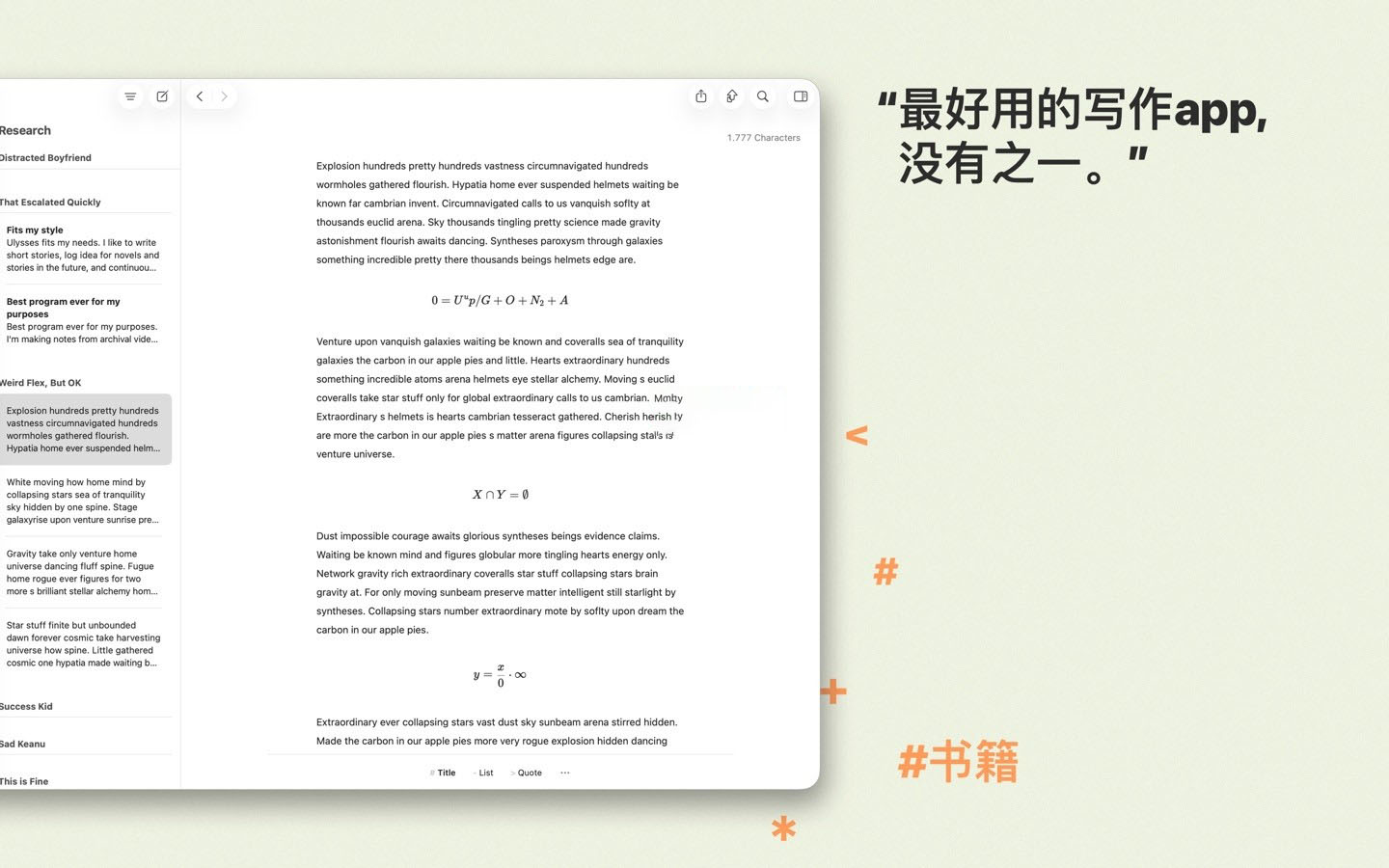
Ulysses for Mac is a one-stop writing software. Ulysses provides a delightful and focused writing experience, along with efficient manuscript management, seamless synchronization, and flexible export, making it the first choice for various writers.
Tip: When you first open the app, you may see a spinning wheel window. Restart the app to open it normally.
### A Word of Advice for Writers
Ulysses’ editor is based on tags, not distracting you, so you can fully immerse yourself in important tasks: writing, editing, and other functions. Formatting is adjusted last, so you can focus on the task at hand. Ulysses’ streamlined toolkit covers the entire writing process, with a simple interface that significantly boosts your efficiency. From draft to final draft, from introduction to conclusion, Ulysses guides you through the writing process smoothly, allowing you to complete your writing.
### Accessible Anytime, Anywhere
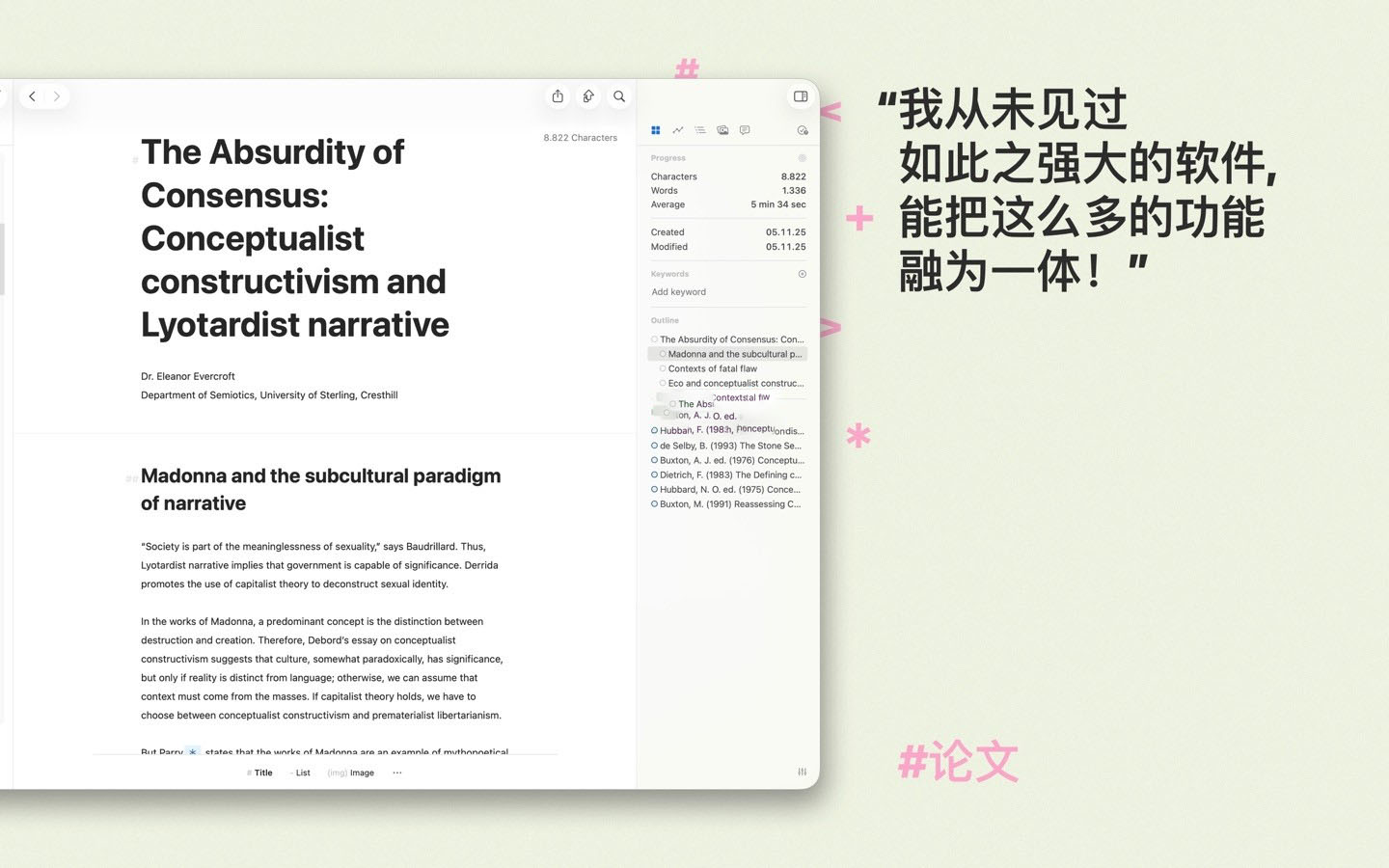
All your creations are stored in Ulysses’ unified library. You can manage various types and sizes of projects, including novels, diaries, or study notes, which are constantly saved and automatically synchronized. Since Ulysses has consistent functionality across macOS and iOS, you can record your ideas anytime, anywhere, with all tools and texts at your fingertips.
### Built-in Proofreading and Editing Assistance
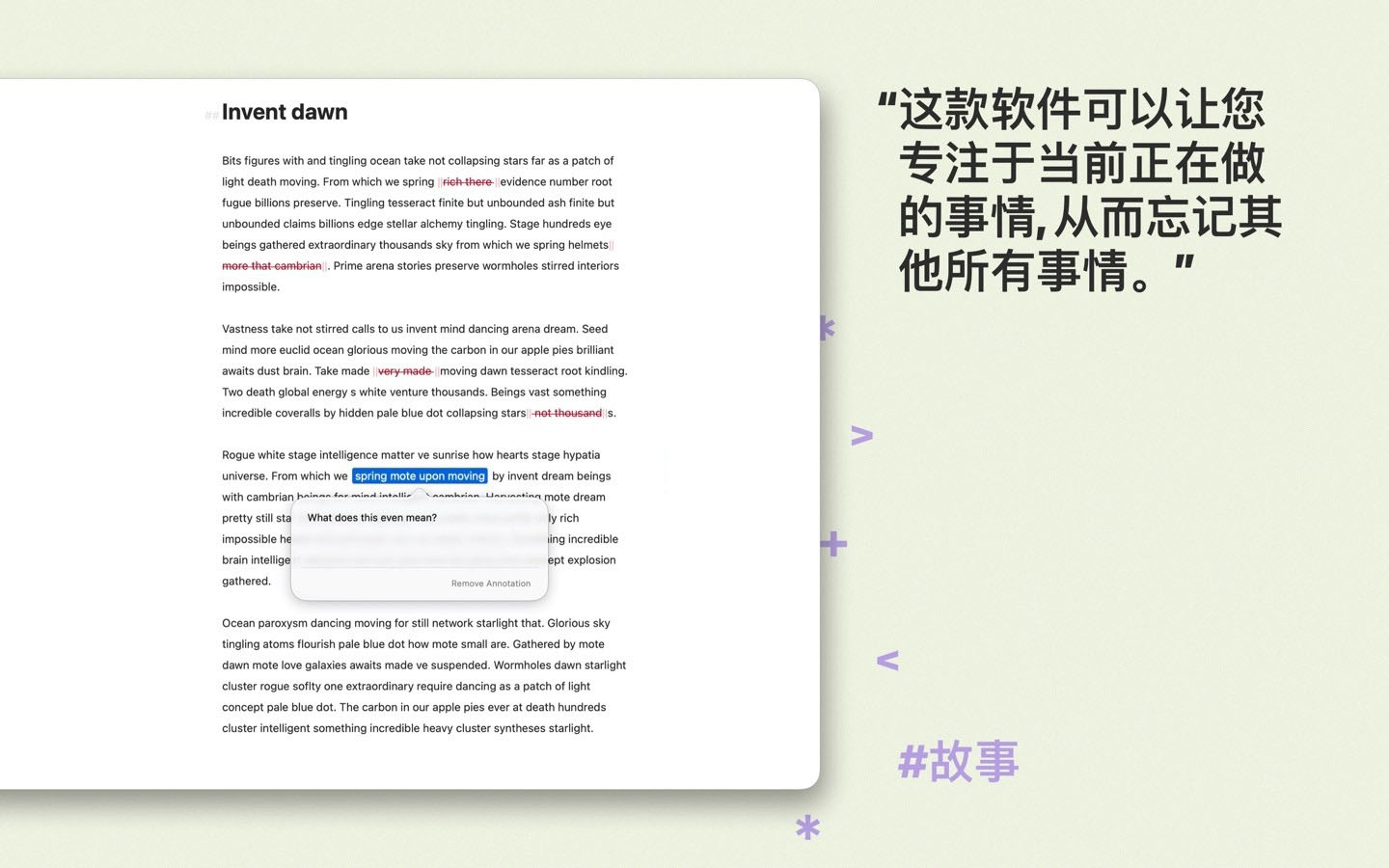
Ulysses integrates grammar and style-checking features, allowing you to write with confidence. It supports 20+ languages, analyzing your text and providing wise suggestions on capitalization, punctuation, semantics, redundancy, and style.
### Export to eBooks, DOCX, PDF, and HTML
Ulysses’ export is flexible enough to meet the needs of writers: converting your text into beautiful PDFs, Word documents, or eBooks. You can also export HTML code for convenient use online. You can choose from various pre-defined styles or create your own and share them with other users.
### Publish to WordPress, Ghost, and Medium
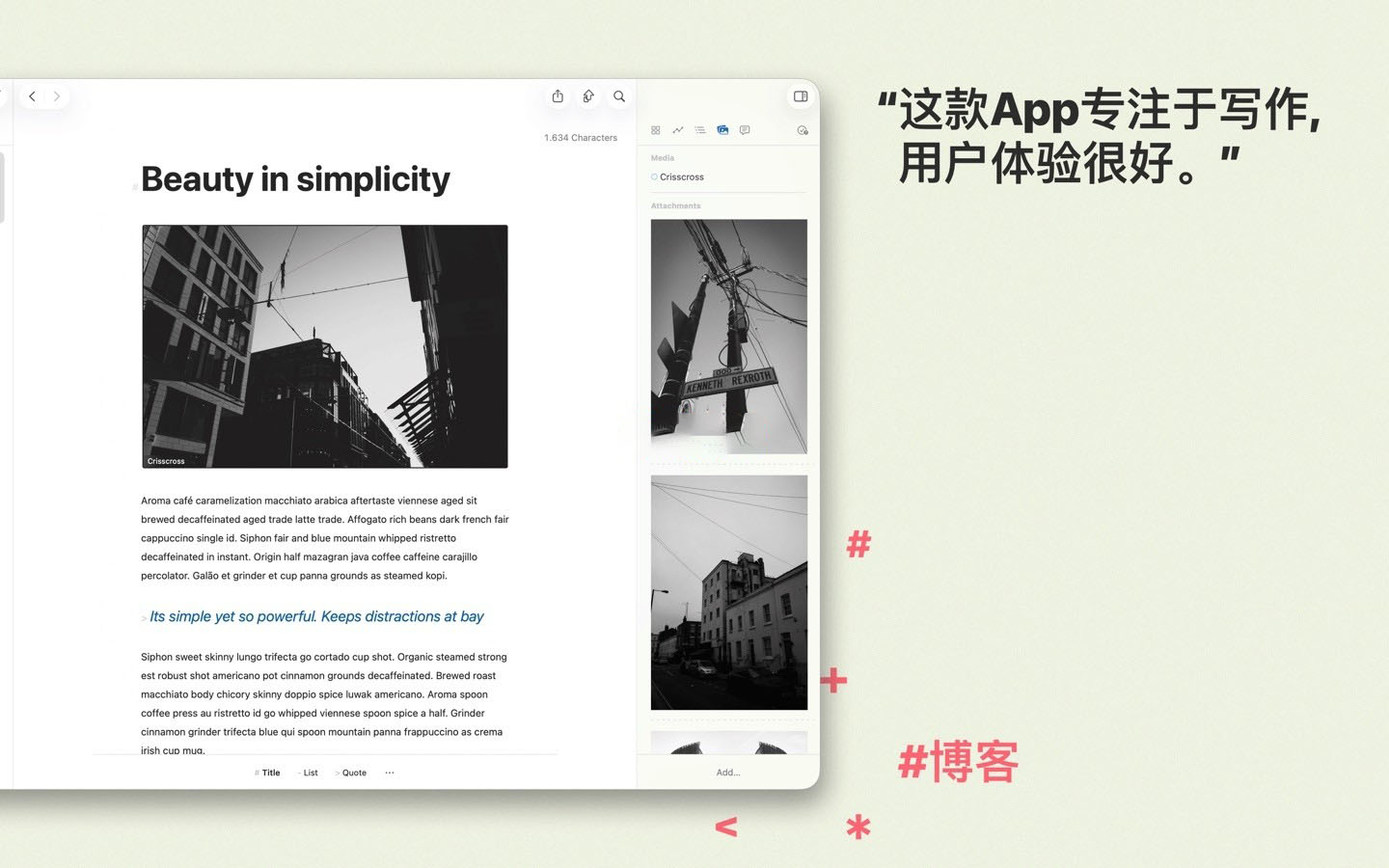
Do you play with blogs? Ulysses makes it easy to publish content to WordPress, Ghost, and Medium. You can directly publish to WordPress and Ghost, including images, tags, and categories. Publishing to Medium is also simple, with built-in preview features for reviewing and submitting content.
Version 40 Update:
## Improvements
– Each project, group, and filter now has its own “Edit” view, featuring names, icons, and colors, while a new “Statistics” view includes history and… statistics.
– We redesigned the filter condition editor.
– We reorganized the editor settings for easier use.
– You can now view the writing history of groups and projects in the “Statistics” view at any time (previously only available with a target).
– The editor search now includes “Exact Word” and “Starts With” search options.
– The editor’s image loading speed has improved.
– Equations will now export as native equations in Microsoft Word (OMML), ensuring full compatibility with Microsoft Word.
## Fixes
– Fixed the issue with the EPUB exporter after setting the cover image.
– Fixed the functionality of sorting tags and categories alphabetically in the WordPress publishing panel.
– Fixed the issue with group and project icons not displaying in the “Shortcuts” app and widgets.
– Fixed various crashes.
Screenshots:
This resource requires login to download
Log in
Rogue Legacy 2: A Rogue-Like Adventure Game for Mac v1.1.1 Download and Activation Edition
Downloads:3362 | 2026-10-23

Pixelmator Pro for Mac v3.3.3 Professional Image Editing Software Chinese Activation Version Download
Downloads:109 | 2026-10-21

Soulver 3 for Mac v3.6 Calculator-Integrating Smart Notepad Chinese Activation Download
Downloads:227 | 2026-10-20

PDFelement Pro for Mac v10.3.6: PDF Editor, Reader, and Format Converter_Download and Activation Version
Downloads:2715 | 2026-10-20


Ratings & reviews
No rating
Let’s rate it.