



SimpleMind for Mac v2.9.2 Chinese Activation Edition Download
SimpleMind for Mac is a mind mapping software that helps users present complex ideas and concepts in a graphical manner. Users can create nodes, add text, images, and links to better organize and manage information. SimpleMind also supports syncing and sharing mind maps across different devices.
Highlights
– Easy to use.
– Continuously refined based on customer feedback.
– Reliable and trustworthy: seven years of updates and improvements.
– Suitable for various fields: business, education, law, and medicine.
– Unique free layout or different automatic layouts.
– Seamless syncing with Dropbox or Google Drive.
– Add media and files.
– Share mind maps.
– Customize appearance.
– Maintain overview with various tools.
Create
– Place topics freely anywhere in the free layout.
– Or use different automatic layouts (ideal for brainstorming).
– Almost unlimited page sizes and elements.
– Support multiple mind maps on a single page.
– Start with a single mind map centered on a diagram.
– Reorganize and change structure by dragging, rotating, rearranging, or reconnecting.
– Use single or multiple selections.
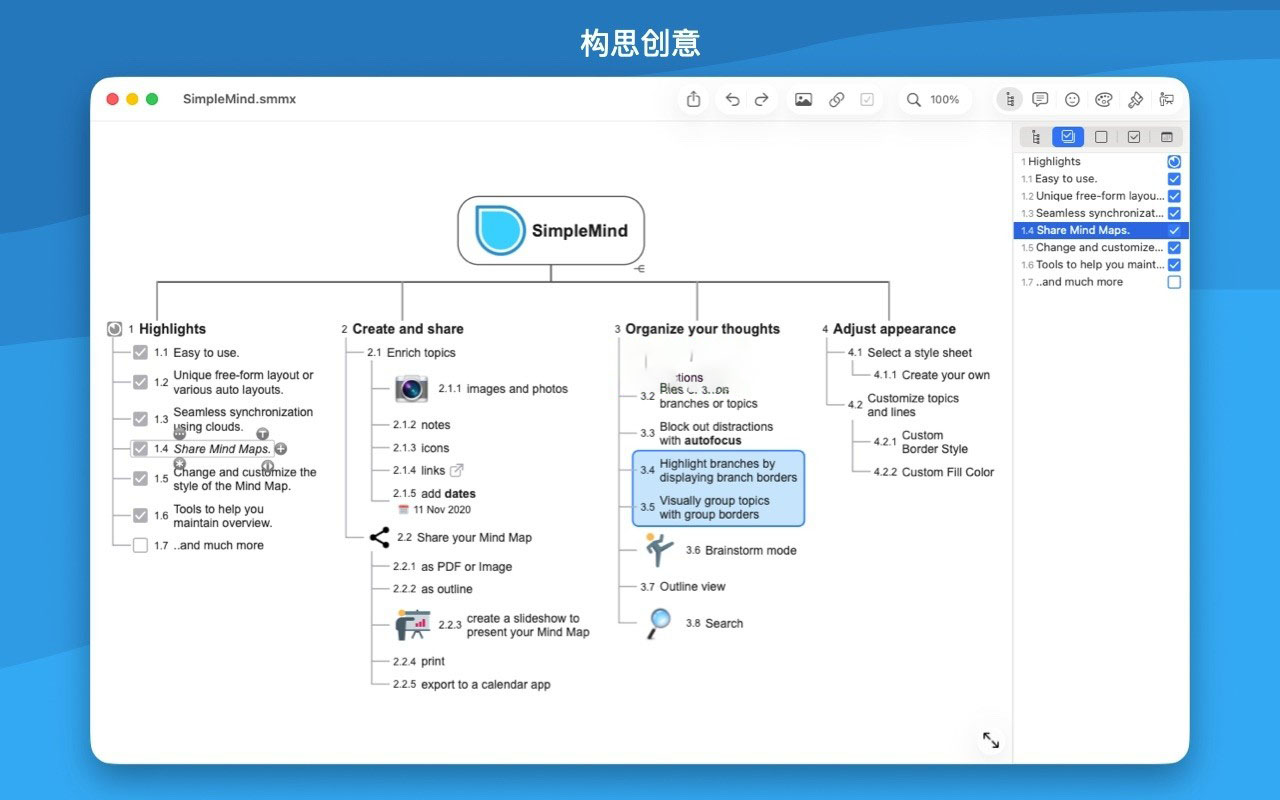
– Use checkboxes, automatic numbering.
– Connect any two topics.
– Label relationships.
Sync with Dropbox or Google Drive
– Sync your mind maps with other devices using Dropbox or Google Drive.
– Recover deleted mind maps to avoid data loss.
– Restore previous versions of mind maps.
– Dropbox stores deleted files and versions for at least 30 days.
Add media and files
– Voice memos.
– Images.
– Photos.
– Notes.
– Icons (standard or custom).
– Links (navigation or hyperlinks).
Share your mind maps
– Share as PDF or images.
– Import into text processing software as a contour.
– Share as Freemind or opml.
– Show your mind map to others using a presentation mode.
– Print.
Customize appearance
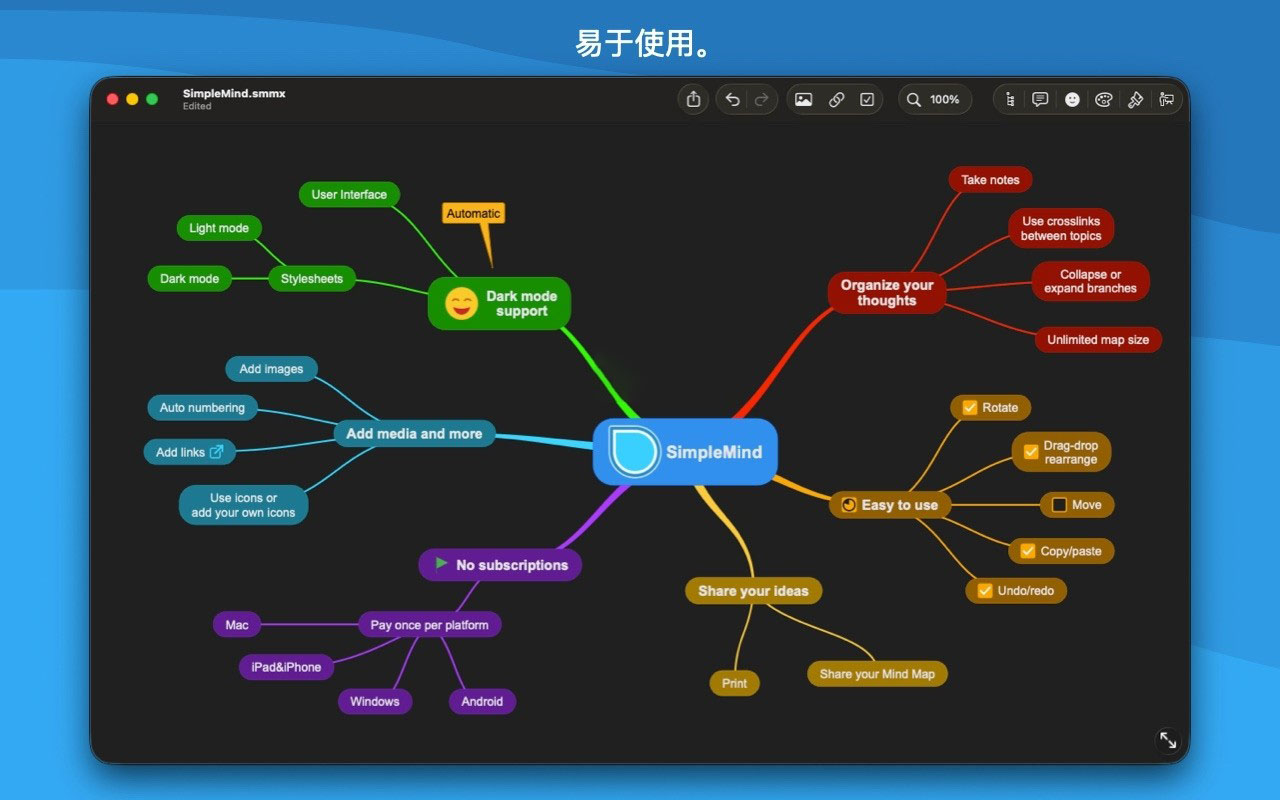
– Apply predefined format tables.
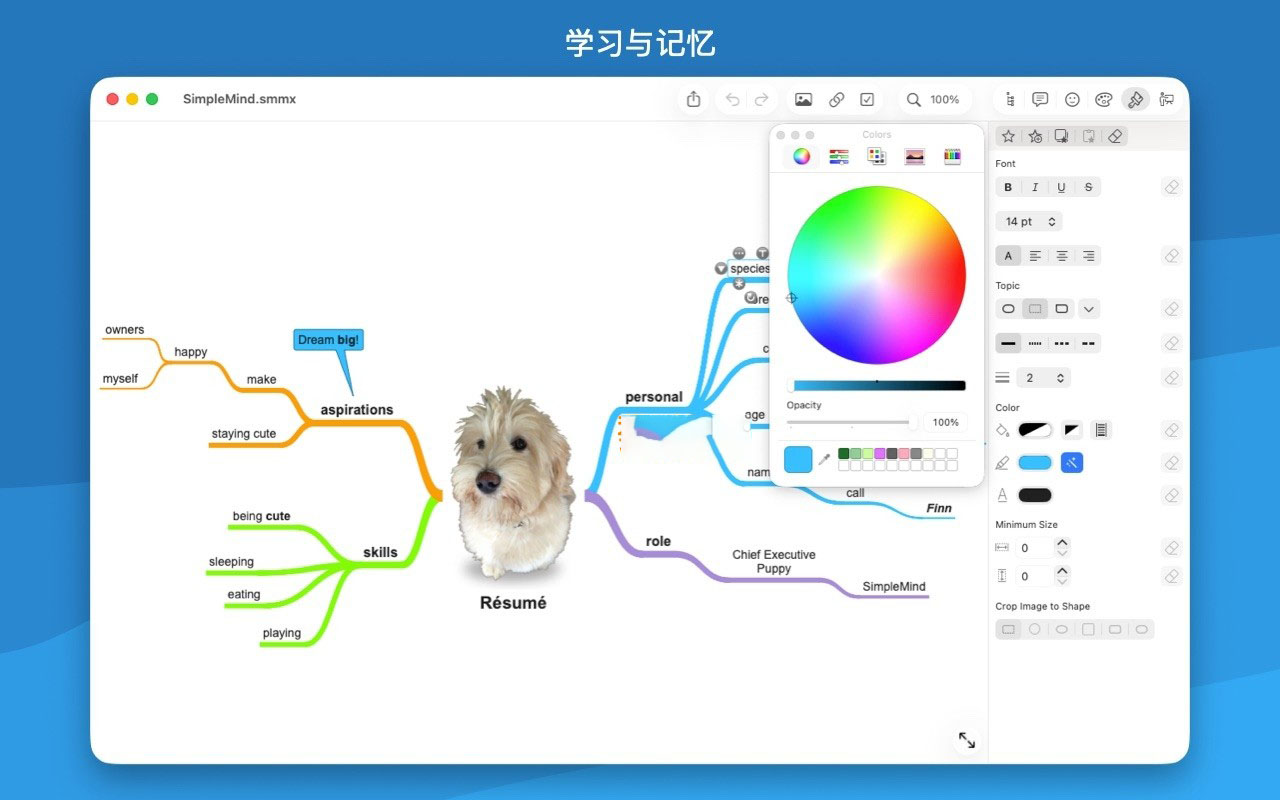
– Pick colors from the format palette or choose custom colors.
– Change the appearance of topics and lines.
– Customize background colors.
Maintain overview
– Fold and unfold branches.
– Hide or show branches or nodes.
– Use autofocus to eliminate distractions.
– Show branch boundaries to highlight branches.
– Visualize nodes grouped by using group borders.
– Organize your own mind maps in folders.
– Outline view.
Version 2.9.2 Update Highlights:
– Background patterns enhance the visual appeal of mind maps.
– Automatically add progress bars when multiple subtopics have checkboxes.
– Split topic text into new subtopics.
– Set default layouts for the center theme and imported content in preferences.
– Support adding web descriptions to network links.
– Add a return command to the multi-window mode.
– Compatibility version update.
Software Screenshots:
This resource requires login to download
Log in
Pixea for Mac v8.3 Simplified Media Viewer Chinese Activation Download
Downloads:0 | 2026-10-27

Boxy SVG for Mac v4.112.0 Chinese Activation Version Download
Downloads:0 | 2026-10-27

Void Bastards for Mac v2.0.24 First-Person Action-Shooters Game_Download and Activation Version
Downloads:2142 | 2026-10-23

PhotoScape X Pro for Mac v4.0.2 Multifunction Image Editor Chinese Activation Version Download
Downloads:3568 | 2026-10-22


Ratings & reviews
No rating
Let’s rate it.