

SmartZipper Pro for Mac v4.1.0 Compression/Decompression Tool Chinese Activated Version Download
Smart Zipper Pro is a super powerful and very easy-to-use compression and decompression tool. It not only quickly compresses and decompresses files, but also allows you to create passwords to protect privacy. Smart Zipper Pro’s unique features: quickly browse compressed packages without decompressing, edit compressed package contents; perfect support for Chinese character encoding, no garbled characters when compressing or decompressing!!!
Features:
– Decompress over 40 different archive formats, such as RAR, RAR5, 7z, ISO, CAB, Zip, StuffIt, Lzma, Tar, Gzip, Bzip2, PAX, MSI, Arj, Z, etc. Currently, it supports the most decompression formats among similar software.
– If different files in the compressed package have different passwords, SmartZipper Pro can still decompress them.
– Smart creation of compressed packages. Can create compressed packages in formats such as 7z, Zip, Gzip, Tar, Bzip2; and supports 6 different compression levels: no compression, fastest compression, fast compression, normal compression, maximum compression, extreme compression.
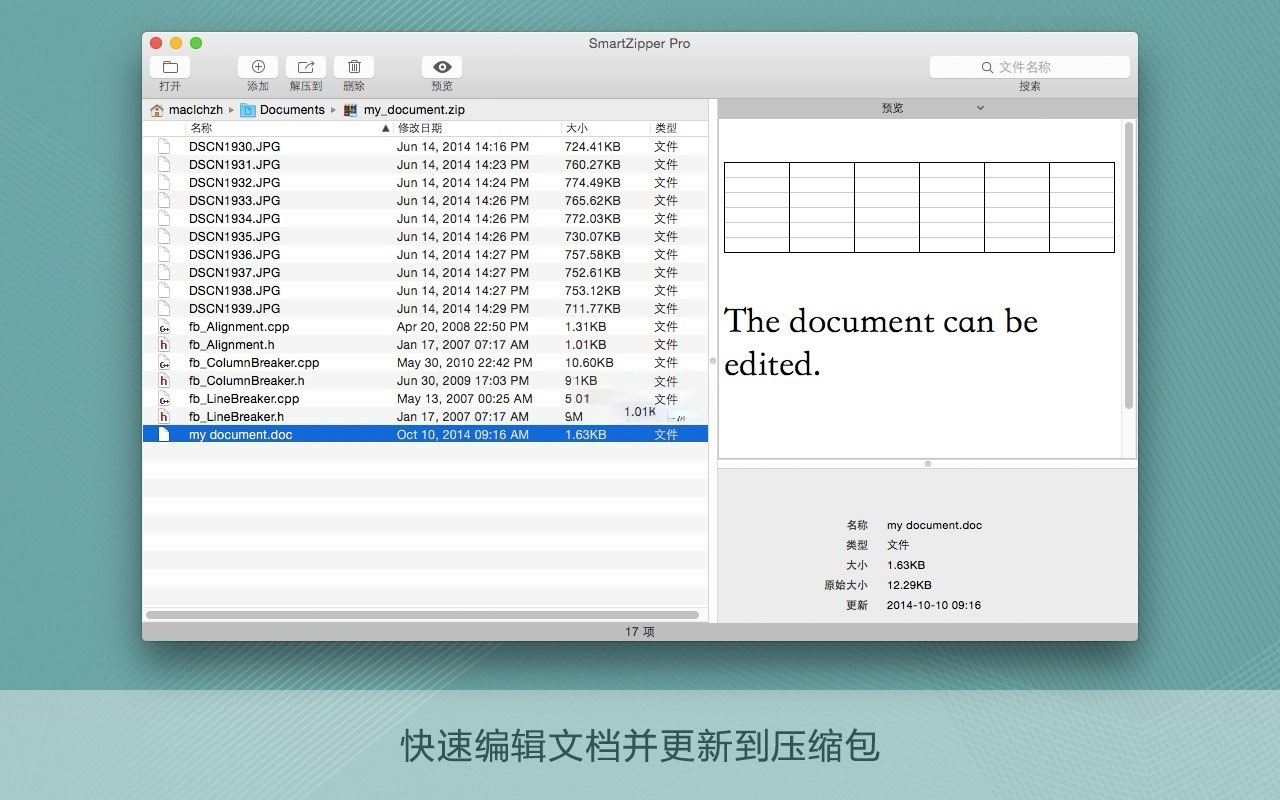
– Modify existing compressed packages: You can add new files at any time, or delete any files from existing compressed packages, without having to decompress and then recompress to modify the package. Or edit a document and update it to the compressed package.
– Protect privacy: Smart Zipper Pro can create a password to protect your privacy
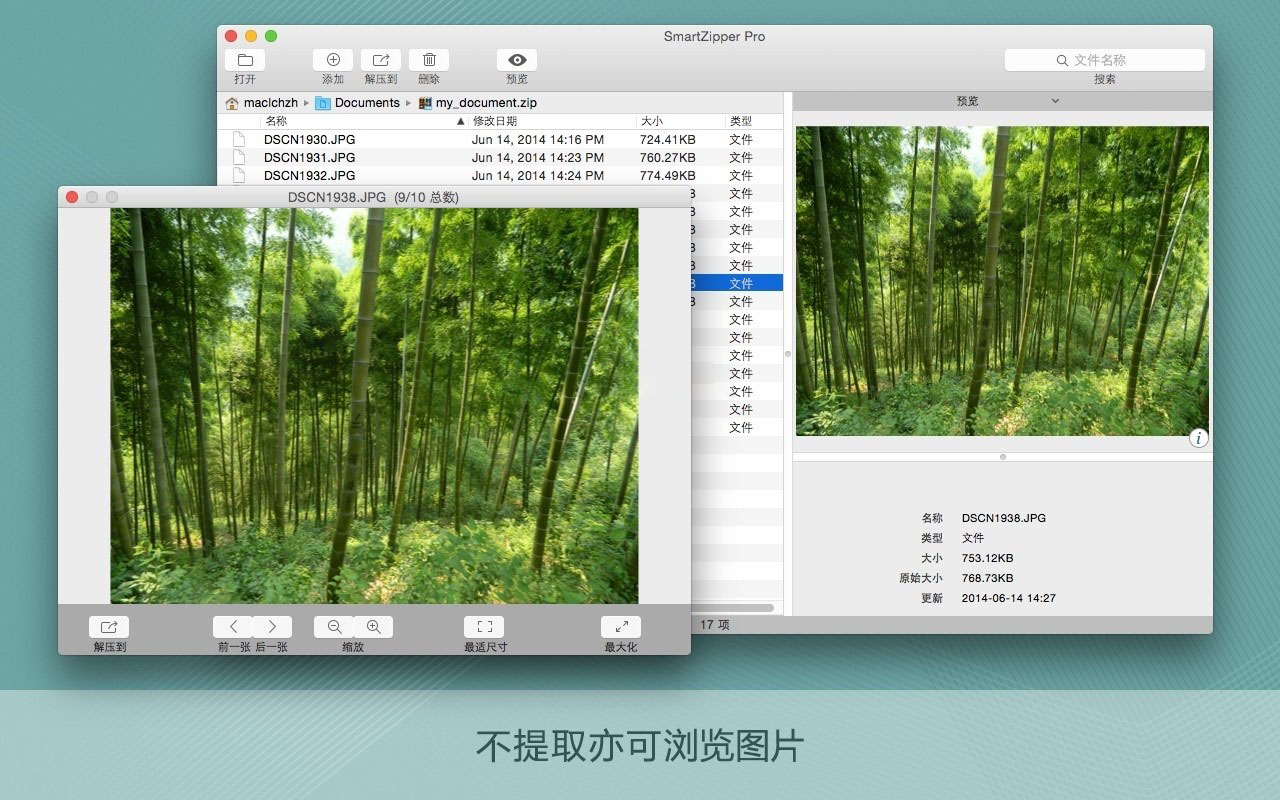
– Browse images and preview files in compressed packages without decompressing; exclusive support for browsing compressed packages within compressed packages.
– Split large archives into several small archives.
– Filter out unnecessary files.
– Drag and drop files directly from the file list to Finder for decompression.
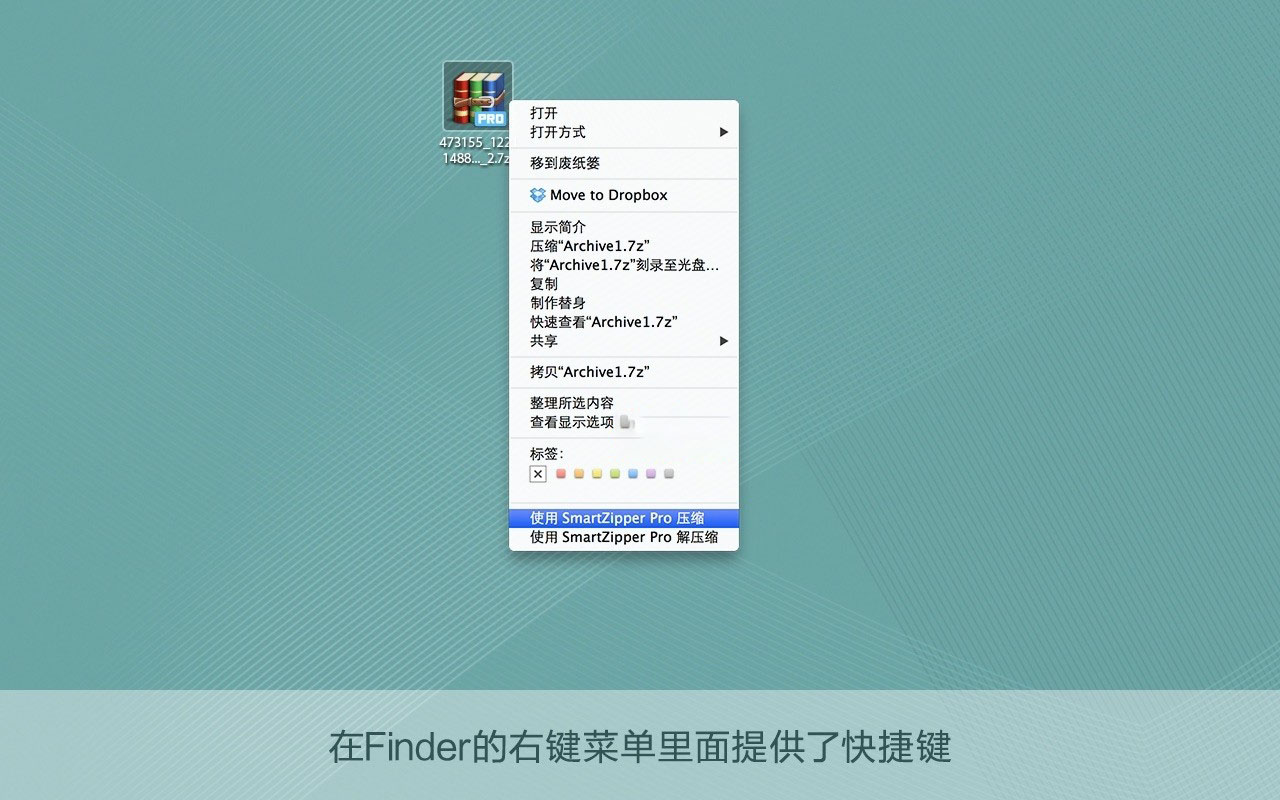
– Provides shortcuts in Finder’s right-click menu
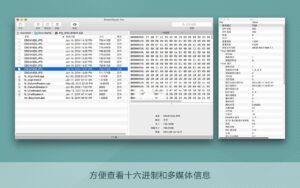
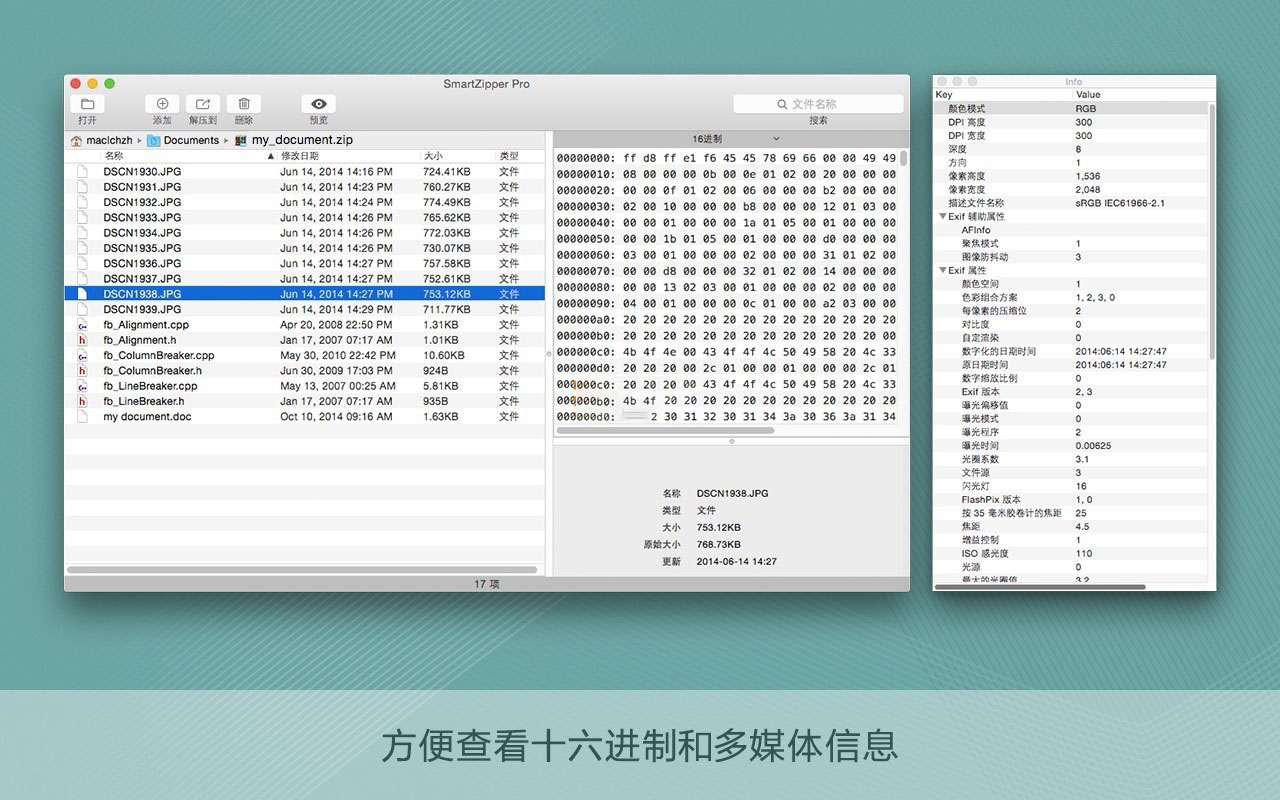
– Browse EXIF information of images
– Get detailed information of audio and video
Version 4.1.0 Update Contents:
– New compression formats — In addition to ZIP, 7z, TAR, GZIP, and BZIP2, you can now also create XZ, WIM, ISO, ZIPX, and ZSTD compressed packages.
– New decompression formats — SmartZip can now open PKG, XZ, WIM, ZIPX, and ZSTD, while still supporting the original 20+ formats.
– Folder grouping — Folders within a compressed package can be organized into named groups for quick collapsing, expanding, and jumping to related content. Especially helpful for large, multi-folder projects.
– General stability and performance improvements.
Software screenshots:
This resource requires login to download
Log in
WinZip Pro for Mac v10.0.6200 Activation Download
Downloads:1227 | 2026-10-19

OmniZip for Mac v2.1.5 Chinese Activation Version Download
Downloads:1002 | 2026-10-19
OmniZip for Mac v2.2.6 Chinese Activation Version Download
Downloads:452 | 2026-10-19

RAR Extractor for Mac v3.4.1 – Unzip & Compress Software Chinese Activated Version Download
Downloads:1721 | 2026-10-18


Ratings & reviews
4.8
(Maximum 5 ratings, total 62 user reviews)
Let’s rate it.