


Super Player Total Video Player for Mac v3.6.0 – Full-featured HD Video Player
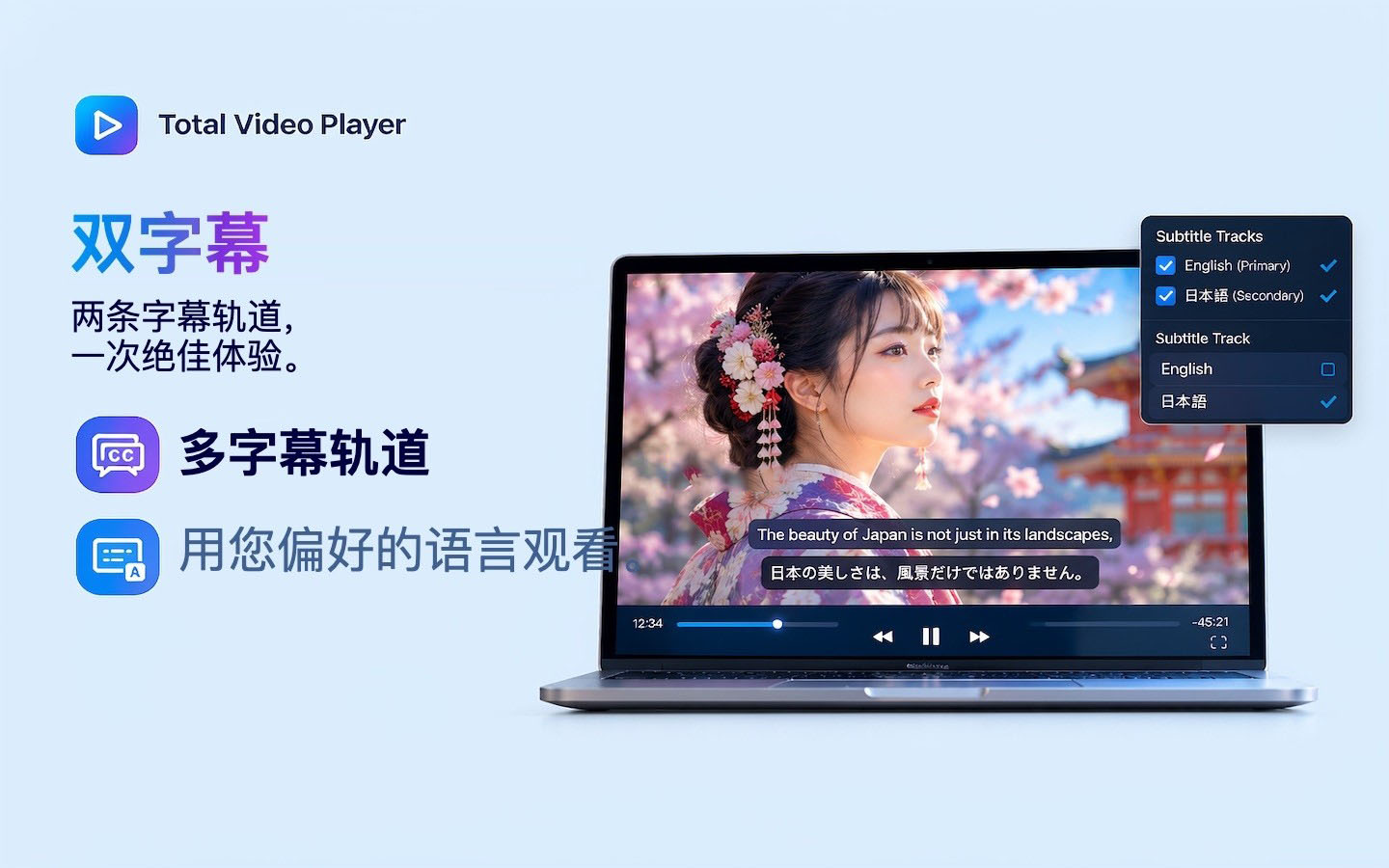
Super Player (Total Video Player) is more than just a player. Whether your videos are stored locally, on a NAS, or in the cloud, Total Video Player helps you integrate them with one click and cast them to the big screen via AirPlay, Chromecast, or DLNA — dual subtitles displayed simultaneously, making binge-watching effortless and language learning easier.
Tip: If the app shows as damaged when opening, go to System Settings -> Privacy & Security -> under Security on the right, check “Open Anyway”, as shown below.
Highlight Features (Dual Subtitles · Streaming · Casting)
– Dual subtitles displayed simultaneously — Show two subtitle tracks at once, ideal for language learning, bilingual viewing, or subtitle comparison.
– AirPlay, Chromecast, and DLNA casting — Cast videos from your Mac to the big screen and enjoy them on TV and other compatible devices.
Cast to the big screen: Watch on your Mac, stream from the network, or cast to the big screen.
– Apple AirPlay — Cast to AirPlay-supported devices
– Chromecast — Cast to compatible Chromecast devices
– DLNA — Cast and stream to compatible DLNA devices
Browse and play network media, access media directly from network storage without copying to your Mac.
– Supports WebDAV, SFTP, FTP, NFS, and SMB protocols
– Browse folders and play media directly from network storage
DLNA media server turns your Mac into a DLNA media server, sharing your media library with compatible devices on the network.
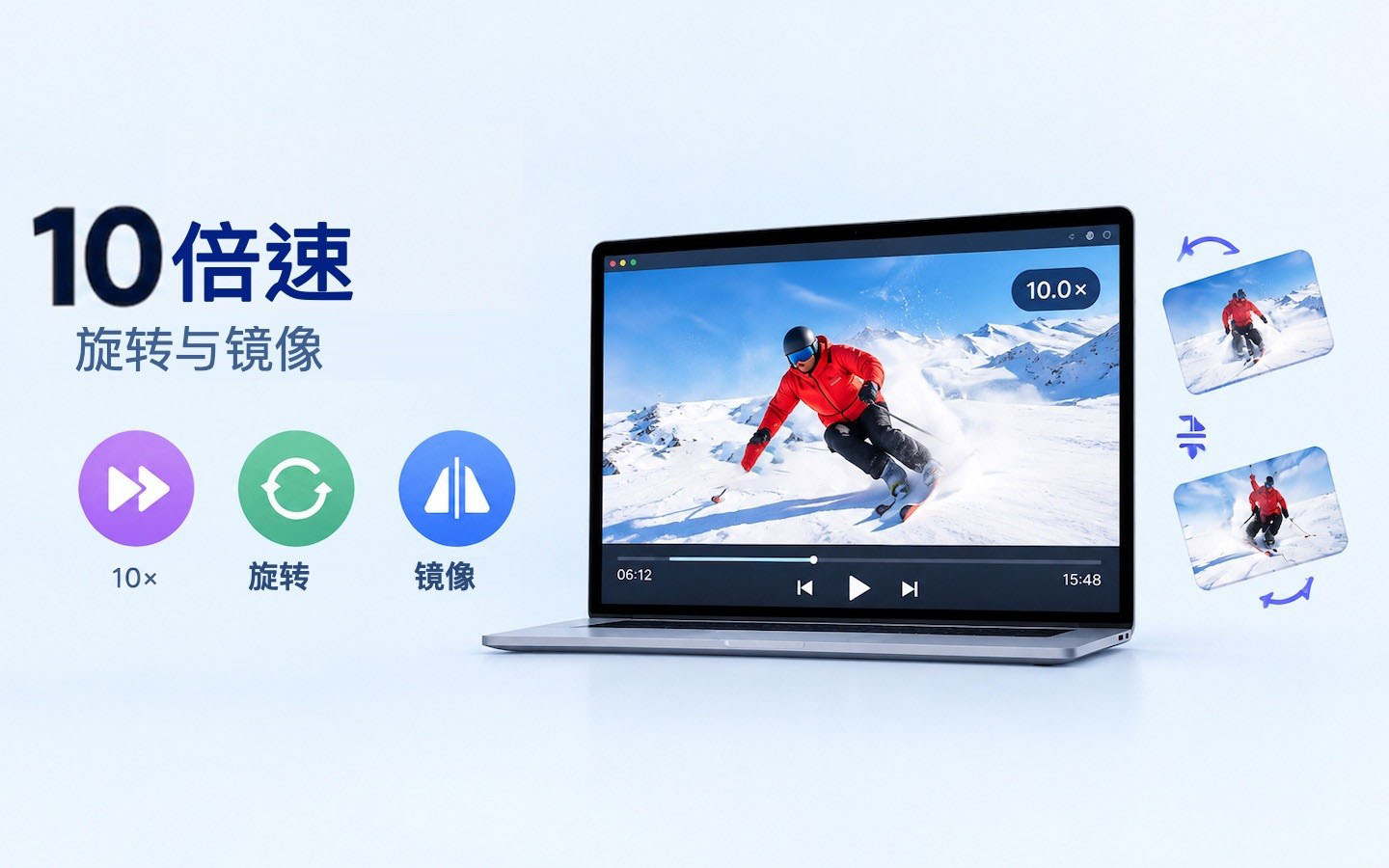
Adjust playback speed as you like, fast-forward to find segments, or slow down for careful viewing.
– Up to 10x speed playback — suitable for lectures, tutorials, long videos, and more
– Freely adjust playback speed according to your viewing needs
Rotate and mirror videos to watch them the way you prefer.
– Rotate the playback screen
– Horizontal mirror/flip
– Correct videos recorded at the wrong angle
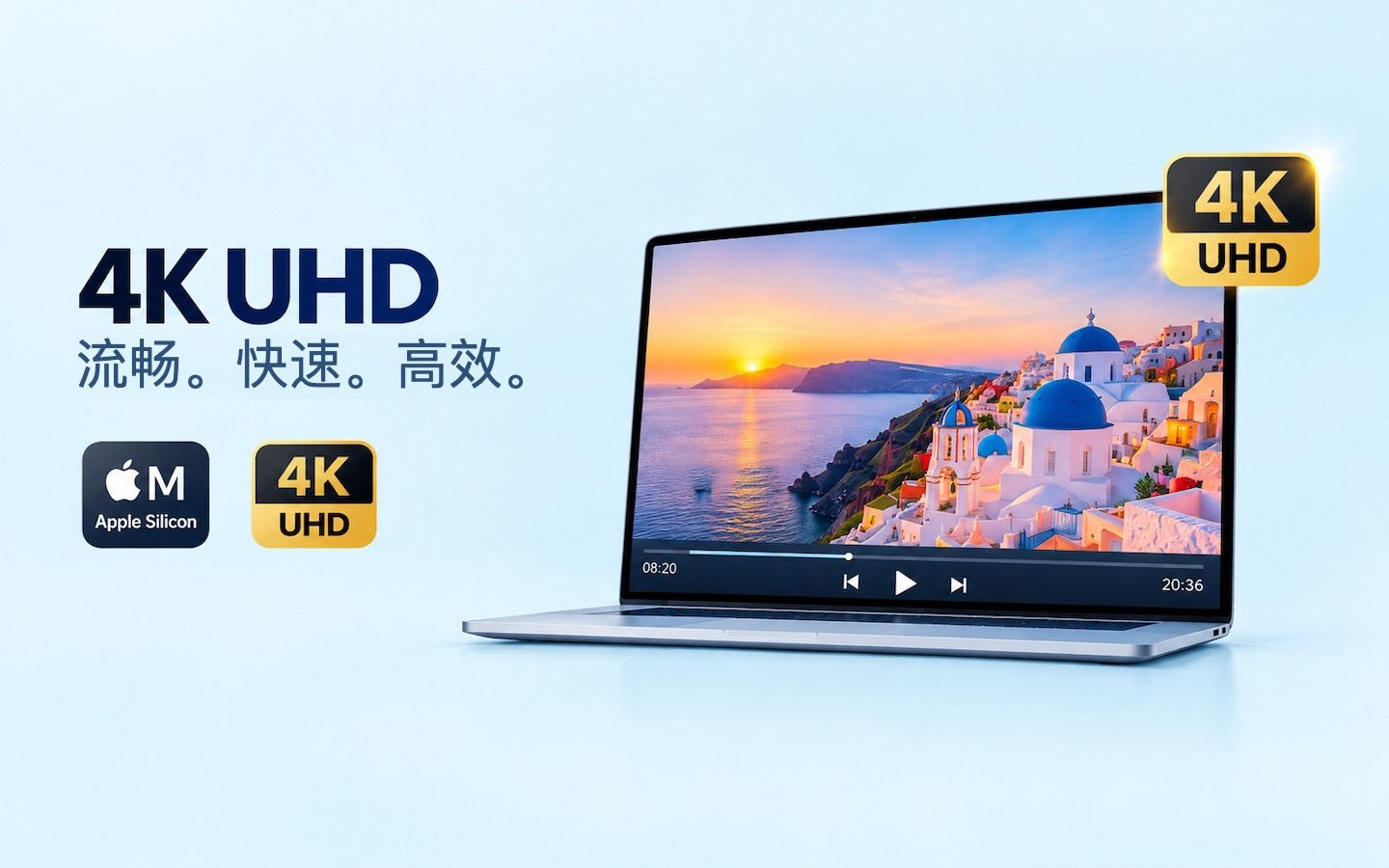
Smooth 4K Ultra HD playback, optimized for modern Mac computers.
– Native support for Apple Silicon
– Hardware-accelerated H.264 and H.265 decoding
– Smooth 4K Ultra HD playback with lower power consumption
– Faster app launch
Supports popular video and audio formats without additional codecs.
– Video: MP4, MKV, MOV, AVI, M4V, MPEG, WMV, FLV, WebM, MTS, M2TS, TS, etc.
– Audio: MP3, AAC, AC3, FLAC, WAV, WMA, OGG, M4A, etc.
More playback options
– Full-screen playback
– Playlist management
– Audio/subtitle track switching
– A-B loop playback
– Screenshot
– Keep window on top
– Pause, frame-by-frame, and rewind
– Volume adjustment
– Custom audio output
– Retina display support
– Keyboard shortcuts
Version 3.6.0 updates:
– New casting receiver feature — Cast videos from your phone (DLNA protocol) to your Mac.
– Enhanced casting — Network videos and live streams can now be cast directly. (Zero wait for MP4/TS streams)
– New subtitle selection when casting.
Software screenshots:
This resource requires login to download
Log in
Elmedia Player Pro for Mac v8.24 Video Media Player Chinese Activated Version Download
Downloads:1440 | 2026-10-18

Infuse for Mac v8.3.4 Smart Video Player Chinese Activated Version Download
Downloads:2251 | 2026-10-18
Infuse for Mac v8.3.6 Smart Video Player Chinese Activated Version Download
Downloads:2855 | 2026-10-18
Infuse for Mac v8.3.7 Smart Video Player Chinese Activated Version Download
Downloads:2562 | 2026-10-18


Ratings & reviews
4.7
(Maximum 5 ratings, total 63 user reviews)
Let’s rate it.