

Devil Jam for Mac v1.0.51: A Roguelite Survival Game – Download and Activate
Here is the page providing Devil Jam for Mac v1.0.51 Demon Jester Roguelite Survival Game_ Demon Jam Mac Download_ Activation Version | LoveMac, it has been tested and available. If you encounter issues with the download link or the installation after downloading, please leave a message to contact us.
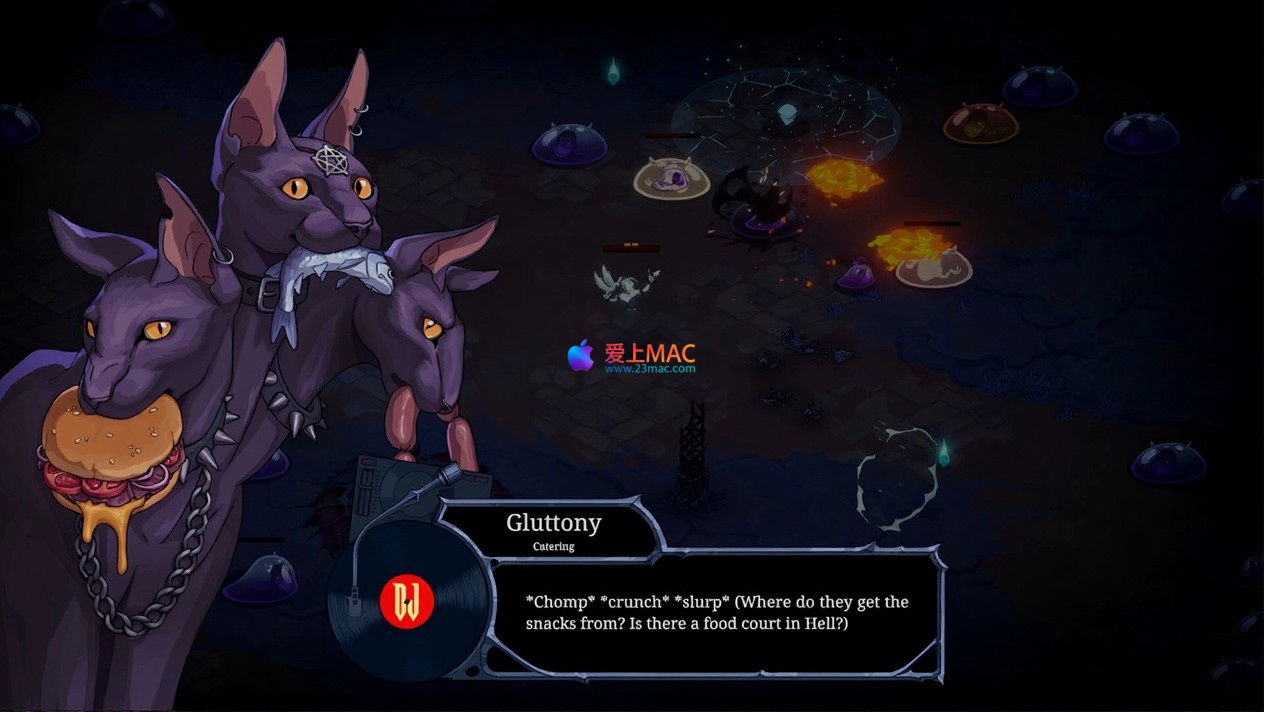
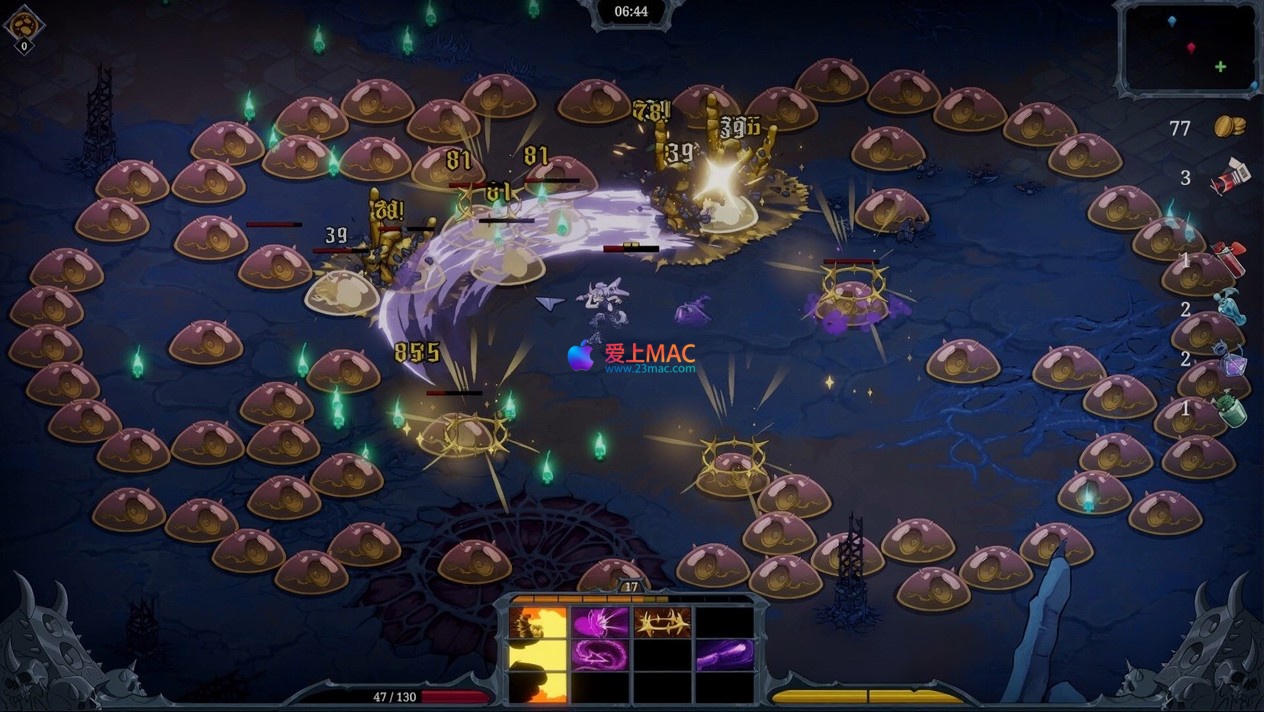
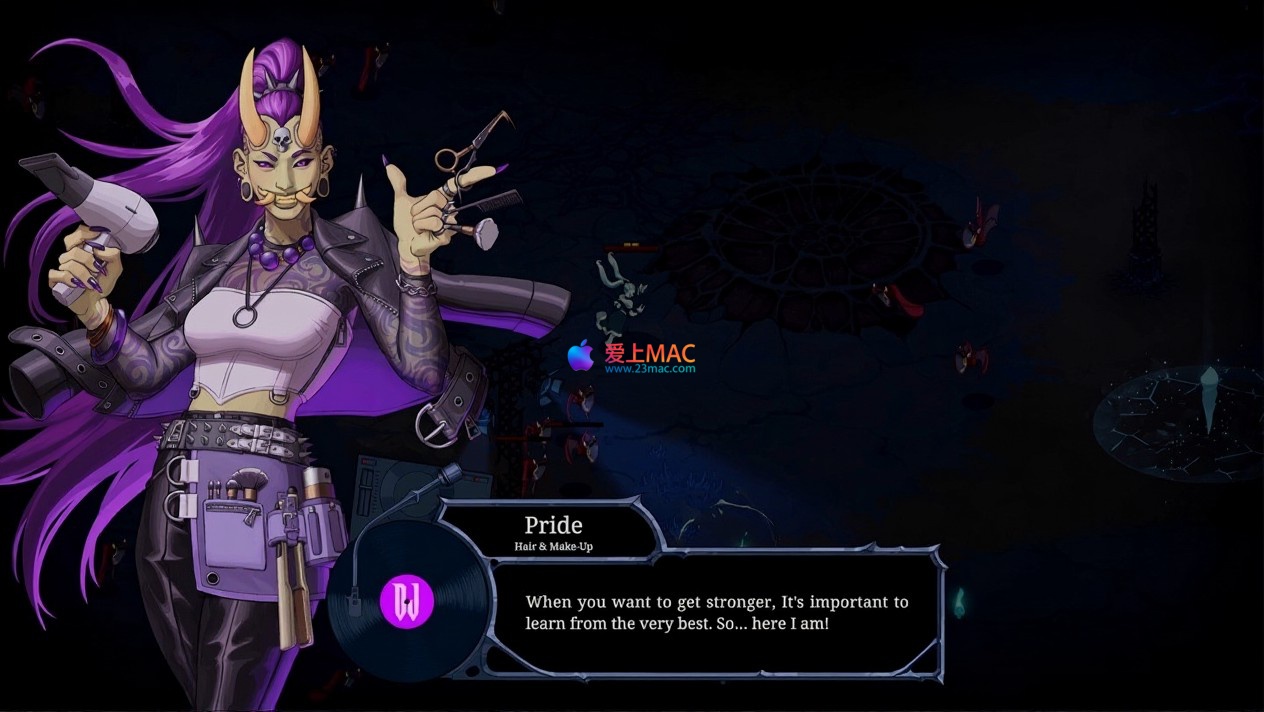
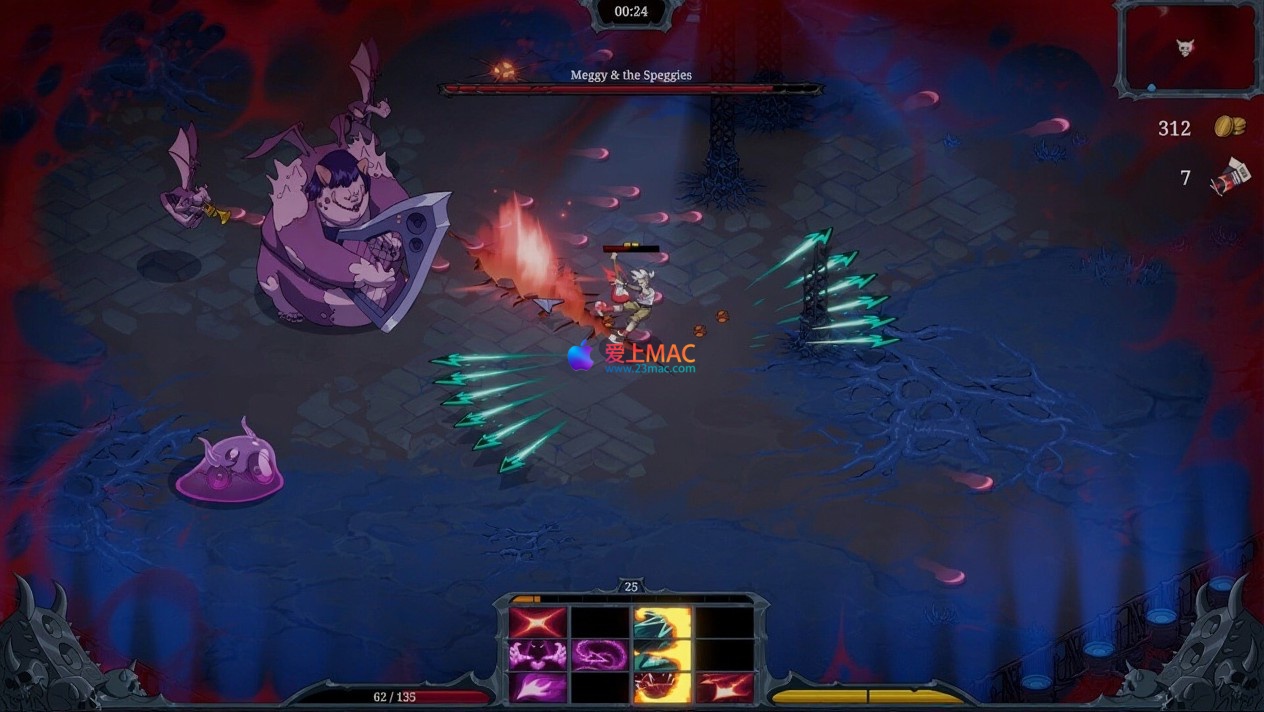
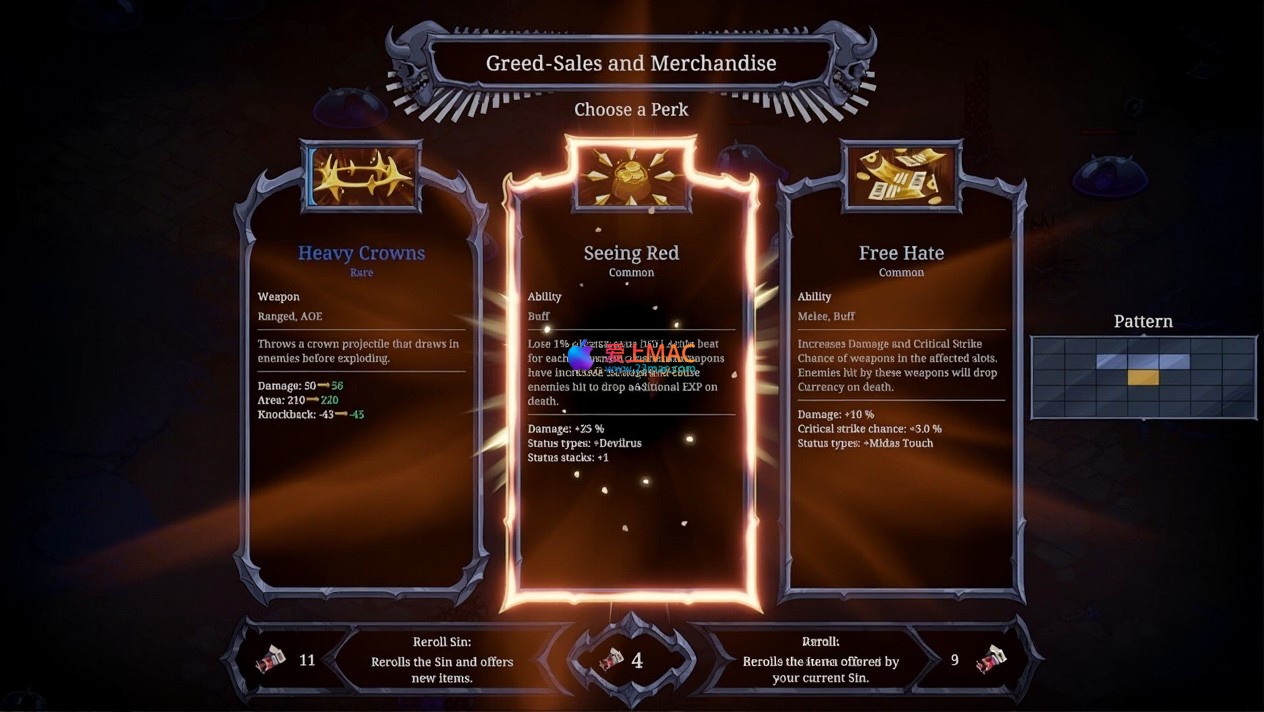
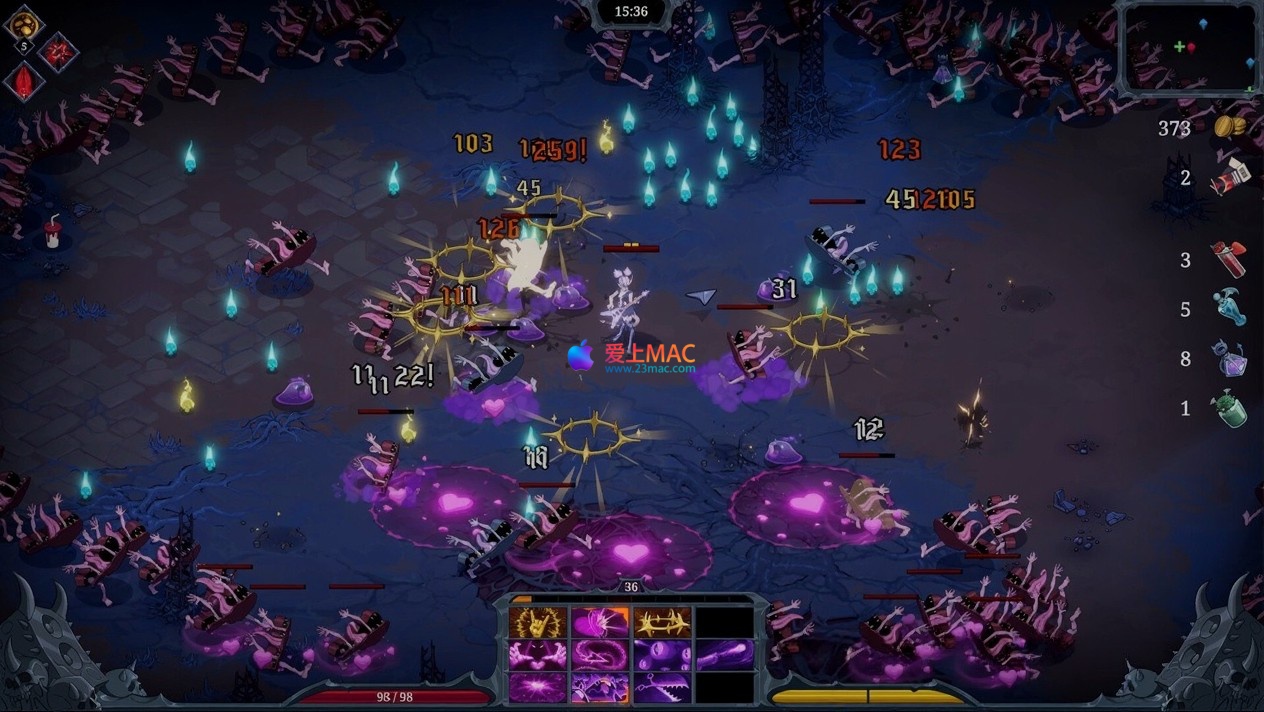
Get ready to plunge into the abyss of hell and dance wildly in the frenzied rhythm of Devil Jam. This is a rogue-lite survival game that perfectly blends music and chaos. After signing a curse contract with the devil, you are instantly dragged into the underworld, forced to embark on a final performance after death. Holding an instrument possessed by evil spirits, with a restless soul, you engage in fierce confrontations with hordes of frenzied musicians, evil thugs, and ruthless foes. Each game round is a fresh improvisation, featuring rich challenges paired with a unique 12-slot equipment system, offering nearly infinite strategic combinations. Master the rhythm-driven combat, wield the power of metal, and ultimately defeat the Grim Reaper to become the greatest metal idol in history.
Below are the real-time gameplay images of Devil Jam for Mac v1.0.51:
Click on the download link provided on the page to obtain the compressed package of Devil Jam for Mac v1.0.51. The file format is usually .zip or .dmg.
Double-click the compressed package, and the system will automatically decompress it. If you encounter the “File is Damaged” prompt, go to “System Preferences” > “Security & Privacy” > “General”, and check the box for “Allow from any source.”
After decompressing, you will see a “Devil Jam” application icon. Do not double-click it directly; proceed to the next step.
Drag the “Devil Jam” icon to the “Applications” folder. This is the standard installation method for Mac software, ensuring the program is properly registered.
When you first open it, a warning will appear stating “Devil Jam is from the internet.” Click “Open” to proceed.
Some versions may require entering an activation code. The activation code is typically found in the “Readme.txt” or “Activation Instructions.txt” file in the download directory. Copy and paste it to complete the activation.
Open the “Applications” folder, find the “Devil Jam” icon, and double-click to launch. The game will automatically load resources, and the initial load may take about 30 seconds.
Upon entering the main menu, it is recommended to adjust the “Display Settings.” Set the resolution to “2560×1440” or higher, and enable “Vertical Synchronization” to eliminate screen tearing.
If you experience lag, consider lowering the “Effect Quality” to “Medium” or “Low.” Devil Jam optimizes well for the M1 chip in MacBook Air, but older Intel models should be mindful of cooling.
A1: This is due to macOS’s Gatekeeper security mechanism. Go to “System Preferences” > “Security & Privacy” > “General,” and check the box for “Allow from any source.”
A2: Yes, this is normal. The high-frequency rhythm calculations in Devil Jam consume a lot of CPU resources, especially on M1 Pro/Max models. Consider using software like M1 Fan Control to manually adjust the fan speed, or lowering the graphics quality.
A3: By default, only 4 slots are open. You need to complete the first 3 rounds of challenges and defeat the “Thug Leader” to unlock new slots. Each round unlocks 2 slots, totaling 6 rounds.
A4: Yes, it fully supports. It is recommended to use Xbox Series X wireless controllers or PS5 DualSense controllers. After connecting, the game will automatically recognize the key mappings, requiring no additional settings.
A5: Save files are located in the “~/Library/Application Support/DevilJam/” folder. It is recommended to back up the “SaveData.sav” file to iCloud or an external hard drive weekly.
A6: First, update macOS to the latest version (14.5 or above). Next, close any running Chrome browser and video editing software. If the issue persists, delete the “DevilJam” folder’s “Cache” cache directory.
A7: Currently, only English is supported. However, a Chinese translation patch has been released by the community. Download it and replace the “Languages” folder’s “en.json” file to enable Chinese language support. We have integrated the translation, so no additional steps are required.
A8:Before the final boss battle, all equipment slots must be filled with “Cursed Equipment” (equipment names with a red skeleton mark). This triggers special dialogue from Death, and reduces your attack power by 20%.
A9:Absolutely. At a resolution of “1920×1080”, the M2 chip can maintain stable 60 frames per second. However, it is recommended to disable the “Dynamic Lighting” effect to control the internal temperature.
A10:Please leave a message below this page or contact us via the official “LoveMAC” email. We will fix the link and respond within 24 hours.
In “Devil Jam”, utilizing Mac system keyboard shortcuts can significantly enhance your gameplay efficiency. Here are some tested and proven shortcut combinations:
| Shortcut | Function Description | Applicable Scenarios |
|---|---|---|
| Command + Q | Forcefully exit the game | Quickly close the game when it’s stuck or crashes |
| Command + Tab | Switch to other applications | When you need to check strategies or reply to messages |
| Command + Shift + 3 | Full-screen screenshot | To record highlights or boss kills |
| Command + Shift + 4 | Region screenshot | To capture equipment attributes or map details |
| Option + Command + Esc | Forcefully exit an application | When the game is unresponsive, this is the ultimate solution |
| Control + Command + F | Switch between full-screen and window mode | When multitasking and switching between window modes |
| Command + M | Minimize the game window | To temporarily hide the game interface |
| Space | Quick preview of files | To view screenshots or game files |
| Command + C / V | Copy / Paste | To input activation codes or share equipment configurations |
| F11 | Show desktop | To quickly hide the game interface |
It is recommended to print out these shortcuts and place them near your monitor. Especially the “Option + Command + Esc” combination, which can save your game when it’s unresponsive.
Many players overlook the “resonance” effect between equipment. When adjacent slots’ equipment belong to the same “metal school” (such as “Death Metal” or “Whip Metal”), they trigger additional attribute boosts.
In practice, it is recommended to prioritize completing the “Death Metal” set. For example, place “Skull Guitar” in slot 1, “Blood Drumstick” in slot 2, and “Wraith Microphone” in slot 3. When these three pieces resonate, your attack power increases by 35%, and your attack speed increases by 20%.
Note: Mixing equipment from different schools will reduce the resonance effect. Beginners are advised to focus on a single school until unlocking the 8th slot before attempting to mix and match.
The attacks of “Death” in “Devil Jam” are strictly synchronized with the background music’s beats. For instance, its three strikes always land on the 2nd, 4th, and 6th beats.
Instead of dodging attacks as they appear, you should anticipate them half a beat in advance. Specifically, press the “Arrow Key + Space” to slide when the beat is heard.
After testing, this “beat avoidance” technique has a 40% higher success rate compared to the standard dodge. It is recommended to enable the “beat prompt line” (Settings > Accessibility > Show Beat Lines) in the training mode to practice for 10 minutes and master this technique.
Cursed equipment, despite draining your health, provides extremely high critical hit rates and bleed effect. When your health is low, the “near-death frenzy” state of cursed equipment doubles your output.
Real-world example: A seasoned player in the “Hell Difficulty” round 15 intentionally reduced their health to 10% and switched to the entire cursed equipment set. They then output 120,000 damage in 3 seconds, instantly killing the “Brawler King.”
However, note that cursed equipment is not suitable for prolonged battles. It is recommended to pair it with “life-stealing” accessories, which restore 5% health for every enemy defeated, forming a “low health, high attack” cycle.
Each map hides three layers of resources. The first layer is the visible “energy crystal” on the ground, the second layer requires breaking through walls to find the “hidden treasure box,” and the third layer is the “reward room” after completing a specific number of consecutive kills.
To collect resources, enter a new map, clear the enemies at the entrance, and walk along the walls to break all suspicious walls using “Heavy Attack” (hold the attack key). If you hear a “snap” sound, there is a hidden passage.
After completing 20 consecutive kills, a purple portal will appear in the center of the map, entering which leads to the “reward room” containing 3 rare equipment pieces. Note: The enemies in the reward room are twice as strong, so it is recommended to save your ultimate attack before entering.
If you are using a MacBook Pro with a Touch Bar, you can customize the Touch Bar to enhance your efficiency. In “System Preferences” > “Keyboard” > “Customize Touch Bar,” drag the “Game Shortcut” into the Touch Bar.
Recommended settings: Map the “Skill 1,” “Skill 2,” “Dodging,” and “Ultimate” buttons to the Touch Bar. This way, you can quickly release skills without looking at the keyboard.
Test feedback: The response speed of the Touch Bar is 0.2 seconds faster than physical buttons, allowing you to hit an extra combo during boss battles. However, be mindful of accidental touches; it is recommended to place the “Ultimate” button on the far right.
Devil Jam for Mac v1.0.51 is a hardcore game that perfectly blends music rhythm with Roguelite survival. With the installation guide, FAQ answers, shortcut table, and practical techniques provided in this article, you should now have a comprehensive understanding of this “Jazz Devil” game.
Whether you are a hardcore player chasing extreme operations or a casual player who enjoys strategic combinations, this game offers a unique “metal feast.” Remember: In the underworld, rhythm is life, and equipment is a weapon.
Lastly, remind you once again: All resources on this page have been rigorously tested by the “LoveMAC” team. If you encounter any issues, please leave a comment in the review section. We will respond promptly to ensure a smooth gaming experience for you.
This resource requires login to download
Log in
Acorn for Mac v8.4 Image Editor Activation Download
Downloads:3223 | 2026-10-27

Essential Player for Mac v2.13.0 Chinese Activation Download必备
Downloads:3148 | 2026-10-24

Echoplex: A Cyber-Terrorism Puzzler for Mac – Download and Activation Version
Downloads:2484 | 2026-10-23

Football Manager 2024 for Mac v24.4.1 Chinese Activation Download
Downloads:2054 | 2026-10-23


Ratings & reviews
4.7
(Maximum 5 ratings, total 52 user reviews)
Let’s rate it.