

Image Compressor for Mac v1.9.5 Chinese Activation Version Download
Zipic is a local image compression tool tailored for macOS, emphasizing the “high compression ratio, near-lossless quality, and easy-to-use” three core advantages. It supports single-file or batch processing of multiple image formats, all within the local environment, without requiring network uploads, balancing efficiency and privacy security.
### Features:
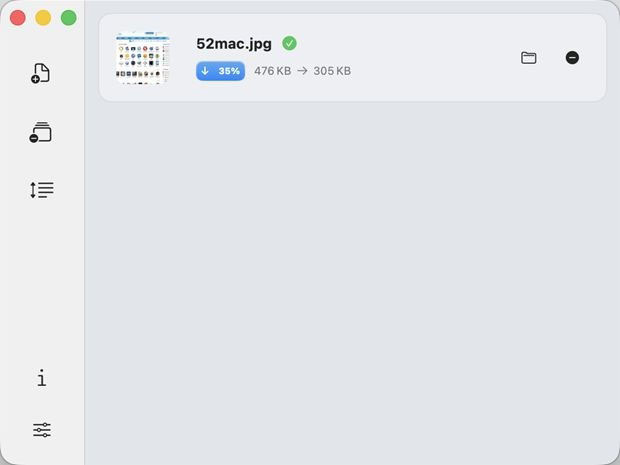
– **Save Space, Maintain Quality**: High compression ratio (example: 403KB image compressed to 108KB, 292KB image compressed to 98KB), near-lossless processing, hard to discern differences, and retains the original resolution.
– **Simplified Compression, No Complex Operations**: Supports drag-and-drop, keyboard shortcuts, right-click menu, and multiple convenient operations for batch processing, without pressure.
– **Fast Response, Flexible Adaptation**: Native macOS application, runs smoothly, compatible with Apple Silicon/Intel chips, automatically matches system light/dark themes.
### Near-Lossless Quality:
– **6 Levels of Compression Strength**: Adjustable, higher numbers result in greater compression rates, balancing volume and quality balance.
### Custom Configuration, Precise Control:
– **Create Scenario Presets**: One-click switching for different workflows (such as design drafts, blog images, PPT materials), tailored to different work processes.
### Version 1.9.5 Update Content:
## New Features:
1. **7-Day Professional Edition Free Trial**: Unlock the full 7-day professional edition experience with a single click, available in the guide page, menu bar, settings interface, and professional edition upgrade pop-up.
2. **zipic Command Line Tool**: Install the standalone `zipic` command in the `/usr/local/bin` directory, allowing compression of images via terminal, scripts, or AI assistants, with the same effect as the graphical interface.
## Bug Fixes:
1. **Preserve Original Timestamps**: Fixed a long-standing issue where compressing files into subfolders or renaming the output would reset the creation date to the current time, causing photos to appear at the top of the photo library. Now, all output modes retain the original timestamps.
2. **Fix HDR to AVIF Color Aberrations**: Resolved color distortion issues when converting HDR photos to AVIF format.
3. **Fix Cloud Folder Startup Crashes**: When monitoring iCloud or large folders, the startup would freeze for over 20 seconds and trigger the system watchdog to terminate the program. Now, it is loaded asynchronously in the background.
## Other Improvements:
– **Help Menu and Documentation Sync**: Added entries for AI and command line tool integration, command line tool, troubleshooting, and alliance program.
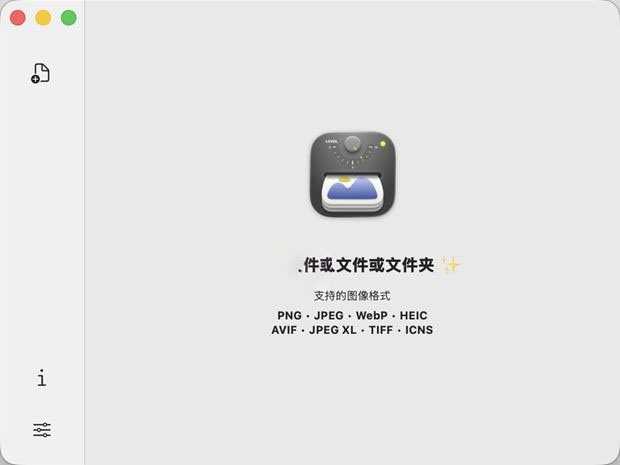
### Software Screenshot:
This resource requires login to download
Log in
Efficient File Sharing Tool: Dropshare for Mac v6.14 Activation Download
Downloads:0 | 2026-10-27

Stoic for Mac v2026.8: Mental Health Tool Activation Download
Downloads:2954 | 2026-10-27

Path Finder for Mac v10.1 Chinese Activation Version Download
Downloads:3461 | 2026-10-26

MacFamilyTree 8 for Mac v8.3.6 Chinese Activation Version Download
Downloads:2726 | 2026-10-20


Ratings & reviews
No rating
Let’s rate it.