



Money Pro for Mac v2.11.2 Personal Finance Software Chinese Activated Version Download
This page provides Money Pro for Mac v2.11.2 Personal Finance Software Chinese Activated Version Download | Love Mac. It has been tested and is available. If you encounter link failure or inability to install after download, please leave a message to contact us.
Money Pro is a comprehensive personal finance management software designed for tracking and managing personal finances, budgets, bills, investments, and reports. It combines powerful features with an intuitive interface, suitable for both individual users and small business financial management needs.
Money Pro offers the following main features to help users achieve efficient and secure financial management:
Installing Money Pro for Mac v2.11.2 is not complicated, but to ensure smooth operation, it is recommended to follow these steps. The entire process takes about 5-10 minutes, depending on your network speed.
Download the Money Pro DMG installer from the link provided on this site. It is recommended to use Safari or Chrome browser for downloading, avoiding third-party download tools to prevent file corruption.
After downloading, double-click the DMG file to mount it. You will see a window containing the application icon and the Applications folder. This is a common installation method on macOS.
Drag the Money Pro icon to the Applications folder. The system will automatically complete the copying process. If prompted for a password, enter your Mac login password.
Open the Applications folder, find Money Pro, and double-click to launch. On first launch, the system may prompt “from an unidentified developer.” Please go to “System Preferences” → “Security & Privacy” → “General” and click “Open Anyway.”
After launching, the software will prompt for activation. Enter the provided activation code to complete activation. Then, you can set up basic information such as account types and currency preferences according to the wizard. It is recommended to add a test account first to familiarize yourself with the interface.
This update focuses on improving software stability and fixing known issues. Specific optimizations include:
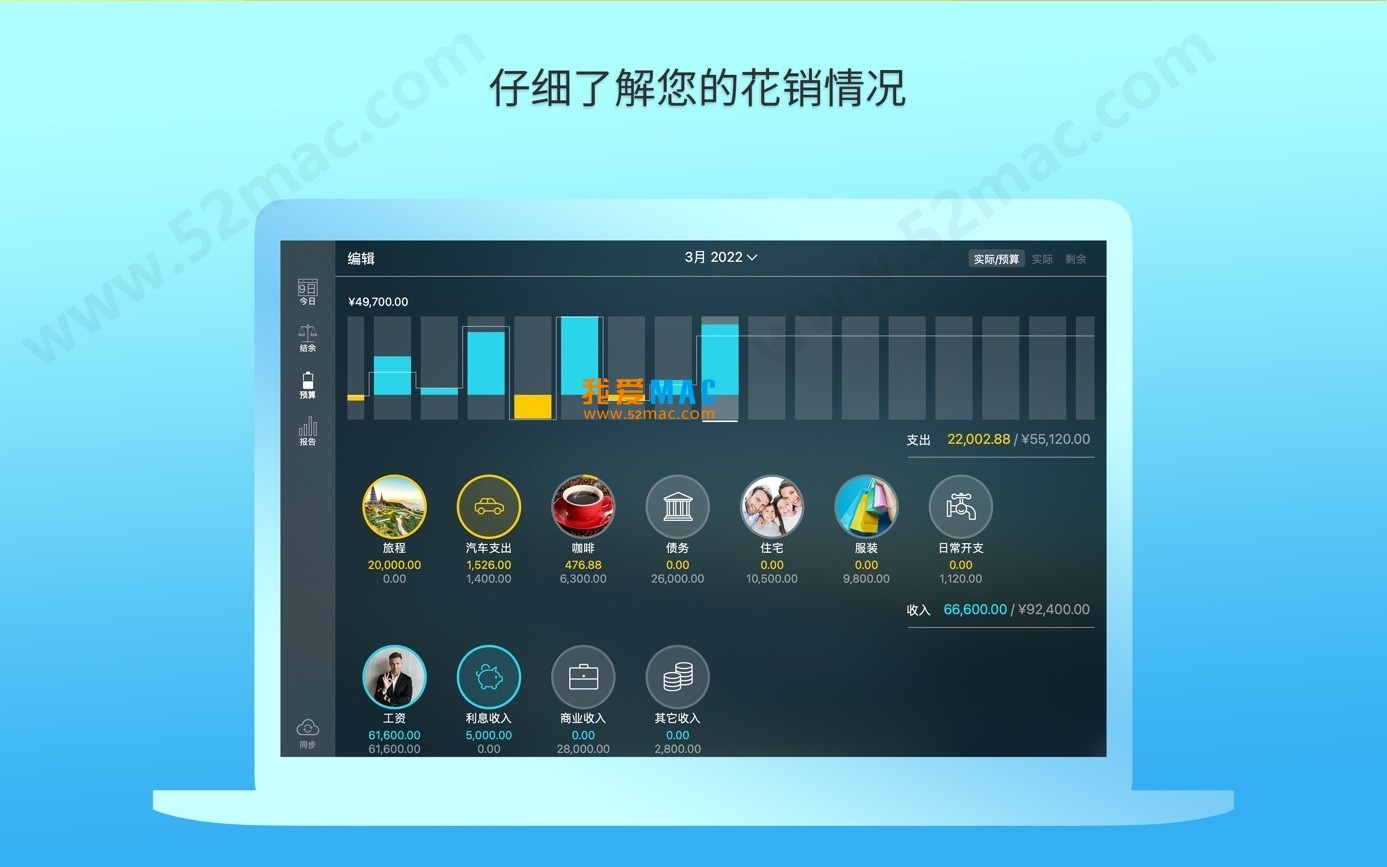
Here are some interface displays of Money Pro:
In Money Pro, proficient use of shortcuts can significantly improve operational efficiency. Below is a summary of common shortcuts related to this software on Mac, clearly formatted for easy reference.
| Operation Category | Shortcut | Function Description |
|---|---|---|
| New Transaction | Command + N | Quickly add an income or expense record |
| New Account | Command + Shift + N | Add a new bank or cash account |
| Search Records | Command + F | Quickly search for keywords in the transaction list |
| Export Data | Command + E | Export current view data as CSV or PDF |
| Switch View | Command + 1/2/3 | Switch between account, budget, and report views |
| Undo Operation | Command + Z | Undo the last modification to prevent accidental operations |
| Full Screen Mode | Control + Command + F | Enter or exit full screen for focused bookkeeping |
This table covers the most commonly used operations in Money Pro. Beginners are advised to remember Command + N and Command + F first, as these two can greatly reduce mouse clicks.
Based on user feedback, we have compiled 8 high-frequency questions and answers. If you encounter other issues, feel free to leave a comment.
This is usually due to macOS security policies. Please go to “System Preferences” → “Security & Privacy” → “General” and select “Open Anyway.” If ineffective, try entering sudo spctl --master-disable in Terminal to temporarily disable Gatekeeper.
Please check if extra spaces were copied. It is recommended to manually enter the activation code to avoid character errors from copy-paste. If still invalid, it may be a version mismatch; please confirm you downloaded v2.11.2.
Money Pro supports automatic backup. You can also manually export data: click “File” → “Export” and choose CSV or PDF format. It is recommended to back up monthly and store in iCloud or an external hard drive.
First check the network connection. Then go to “Preferences” → “Cloud Sync” and re-login to your iCloud or Dropbox account. If sync is delayed, try turning off and re-enabling the sync function.
Crashes are usually caused by system compatibility. Please ensure macOS is updated to the latest version. If the problem persists, try uninstalling and reinstalling, and avoid clicking the “About” button.
Yes. Money Pro supports creating multiple account groups. You can create new groups in the “Accounts” menu to manage family, personal, or business financial data separately.
It supports major global stock markets, including US stocks, Hong Kong stocks, A-shares, etc. You only need to enter the stock code, and the software will automatically fetch real-time quotes. Note that data delay is about 15 minutes.
If automatic backup is enabled, you can restore to the most recent backup. If not, try using Command + Z to undo the deletion. It is recommended to develop a habit of regular backups.
Knowing the features is not enough; combining with practice can unleash the true value of Money Pro. Here are three typical usage scenarios that may inspire you.
Suppose your monthly income is 10,000 yuan and your goal is to save 3,000 yuan per month. Create a “Monthly Budget” in Money Pro, set dining expenses at 2,000 yuan, transportation at 500 yuan, and entertainment at 1,000 yuan. Check the budget progress bar weekly; if entertainment expenses exceed 80%, proactively reduce spending. Stick to it for 3 months, and you will find your savings goal easily achieved.
If you hold stocks of Tencent and Alibaba, you can add these two stocks in the “Investments” module. Money Pro will display current market value, return rate, and dividend records. Combined with the report function, you can compare the annualized returns of different investments and adjust your portfolio ratio in time. For example, if a stock’s return is below expectations for 3 consecutive months, consider reducing the position.
Many users use salary cards, credit cards, and Alipay simultaneously. Create corresponding accounts in Money Pro and spend 5 minutes daily entering transactions. At the end of the month, the software will automatically generate a reconciliation report. If you find an unexplained charge on your credit card bill, you can quickly locate it. This habit can help you avoid unnecessary financial losses.
From personal bookkeeping to investment management, Money Pro can run through your entire financial lifecycle. Beginners are advised to start small, such as recording one expense daily, and gradually develop the habit. According to a survey in the Journal of Consumer Research, users who consistently keep accounts have an average financial health improvement of 23%.
Money Pro for Mac v2.11.2 is a trustworthy financial tool. Its multi-account management, budget planning, and investment tracking features can help you achieve financial transparency. The installation process is simple, shortcut operations are efficient, and the FAQ covers most common problems.
If you are still using Excel for bookkeeping, give Money Pro a try. It not only saves time but also provides more professional analysis. Finally, remember to back up data regularly and pay attention to version updates. If you encounter download or installation issues, please feel free to contact us.
This resource requires login to download
Log in
Money Pro for Mac v2.1 Financial Management App Chinese Activated Version Download
Downloads:1152 | 2026-10-17

Chronicle for Mac v9.7.0 Bill Management Software Activated Version Download
Downloads:281 | 2026-10-17
Money Pro for Mac v2.5.16 Financial Management Software Chinese Activated Version Download
Downloads:1100 | 2026-10-17
Money Pro for Mac v2.10.10 Personal Finance & Accounting Software Chinese Activated Version Download
Downloads:3530 | 2026-10-17


Ratings & reviews
No rating
Let’s rate it.