

Keep It for Mac v2.9.3 Notebook and Document Organizer Activated Version Download
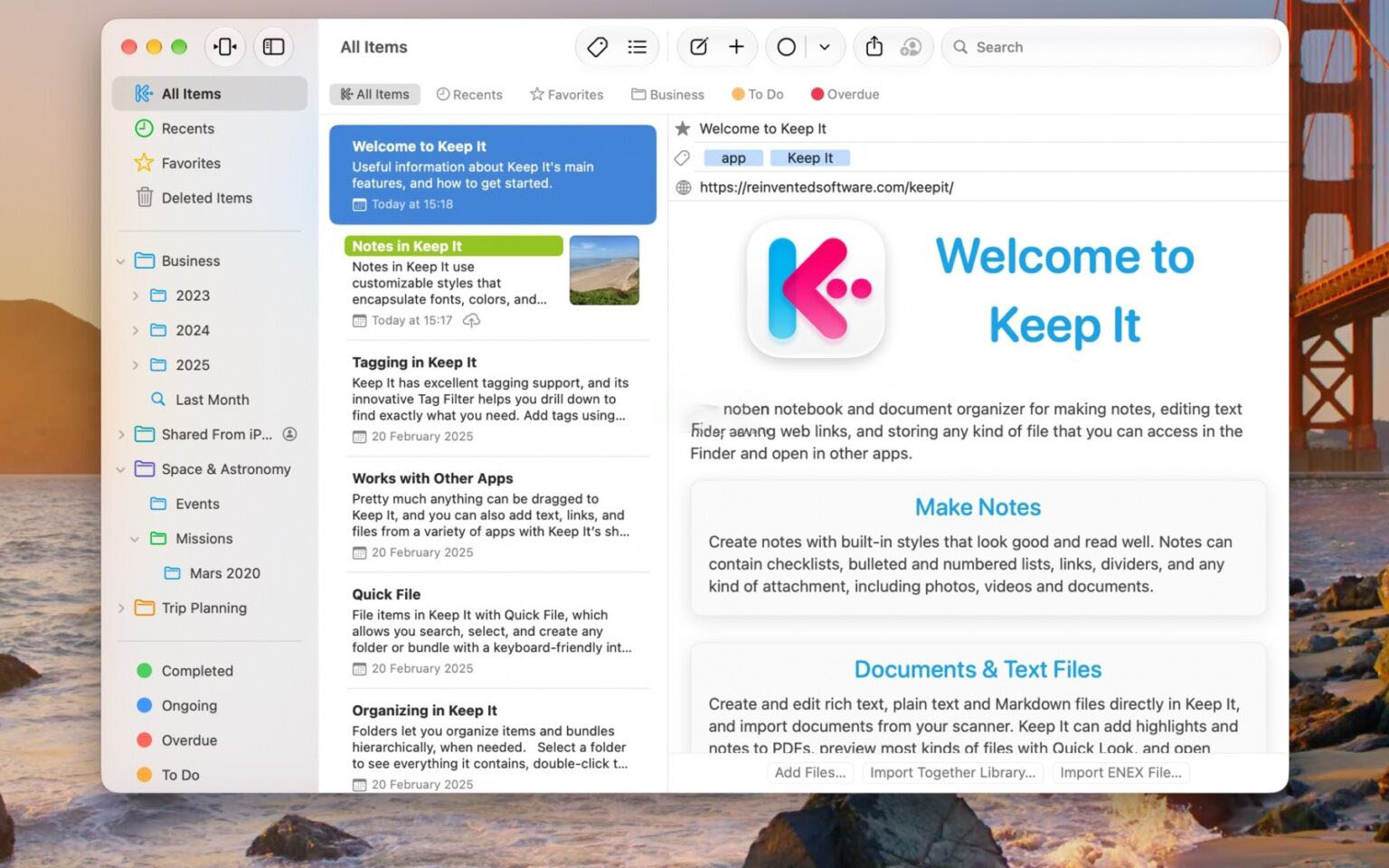
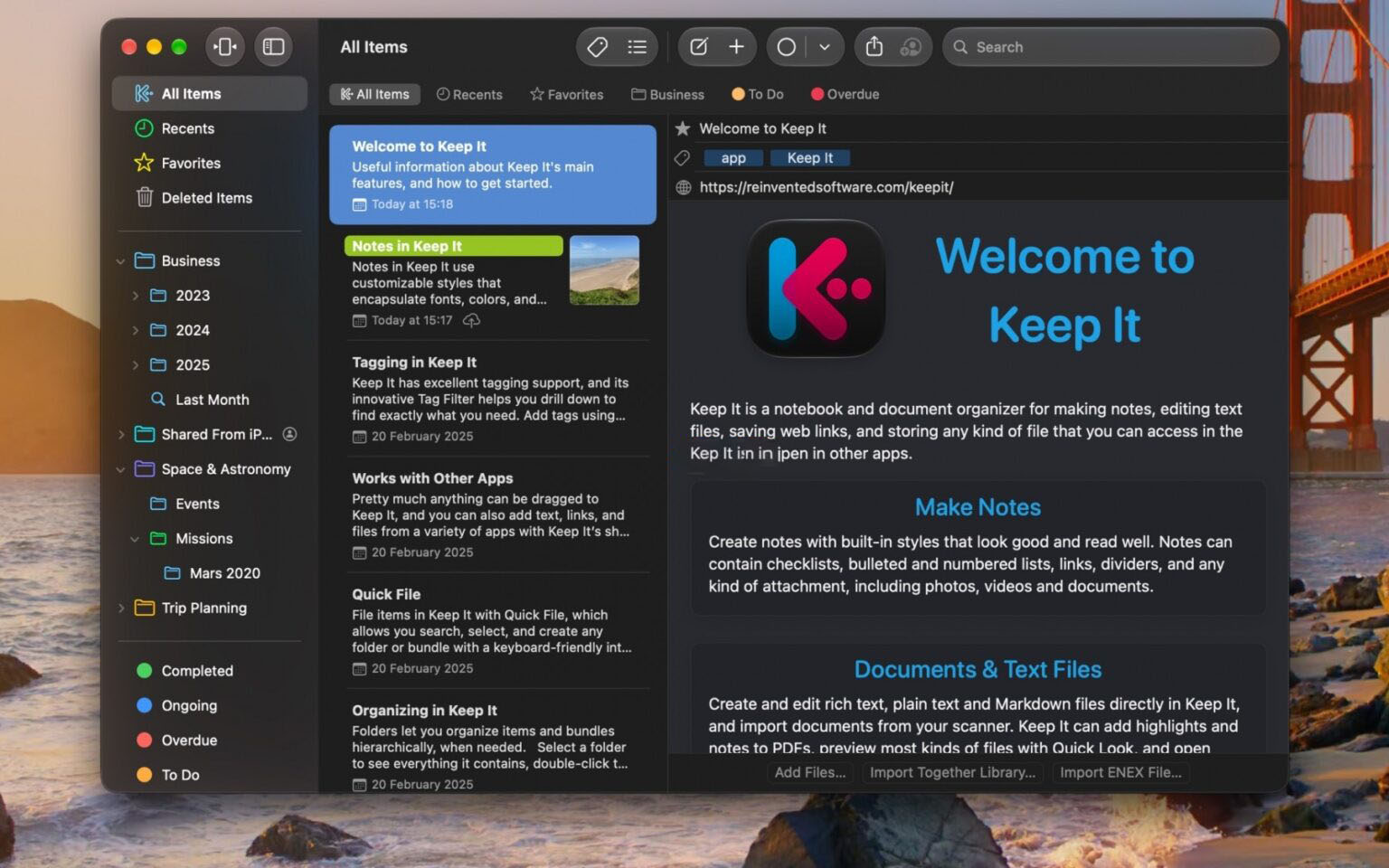
Keep It is a powerful notebook and document organizer for Mac. Keep It can create and edit notes, rich text, plain text, and Markdown files, scan documents, edit PDFs, archive emails, save web links in multiple formats, preview and search almost any type of file, and organize these files in various ways. All files, folders, and tags you store in Keep It can be viewed in Finder and shared with other Keep It users via iCloud.
Tip: If you encounter crash issues, please disable SIP. Tutorial: https://www.52mac.com/soft/9464-1-1.html
Notes, documents, and everything else
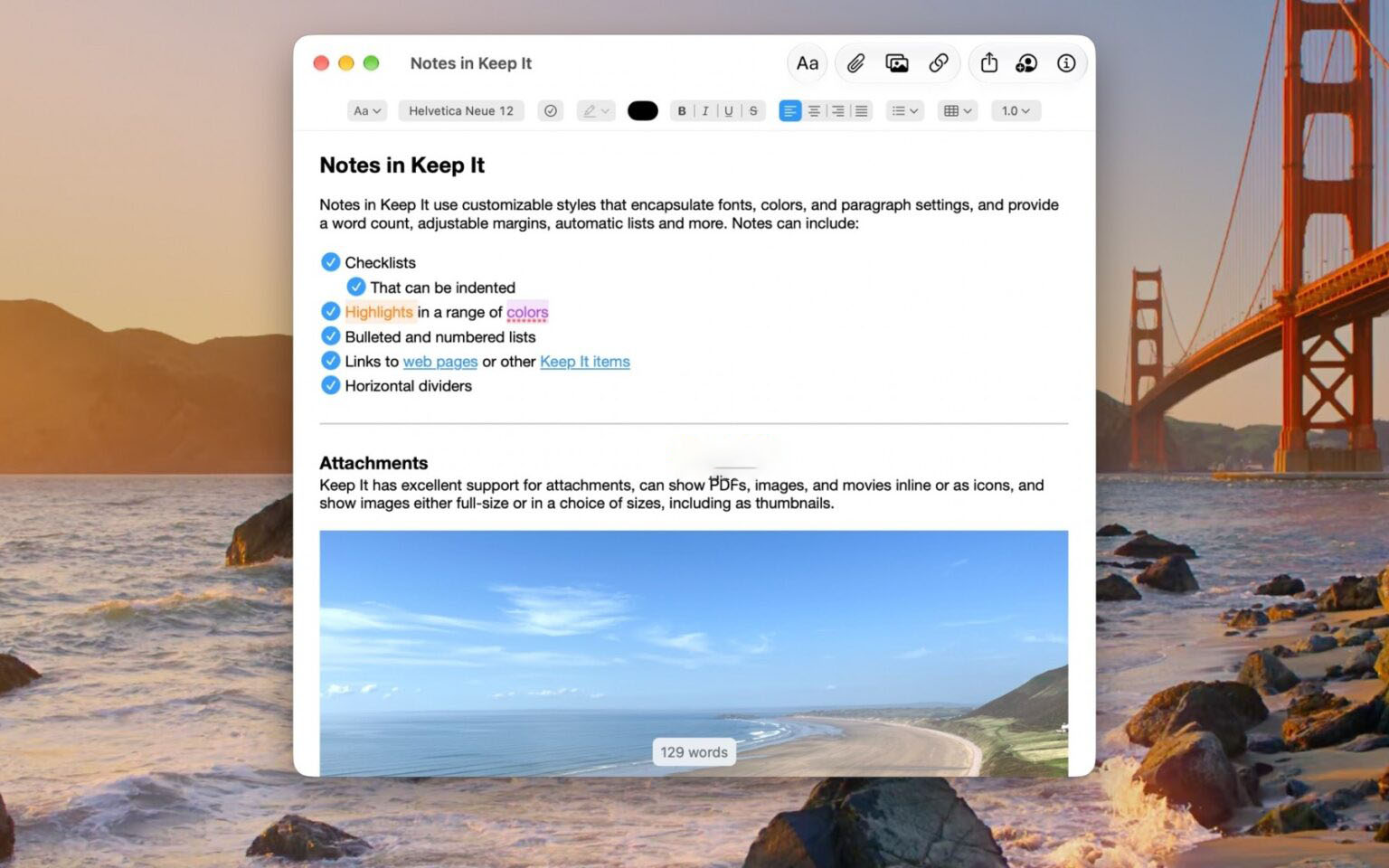
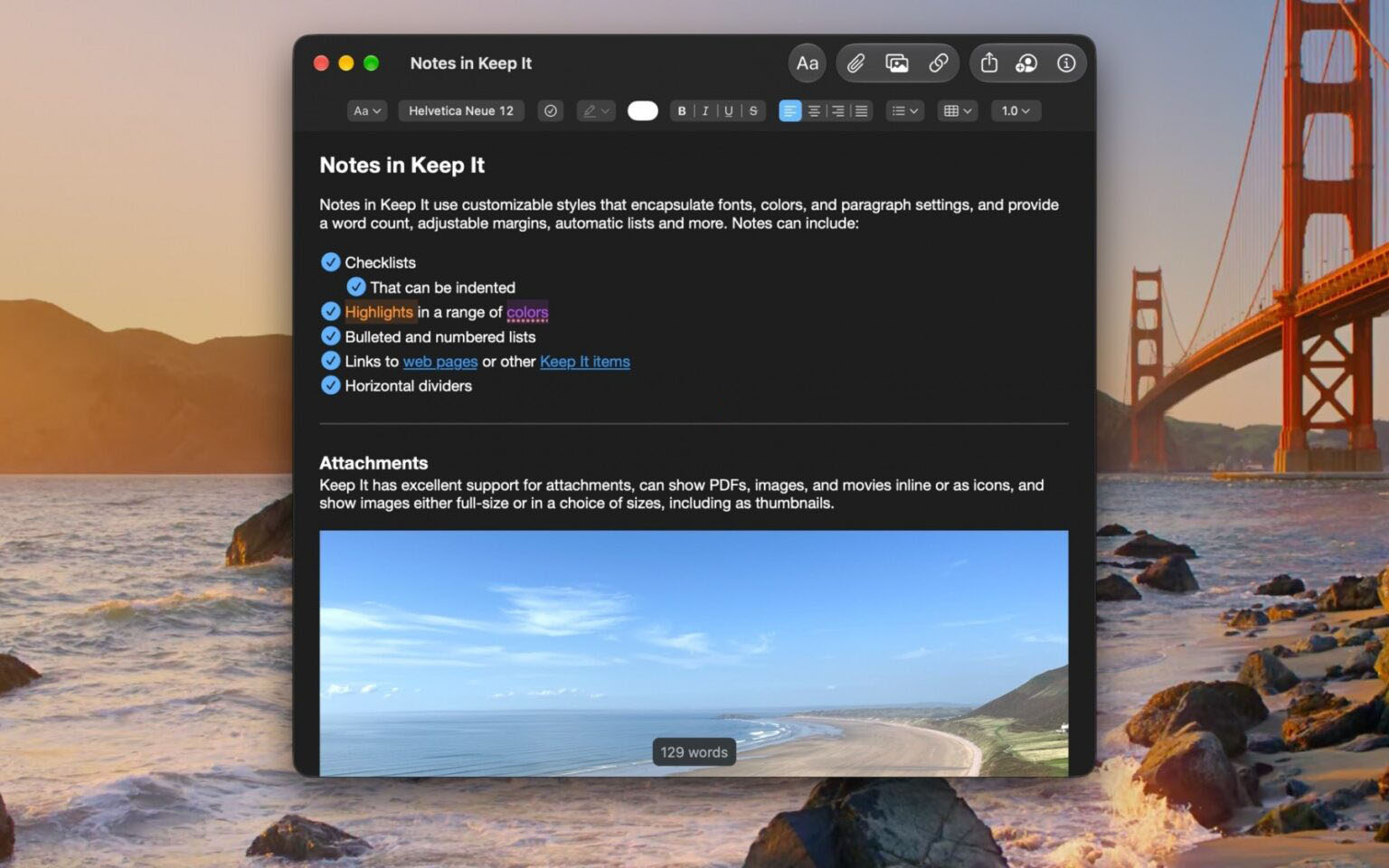
– Create notes with styles, checklists, dividers, and attachments
– Create and edit rich text, plain text, and Markdown files
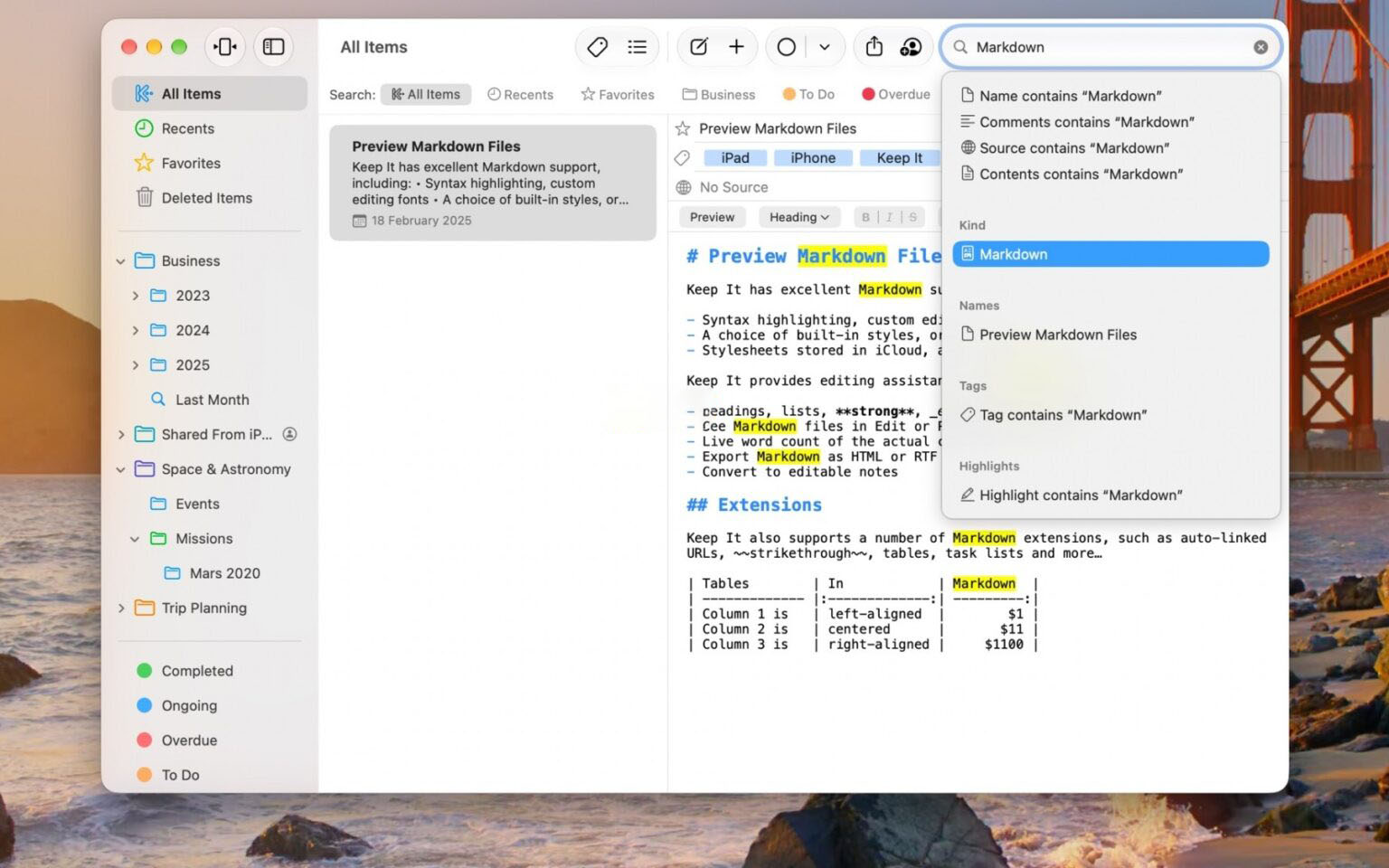
– Markdown documents offer syntax highlighting and optional styled HTML preview
– Adjustable display margins, constrained width, and word count, adjustable in all text editors
– Scan documents, add photos or videos, and save any type of file to Keep It’s library
– Edit PDFs, rotate images, play movies, and preview everything else with Quick Look
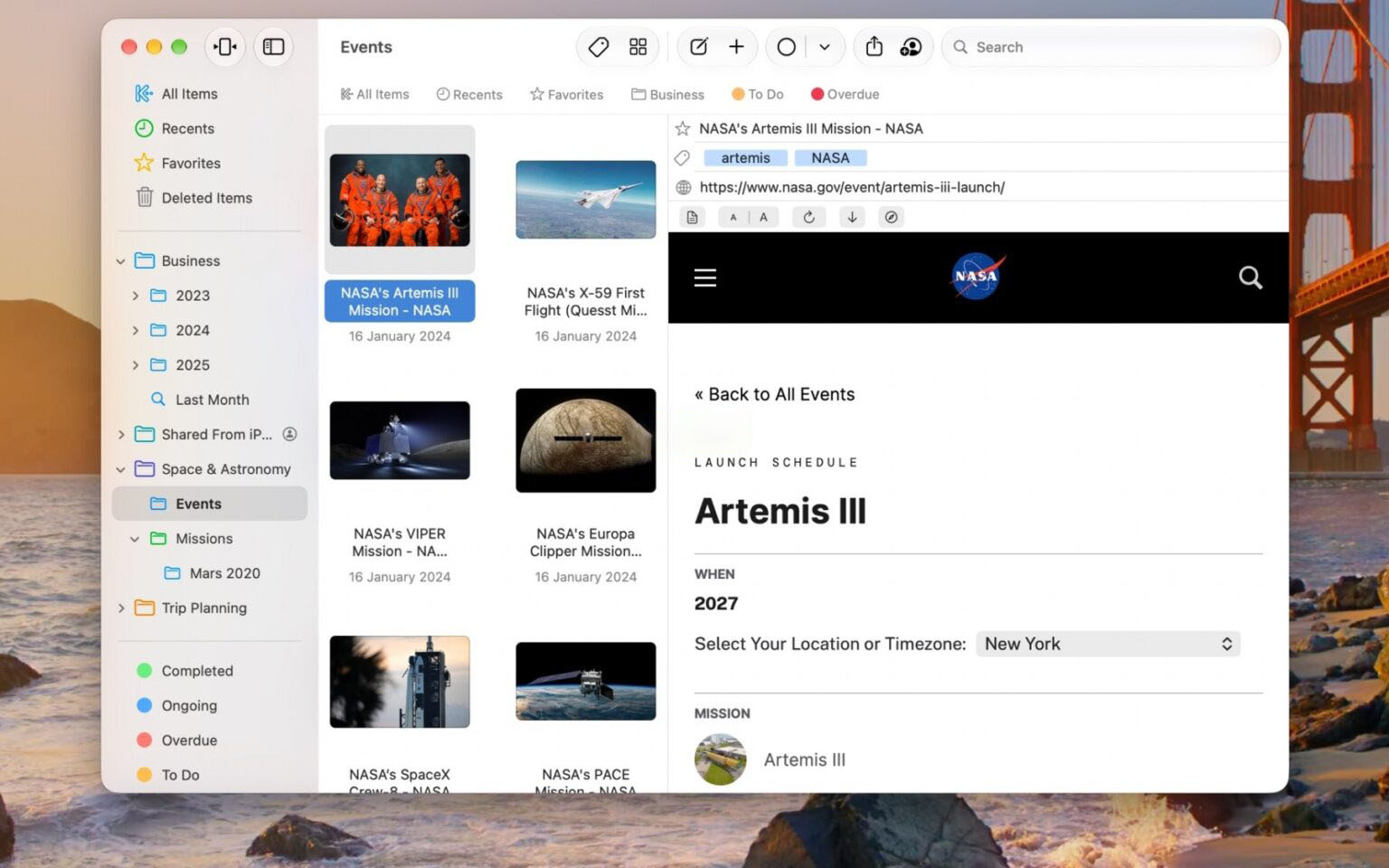
– Save web links as PDFs or web archives for offline viewing
– Use stationery to create templates or blank files in any format
– Convert text files, web pages, and email messages into editable notes
– Merge multiple items into one note
Organization
– Use Quick File to archive files with a keyboard-friendly interface
– Use folders for hierarchical organization
– Double-click a folder to focus the sidebar on that folder and its subfolders
– Use tag filters to add tags and filter items with one click
– Use color-coded tags to quickly identify items
– Use bundles to collect items and view them in multiple places
– View favorites and add lists to the favorites bar
– All lists can have their own sorting settings and colors
– Duplicate items and lists
– View items in any folder or bundle not included in the Unfiled list
– Set any top-level folder as the default import destination
Finder Integration
– Access and manage all files, folders, and tags you add to Keep It in Finder
– Also see Keep It items in all standard Open and Save panels
– Open files for editing in other apps
Search
– Search items by name, type, content, date, tags, and more
– Combine suggestions to easily create complex queries
– Step through found text in notes, editable text documents, web pages, and PDFs
– Save searches to the sidebar for reuse
– Use Quick Open to navigate to any item or list by typing its name
Works with other apps
– Add text, links, and files to Keep It via share extensions or the Services menu
– Share items from Keep It to other apps using the share sheet
– Save, view, search, and process emails and their attachments
– Messages can be added via mail rules, drag and drop, or the Services menu
– Automate with AppleScript, Automator, and Shortcuts
And more…
– Use the Recent list to see what you’ve recently added or viewed
– Share folders and items with other Keep It users via iCloud
– Encrypt any file with a password
– Compact mode simplifies the app into a single column, ideal for use alongside other apps
– Copy clickable item links and lists from Keep It
– View items related to the current item and navigate between them
Version 2.9.3 updates:
Fixed an issue where web archives would not display the reader.
Fixed a crash when creating notes with Siri AI.
Improved the experience of appending text to notes with Siri AI.
Fixed an issue in the editor window where the current PDF page number would only appear after scrolling.
Improved the toolbar of the Markdown editor window.
Fixed an issue where the number of found items was not always displayed during search.
Fixed an issue where some operations might appear incomplete.
Software screenshots:
This resource requires login to download
Log in


Ratings & reviews
No rating
Let’s rate it.