

Microsoft Office 2024 for Mac v16.114 Office Suite Chinese Activated Version Download
Microsoft Office is Microsoft’s classic desktop office software suite, including five core applications: Word, Excel, PowerPoint, Outlook, and OneNote. The software is designed for personal, family, and small business scenarios, providing mature document creation, data processing, presentation creation, email and calendar management, and note-taking capabilities. It adopts the Fluent Design unified design language, balancing ease of use and professional productivity, supports local offline use, and is compatible with Microsoft’s office ecosystem collaboration and format standards.
For installation and cracking methods, please refer to the tutorial: https://www.52mac.com/soft/18253-1-1.html
Features:
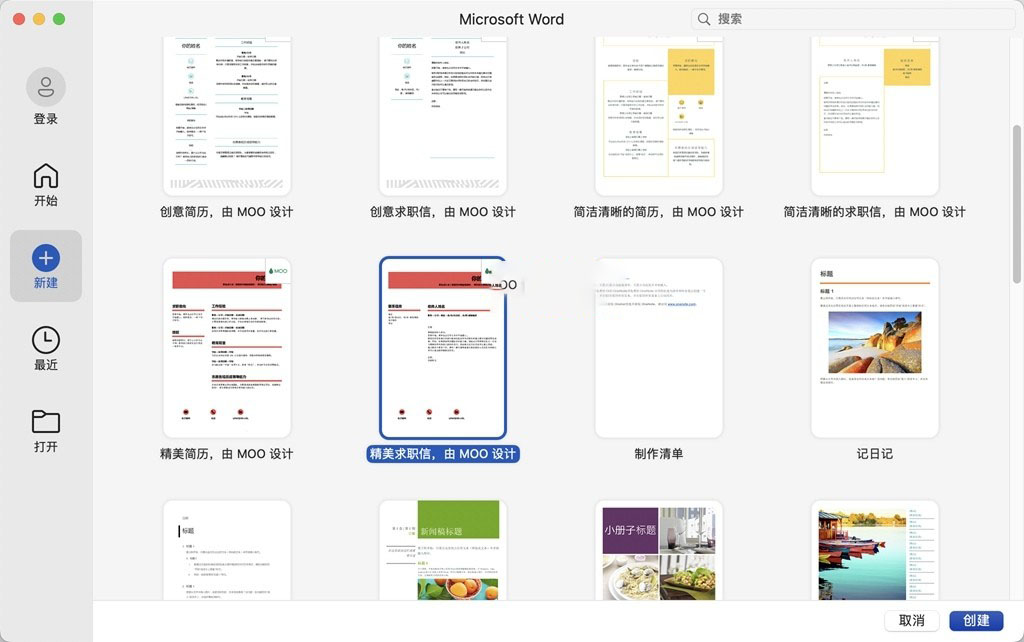
**Word Word Processing**
– It has complete professional document creation capabilities, providing rich formatting, style templates, and text-image mixing tools, supporting long document table of contents generation, comments and revisions, format painter, and other efficient editing functions to meet the production needs of various documents, reports, and manuscripts.
– A new session auto-recovery mechanism has been added. If the software unexpectedly closes, upon restart, it will automatically open all unsaved documents and directly continue the previous work progress, reducing the risk of content loss.
– Supports multi-person collaborative editing and cross-format compatibility, can smoothly open, edit, and export Office documents of different versions, and also supports import and export of common formats such as PDF.
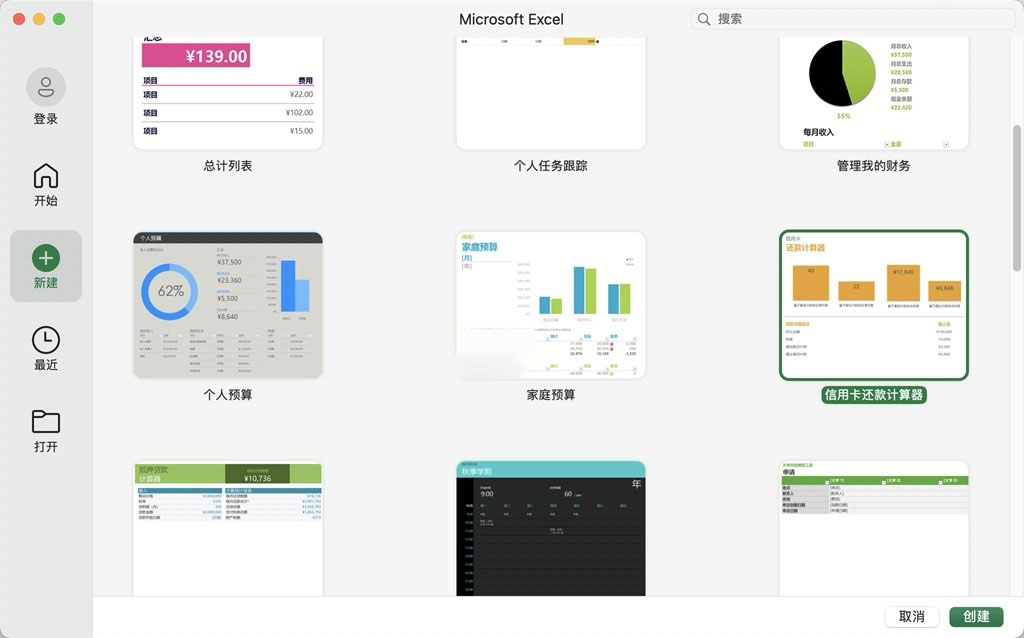
**Excel Spreadsheet Calculation**
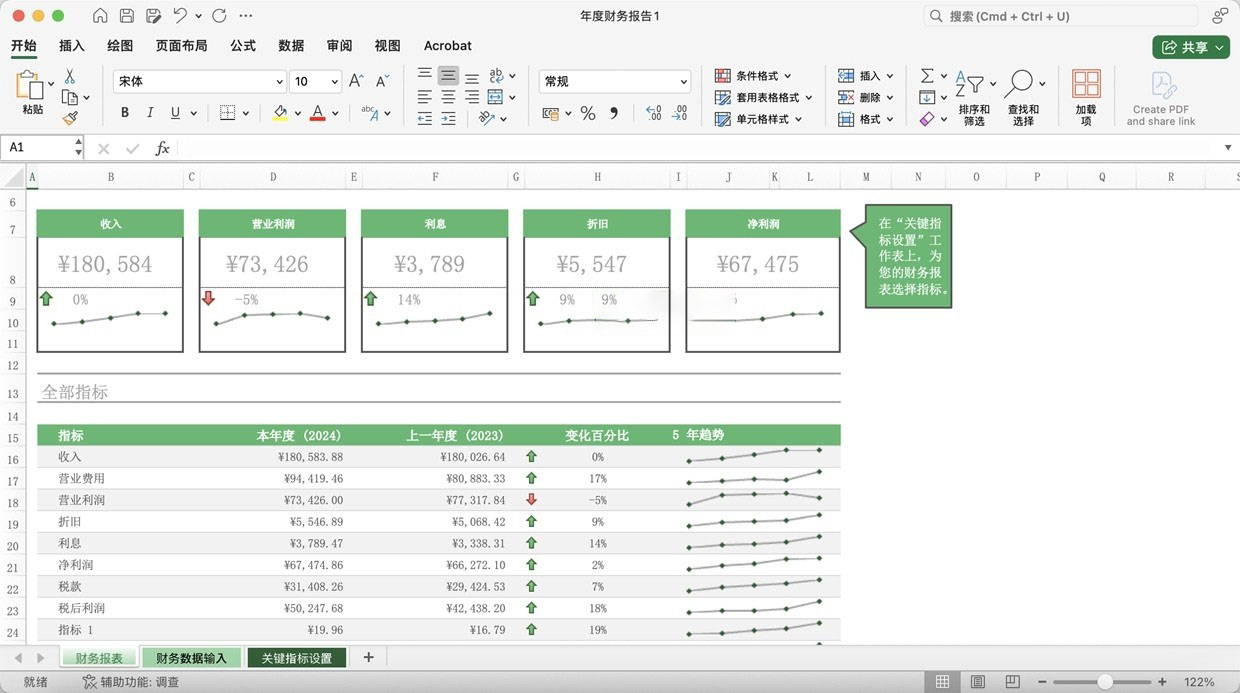
– It has powerful data processing and analysis capabilities, covering core functions such as function calculation, data sorting and filtering, pivot tables, and visual charts, suitable for various office scenarios such as financial statistics, data summarization, and administrative reports.
– 14 new text and array functions have been added, making it easy to perform operations such as text extraction and splitting, array combination and reshaping, simplifying the formula writing process for complex data processing.
– A new IMAGE function has been added, supporting embedding images into cells via web addresses. Images can be sorted and filtered along with cell content, improving the integration and management efficiency of image-text data.
**PowerPoint Presentation Creation**
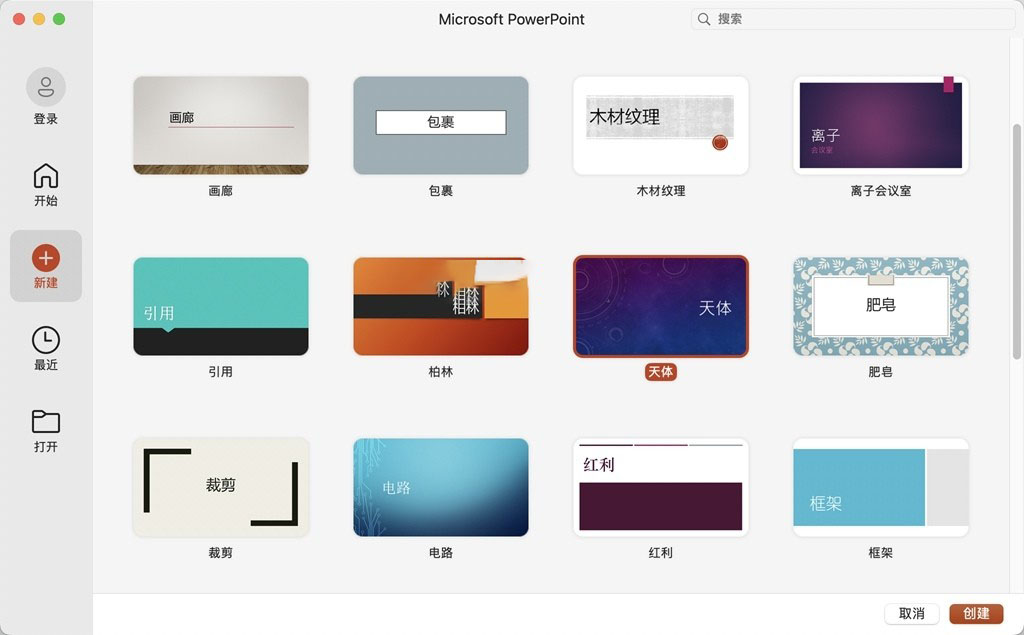
– Provides a large number of built-in templates, transition animations, and slide transition effects, supports insertion of multiple elements such as audio and video, shapes, and SmartArt, and can quickly create professional and beautiful presentations.
– Supports adding hidden subtitles and subtitle content to video and audio files within presentations, improving accessibility and meeting multilingual presentation needs.
– Supports multiple presentation modes and export formats, and can output as video, PDF, images, and other forms according to scenario requirements, facilitating sharing and dissemination.
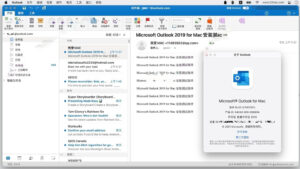
**Outlook Email and Calendar**
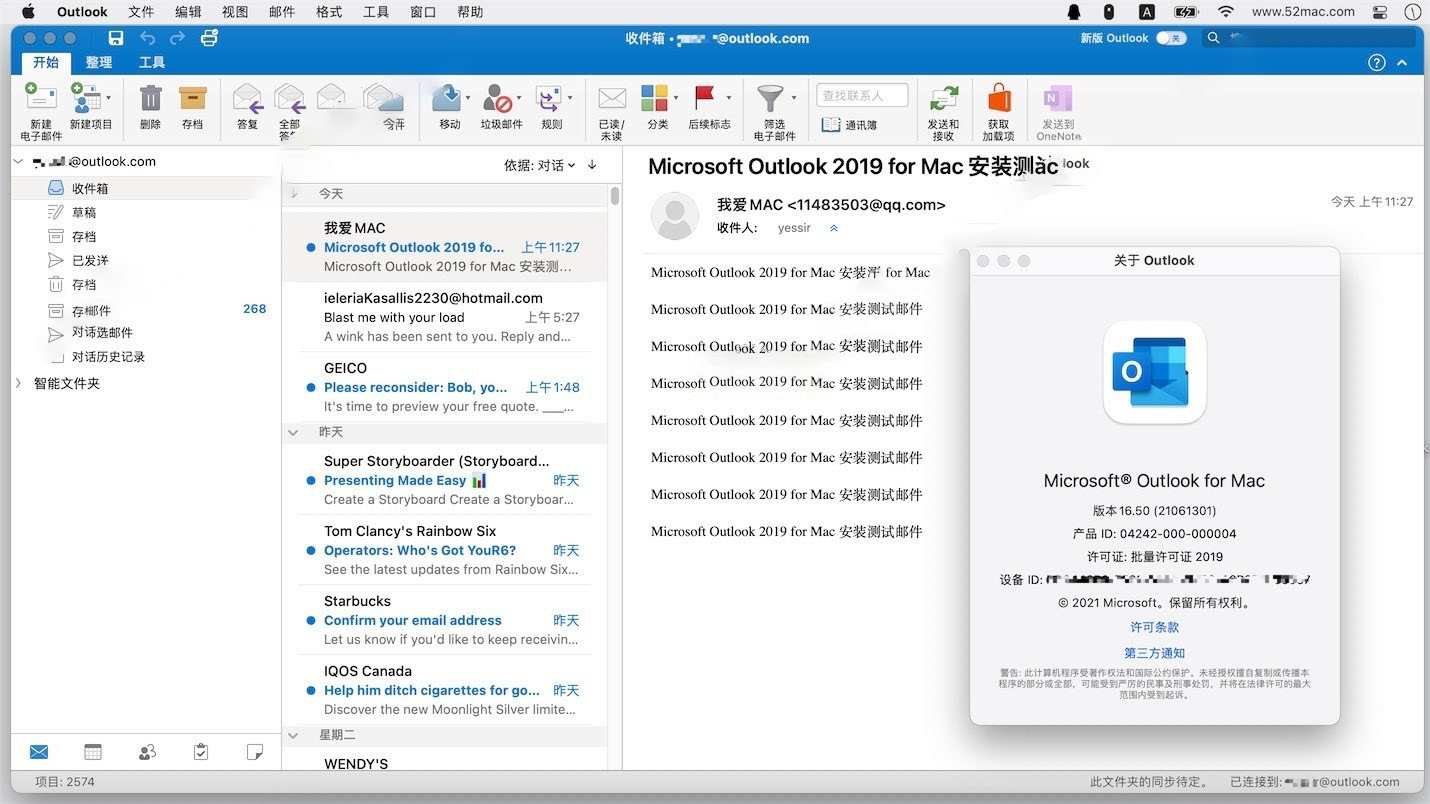
– Integrates core functions of email sending and receiving, calendar scheduling, and contact management, providing one-stop handling of office communication and schedule planning, improving daily office efficiency.
– Supports scheduled email sending, allowing free presetting of email delivery time. After setting, no need to stay online; the system will automatically deliver on time.
– Equipped with a Focused Inbox feature, automatically dividing the inbox into “Focused” and “Other” tabs, prioritizing important emails and reducing interference from redundant information.
– Calendar features support opening schedule events in independent windows, automatically syncing event times when device time zones change, weather widget display, and other practical details.
**OneNote Digital Notes**
– Supports input of multiple content forms such as text, images, handwriting, and audio recordings. Notes can be flexibly classified and managed through sections and pages, suitable for scenarios such as study records, meeting minutes, and inspiration memos.
– Can bind a Microsoft account for cross-device synchronization, allowing viewing and editing of note content on different terminals at any time, keeping information synchronized.
Version 16.114 Update Content:
**Feature Updates**
– Outlook: The left navigation bar supports dynamic display of authorized Microsoft 365 apps; when creating calendar events, you can directly select supported third-party online meeting providers.
**Bug Fixes**
– Excel: Quality and performance optimizations
– OneNote: Quality and performance optimizations
– Outlook: Fixed an issue where archive policies could not be retained after folder synchronization; restored the B key shortcut for selecting snooze time in Gmail accounts; fixed abnormal calendar time display after daylight saving time changes in Morocco; data loss prevention alerts and policy tips can now fully display guidance content without being truncated
– PowerPoint: Quality and performance optimizations
– Word: Quality and performance optimizations
– Includes regular security updates
Software Screenshots:
This resource requires login to download
Log in
FotoMagico 6 for Mac v6.11 Professional Slideshow Creation Tool Activated Version Download
Downloads:1219 | 2026-10-20

FSNotes for Mac v7.3.4 Modern Note Management App Chinese Activated Download
Downloads:0 | 2026-10-19

PDF Squeezer 4 for Mac v4.9 Lightweight PDF Compression Tool Chinese Activated Version Download
Downloads:0 | 2026-10-19

Microsoft Office 2024 for Mac v16.107.4 Office Suite Chinese Activated Version Download
Downloads:3798 | 2026-10-18


Ratings & reviews
4.8
(Maximum 5 ratings, total 56 user reviews)
Let’s rate it.